Updated: August 24, 2026
An RSS-to-social automation setup that worked perfectly on day one doesn't necessarily stay that way forever. Feeds get migrated during a website redesign, a social platform quietly revokes an authorization token, an image format changes, or a plan limit gets hit without anyone noticing — and the failure mode is almost always silent. Nothing crashes or throws an obvious error; posts just quietly stop reaching one platform, or a feed stops updating, and it can take weeks before anyone realizes new content isn't actually going out. This guide is a practical health-check for auditing an existing setup and catching the specific failure points that let automation go stale without anyone noticing.
Unlike a broken website, which usually announces itself with an error page a visitor or a monitoring tool will catch, a stalled RSS-to-social connection typically just stops producing new posts — there's no error message on your website, no alert in your inbox by default, and no visual sign anything's wrong unless someone specifically checks. The business impact compounds quietly too: each week automation silently fails is a week of content that never reached an audience that assumed it was still being distributed. A health-check routine exists precisely to catch this category of failure before it costs months of missed distribution rather than days.
The best fix for silent failures is catching them before they've been silent for weeks. A few practical habits make this far more likely: bookmark each connected platform's page and do a quick visual check monthly rather than assuming automation is working indefinitely without verification. Set a recurring calendar reminder, monthly or quarterly depending on posting volume, specifically for a health-check pass rather than relying on noticing a problem organically. If your automation tool offers usage or failure notifications, make sure they're actually configured and reaching an inbox someone checks regularly, not a shared address nobody monitors.
Most silent failures have straightforward fixes once identified: a revoked authorization just needs reconnecting, which typically takes under a minute inside your automation dashboard. A stale feed usually traces back to a specific website or CMS change, worth checking with whoever manages that side of the site if it's not immediately obvious. A plan limit issue means either reducing publishing volume, removing an underused Target, or upgrading to a higher tier if the volume genuinely reflects real growth. The important part isn't that every fix is complicated — it's that most of these problems go undetected for a long time simply because nobody was specifically looking, which a regular health-check routine directly solves.
Website migrations deserve a dedicated health-check pass beyond the regular routine, since they're one of the highest-risk events for silently breaking an RSS connection. Before a migration, note your exact current feed URL and confirm what it will become on the new site or platform — a CMS switch, in particular, often changes feed URL structure even when the visible website content transfers over cleanly. Immediately after a migration goes live, run the full five-point health-check rather than waiting for the next scheduled check, since a broken feed connection following a migration can otherwise go unnoticed for the entire gap until the next routine review. Updating the feed URL inside your automation tool takes moments once you know it changed, but only if someone actually checks promptly rather than assuming everything still works because the website itself looks fine.
For agencies or multi-location businesses running several separate feed connections, a health-check routine needs a slight structural adjustment: rather than one person checking everything ad hoc, a simple shared checklist or spreadsheet tracking each feed's last-verified date makes it far easier to spot which specific connection hasn't been checked recently. This matters more at scale precisely because a silent failure on one client's or one location's feed is easy to miss entirely when attention is spread across many accounts, and the business cost of an unnoticed gap multiplies with every additional feed running unchecked.
A lightweight, repeatable checklist beats relying on memory or ad hoc attention every time, especially once a health-check routine needs to survive a team member changing roles or leaving. A practical template needs only a handful of columns: the feed URL being checked, the date it was last verified, the status of each connected platform Target, current usage against the plan limit, and a free-text note for anything that looked slightly off even if it wasn't a full failure. Kept in a shared spreadsheet or simple document, this turns an informal habit into something any team member can pick up and continue, and it creates a useful record for spotting patterns — a platform that needs reconnecting unusually often, for instance, might point to a deeper account-level issue worth investigating separately.
Occasionally a routine check surfaces something beyond a one-off glitch — a specific platform connection that needs reconnecting every few weeks, or a feed that intermittently stops updating on a predictable schedule. These recurring patterns are worth escalating beyond a quick fix: a platform requiring frequent reauthorization might indicate an account-level security setting worth reviewing with whoever manages that account, while a feed with a recurring update problem often traces back to a specific plugin, caching layer, or scheduled maintenance job on the website side. Treating a repeated issue as a pattern to investigate, rather than reflexively reapplying the same quick fix every time it recurs, saves meaningfully more time over a year than repeatedly patching the same symptom.
If you're running RSS automation through PostRSS, most of this health-check can be done directly from your dashboard's Target status view combined with a quick visit to each connected platform. See our guide on recovering from a broken RSS feed for troubleshooting steps once a specific problem is identified, and our multi-account management guide if you're auditing several client or location feeds at once.
Monthly is a reasonable default for most single-feed setups; higher-volume publishers or agencies managing several feeds may benefit from a lighter weekly spot-check alongside a more thorough monthly pass.
Open your feed URL directly in a browser and check the timestamp and content of the most recent item; if it matches your latest published content, the feed itself is fine and any issue is downstream in the automation or platform connection.
PostRSS's dashboard surfaces connection and authorization status for each Target; making sure any available notification settings are configured and reaching an inbox you actually check is worth confirming as part of your initial setup, not just assumed.
A revoked or expired platform authorization is the most frequent culprit, since it affects one connection independently while everything else keeps working normally, making it easy to miss without a specific per-platform check.
Yes — verifying a brand-new connection actually works correctly within the first day or two catches setup mistakes immediately, rather than discovering weeks later that a newly added Target never actually started posting.
For larger, multi-feed operations it can be worthwhile, but for most single-site setups, a five-minute manual monthly routine covers the same ground without the added complexity and cost of a separate monitoring system.
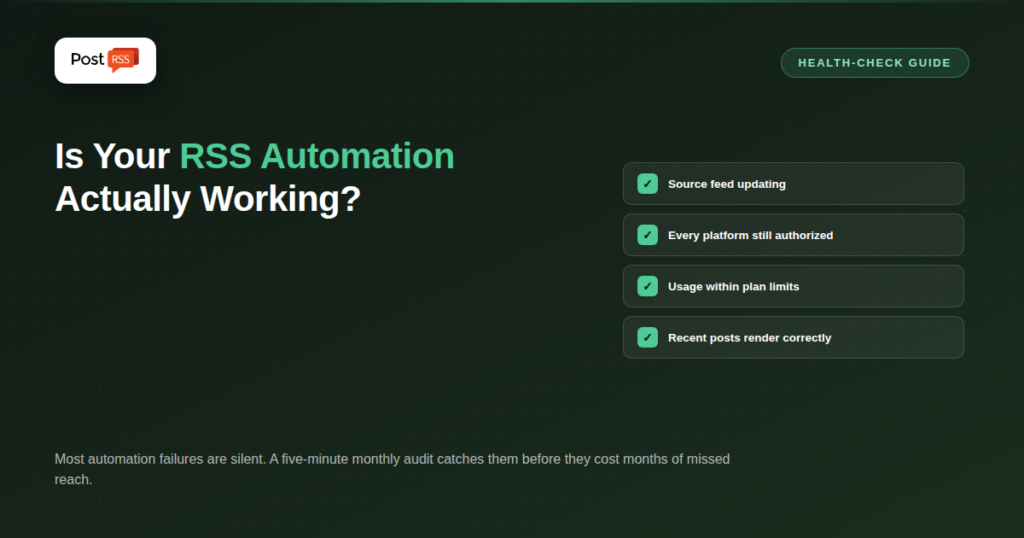
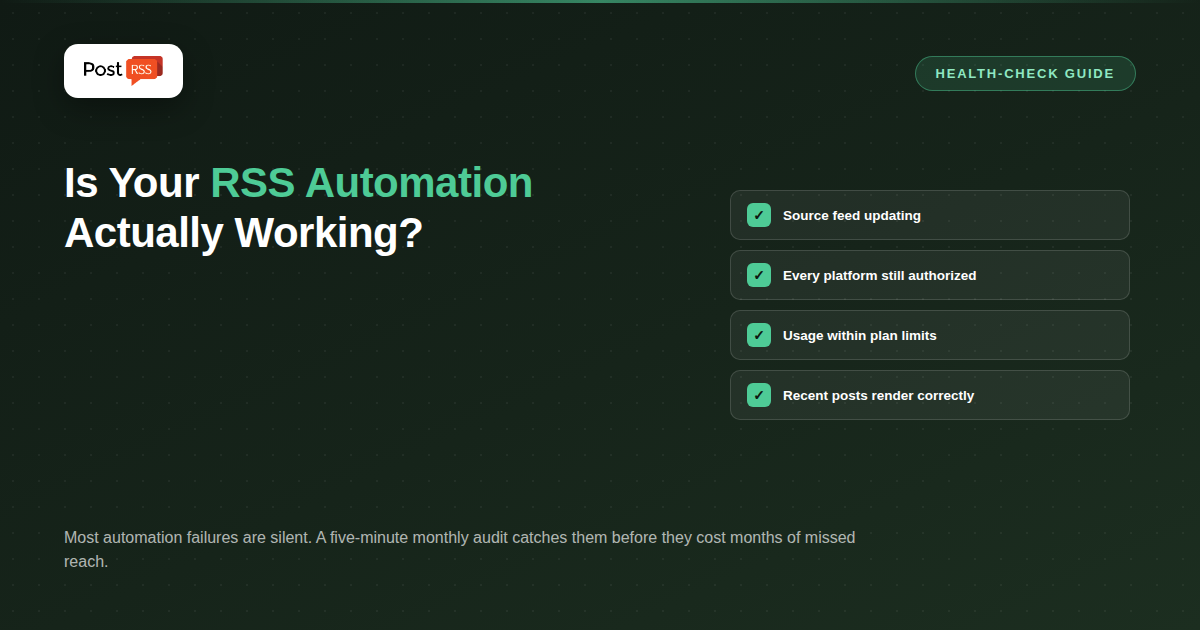
The value of RSS automation depends entirely on it actually running, and the nature of silent failures means an unhealthy setup can look identical to a healthy one until someone specifically checks. A brief, regular health-check routine — verifying the source feed, each platform connection, usage against plan limits, and how recent posts actually render — catches the handful of failure points that quietly undermine automation's core promise, turning a potential months-long gap into a five-minute fix.
What changed in the networks, what broke, and how to fix it before it costs you reach.
Built by Internet Solutions, the team behind PostRSS. Each product saves you time in its own way.
 English
 Lietuviškai
 Deutsch
 Français
 Русский
 Español
 Polski
 Italiano
 Українська
 Čeština
 Português
 日本語
日本語 Latviešu valoda
 Eesti
Eesti Magyar
 Bahasa Indonesia
 Türkçe
 हिन्दी
 Ελληνικά
 العربية
 ไทย
ไทย Tiếng Việt
 Română
 Bahasa Melayu
 বাংলা
বাংলা