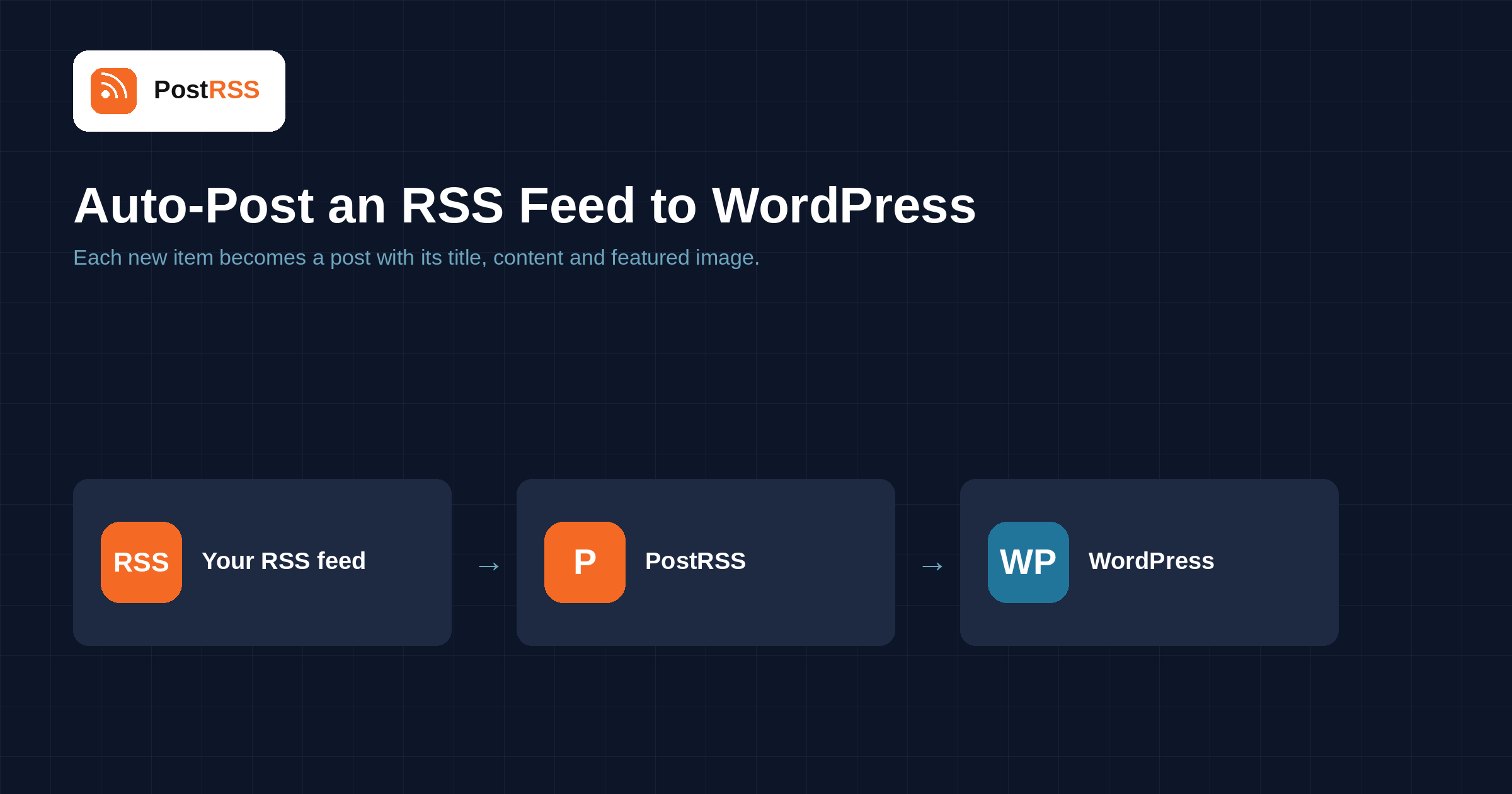
Use WordPress as a source and as a destination. The official PostRSS plugin sends your new posts to 66 social networks straight from wp-admin, and PostRSS can also publish new RSS items into your own WordPress site or a WordPress.com site — with the title, text and featured image.
The PostRSS plugin adds a PostRSS menu to wp-admin. Choose Posts with the categories you want, Pages or any public content type — the plugin builds the feed and creates the target on PostRSS for you.
Check frequency, the daily posting window, publishing order and the post text are set in wp-admin, next to your plan, tasks used and per-destination statistics. Visitors never load any of this code.
Connect a self-hosted WordPress site with an application password (Users → Profile → Application Passwords). No plugin is needed on that site. Choose to publish, save as draft or send for review. Available from the Start plan ($5/month).
A site hosted on WordPress.com connects with one button — sign in, pick the site and approve. Each connected site is one destination, and new items arrive with their featured image.
Auto-post an RSS feed to WordPress without a plugin: PostRSS connects with an application password and publishes each new item as a…
Read more →
Install the official PostRSS plugin and run everything from wp-admin — pick a content type and categories, choose destinations, and the plugin…
Read more →Create a free PostRSS account, add your RSS or Atom feed as a source, connect WordPress as a target and choose how often the feed is checked. From then on every new item is posted automatically.
WordPress is included from the Start plan, which costs $5 per month. All 66 networks are included from the Professional Plus plan ($20 per month).
As often as every minute. You can also choose a slower interval, from every 5 minutes up to once a week, and new items reach WordPress after the next check.
Yes. One feed can publish to WordPress and to any of the other 65 networks PostRSS supports at the same time; each connected account counts as one target.
No. You paste your feed address, connect WordPress and PostRSS does the rest — no code, plugins or scripts.
Sign up for PostRSS and share your website content automatically across social networks.
Built by Internet Solutions, the team behind PostRSS. Each product saves you time in its own way.
 English
 Lietuviškai
 Deutsch
 Français
 Русский
 Español
 Polski
 Italiano
 Українська
 Čeština
 Português
 日本語
日本語 Latviešu valoda
 Eesti
Eesti Magyar
 Bahasa Indonesia
 Türkçe
 हिन्दी
 Ελληνικά
 العربية
 ไทย
ไทย Tiếng Việt
 Română
 Bahasa Melayu
 বাংলা
বাংলা