Send every new article from your website's RSS feed to a Webex space automatically. Create an incoming webhook for the space, paste its URL into PostRSS, and each new feed item arrives as a message with its text and a link.
Add the Incoming Webhooks integration to your Webex space and paste the webhook URL into PostRSS. No bot account is needed.
Each new feed item is posted to the space as a message with its text and a link back to your article.
Point different feeds at different spaces, so each team gets only the updates it needs.
Webex is included from the Start plan.
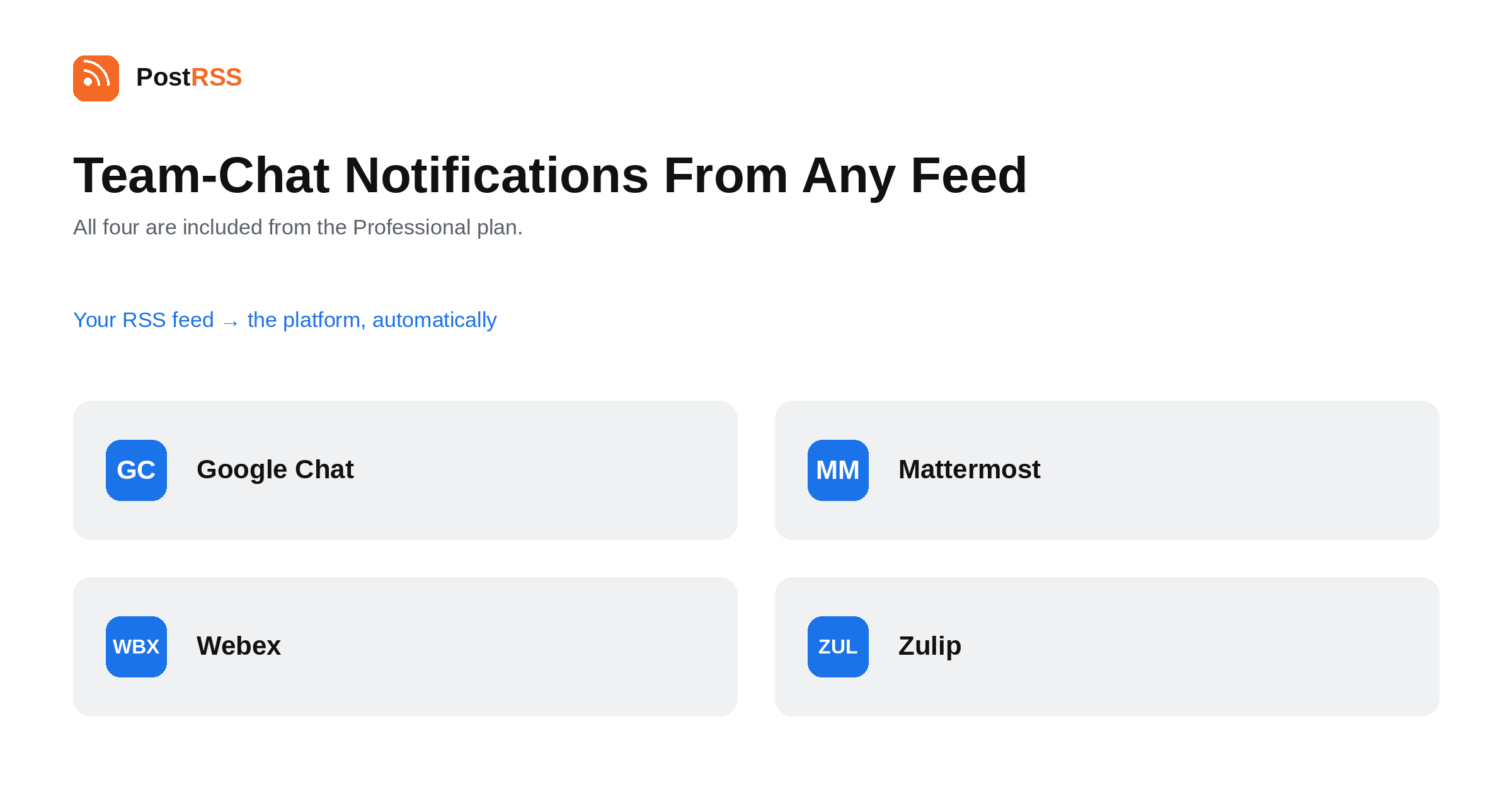
Send any RSS feed to a Google Chat space, Mattermost channel, Webex space or Zulip stream with an incoming webhook. No app…
Read more →Create a free PostRSS account, add your RSS or Atom feed as a source, connect Webex as a target and choose how often the feed is checked. From then on every new item is posted automatically.
Webex is included from the Start plan, which costs $5 per month. All 66 networks are included from the Professional Plus plan ($20 per month).
As often as every minute. You can also choose a slower interval, from every 5 minutes up to once a week, and new items reach Webex after the next check.
Yes. One feed can publish to Webex and to any of the other 65 networks PostRSS supports at the same time; each connected account counts as one target.
No. You paste your feed address, connect Webex and PostRSS does the rest — no code, plugins or scripts.
Sign up for PostRSS and share your website content automatically across social networks.
Built by Internet Solutions, the team behind PostRSS. Each product saves you time in its own way.
 English
 Lietuviškai
 Deutsch
 Français
 Русский
 Español
 Polski
 Italiano
 Українська
 Čeština
 Português
 日本語
 Latviešu valoda
 Eesti
 Magyar
 Bahasa Indonesia
 Türkçe
 हिन्दी
 Ελληνικά
 العربية
 ไทย
 Tiếng Việt
 Română
 Bahasa Melayu
 বাংলা
