Publish every new article from your website's RSS feed to a Bale channel automatically. Create a bot with @BotFather inside Bale, add it to your channel as an admin, paste the bot token and channel ID into PostRSS, and each new feed item is posted as text with a link, or as an image with a caption.
Create a bot with @BotFather inside Bale and add it to your channel as an admin. PostRSS posts through that bot using its token and your channel ID or @username.
Each new feed item is posted as plain text with a link back to your article, or as an image with the text as its caption.
Right-to-left Persian text is supported, and long posts are never cut in the middle of a character.
Bale is included from the Professional plan.
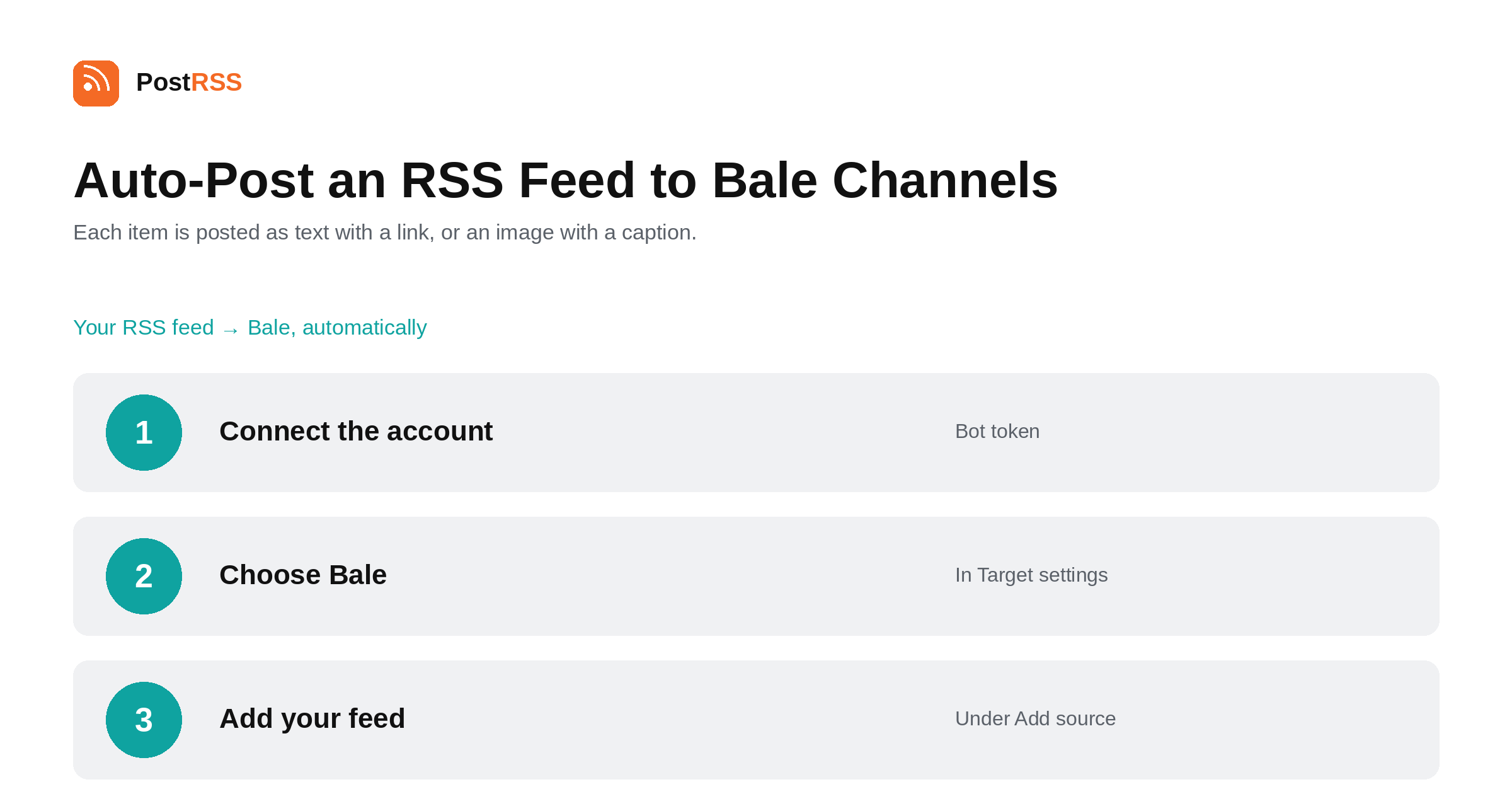
Post your RSS feed to a Bale channel through a bot you create with @BotFather inside Bale. Persian text supported. From the…
Read more →Sign up for PostRSS and share your website content automatically across social networks.
 English
 Lietuviškai
 Deutsch
 Français
 Русский
 Español
 Polski
 Italiano
 Українська
 Čeština
 Português
 日本語
日本語 Latviešu valoda
 Eesti
Eesti Magyar
 Bahasa Indonesia
 Türkçe
 हिन्दी
 Ελληνικά
 العربية
 ไทย
ไทย Tiếng Việt
 Română
 Bahasa Melayu
 বাংলা
বাংলা