Publish new items from your website's RSS feed as Qiita articles automatically, using a personal access token from your Qiita account.
Create a personal access token in your Qiita account settings and paste it into PostRSS. There is no app to register.
Qiita articles need tags — choose between one and five tags for the articles PostRSS publishes.
Publish articles publicly, or with limited sharing so that only people with the link can read them.
Qiita is included from the Professional plan. A popular Japanese platform for engineers' technical articles.
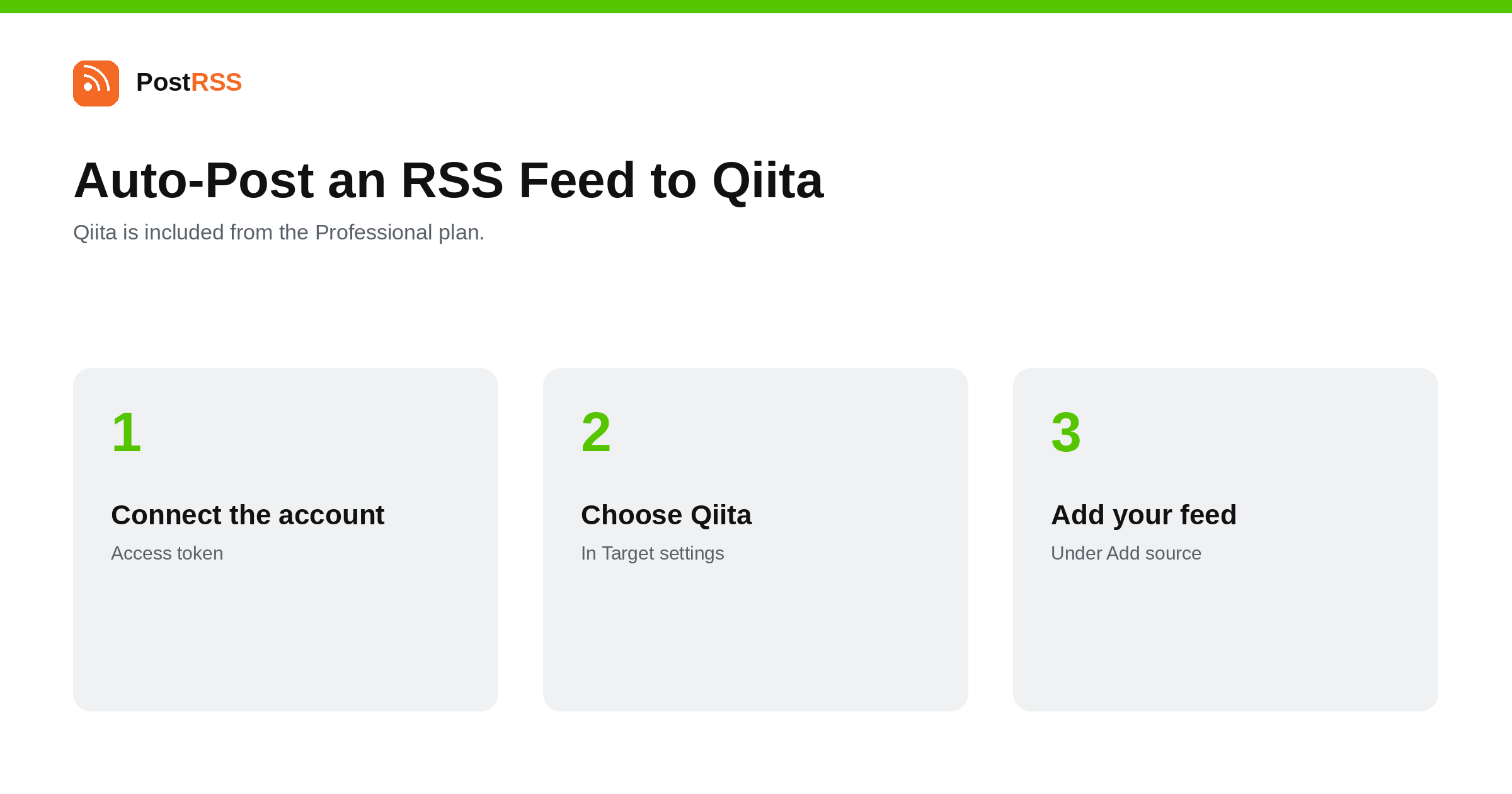
Publish your RSS feed as Qiita articles automatically: one access token, one to five tags, public or limited sharing. From the Professional…
Read more →Sign up for PostRSS and share your website content automatically across social networks.
 English
 Lietuviškai
 Deutsch
 Français
 Русский
 Español
 Polski
 Italiano
 Українська
 Čeština
 Português
 日本語
日本語 Latviešu valoda
 Eesti
Eesti Magyar
 Bahasa Indonesia
 Türkçe
 हिन्दी
 Ελληνικά
 العربية
 ไทย
ไทย Tiếng Việt
 Română
 Bahasa Melayu
 বাংলা
বাংলা