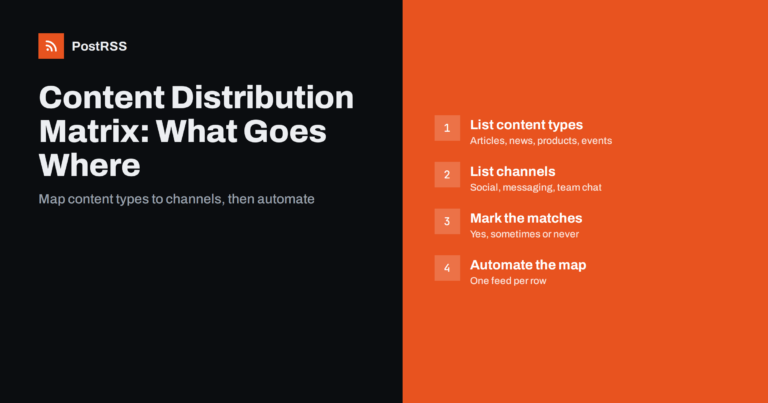
Short answer: A content distribution matrix is a simple table with your content types as rows and your channels as columns, whe...
Read more »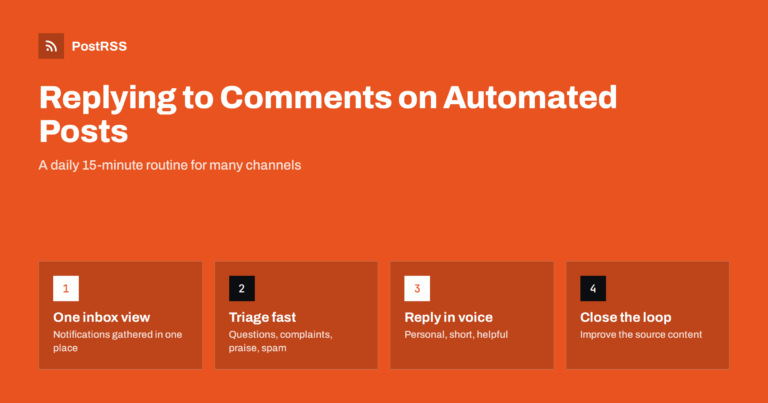
Short answer: Automate the publishing, not the conversation. Turn on notifications for every account your posts go to, set a fi...
Read more »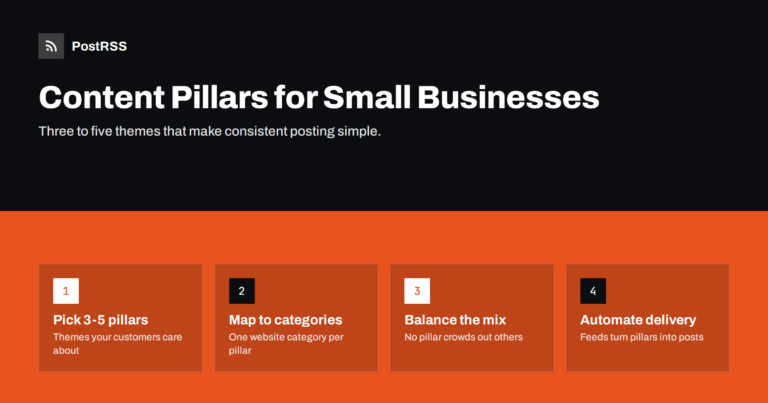
Short answer: Content pillars are three to five recurring themes that a business posts about, such as practical tips, products ...
Read more »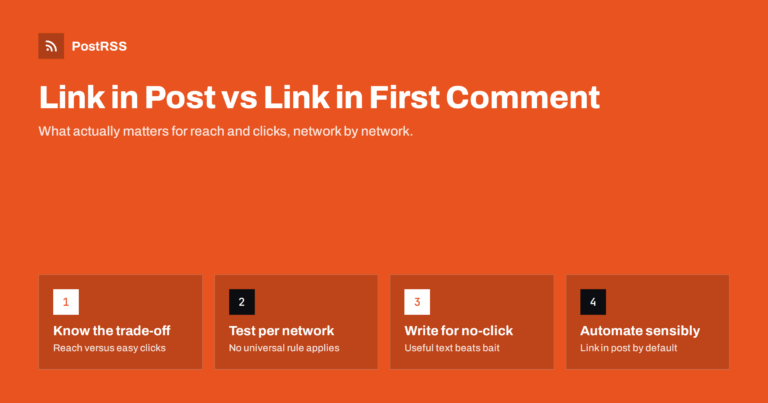
Short answer: Putting the link in the post is the simplest, most reliable option: readers see a preview card and can click imme...
Read more »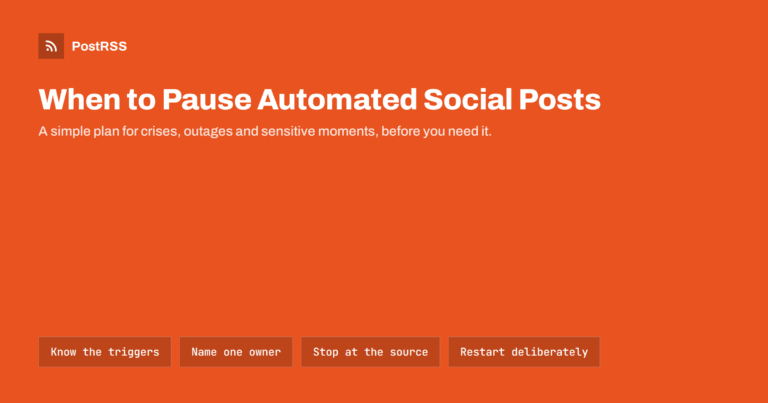
Short answer: Pause automated social posts whenever an event makes your scheduled content look careless, wrong or unsafe: a maj...
Read more »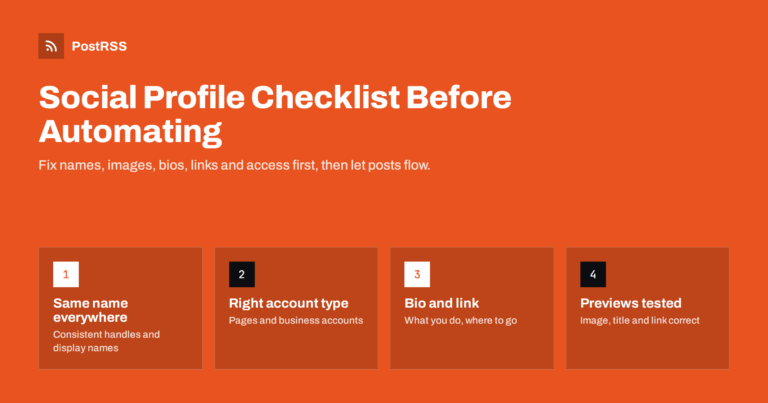
Short answer: Before you connect social accounts to an automated posting tool, make sure each profile is ready to receive visit...
Read more »
Makerspaces and hackerspaces run on a mix of member-generated content and organizer updates: a new 3D printer comes online, a m...
Read more »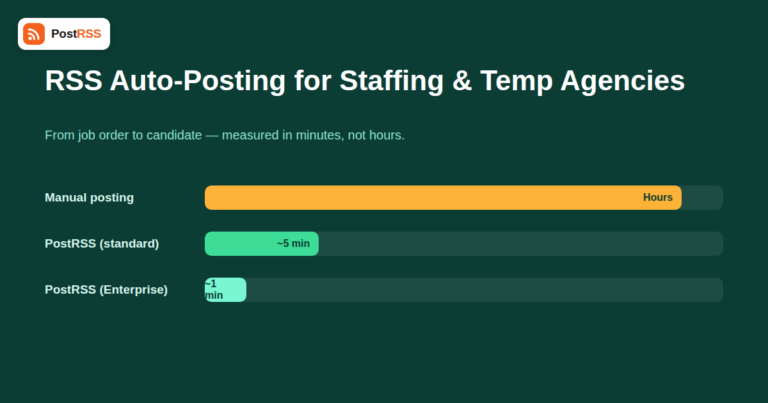
Staffing and temp agencies live and die by how fast a new job order reaches candidates. A client calls in a warehouse shift sta...
Read more »
A talent or modeling agency's website usually carries the one thing its social accounts constantly need: fresh material. New ro...
Read more »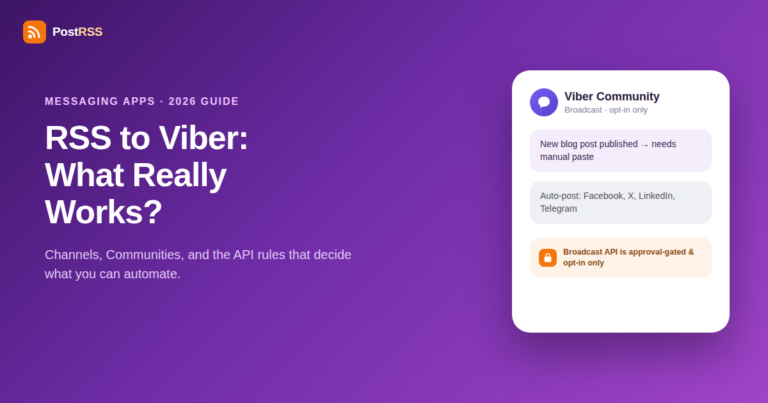
If your audience is concentrated in Eastern Europe, the Middle East, or parts of Asia, Viber is probably already on your shortl...
Read more »
Every list of the biggest social networks presents its numbers as if they were measured the same way. They are not, and that si...
Read more »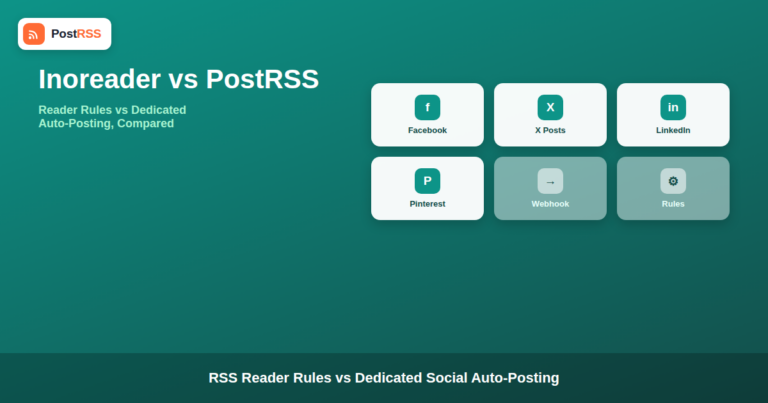
Updated: September 23, 2026 If you already use Inoreader to follow your industry's news, you've probably wondered whether its b...
Read more »Built by Internet Solutions, the team behind PostRSS. Each product saves you time in its own way.
 English
 Lietuviškai
 Deutsch
 Français
 Русский
 Español
 Polski
 Italiano
 Українська
 Čeština
 Português
 日本語
日本語 Latviešu valoda
 Eesti
Eesti Magyar
 Bahasa Indonesia
 Türkçe
 हिन्दी
 Ελληνικά
 العربية
 ไทย
ไทย Tiếng Việt
 Română
 Bahasa Melayu
 বাংলা
বাংলা