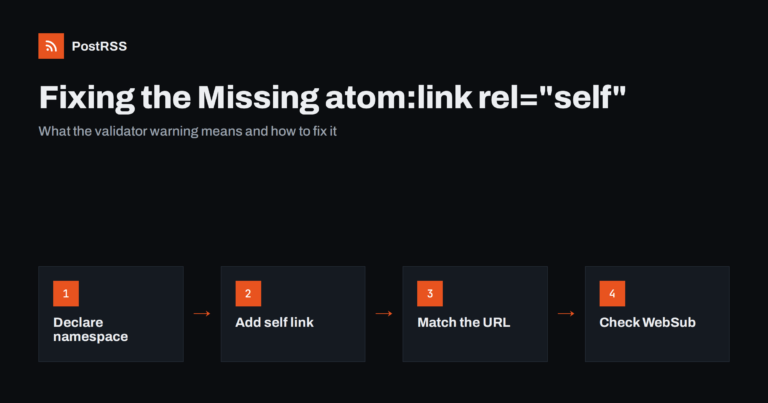
Short answer: The warning means your RSS feed does not state its own address. Declare the Atom namespace on the <rss> ele...
Read more »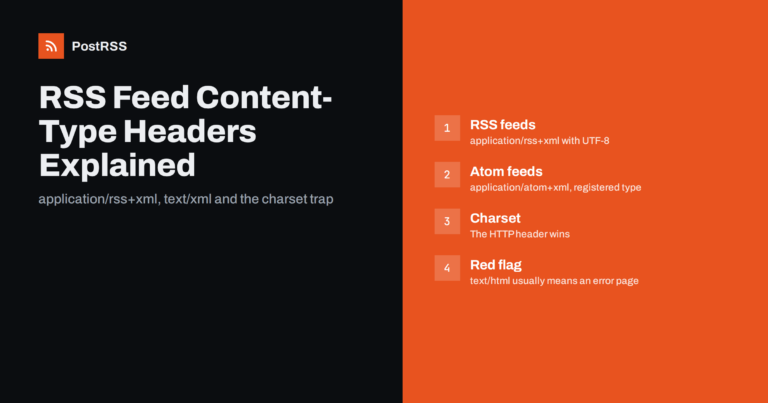
Short answer: Serve an RSS 2.0 feed as application/rss+xml; charset=utf-8 and an Atom feed as application/atom+xml; charset=utf...
Read more »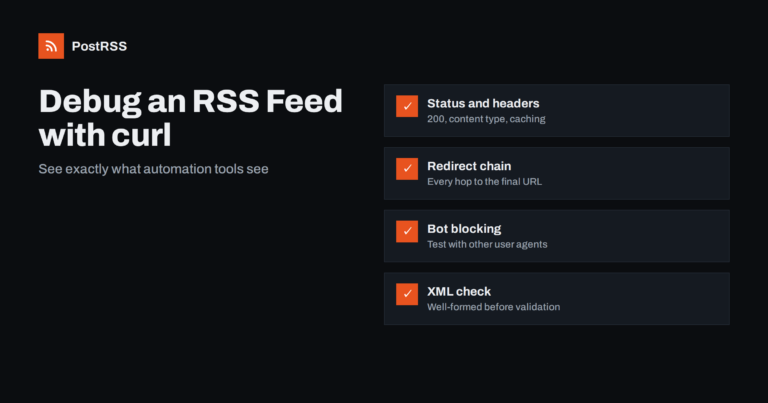
Short answer: When an RSS feed works in your browser but fails in a reader or an auto-posting tool, use curl to see what a serv...
Read more »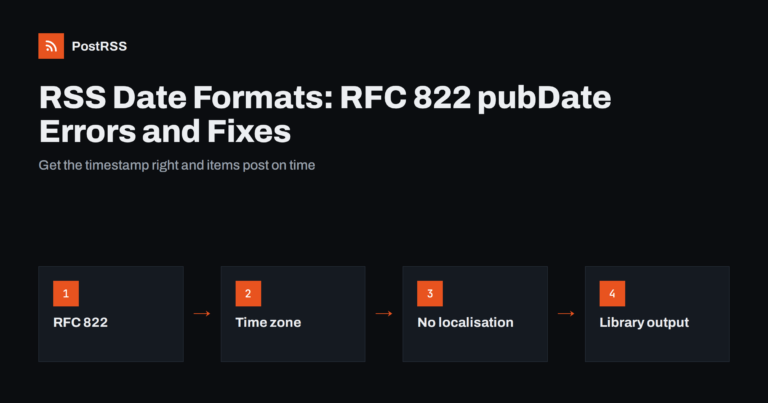
Short answer: In RSS 2.0, pubDate and lastBuildDate must use the RFC 822 date format, for example Tue, 29 Sep 2026 08:00:00 +00...
Read more »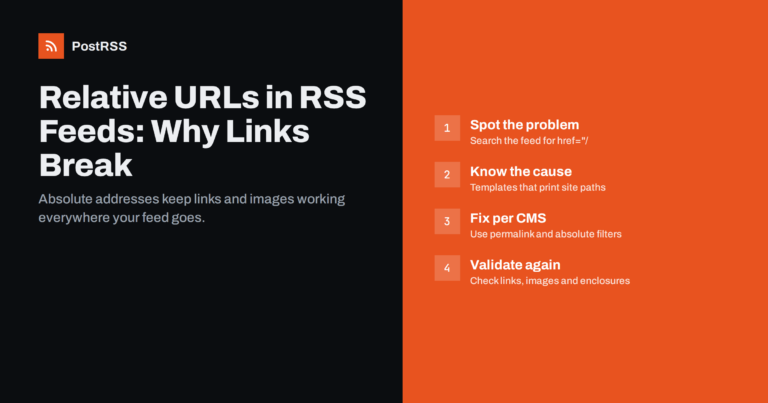
Short answer: A relative URL such as /blog/my-post/ or ../images/photo.jpg only works inside your own website, because the brow...
Read more »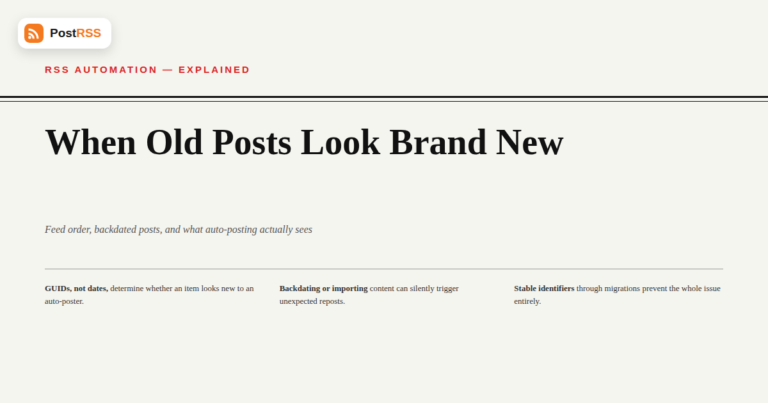
Most of the time, an RSS feed behaves exactly the way you'd expect: newest post first, in the order things were actually publis...
Read more »
This is one of the more frustrating troubleshooting situations in RSS auto-posting precisely because every individual piece of ...
Read more »
It's a question that comes up often among local government communications staff, community page moderators, and local news edit...
Read more »
You publish a new post, refresh your Facebook page, and nothing. Ten minutes later, still nothing. Then, twenty-two minute...
Read more »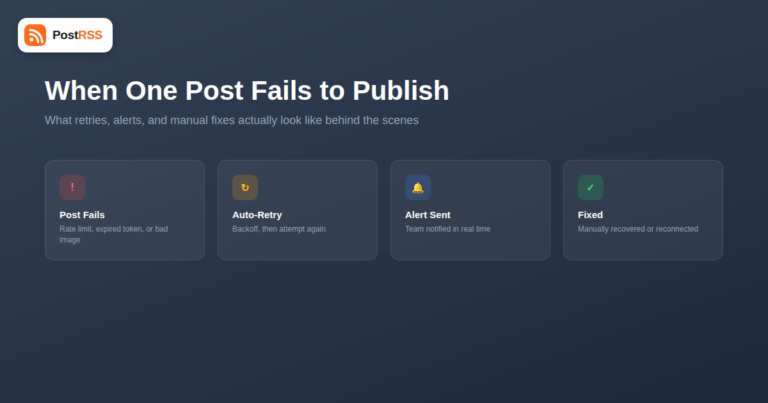
Most auto-posting troubleshooting conversations are about the whole system going quiet — a feed that stops updating, an entire ...
Read more »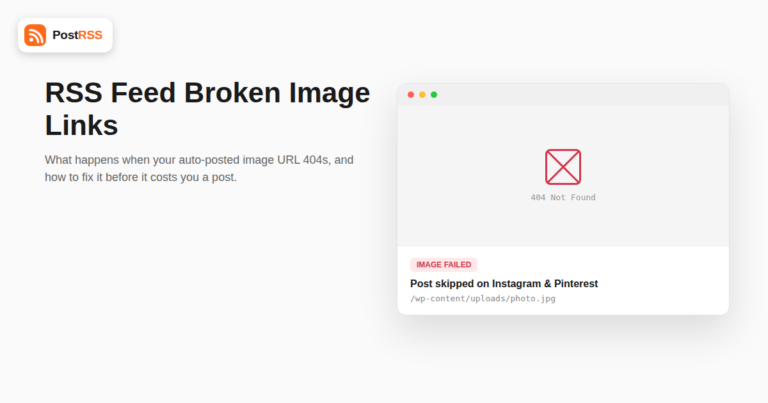
An auto-posting tool grabs the image URL out of your RSS feed, hands it to Facebook, Instagram, or Pinterest, and trusts that i...
Read more »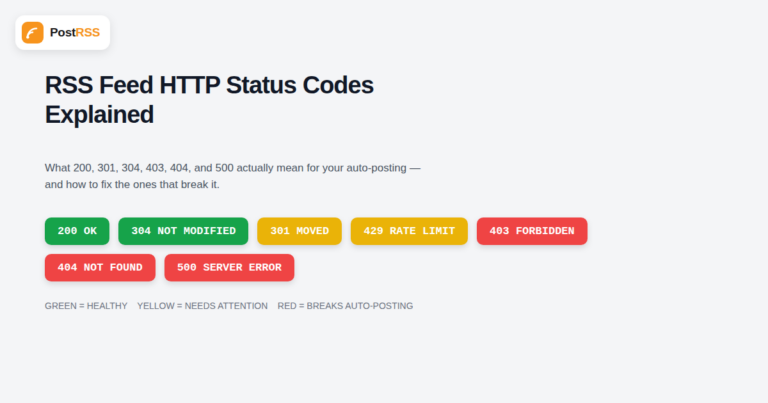
When an RSS feed stops updating on a social account, the actual cause is almost always sitting in an HTTP response header that ...
Read more »Built by Internet Solutions, the team behind PostRSS. Each product saves you time in its own way.
 English
 Lietuviškai
 Deutsch
 Français
 Русский
 Español
 Polski
 Italiano
 Українська
 Čeština
 Português
 日本語
日本語 Latviešu valoda
 Eesti
Eesti Magyar
 Bahasa Indonesia
 Türkçe
 हिन्दी
 Ελληνικά
 العربية
 ไทย
ไทย Tiếng Việt
 Română
 Bahasa Melayu
 বাংলা
বাংলা