Affiliate links, sponsored posts and product gifts are ordinary parts of publishing. The rules around them are not complicated in principle: if you have a financial or other material connection with what you are promoting, your audience should be able to tell. What makes automation tricky is that a disclosure written for your website does not travel with the post. When an RSS feed is turned into a social post, the paragraph at the top of your article that says “this page contains affiliate links” is usually not part of the text that gets shared. The result is a stream of promotional posts with no visible label. This guide is about affiliate disclosures in auto-posted content: where they must appear, how to build them into the feed and how to avoid the most common mistakes.
A note before we start: this is practical publishing advice, not legal advice. Requirements differ by country and change over time, so check the rules that apply to you. For general background on the tool, see the PostRSS homepage, and for related material browse the compliance archive.
Regulators in several countries expect disclosures to be clear and conspicuous, placed where the audience will actually see them. In the United States the Federal Trade Commission’s Endorsement Guides say that disclosures should be difficult to miss and close to the claim they relate to. In the United Kingdom the Advertising Standards Authority expects advertising to be obviously identifiable, and its guidance on recognising ads on social media stresses labels such as “Ad” that appear upfront. In the European Union, consumer protection law prohibits hiding the commercial nature of promotion. The specifics differ, but the direction is consistent: the label belongs in the post that people read, not only on a page they may never open.
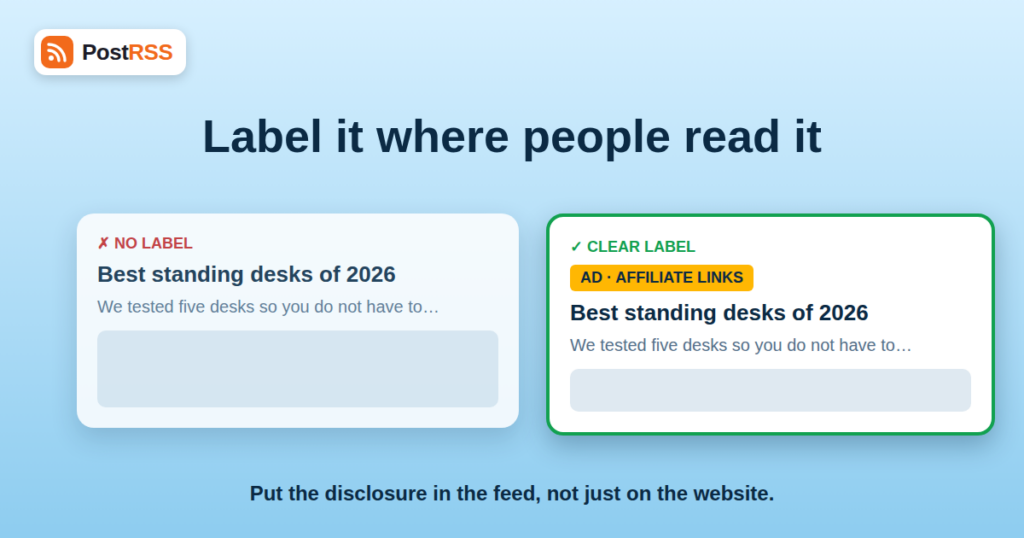
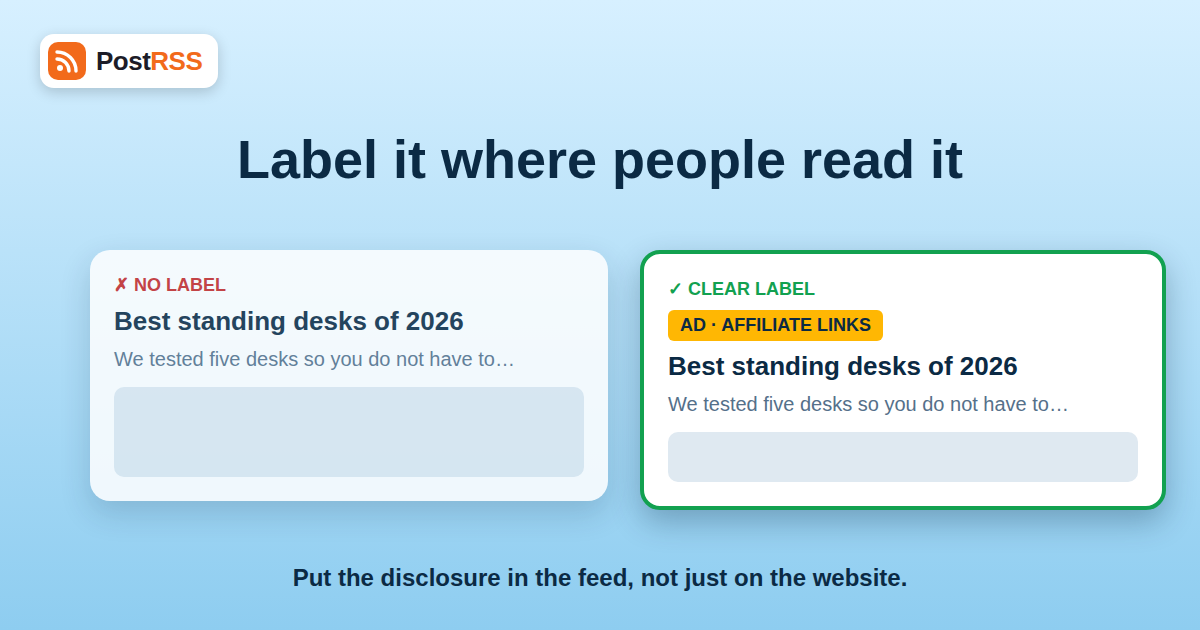
A social post built from a feed usually contains a headline, a short excerpt, an image and a link. Your footer disclaimer, your “About” page and your privacy policy are none of these. If the post is promotional, the label must be one of the things in the post itself.
| Situation | Needs a label? | Example wording |
|---|---|---|
| Article contains affiliate links and you earn commission | Yes | “Affiliate links” or “Contains affiliate links” |
| Paid sponsored post or advertorial | Yes | “Sponsored” or “Ad” |
| Product provided free in exchange for a review | Yes | “Gifted product” or “Free sample” |
| Partnership or brand ambassador relationship | Yes | “Partner” or “Paid partnership” |
| Your own product or service | Usually obvious, but be clear | “From our shop” |
| Unpaid editorial link to a website you like | No | None needed |
| Article that merely mentions a brand with no connection | No | None needed |
If you are unsure whether a relationship counts, treat it as one and label it. Over-disclosure costs little. Under-disclosure can cost trust, platform standing and, in some places, fines.
Several mechanical details of feed-based posting conspire against disclosure. Knowing them lets you design around each one.
If your disclosure sits in the third paragraph of the article, an excerpt built from the first paragraph will never include it. The social post looks like an editorial recommendation. Put the label in the title or at the very start of the excerpt.
Networks truncate long text behind a “see more” link. A disclosure at the end of a long caption may be hidden. The wording “#ad” at the end of a long post is a well-known example of a label that does not count, because readers may never expand it. Place the label first. Our guide to platform character limits and formatting shows where each network cuts text.
A shortened link hides where the click leads, and with affiliate links it can look like a trick. The disclosure must not depend on people seeing the URL, and shorteners add to the impression of concealment. See our comparison of whether you should use a link shortener for auto-posted content.
If your automation appends hashtags, a disclosure hashtag placed among them may be lost in a cluster of unrelated tags. A clear word at the start is more reliable than a tag at the end.
If the featured image is a product photograph with a brand logo, the label should still appear in the text that accompanies it. An image alone rarely discloses anything.
The most reliable approach is to make the label part of the data your feed carries, so that every network receives it without special settings.
Add “Ad:”, “Sponsored:” or “Affiliate:” to the front of the title of any article that needs it. Titles are always included in the post and always appear first. The drawback is that the prefix also appears on your website and in search results, which may be exactly what you want for transparency or exactly what you do not want for style. Decide once and apply consistently.
If titles must stay clean, use a hand-written excerpt that starts with the label: “Contains affiliate links. We compared five standing desks…” This works because most posts contain the excerpt near the start. Our guide to custom RSS feed excerpts explains how to control what text is posted.
Give affiliate and sponsored articles their own category and their own feed. Send that feed to the networks with a consistent label in every item, and keep purely editorial items in a different feed. Category-based routing is explained in how to filter your RSS feed by category before auto-posting. This also lets you review promotional posts at a different pace.
Some content systems let you add a fixed line to every excerpt in a category. That gives you consistency without relying on each author to remember. Test it on a private account first.
Several networks offer their own tools for marking paid partnerships and branded content. These are applied when a person creates a post in the network’s own app or when the network’s interface allows it. A feed-driven post cannot set them for you. That does not remove your duty; it means the label must live in the text. If a partner requires the platform’s official label, publish that post by hand instead of through automation.
Beyond the law, affiliate programs and networks impose contractual requirements. Some require specific wording, some restrict where links may be posted, and some prohibit link cloaking or social posting in certain forms. Read your program terms, and keep the exact wording they require in a snippet your authors can paste. Breaking program rules can cost you commissions or your account.
The disclosure principle is the same everywhere, but your posting setup depends on where you publish. A Facebook Page works on every PostRSS plan, from Free ($0, 10 posts a month) and Start ($5, 500 posts). LinkedIn needs Professional Plus ($20 per month); VKontakte, Pinterest, Discord and Tumblr are on Professional ($10 per month); X, Telegram channels, Threads, Bluesky, Mastodon, Matrix and others are on Ultimate ($40 per month). Instagram is currently in testing and not part of any paid plan. An annual subscription is 20% cheaper on every paid plan. The supported networks page and the pricing page have the details. If you publish to Pinterest, where affiliate pins are common, remember that the description you supply is the place for the label; our guide on how to auto-post RSS to Pinterest covers how feed text becomes a pin.
A blog reviews home-office equipment and earns commission when readers buy through its links. Roughly half of its articles contain affiliate links, and once a quarter a manufacturer pays for a sponsored guide. The blog’s feed goes to a Facebook Page and, on a higher plan, to X and Telegram.
Before the change, the site relied on a sentence in each article’s opening paragraph. After a reader complained that a Page post looked like an independent recommendation, the editor rebuilt the process. Every article now has a “Relationship” field with three values: none, affiliate and sponsored. A small template adds “Affiliate links.” or “Sponsored.” to the start of the excerpt automatically, and sponsored items are also prefixed in the title. The editor reads the last ten posts on each network every Friday, checking that labels appear at the start and that none are cut off on mobile.
The change cost an afternoon of setup and no visible traffic. Comments about “hidden ads” stopped, and the sponsor was happier because the label made the partnership look professional rather than furtive. Before you publish the next batch, run your feed through the W3C Feed Validation Service after adding any new field, so that a template change does not silently break the feed.
Disclosure fails most often at the edges of an organisation. Guest authors write in their own style and forget the label; agencies deliver articles with affiliate links already embedded; publishing networks share content between sites with different rules. Give each of these groups a one-page brief with the exact wording, the placement rule and an example of a compliant post. Ask agencies to fill in the relationship field for every article they deliver, and reject deliveries without it. For networks of sites, standardise the field name and values so that a single template works everywhere.
Generally yes. If you earn a commission or have another material connection, your audience should be able to tell in the post itself. Check the rules that apply in your country.
No. A social post is read on its own, so the label must appear in the post text, not only on a page the reader may never open.
At the start. Put a plain word such as Ad, Sponsored or Affiliate links in the title or at the beginning of the excerpt, where truncation cannot hide it.
Posts are built from your feed’s text, so build the label into the feed: a title prefix, an excerpt template or a separate promotional feed.
Those tools are set inside each network’s own interface. A feed-driven post cannot apply them, so include the label in the text or publish the post manually.
It is best not to. Shorteners hide the destination and can make affiliate links look deceptive. Keep links transparent and label the post clearly.
Yes. Every post that promotes a paid relationship needs its label, and old offers may have changed or expired, so review evergreen items before reposting them.
Automation does not change your obligations; it only changes where the mistakes hide. A disclosure that lives on your website will not appear in a social post built from your feed, so make the label part of the feed: a clear word at the start of the title or the excerpt, a category that routes promotional articles to their own feed, and a routine that reviews what actually appears on each network. Use plain words, avoid link shorteners and remember that native platform labels need manual posting. Check the rules where you and your audience live, and keep a written policy. When you are ready to set up honest automation, start at PostRSS.
What changed in the networks, what broke, and how to fix it before it costs you reach.
 English
 Lietuviškai
 Deutsch
 Français
 Русский
 Español
 Polski
 Italiano
 Українська
 Čeština
 Português
 日本語
日本語 Latviešu valoda
 Eesti
Eesti Magyar
 Bahasa Indonesia
 Türkçe
 हिन्दी
 Ελληνικά
 العربية
 ไทย
ไทย Tiếng Việt
 Română
 Bahasa Melayu
 বাংলা
বাংলা