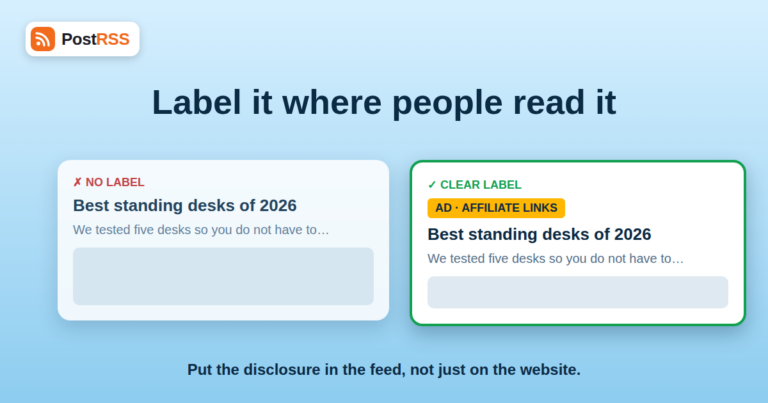
Affiliate links, sponsored posts and product gifts are ordinary parts of publishing. The rules around them are not complicated ...
Read more »
You run a site where some articles are free and others are for paying members. You connect your feed to your social accounts so...
Read more »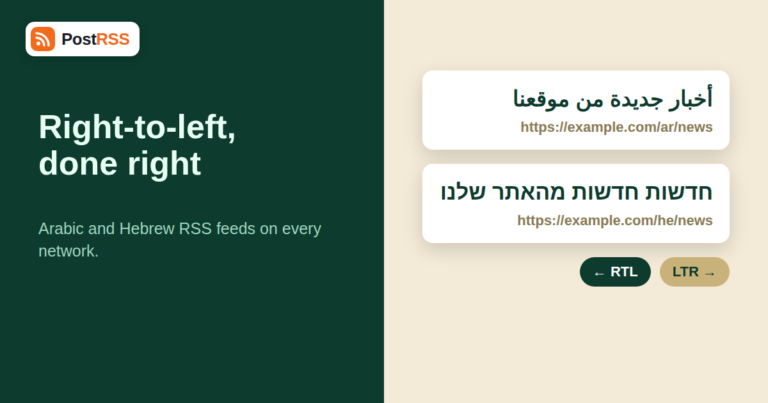
Arabic and Hebrew readers have plenty of reasons to follow your site, and an RSS feed is the easiest way to reach them on socia...
Read more »
An auction runs on attention at exact moments: when a catalogue opens, when a star lot is previewed, when bidding closes, when ...
Read more »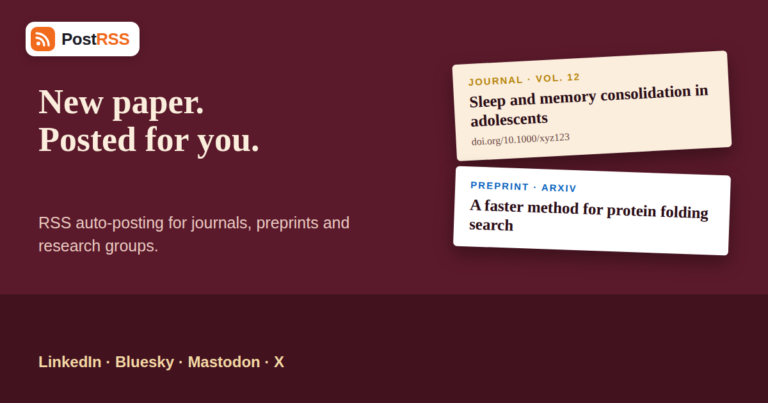
Scholarly communication runs on feeds. Journals publish table-of-contents feeds, preprint servers publish a feed for every subj...
Read more »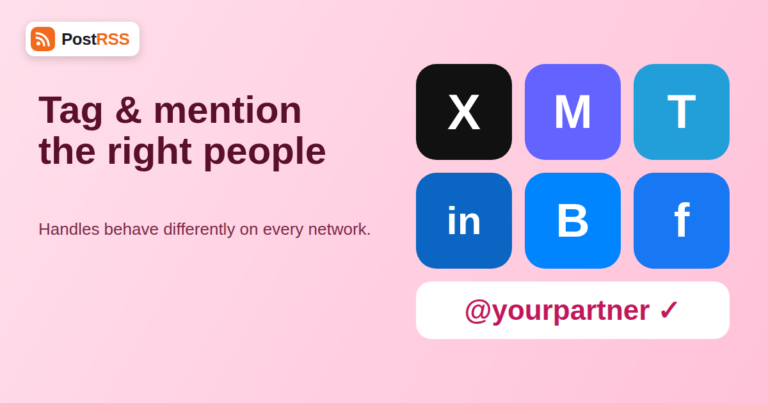
Automation gets a link onto your accounts on time. It does not, by itself, tell the right people that you mentioned them. If yo...
Read more »
Reading is a different job from discovering. Discovery happens in bursts, when a feed refreshes and a headline catches your eye...
Read more »
If your community lives on an open chat protocol rather than a social network, your announcements should live there too. Sendin...
Read more »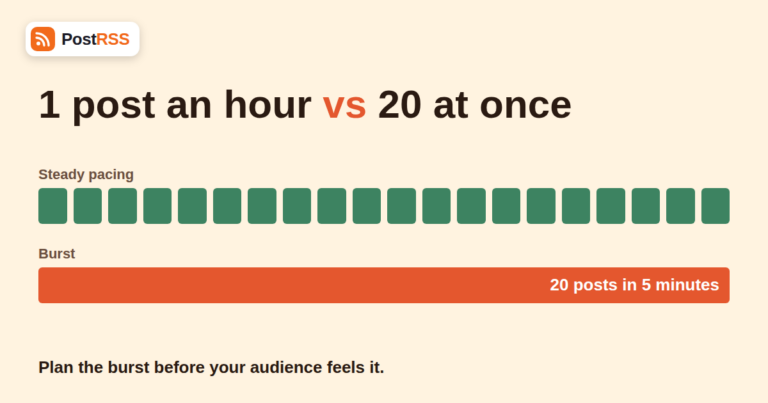
Most days your website publishes one or two articles and your feed grows by one or two items. Then comes the day you schedule a...
Read more »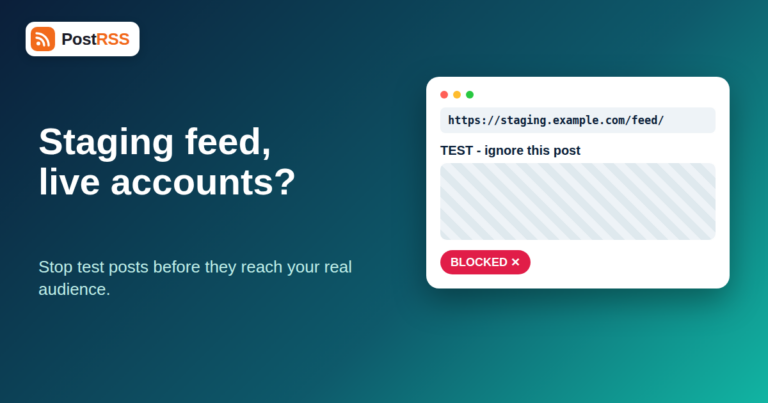
A staging site RSS feed is one of the quietest ways to embarrass yourself on social media. You clone your website to test a red...
Read more »
If you've spent any time in technical SEO circles, you've probably absorbed the general rule that certain links should carry a ...
Read more »
Craft beverage marketing rarely looks like a big brand's marketing department, and it doesn't need to in order to be effective ...
Read more »Built by Internet Solutions, the team behind PostRSS. Each product saves you time in its own way.
 English
 Lietuviškai
 Deutsch
 Français
 Русский
 Español
 Polski
 Italiano
 Українська
 Čeština
 Português
 日本語
日本語 Latviešu valoda
 Eesti
Eesti Magyar
 Bahasa Indonesia
 Türkçe
 हिन्दी
 Ελληνικά
 العربية
 ไทย
ไทย Tiếng Việt
 Română
 Bahasa Melayu
 বাংলা
বাংলা