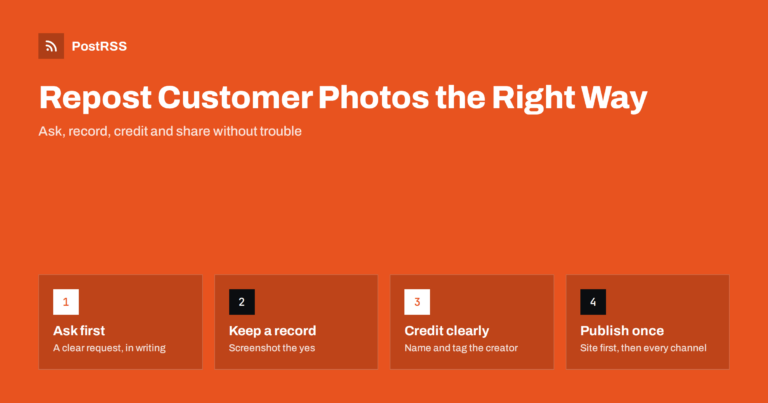
Short answer: Before you repost a customer's photo, ask for permission in writing, usually in a comment or direct message, and ...
Read more »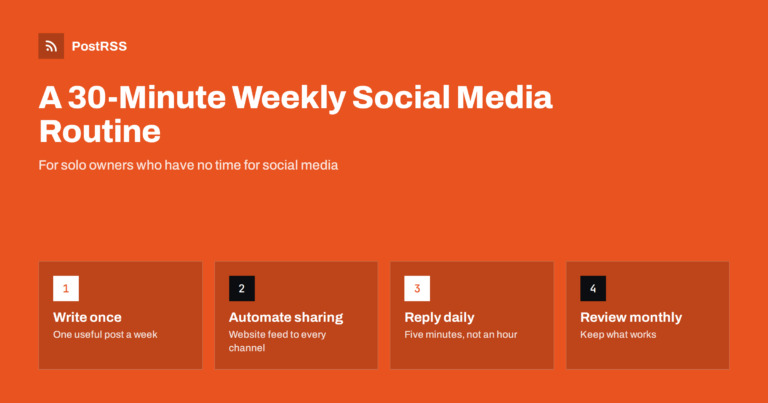
Short answer: A solo business owner can keep social media alive in about 30 minutes a week by writing one useful update on thei...
Read more »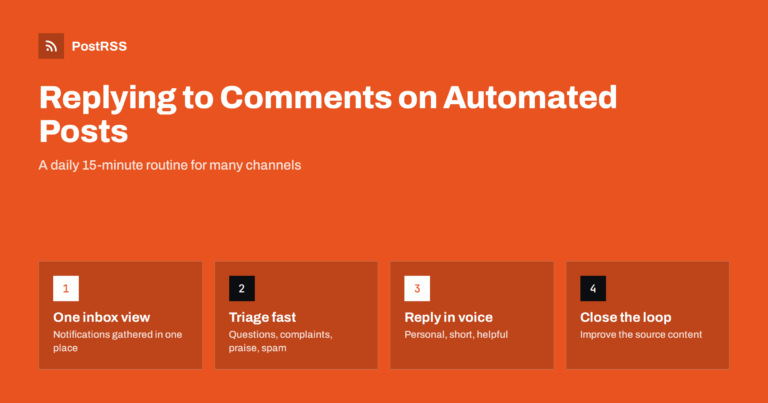
Short answer: Automate the publishing, not the conversation. Turn on notifications for every account your posts go to, set a fi...
Read more »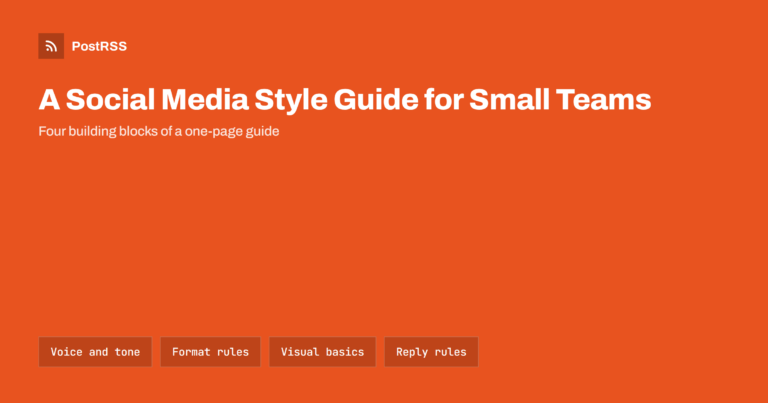
Short answer: A social media style guide for a small team is a short shared document that defines how your brand sounds, how po...
Read more »
Short answer: Content pillars are three to five recurring themes that a business posts about, such as practical tips, products ...
Read more »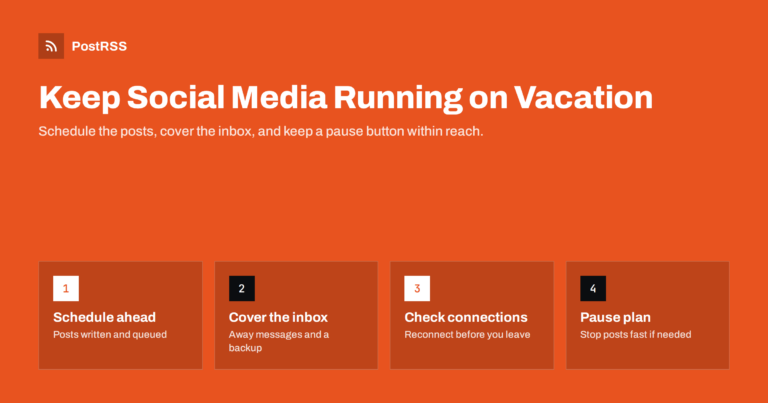
Short answer: To keep social media running while you are on vacation, write and schedule your posts before you leave, ideally o...
Read more »
Short answer: A pinned post is the first thing many visitors see on your profile, so use it as a welcome sign: pin either a sho...
Read more »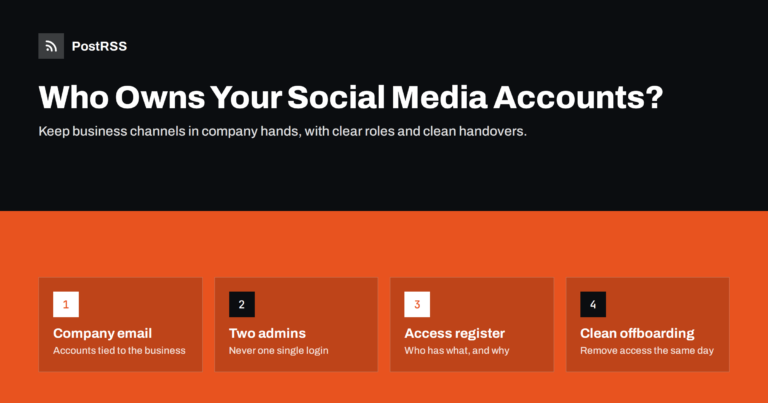
Short answer: Your business social accounts should belong to the business, not to whichever person set them up. In practice tha...
Read more »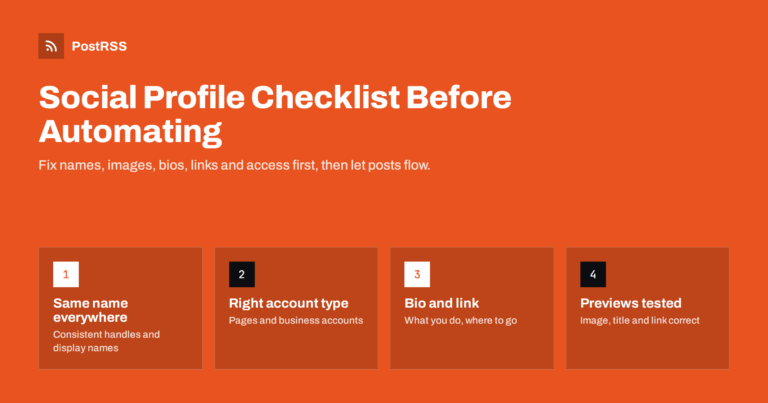
Short answer: Before you connect social accounts to an automated posting tool, make sure each profile is ready to receive visit...
Read more »
A marina posts a slip availability update in April, a boat dealership shares a new arrival in May, and by August both social pa...
Read more »
Most optometry and eye care practices post to Facebook and Instagram in bursts — a flurry of updates around back-to-school eye ...
Read more »
A new product going live is exactly the kind of time-sensitive, high-value content that RSS auto-posting handles best — and mos...
Read more »Built by Internet Solutions, the team behind PostRSS. Each product saves you time in its own way.
 English
 Lietuviškai
 Deutsch
 Français
 Русский
 Español
 Polski
 Italiano
 Українська
 Čeština
 Português
 日本語
日本語 Latviešu valoda
 Eesti
Eesti Magyar
 Bahasa Indonesia
 Türkçe
 हिन्दी
 Ελληνικά
 العربية
 ไทย
ไทย Tiếng Việt
 Română
 Bahasa Melayu
 বাংলা
বাংলা