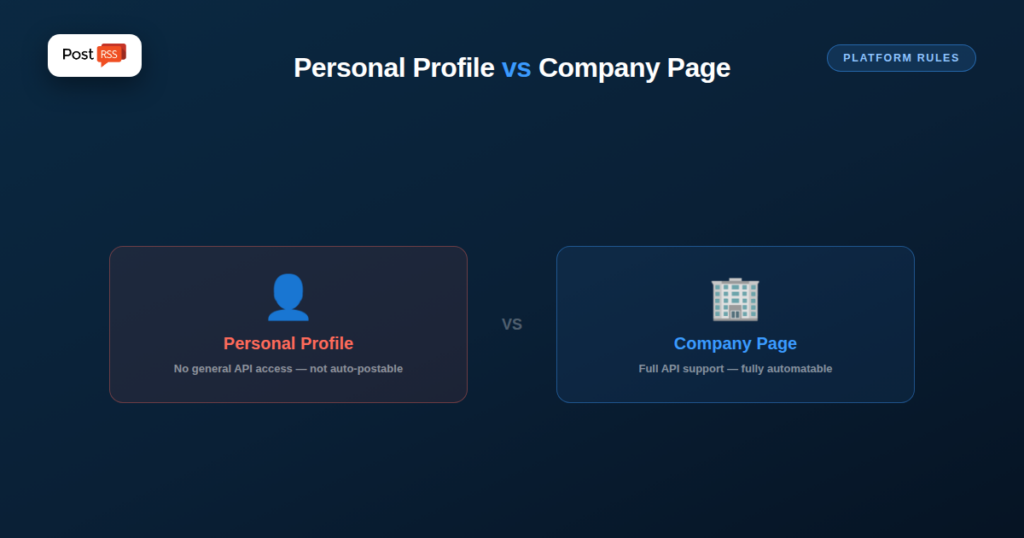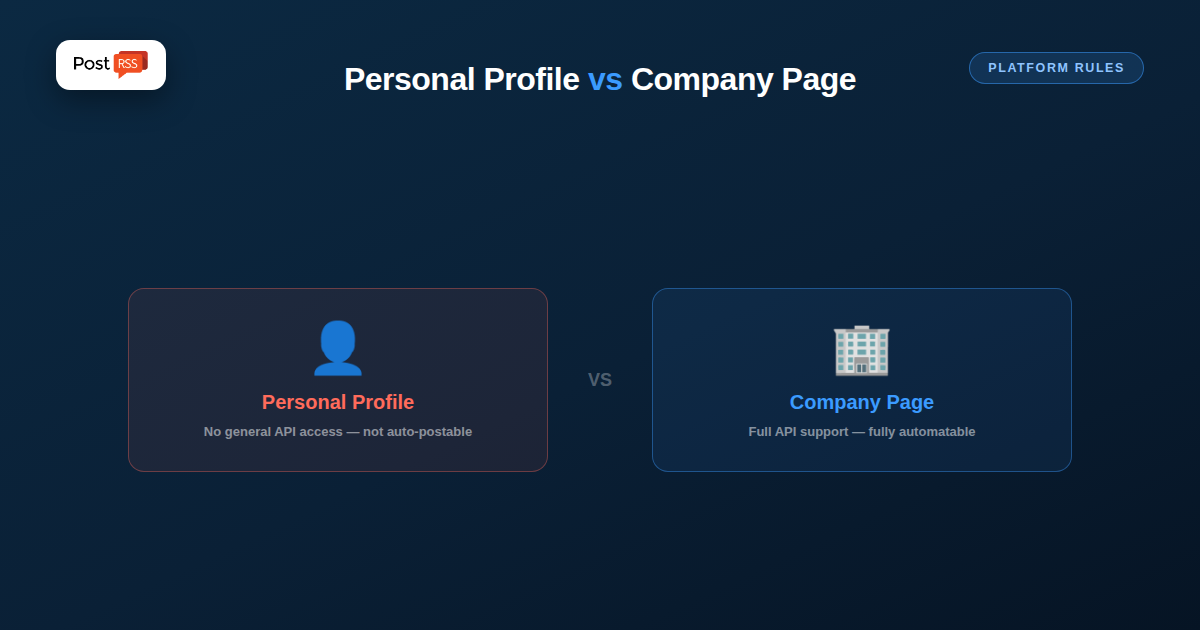
LinkedIn‘s API allows reliable third-party auto-posting to Company Pages. Personal profiles are a different story — for most automation tools, publishing there is restricted. PostRSS is an exception: from the Professional plan ($10/month) you can connect a personal profile, a Company Page or a Group, each with its own authorization step through LinkedIn’s official login flow. If you’re deciding where to point your feed, the question is which audience you want to reach, not which destination the tool allows.
LinkedIn treats personal-profile activity differently from Company Page activity in its API design, requiring a separate, harder-to-obtain level of partner access for apps that want to post on an individual’s behalf. Company Pages, by contrast, have a standard, widely-available API path built specifically for business use cases like scheduled and automated posting. The practical result: almost every scheduling and automation tool on the market posts to Company Pages and not personal profiles. PostRSS is an exception: it posts to personal profiles as well, and to LinkedIn Groups, each connected through LinkedIn’s official login flow.
If your content strategy is built around a company brand — a business blog, product updates, company news — a Company Page is both the natural fit and the one LinkedIn actually supports for automation. If your strategy leans on an individual’s personal voice and network (a founder, consultant, or recruiter posting under their own name), that content generally has to be posted manually, since the automation path LinkedIn provides doesn’t extend there for most tools. With PostRSS, that person can connect their own profile and have new articles from the feed posted there automatically.
A small number of tools offer personal-profile scheduling through browser-automation workarounds rather than official API access — technically posting on your behalf by simulating a logged-in session rather than calling a sanctioned endpoint. These can work in practice, but they carry meaningfully more risk than API-based posting: no official support if something breaks, and real exposure if LinkedIn tightens automated-session detection, which platforms periodically do. Treat any tool that automates a personal profile through a simulated session with real scrutiny before depending on it for anything important; prefer one that connects through LinkedIn’s official login window, as PostRSS does.
For the LinkedIn side specifically, see our RSS to LinkedIn page.
Once the Company Page is the automated channel, the quality of each post depends mostly on your feed. PostRSS builds every post with one of nine message formats made from the item title, the item description, the page title or your own static text. For a Company Page, the title followed by a short description usually works best, because it tells a professional reader what the article covers before they click.
og:image on every article is what turns a link into a visual card in the LinkedIn feed.If people prefer to post personally by hand, the practical goal is to make it as easy as possible for founders and team members to share new content in their own words. One simple approach is to send the same feed to an internal team chat. PostRSS also posts to team chats such as Microsoft Viva Engage, Google Chat, Mattermost, Zoho Cliq and Webex, so every new article appears where your colleagues already work, with its title and link ready to open and reshare.
This keeps the two channels complementary: the Company Page receives every article automatically and on time, while individuals choose the pieces they want to add a personal comment to. Nobody has to remember to check the website, and nobody is asked to hand over a login to an unofficial tool.
PostRSS checks your feed as often as every minute. On paid plans you can also set posting windows or exact times in your own time zone, which helps when your articles are published in the evening but your LinkedIn audience reads during business hours. A maximum number of posts per update keeps a busy publishing day from filling the Page with several links at once.
To see what the Company Page actually brings, add your own query parameters to every link, for example utm_source=postrss with a medium for LinkedIn. Your analytics then separates LinkedIn visits from other networks. Current plans and the networks each one includes are listed on the pricing page.
Yes. PostRSS posts to a personal LinkedIn profile from the Professional plan ($10/month); the profile owner connects it through LinkedIn’s official login flow. Many typical third-party scheduling tools do not offer this, so check before you choose.
Personal profiles do generally see stronger organic reach than Company Pages on identical content, which is exactly why connecting a personal profile as well as the Company Page is worth planning around, not just a technical footnote.
Yes — many organizations automate their Company Page from an RSS feed while founders or team members separately post personally by hand, treating the two as complementary rather than needing one unified automated pipeline.
LinkedIn auto-posting works reliably for Company Pages and, for nearly every tool on the market, doesn’t extend to personal profiles at all — a platform restriction most tools work within. PostRSS is an exception, posting to personal profiles, Company Pages and Groups from the Professional plan. Planning your content strategy around which of those you need from the start beats discovering a limit after building a workflow that assumes otherwise.
What changed in the networks, what broke, and how to fix it before it costs you reach.
Built by Internet Solutions, the team behind PostRSS. Each product saves you time in its own way.
 English
 Lietuviškai
 Deutsch
 Français
 Русский
 Español
 Polski
 Italiano
 Українська
 Čeština
 Português
 日本語
日本語 Latviešu valoda
 Eesti
Eesti Magyar
 Bahasa Indonesia
 Türkçe
 हिन्दी
 Ελληνικά
 العربية
 ไทย
ไทย Tiếng Việt
 Română
 Bahasa Melayu
 বাংলা
বাংলা