Updated: 2026-09-27
Short answer: to auto-post an RSS feed to Bluesky with PostRSS, connect the account under Accounts → Add new Bluesky account, then open Targets → Add feed, choose Bluesky in Target settings and add your feed under Add source (Type = RSS feed, Link = your feed address). PostRSS checks the feed as often as every minute and posts each new item with its title, link and image. Bluesky asks for no business verification and no app review, and it is included on every plan, including Free.
After walking through why Instagram, TikTok, and Threads all involve real barriers — video-only formats, Business account requirements, Meta’s Tech Provider Verification — Bluesky is a genuinely refreshing exception. It’s one of the more open platforms available for automated posting today, built on the AT Protocol, with an API that doesn’t require a lengthy app review process, business verification, or platform-specific account linking before you can start publishing.
As X’s user base has fragmented over the past couple of years, Bluesky has become one of the primary landing spots for people looking for a more traditional, chronological, text-and-link-friendly feed — which also happens to make it one of the more natural fits for RSS-driven automation of any platform released in the past decade.
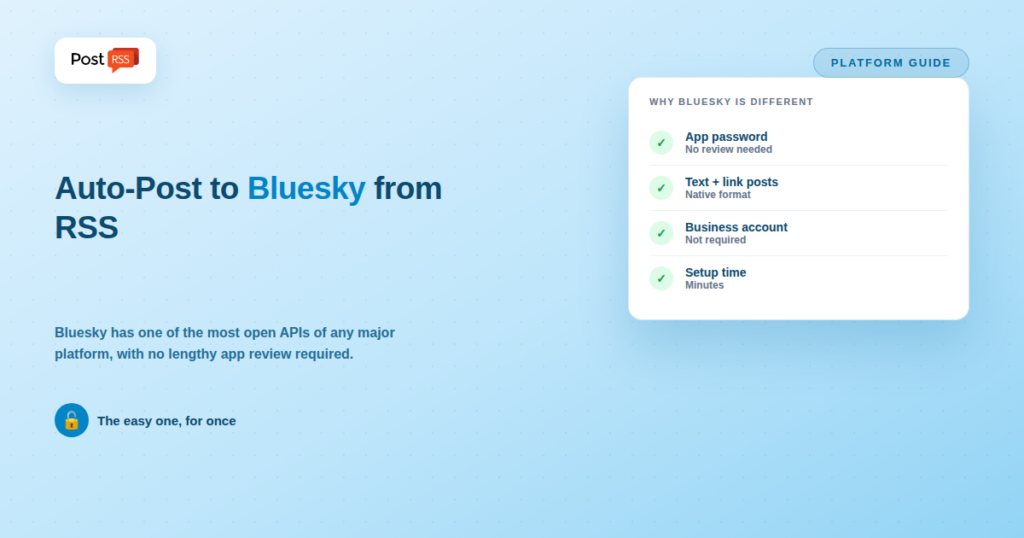
Bluesky’s API access model is built around “app passwords” — a per-application credential you generate directly from your account settings, rather than an OAuth flow requiring platform approval or a multi-week developer review. There’s no Business account requirement, no Tech Provider Verification, and no video-only content restriction. Posts support plain text up to roughly 300 characters, and a URL included in a post automatically generates a link preview card — functionally identical to how a Facebook or X link post behaves, and exactly the pattern RSS-to-social automation is built around.
Because the API is so accessible, PostRSS can post your feed to Bluesky with no verification step at all. Connect the account under Accounts → Add new Bluesky account, add your feed under Targets → Add feed, and PostRSS checks the feed every 5 minutes and publishes each new item with its title, link and image; Bluesky is included on every plan, including Free. Several other routes exist too — dedicated Bluesky tools, general workflow builders and short custom scripts, all compared further down — and the common thread across every one of them is that none require the kind of business-level verification that gates Threads, Instagram, or TikTok.
Tools like dlvr.it and Circleboom that already list Bluesky as a supported destination are the most direct route if Bluesky-specific automation is your only need — connect a feed, connect the account via an app password, and new items post automatically.
IFTTT and n8n both offer low-effort paths to RSS-to-Bluesky posting, useful if you’re already comfortable in either ecosystem or want Bluesky posting alongside other automated workflows that have nothing to do with social media.
Given how accessible Bluesky’s API is compared to Meta’s platforms, it’s a realistic candidate for tools that currently focus on the more established networks to add over time — the technical barrier here is genuinely low compared to Instagram, TikTok, or Threads.
| Requirement | Bluesky | Threads | |
|---|---|---|---|
| Business/Creator account required | No | Yes | Yes |
| Third-party app verification | No — app passwords only | Tech Provider Verification | Standard app review |
| Accepts plain text + link posts | Yes | Yes | No |
| Time to first automated post | Minutes | Days to weeks (verification) | Same-day, once account type is set |
This is a rare case in the “can I automate platform X” question series where the answer is genuinely “yes, easily” rather than “technically, with real caveats.” Bluesky’s openness is closer to how RSS itself was designed to work — decentralized, low-friction, no gatekeeper approval required.
Using dlvr.it or Circleboom as an example (since both currently list Bluesky support directly):
Compare this to the multi-step, multi-week process required for Threads or TikTok — the entire setup here can reasonably be finished in the time it takes to read this article.
PostRSS supports Bluesky. It is included on every plan, including Free, alongside a Facebook Page, Telegram and Mastodon. Bluesky’s text-and-link post pattern is exactly what an RSS auto-poster is built for, so there is no format compromise here of the kind Instagram or TikTok force.
The tools listed above all work, and if Bluesky is the only network you care about, compare them with PostRSS’s Free plan, which already includes one Bluesky account. The case for PostRSS is different: one feed, one place to manage it, and the same new article going to Bluesky, Facebook, LinkedIn, Pinterest, Mastodon and the rest without wiring each one separately. PostRSS does one thing — RSS auto-posting — but to 66 networks, and Bluesky is one of them.
Full limits per tier are on the pricing page, and the complete network list is on the supported networks page.
Bluesky is built on the AT Protocol, a decentralized, open standard for social networking rather than a single closed platform with one company controlling every API decision. That architecture is a big part of why access is so much simpler: there’s no single gatekeeper deciding which third-party tools get approved, no business-verification tier reserved for “serious” companies, and no ongoing review process standing between a working integration and a live one. This is philosophically closer to how RSS itself works — an open, widely-implementable standard rather than a permissioned platform — which is probably not a coincidence given Bluesky’s origins as a project explicitly interested in more open social protocols.
The practical upshot for anyone evaluating RSS automation tools: Bluesky support tends to show up faster and more reliably across a wider range of tools than Threads or TikTok support does, precisely because there’s so much less integration overhead for any given tool to take on.
Whether Bluesky deserves a place in your distribution strategy is a separate question from whether it’s easy to automate — and the honest answer depends entirely on where your specific audience actually is. Bluesky’s growth has been real but concentrated in particular niches (tech, media, politics-adjacent communities, and parts of the creator economy that moved early), rather than a uniform shift away from X. If your audience overlaps with those communities, testing Bluesky automation costs very little given how simple the setup is. If your audience is elsewhere, the low setup cost doesn’t change the underlying question of whether posting there reaches anyone who matters to your goals.
No — this is one of the clearest differences from Meta’s platforms. Any standard Bluesky account can generate an app password and be posted to via the API, with no special account tier or linking requirement.
An app password is a credential you generate specifically for one application’s use, directly from your Bluesky account settings, without that application needing to go through a formal review or verification process with Bluesky first. It’s a much lower-friction access model than the OAuth-plus-app-review process required by Meta’s platforms.
Yes, posts are capped at roughly 300 characters, similar in spirit to X’s original limit. RSS-to-social tools that support Bluesky typically handle truncating longer titles and descriptions automatically to fit.
That depends on where your specific audience has migrated, which varies significantly by niche and industry. Given how low the technical cost of adding Bluesky automation is compared to other newer platforms, it’s a reasonable one to test even with a smaller current audience there, since the setup effort is minimal relative to platforms like Threads or TikTok.
Yes, in most tools that support both — since both platforms accept a similar plain-text-plus-link post format with comparable character limits, the same feed item typically maps cleanly to both destinations without needing separate formatting logic.
Not necessarily — Bluesky still enforces its own rate limits and moderation policies at the platform level, it just doesn’t require third-party apps to go through a separate business-verification gate before posting. The lower barrier is about developer/tool access, not an absence of platform-level safeguards for end users.
Bluesky breaks the pattern set by Instagram, TikTok and Threads in this series: its open API, app-password access model and native support for text-and-link posts make it one of the more automation-friendly platforms available today.
If Bluesky is your single priority channel, dlvr.it, Circleboom, IFTTT and n8n all support it, and so does PostRSS’s Free plan. If it is one of several destinations for the same blog feed, PostRSS covers Bluesky on every plan together with up to 65 other networks, which is usually the cheaper answer once you are posting to more than two or three places. Bluesky users click links readily, which makes it disproportionately useful for publishers relative to its size.
What changed in the networks, what broke, and how to fix it before it costs you reach.
Built by Internet Solutions, the team behind PostRSS. Each product saves you time in its own way.
 English
 Lietuviškai
 Deutsch
 Français
 Русский
 Español
 Polski
 Italiano
 Українська
 Čeština
 Português
 日本語
日本語 Latviešu valoda
 Eesti
Eesti Magyar
 Bahasa Indonesia
 Türkçe
 हिन्दी
 Ελληνικά
 العربية
 ไทย
ไทย Tiếng Việt
 Română
 Bahasa Melayu
 বাংলা
বাংলা