Nothing erodes trust in an automated social media setup faster than the same article showing up on a Facebook page three times in one week. It usually isn’t a bug in the auto-posting tool — it’s almost always something happening upstream, in the RSS feed itself, that causes an item to look “new” again even though nothing about the underlying content actually changed. Understanding how RSS auto-posting tools detect duplicates, and the handful of ways a feed can accidentally defeat that detection, is the fastest way to stop repeat posts for good.
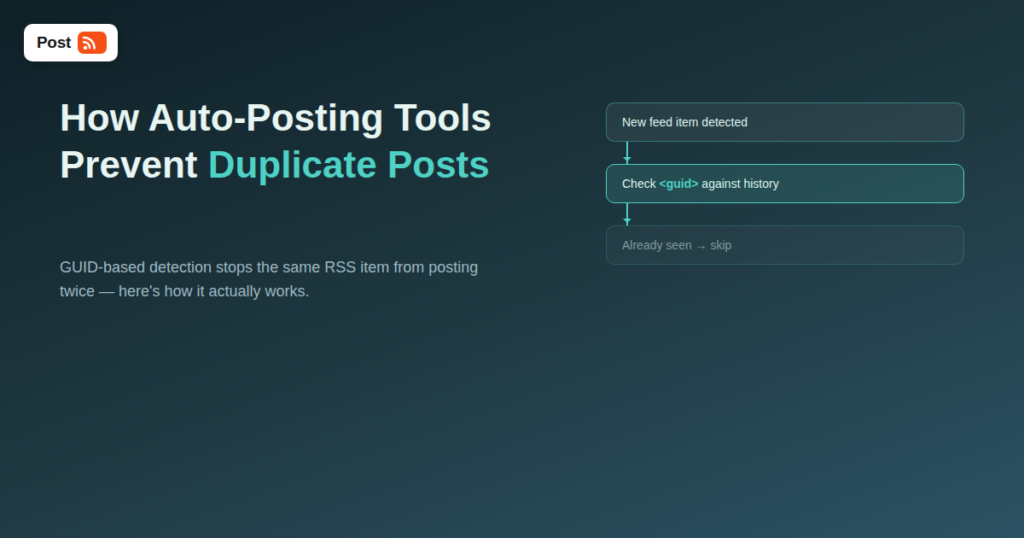
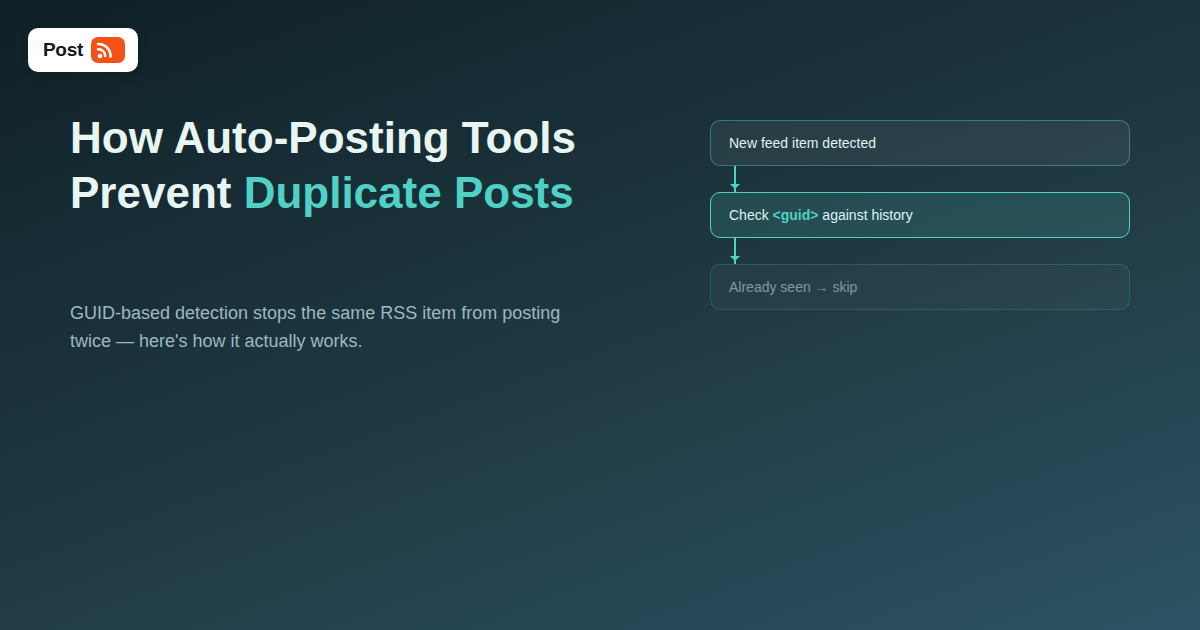
Every well-formed RSS or Atom item is supposed to carry a unique identifier — the <guid> element in RSS 2.0, or the <id> element in Atom. A properly configured auto-posting tool keeps a record of which GUIDs it has already processed and skips any item whose GUID it has seen before, no matter how many times that item reappears in the feed on subsequent checks. This is the primary, most reliable layer of duplicate protection, and it’s why the GUID is arguably the single most important field in the entire feed for anyone relying on automation.
Not every feed includes a reliable GUID — some content management systems omit it entirely, and others generate one incorrectly. When no usable GUID is present, most automation tools fall back to comparing the item’s link URL and publish date against what’s already been posted. This fallback works reasonably well in most cases, but it’s inherently less precise than GUID matching, and it’s the layer most likely to either miss a genuine duplicate or, less commonly, mistakenly skip a legitimately different item that happens to share a similar link structure.
| Cause | What Happens | Why It Defeats Detection |
|---|---|---|
| GUID changes on every republish | A CMS or plugin regenerates the GUID whenever a post is edited or republished | The tool sees a “new” ID and treats it as a new item |
| Missing GUID entirely | Feed relies only on link/date fallback matching | Any change to the URL (tracking parameters, trailing slash) can look like a new item |
| Scheduled republish plugins | A “bump to top” or auto-republish plugin resets the publish date | Item appears with a new timestamp, resetting freshness signals |
| Feed aggregation from multiple sources | The same article appears in two merged feeds with different GUIDs | Each source’s GUID is unique, so the same content posts twice under two different IDs |
| Category/tag feed overlap | One post belongs to two categories, each with its own feed URL, both connected to automation | The automation tool sees the item once per connected feed, not once per article |
WordPress, by default, generates a stable, permanent GUID for each post that doesn’t change when the post is edited or republished — this is one of the reasons WordPress feeds tend to behave reliably with automation. If a feed is generated by a different platform, a page builder, or a custom script, it’s worth manually checking the feed’s raw XML to confirm the GUID stays identical across edits, rather than assuming it does.
Plugins designed to refresh old content’s publish date to boost SEO or re-surface evergreen posts are a common, often overlooked source of duplicate auto-posts. If the plugin also changes the GUID, or if the automation tool is relying on the fallback date-matching layer, a bumped post will look brand new and get auto-posted again, even though a human reader would recognize it as the same article they saw months earlier.
If a site’s RSS setup exposes a feed per category, and a single article belongs to two categories, connecting both category feeds to the same social account will cause that article to post twice — once per feed — even though duplicate detection is working exactly as designed within each individual feed. The fix here isn’t a detection problem at all; it’s a connection-configuration issue, and the solution is to connect only the feed sources that don’t overlap, or use a single combined feed instead of multiple category feeds pointed at the same destination.
Some sites append dynamic tracking parameters to article URLs that change between requests. If an automation tool is relying on link-based fallback matching rather than GUID matching, those changing parameters can make an identical article look like a new URL on every feed check. Where possible, keep the canonical article URL in the feed’s link field stable and put any tracking parameters elsewhere, or make sure the automation tool is configured to prioritize GUID over link matching.
| Factor | GUID-Based Matching | Link/Date Fallback Matching |
|---|---|---|
| Reliability | High, as long as the GUID is stable | Moderate, sensitive to URL and timestamp changes |
| Handles republish/bump plugins | Correctly skips if GUID unchanged | Can be fooled by a new timestamp |
| Handles tracking parameters in URL | Unaffected, since it doesn’t rely on the link | Can misfire if the link string changes |
| Setup requirement | Feed must include a properly implemented GUID | Works with almost any feed, less precisely |
A duplicate post might look like a minor cosmetic annoyance, but on platforms like X and Pinterest it carries a real cost beyond the awkwardness of a repeated post. Both platforms’ 2026 ranking systems watch for repetitive, low-variation posting patterns as a signal of low-quality or spammy automation, and a feed that regularly re-posts the same items can quietly drag down the reach of every post from that account, not just the duplicates themselves. What starts as an annoying but harmless glitch can turn into a measurable reach problem if it goes unaddressed for months.
There’s also a follower-trust cost that’s easy to underestimate. A follower who sees the same article twice in a week is likely to assume the account — or the business behind it — isn’t paying close attention to its own social media, which is a strange but common perception, even when the actual cause is a technical feed issue no one on the marketing team would have any reason to notice without digging into the XML directly.
Because the root causes described above (an unstable GUID, an auto-republish plugin, an overlapping feed) tend to be introduced by unrelated changes — a CMS update, a new plugin, a site migration — a duplicate-posting issue can appear months after a setup has been running perfectly. Building in a light, periodic check catches this before it becomes visible to followers. Feed monitoring tools and built-in dashboards in most automation platforms will typically flag when the same URL or GUID gets processed unusually often, which is often the first hint that something upstream has changed.
A simple manual habit works too: once a quarter, scroll back through the connected account’s post history and look for any obvious repeats. It takes a few minutes and catches the kind of slow-building issue that’s easy to miss day-to-day but adds up to a real problem if it runs unnoticed for half a year, especially for a site that gets a redesign, a plugin update, or a CMS migration during that window without anyone thinking to re-check the RSS output afterward.
GUID stands for globally unique identifier. In an RSS feed, it’s a dedicated field meant to uniquely and permanently identify a single feed item, separate from its title, link, or publish date, so that a feed reader or automation tool can reliably recognize “I’ve already processed this exact item” even if other fields around it change.
Yes. WordPress generates a stable, permanent GUID for each post at creation time and does not change it on edits or republishing by default, which is one of the reasons WordPress-based feeds are generally reliable for automation without extra configuration.
Sometimes, if the automation tool offers a strict GUID-matching setting or a way to manually mark specific items as already processed. But if the root cause is an unstable GUID or an auto-republish plugin, the most durable fix is on the feed side, since any workaround in the automation tool is treating a symptom rather than the cause.
This is almost always caused by an auto-republish or “bump to top” plugin resetting the post’s publish date, sometimes alongside regenerating its GUID. Check whether such a plugin is active on the source site before assuming the automation tool made a mistake.
If you’re connecting a single social account and don’t need category-specific routing, yes — a single combined feed avoids the overlap problem entirely. If you do want category-specific routing to different accounts, just make sure no single account is connected to two feeds that could both contain the same article.
It’s not ideal, but it happens, particularly with feeds generated by simpler platforms, custom scripts, or older CMS software. In that situation, the automation tool’s link/date fallback matching still provides reasonable protection, though it’s worth checking whether the platform has a setting or plugin to add proper GUIDs if duplicate issues start showing up.
Pull up your feed’s raw XML (most feed URLs display it directly in a browser) and look at the <guid> value for a couple of items. Then check that value again after editing one of those posts. If the GUID stays exactly the same, your setup is well protected; if it changes, that’s worth fixing before it causes a visible duplicate-posting issue.
Duplicate posts almost never come from a flaw in the automation tool itself — they come from an unstable or missing GUID, a republish plugin resetting timestamps, or overlapping feeds connected to the same account. All three are fixable at the source, usually in a few minutes once identified. Before assuming your RSS-to-social automation is broken, pull the raw feed XML and check the GUID first — it’s the single most informative thing you can look at, and it resolves the overwhelming majority of duplicate-posting complaints without requiring any change to the automation setup itself at all.
What changed in the networks, what broke, and how to fix it before it costs you reach.
Built by Internet Solutions, the team behind PostRSS. Each product saves you time in its own way.
 English
 Lietuviškai
 Deutsch
 Français
 Русский
 Español
 Polski
 Italiano
 Українська
 Čeština
 Português
 日本語
日本語 Latviešu valoda
 Eesti
Eesti Magyar
 Bahasa Indonesia
 Türkçe
 हिन्दी
 Ελληνικά
 العربية
 ไทย
ไทย Tiếng Việt
 Română
 Bahasa Melayu
 বাংলা
বাংলা