Updated: 2026-09-27
Short answer: you probably don't need a plugin at all — WordPress's built-in feed already works with any auto-posting tool. Reach for one only for a specific job: publishing full content instead of excerpts, getting featured images into the feed, or exposing a separate feed per category.
WordPress generates a working RSS feed automatically, with zero plugins required — but the default feed is intentionally basic, and several genuinely useful plugins exist specifically to extend what it can do. Here are the ones actually worth knowing about in 2026, and what each one adds beyond WordPress’s built-in feed.
Out of the box, WordPress generates a main feed at /feed/ covering your most recent posts, plus automatic per-category, per-tag, and per-author feeds at predictable URLs — all valid, all requiring no setup. For simply having a working feed to connect to an automation tool like PostRSS, nothing extra is needed. The plugins below solve more specific problems the default feed doesn’t address.
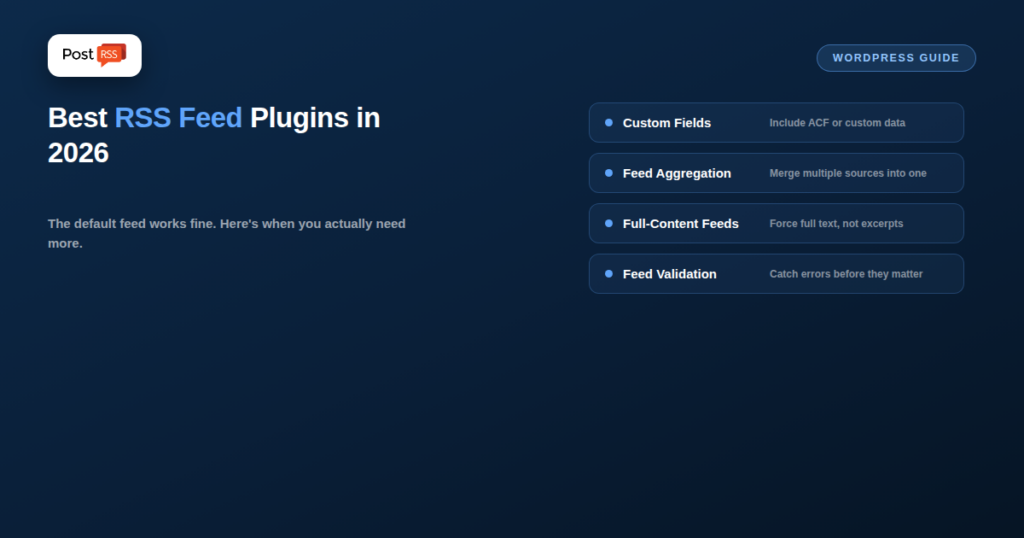
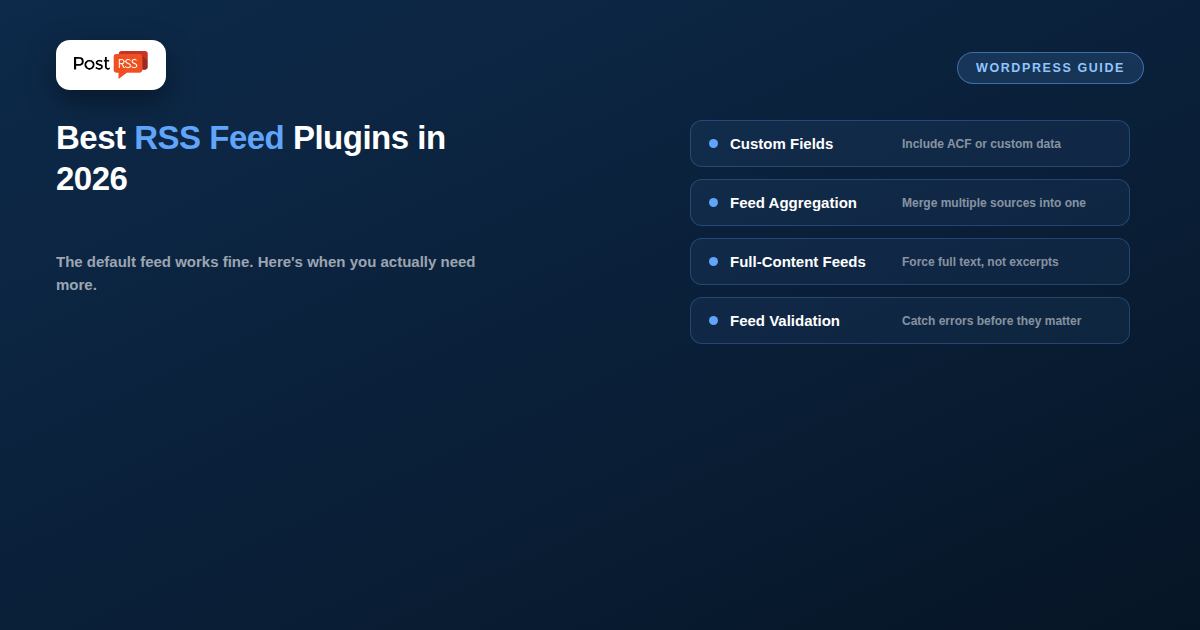
Custom feed content and fields. If you want your feed to include custom fields, ACF (Advanced Custom Fields) data, or a different excerpt length than the theme default, a feed-customization plugin lets you control exactly what’s included per item without editing theme template files directly.
Combining multiple sources into one feed. If you need one unified feed pulling from several categories, custom post types, or even external feeds merged together, a feed-aggregation plugin handles that merge — WordPress’s native feeds are always scoped to one taxonomy or the whole site, not a custom combination.
Full-content feeds when excerpts are the default. Some themes or SEO plugins configure feeds to show excerpts only; if you specifically need full post content in the feed for automation purposes (some tools need the full body, not just a summary), a plugin that forces full-content feed output solves this directly, without changing how excerpts display on the site itself.
Feed troubleshooting and validation. A handful of lightweight plugins exist purely to catch and flag common feed errors (malformed dates, missing GUIDs, broken enclosures) before they cause problems for whatever’s consuming the feed downstream — useful as a periodic health check rather than something you need running constantly.
Older feed plugins that haven’t been updated in several years are a real risk — WordPress core and PHP have both changed enough that abandoned plugins can silently break feed output or introduce security issues. Before installing any feed plugin, check its last-updated date and active-install count; a plugin with no updates in two-plus years is a bigger risk than the problem you’re trying to solve, especially for something as simple and cacheable as an RSS feed.
The default WordPress feed does not include the featured image of each post, and that is often the first reason people go looking for a plugin. For auto-posting, it matters less than it seems. PostRSS takes the picture from the feed item when there is one (an enclosure, a media:content tag or the first image inside the item), and when there is not, it reads the Open Graph tags of the linked page. If your SEO plugin or theme already outputs a correct og:image for each post, your automatic posts will carry the right picture without any feed plugin at all.
A feed-image plugin is still worth it if other readers of your feed, such as feed readers or email digest tools, need the image inside the feed itself.
There is one more kind of plugin worth knowing about: one that does not change your feed but removes the need to handle it at all. The official PostRSS plugin adds a PostRSS menu to wp-admin. You connect your account, pick posts, pages or categories, choose the destinations, and the plugin builds the feed and creates the targets for you, so there is no feed address to copy. The PostRSS WordPress plugin guide walks through the setup step by step, and the integrations page lists the other platforms with official plugins or built-in feeds.
No — WordPress’s default /feed/ URL works immediately with PostRSS and any other RSS-consuming tool, with no plugin required for the basic connection.
A well-built one, minimally — feeds are typically cached the same way regular pages are, so a properly coded plugin adds negligible overhead. Poorly built or abandoned plugins are more likely to cause problems through bugs than through raw performance impact.
Open your feed URL directly and compare an item’s content length against the actual published post — if it cuts off after a paragraph or two with a “read more”-style link, you’re on excerpts; if the full post text is there, you already have full-content feeds.
Most WordPress sites never need a feed plugin at all — the built-in feed handles standard auto-posting and subscription use cases fine on its own. Reach for a plugin only when you have a specific, concrete need it solves: custom fields, merged multi-source feeds, forcing full content, or ongoing feed validation — and always check that whatever you install is actively maintained before relying on it.
What changed in the networks, what broke, and how to fix it before it costs you reach.
Built by Internet Solutions, the team behind PostRSS. Each product saves you time in its own way.
 English
 Lietuviškai
 Deutsch
 Français
 Русский
 Español
 Polski
 Italiano
 Українська
 Čeština
 Português
 日本語
日本語 Latviešu valoda
 Eesti
Eesti Magyar
 Bahasa Indonesia
 Türkçe
 हिन्दी
 Ελληνικά
 العربية
 ไทย
ไทย Tiếng Việt
 Română
 Bahasa Melayu
 বাংলা
বাংলা