Tumblr occupies an odd spot in the “can I automate this platform” conversation: it’s not gated behind Meta-style business verification, but it’s also not as instantly open as Bluesky’s app-password model. It sits in the middle — a self-serve developer application, then a straightforward API that was, for years, one of the more RSS-friendly platforms around.
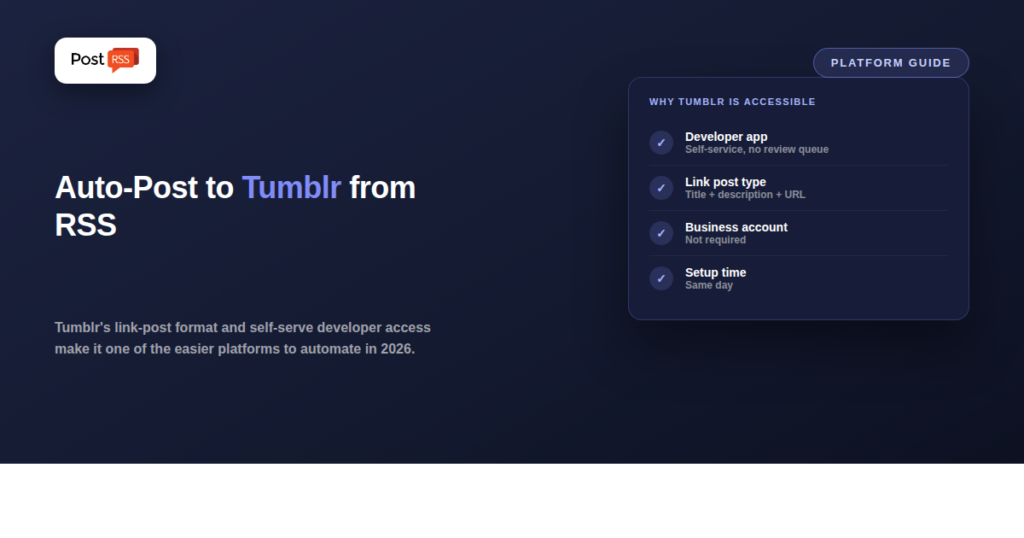
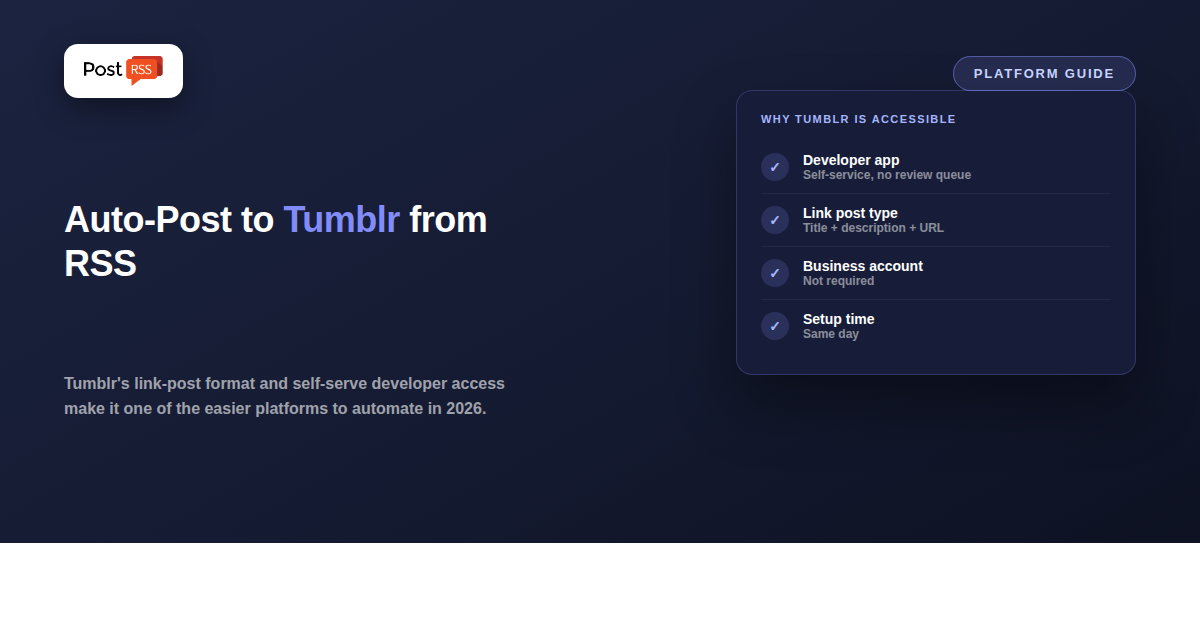
Posting to Tumblr programmatically requires registering an application at Tumblr’s developer portal to get an OAuth consumer key and secret — a self-service form, not a business-verification review queue. Once that’s done, the API supports several post types: text, photo, link, quote, and chat. The “link” post type — a URL, a title, and a description — maps almost exactly onto what an RSS feed item already contains, which is the same reason link-post-friendly platforms like Facebook and X are easy to automate.
A handful of tools already support this route. IFTTT has a long-standing “new RSS feed item posts to Tumblr” applet, one of its oldest and most-used RSS integrations. Zapier supports Tumblr as an action step, so a “new item in RSS feed” trigger can create a Tumblr post automatically. dlvr.it has historically listed Tumblr as a supported destination for RSS-sourced auto-posting as well. None of these require anything close to the weeks-long review process that gates Instagram or TikTok.
| Requirement | Tumblr | Bluesky | |
|---|---|---|---|
| Business/Creator account required | No | No | Yes |
| Access method | Self-service developer app (OAuth) | App passwords, no app registration | Standard app review |
| Native link + title + description post type | Yes (Link post) | Yes (text + auto link card) | No |
| Time to first automated post | Same day, once app is registered | Minutes | Same-day, once account type is set |
PostRSS supports Tumblr, and it is one of the cheaper networks to reach: Tumblr is included from the Start plan at $5/month, together with Discord, Matrix and webhooks. You do not need the top tier for it, and you do not need IFTTT or Zapier in the middle.
That matters for cost. Routing a feed to Tumblr through a general automation platform means paying for that platform’s task quota on top of whatever else you use, and it adds a second place where the connection can break. A dedicated RSS tool removes the middle layer. PostRSS does one thing — RSS auto-posting — but to 66 networks, and Tumblr has been one of them for some time.
Full limits per tier are on the pricing page, and the complete network list is on the supported networks page.
Tumblr’s overall reach has shrunk since its mid-2010s peak, but it retains a genuinely engaged niche audience — fandom communities, art and design blogs, and a resurgence of interest tied to broader platform migration away from algorithm-heavy feeds toward chronological, tag-browsable ones. If your content already fits that kind of audience (visual, tag-driven, community-specific), the low setup cost of Tumblr automation makes it worth testing even without a large existing following there.
No — those tools already maintain their own registered Tumblr apps. You only connect your Tumblr account to the tool via a standard login; the developer-app registration step is only necessary if you’re building a custom integration yourself.
Most RSS-to-Tumblr tools use the “link” post type, which pairs a title and description with the source URL — functionally similar to how a link preview card behaves on Facebook or X.
Some tools support pulling a feed item’s featured image into a Tumblr photo post, though support varies by tool; a link post with title, description, and URL is the more universally supported mapping.
Tumblr is included from the Start plan at $5 per month, along with Discord, Matrix and webhooks. The Free plan covers a Facebook Page, Telegram, Bluesky or Mastodon only, so Tumblr starts on the $5 Start plan. Every plan above Start includes it too.
The underlying mechanism is comparable — a feed poll triggers a link-post creation via API — but fewer general-purpose automation tools actively maintain Tumblr integrations compared to the largest platforms, so it’s worth testing your specific tool’s Tumblr connection before relying on it for anything time-sensitive.
Tumblr’s link-post format and self-service developer access make it a low-friction platform to automate from an RSS feed — closer to Bluesky’s openness than to Meta’s verification gauntlet.
IFTTT and Zapier both cover it, and if you already pay for one of them, adding a Tumblr applet is the path of least resistance. If you would rather not route your feed through a general-purpose automation platform, PostRSS posts to Tumblr directly from the $5 Start plan, and from the $10 Professional plan the same feed can also go to Facebook, VKontakte, Pinterest and Discord. Tumblr is a quieter network than it was a decade ago, but it still indexes well and costs nothing extra once the plan covers it, so it is usually worth switching on and measuring.
What changed in the networks, what broke, and how to fix it before it costs you reach.
Built by Internet Solutions, the team behind PostRSS. Each product saves you time in its own way.
 English
 Lietuviškai
 Deutsch
 Français
 Русский
 Español
 Polski
 Italiano
 Українська
 Čeština
 Português
 日本語
日本語 Latviešu valoda
 Eesti
Eesti Magyar
 Bahasa Indonesia
 Türkçe
 हिन्दी
 Ελληνικά
 العربية
 ไทย
ไทย Tiếng Việt
 Română
 Bahasa Melayu
 বাংলা
বাংলা