Most “best social media tools” roundups compare features first and price as an afterthought — a small line at the bottom of a table, usually rounded up or quietly excluding the cheapest tier. If you’re a solo creator, a small business, or anyone automating posts on a tight budget, that’s backwards. Price is often the deciding factor, and the difference between a $5/month plan and a $79/month plan rarely comes down to whether posts actually go out — it comes down to how many accounts you can connect and how polished the dashboard looks.
We pulled entry-level pricing directly from the official pricing pages of ten auto-posting and social media scheduling tools — the same tools we’ve already compared feature-by-feature against PostRSS in our PostRSS vs series — and ranked them from cheapest to most expensive. If your only requirement is “get my content posted automatically without paying a fortune,” this is the list to work from.
This isn’t a features-first roundup padded with a pricing footnote. It’s the opposite: we started from price and worked backward, so every entry below earns its spot on the list because of what it costs, not because of how many logos are on its integrations page. That matters if you’re a solo blogger, a small local business, a one-person marketing team, or anyone else for whom $10 or $20 a month is a real, meaningful difference — not a rounding error on an annual budget.
Two rules kept this list honest:
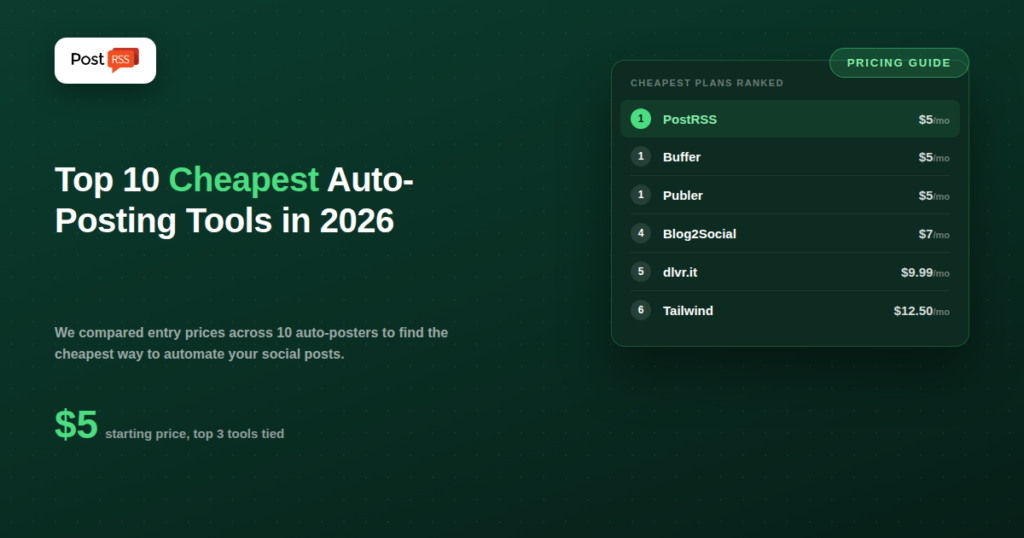
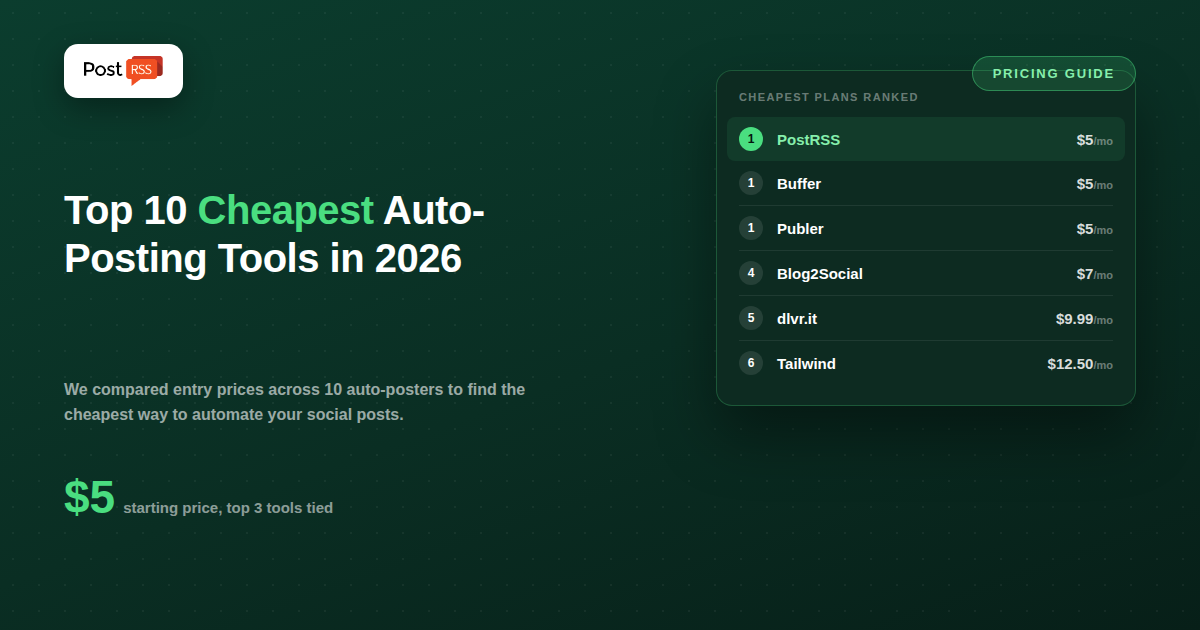
| # | Tool | Cheapest Paid Plan | Price/Month |
|---|---|---|---|
| 1 | PostRSS | Start | $5 |
| 1 | Buffer | Essentials | $5 |
| 1 | Publer | Professional | $5 |
| 4 | Blog2Social | Basic (paid) | $7 |
| 5 | dlvr.it | Starter | $9.99 |
| 6 | Tailwind | Pro | $12.50 |
| 7 | Zoho Social | Standard | $15 |
| 7 | Missinglettr | Solo | $15 |
| 9 | Metricool | Starter | $18 |
| 10 | CoSchedule | Individual | $19 |
Prices reflect publicly listed monthly rates at the time of writing and are subject to change — always confirm current pricing on the provider’s own site before subscribing.
PostRSS’s Start plan is $5/month for one target (one connected page) and 500 posting tasks per month, checking your RSS feed every 5 minutes. Unlike most tools on this list, PostRSS isn’t a manual scheduler — you don’t write and queue individual posts. You point it at your site’s RSS feed once, and every new post you publish gets pushed out automatically. For a single Facebook page, blog, or news site that just needs to stop manually cross-posting every update, it’s hard to beat at this price. There’s also a genuinely free tier (1 target, 10 tasks/month) if you want to test the setup before paying anything.
Buffer’s Essentials plan is priced per social channel, starting at $5/month. It covers straightforward scheduling and publishing to one connected account, with a fair-use cap of roughly 5,000 queued posts per channel — effectively unlimited for almost any real-world posting volume. The catch is that the price multiplies with each additional channel, so Buffer stays cheap only if you’re managing a small number of accounts.
Publer’s Professional plan starts at $5/month for a single connected account, with scheduling, a content calendar, and basic analytics. It also has one of the more usable free plans in this category (3 accounts, 10 scheduled posts), which makes it a reasonable option to trial before paying. The Professional tier caps out around 500 published posts per month, which is plenty for most solo accounts but worth checking if you post at high volume.
Blog2Social is a WordPress plugin at its core, built specifically to cross-post blog content to social networks directly from your WP dashboard. Its paid plan starts around $7/month and adds auto-posting, more networks, and scheduling on top of the free plugin’s manual sharing. It’s a strong fit if your content already lives on WordPress and you want posting handled from inside wp-admin rather than a separate app.
dlvr.it is one of the older names in the RSS-to-social space, and its Starter plan at $9.99/month covers automated feed-based posting to a modest number of accounts. There’s also a free plan capped at a small daily posting volume. dlvr.it’s pricing scales up quickly on higher tiers if you need more routes or accounts, so it’s most cost-effective for a single site with a handful of destinations.
Tailwind built its reputation as a Pinterest-first scheduler and later expanded into Instagram and Facebook. Its Pro plan starts at $12.50/month and includes a free forever tier capped at 5 posts per month for testing. If your content is visual and Pinterest is a priority channel, Tailwind’s scheduling intelligence (recommended posting times, hashtag tools) is more specialized than most general auto-posters on this list.
Zoho Social’s Standard plan starts around $15/month and covers core scheduling and publishing for a small number of channels, with the advantage of integrating cleanly if you already use other Zoho products (CRM, Zoho One, etc.). Outside the Zoho ecosystem, it’s a competent but unremarkable scheduler at this price point.
Missinglettr’s Solo plan starts at $15/month and is built around a specific workflow: turning a single blog post into a “drip campaign” of social posts spread out over months, rather than one-and-done publishing. If your content strategy leans on repurposing evergreen posts repeatedly, this is a more specialized (and pricier per-post) option than a straight auto-poster.
Metricool’s Starter plan is $18/month (billed annually) and unlocks unlimited publishing across up to 10 brands, along with reporting and analytics. Its free plan is capped at 50 posts/month for one brand, which is enough to properly evaluate the tool before paying. Metricool leans more toward analytics-heavy teams than pure automation.
CoSchedule’s Individual plan starts around $19/month per user and centers on a marketing calendar rather than pure auto-posting — useful if you’re coordinating content across a team and want scheduling tied to a broader marketing workflow, less useful if all you need is “publish this automatically.”
The advertised price on a pricing page rarely tells the whole story. Before you commit to the cheapest plan you can find, check for these common catches:
Price alone doesn’t answer “which tool is right for me” — the mechanism behind the price does. A quick way to narrow it down:
Price per month is only half the picture. A $5 plan that gives you 500 posting actions is a very different deal from a $5 plan that gives you 5,000 — and several of the tools above describe their limits as “unlimited” without publishing an actual number, which makes direct comparison hard. We broke down exactly how many posting tasks each of these ten tools gives you at their cheapest tier in a companion piece: Cheapest Auto-Posters: Posting Tasks Per Month Compared. If price-per-post matters as much as price-per-month to you, that’s the more useful number to check next.
Not necessarily. Price only tells you what you’ll pay — it doesn’t tell you how many posts you can actually publish, how many accounts you can connect, or whether the tool fits your actual workflow (manual scheduling calendar vs. hands-off RSS automation). Match the tool’s core mechanism to what you actually need before optimizing for price alone.
Yes — PostRSS, Buffer, Publer, Tailwind, dlvr.it, and Metricool all offer some form of free tier, though each caps either the number of accounts, the number of posts, or both. They’re useful for testing a tool’s interface and reliability before committing to a paid plan, but none are built for serious ongoing use at scale.
This list is limited to tools we’ve directly benchmarked against PostRSS in feature-by-feature comparisons, so the pricing context is consistent and verifiable. If a tool you use isn’t listed, check its official pricing page directly — pricing across this category changes often.
Usually, yes. Entry-level plans on almost every tool in this list restrict either the number of connected accounts, the number of supported platforms, or both. If you need to post to five networks at once, check the platform list on the specific plan you’re pricing out, not just the tool’s homepage.
Rarely, unless you have a specific team or reporting need that a cheap plan can’t meet. Every tool above the $19/month mark in this category tends to add team seats, deeper analytics, approval workflows, or more connected brands — features that matter once you’re managing content for clients or a larger team, but add little value for a single creator or small business publishing to a handful of accounts.
At the very bottom of the market, PostRSS, Buffer, and Publer are effectively tied at $5/month for a basic single-account setup — but they solve different problems. Buffer and Publer are manual-first schedulers: you write, queue, and approve every post yourself. PostRSS is automation-first: connect your RSS feed once, and every new post goes out without you touching a dashboard again. If your goal is genuinely hands-off publishing rather than a nicer place to schedule posts manually, that distinction matters more than the identical price tag.