HTTP Status Codes
Understanding HTTP status codes is essential for diagnosing why an RSS feed suddenly stops updating on social media. This tag covers what codes like 200, 301, 304, 403, 404, 429, and 500 actually mean when an auto-posting tool fetches your feed, how caching headers like ETag interact with them, and practical steps for diagnosing and fixing the ones that silently break automation. Start here if your auto-posting has stopped working and you're not sure why. The one people misread most often is 304, which means nothing has changed and is exactly what you want to see. 403 and 429 are the two worth acting on, since both mean your server is refusing the tool that reads your feed.
Updated: 2026-10-01
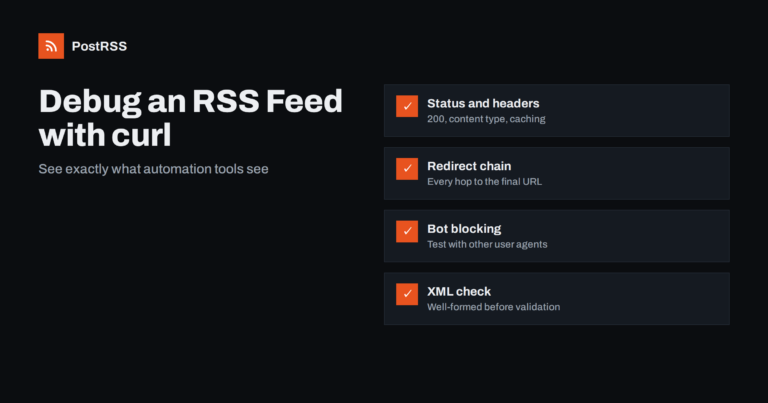
Short answer: When an RSS feed works in your browser but fails in a reader or an auto-posting tool, use curl to see what a serv...
Read more » 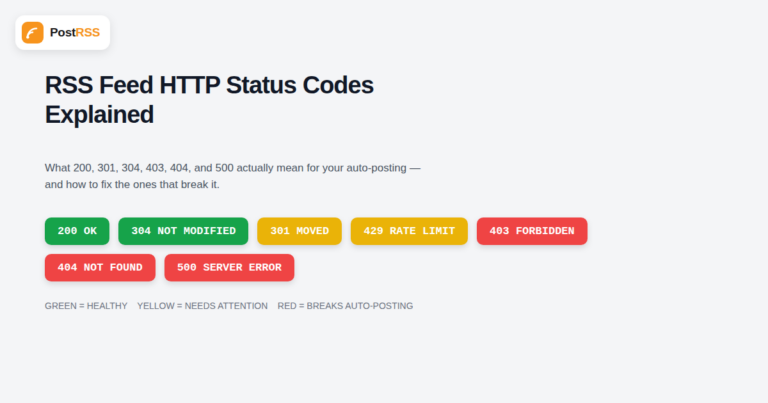
Updated: 2026-09-29
When an RSS feed stops updating on a social account, the actual cause is almost always sitting in an HTTP response header that ...
Read more »  English
 Lietuviškai
 Deutsch
 Français
 Русский
 Español
 Polski
 Italiano
 Українська
 Čeština
 Português
 日本語
日本語 Latviešu valoda
 Eesti
Eesti Magyar
 Bahasa Indonesia
 Türkçe
 हिन्दी
 Ελληνικά
 العربية
 ไทย
ไทย Tiếng Việt
 Română
 Bahasa Melayu
 বাংলা
বাংলা