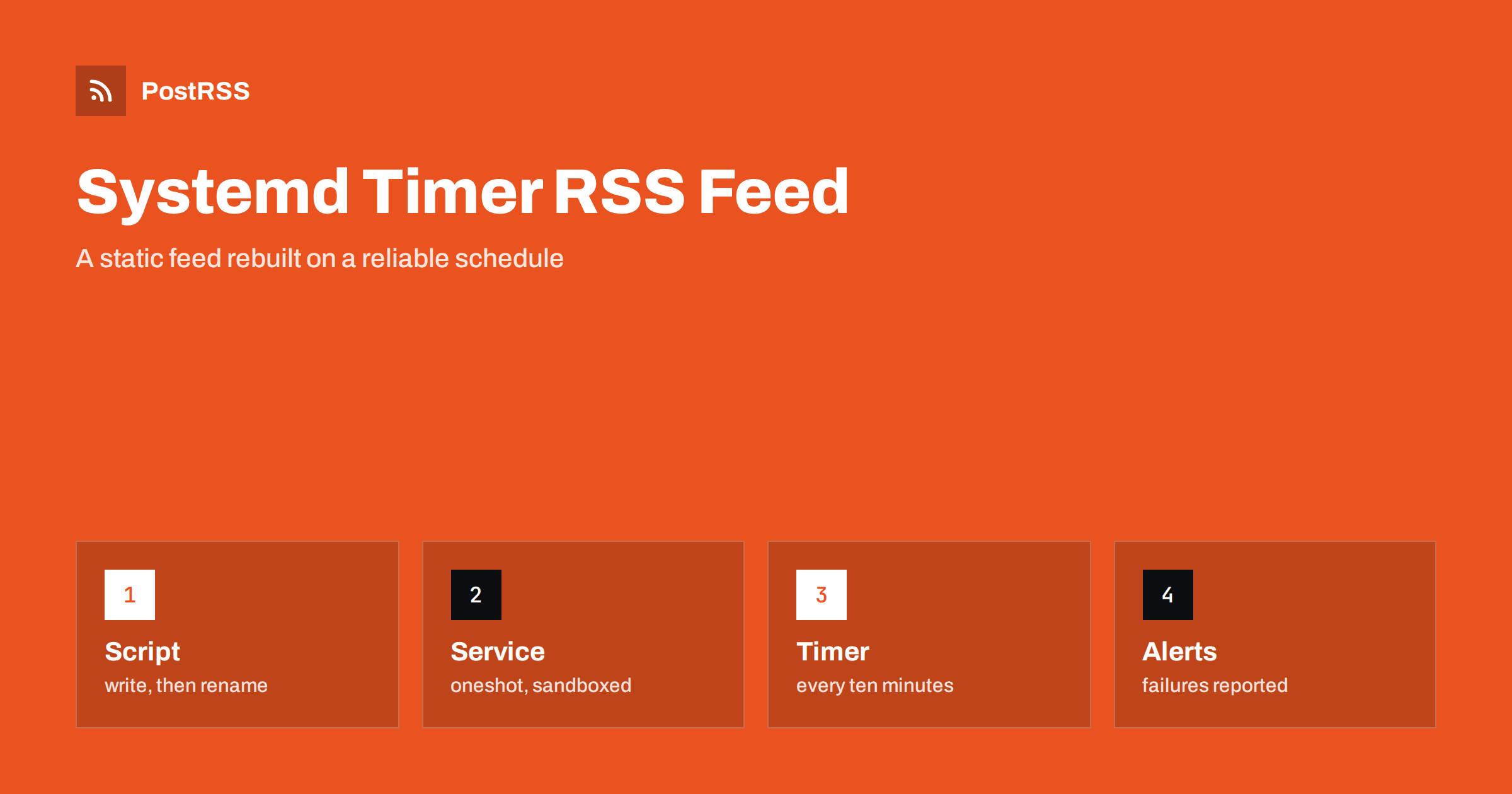
Short answer: A systemd timer is a sturdy way to regenerate a static RSS feed on a schedule. Write a small script that builds the XML into a temporary file and renames it into place, run it from a oneshot service unit with a dedicated user and a locked-down file system, trigger it with a timer unit that runs every few minutes and catches up after a reboot, send failures to a notification unit and read the results in the journal. Serve the finished file with any web server, check the headers with curl and then connect the address to an auto-poster so that every new article reaches your social channels.
Many sites do not need a live application to produce a feed. A static site generator, a script that reads a database, a job that pulls entries from a folder of Markdown files or a tool that merges several sources can all write a file called feed.xml, and a web server can deliver it faster and more safely than any dynamic code. The question is how to run the generator reliably. Cron is the classic answer and it works, as described in the guide to a static feed with a cron script, but on modern Linux servers systemd offers a better set of tools: it records the output of every run, it can run a job missed during downtime, it limits what the job may touch and it can report failures. This guide shows a complete set-up in plain steps, explains each setting and lists the mistakes that cause a feed to go stale without anyone noticing.
Both run commands on a schedule, but a timer has several advantages for a feed. Logs go to the journal without any redirection, so you can see the time, the output and the exit code of each run. A timer can be told to run once after a missed schedule, which helps when a server was off at the planned time. It can add a random delay so that many servers do not hit the same source at the same second. It runs a service unit, which can use sandboxing options that cron lacks. And the status of every timer is visible with one command, which makes it easy to check that the feed is still being built. Cron remains fine for a single machine with simple needs, but if you already use systemd, the timer is a natural step up.
| Feature | Cron | Systemd timer |
|---|---|---|
| Logs | Mail or a redirect you write | Journal, with time and exit code |
| Missed runs | Skipped | Can run once after a reboot |
| Sandboxing | None | Many options in the unit |
| Failure handling | Manual | Can start a notification unit |
| Status overview | Read the crontab | One list of timers and next runs |
The script has one important job beyond building the XML: it must replace the old file in one step. If a reader fetches the file while it is being written, it sees half a document, and a broken feed can make an auto-poster fail or skip items. Write to a temporary file in the same folder and rename it, because a rename on the same file system is atomic.
#!/usr/bin/env python3
import os, tempfile
from build import render_feed   # your own function that returns the XML text

OUT = "/var/www/example.com/public/feed.xml"

def main():
    xml = render_feed()
    if "<item>" not in xml:
        raise SystemExit("no items, keeping the old feed")
    fd, tmp = tempfile.mkstemp(dir=os.path.dirname(OUT), suffix=".tmp")
    with os.fdopen(fd, "w", encoding="utf-8") as f:
        f.write(xml)
    os.chmod(tmp, 0o644)
    os.replace(tmp, OUT)

main()
The check for at least one item is a simple safety net. If a source is unreachable and the generator produces an empty feed, the script stops and the previous file stays in place. A feed with no items looks valid to a validator, but an auto-poster that reads it will see nothing, and a reader may think that the site has stopped publishing. If your feed is built from a database or from files, the same guard applies: fail loudly and keep the last good version.
The service describes what to run and with which rights. A oneshot service starts, does its work and exits, which is what a generator does.
[Unit]
Description=Generate the RSS feed for example.com
OnFailure=feed-failure-notify.service

[Service]
Type=oneshot
User=feedgen
Group=feedgen
ExecStart=/usr/local/bin/generate_feed.py
TimeoutStartSec=120
NoNewPrivileges=true
PrivateTmp=true
ProtectSystem=strict
ProtectHome=true
ReadWritePaths=/var/www/example.com/public
Save it as /etc/systemd/system/feed-generate.service. A dedicated user keeps the job away from other data. The protection options give it read-only access to the system and write access to only the folder that holds the feed, which limits the damage if the script or one of its libraries is ever abused. The timeout stops a hung job from running for hours. The failure line names a unit that is started when the service fails. If your temporary files are written next to the feed, as in the script above, the folder in the write list covers them.
The timer decides when the service starts. A schedule of every ten minutes is a reasonable default for a site that publishes a few times a day, and you can make it shorter if you need new items to appear faster.
[Unit]
Description=Run the feed generator every ten minutes

[Timer]
OnCalendar=*:0/10
RandomizedDelaySec=30
Persistent=true

[Install]
WantedBy=timers.target
Save it as /etc/systemd/system/feed-generate.timer. The calendar expression means every ten minutes, on the hour and at ten, twenty, thirty, forty and fifty past. The random delay spreads the start by up to thirty seconds. The persistent setting makes systemd run the job once at boot if a run was missed while the machine was off. You can check how a schedule will behave before you use it.
systemd-analyze calendar "*:0/10"The command prints the normalised form and the next time the schedule will fire, which is a quick way to catch a mistake in the expression.
sudo systemctl daemon-reload
sudo systemctl enable --now feed-generate.timer
systemctl list-timers feed-generate.timer
sudo systemctl start feed-generate.service
journalctl -u feed-generate.service -n 20 --no-pager
The first command makes systemd read the new files. The second enables the timer at boot and starts it now. The third shows when the timer last ran and when it will run next. The fourth runs the generator once by hand, which is the best way to test a change, and the last prints the latest log lines. If the service fails, the journal shows the error and the exit code. Get into the habit of starting the service by hand after every change to the script, and watch the log.
The worst failure of a generator is a silent one. The script breaks, the old file stays in place and nobody notices for days, because the feed still looks fine. The failure line in the service starts a second unit, and that unit can do whatever you like: send a message to a chat channel, write a line to a monitoring file or call a webhook.
[Unit]
Description=Notify about a feed generator failure

[Service]
Type=oneshot
ExecStart=/usr/local/bin/notify.sh "Feed generation failed on example.com"
The notification script can be a few lines that call the webhook of a team chat or send an email. A second line of defence is a check that compares the date of the newest item in the feed with the time, and warns when no new item appeared for longer than your normal publishing gap. That catches problems the unit cannot see, such as a source that has been silent. Both ideas fit the larger picture of reliability that is described in the guide to automation uptime and reliability.
A static feed is served by the web server like any file, but a few settings matter. The type should be the RSS type with a UTF-8 charset, as explained in the guide to the content type header. The server should send validators, so that tools can ask whether the feed changed and receive a 304 answer, as described in the guide to ETags and conditional requests. A cache lifetime a little shorter than the timer interval keeps content delivery networks from holding the file longer than needed, and compression reduces the size of every answer, as covered in the feed compression guide.
The delay between publishing an article and its appearance in the feed is the sum of several waits: the time until the next timer run, the time the file stays in a cache and the time until the auto-poster checks the feed again. A timer every ten minutes and a cache of five minutes can leave a new article invisible for fifteen minutes. If that is too long, shorten the timer, trigger the generator from your publishing step with a command to start the service, and keep the cache lifetime short. The service can be started on demand without waiting for the timer, which gives you the best of both: a regular schedule as a safety net and an immediate update when an editor publishes. The effect of layers on delay is explained in why auto-posted content sometimes lags.
curl -sI https://example.com/feed.xml
curl -s https://example.com/feed.xml | head -20
curl -sI -H 'If-None-Match: paste-the-etag-here' https://example.com/feed.xmlA longer routine is in the feed validation guide, and a shorter one in debugging a feed with curl.
PostRSS has been publishing RSS and Atom feeds to social networks since 2014. Paste the address of your feed, connect your accounts and choose how each post is built from the title, the description or the page title. PostRSS checks the feed as often as every minute and shares each new entry, with its image and link, to the channels you choose among 66 supported networks, messengers, team chats and blogs, including LinkedIn, X, Bluesky, Mastodon and Telegram. Keyword filters, UTM parameters and posting windows let you tune each channel. See the PostRSS features page and the plan limits on the pricing page. More developer guides are under the Technical Guide tag.
A systemd timer gives a static feed a dependable heartbeat. Write a generator that builds into a temporary file and renames it, refuse to replace a good feed with an empty one, run it from a oneshot service with a dedicated user and a locked-down file system, schedule it with a timer that catches up after downtime, send failures to a notification unit and read the journal when something looks wrong. Serve the file with the right headers, test it from outside and then connect the address to an auto-poster, so that every article you publish reaches your social channels without surprises.
Every five to fifteen minutes suits most sites. If you need a new article in the feed at once, start the service from your publishing step and keep the timer as a safety net.
It makes systemd run the job once after a boot if a scheduled run was missed while the machine was off, so the feed catches up without waiting for the next slot.
A rename on the same file system is atomic, so readers see either the old complete file or the new complete file, and never a half-written document.
Use a failure unit that sends a message, and add a check that warns when the newest item in the feed is older than your normal publishing gap. Look at the journal for details.
Yes. PostRSS reads any valid RSS or Atom address that is reachable without a login. Paste the address, connect your channels and new articles are shared as soon as they appear.
What changed in the networks, what broke, and how to fix it before it costs you reach.
Built by Internet Solutions, the team behind PostRSS. Each product saves you time in its own way.
 English
 Lietuviškai
 Deutsch
 Français
 Русский
 Español
 Polski
 Italiano
 Українська
 Čeština
 Português
 日本語
 Latviešu valoda
 Eesti
 Magyar
 Bahasa Indonesia
 Türkçe
 हिन्दी
 Ελληνικά
 العربية
 ไทย
 Tiếng Việt
 Română
 Bahasa Melayu
 বাংলা