Updated: 2026-09-27
Short answer: webhooks are instant but only work if the publisher supports them; API polling is structured but needs credentials and rate-limit handling; RSS is a scheduled pull that works on almost any site with nothing required from the publisher. For content distribution that trade-off favours RSS, which is why checking a feed every five minutes is the normal default rather than a compromise.
RSS, webhooks, and API polling all answer the same underlying question — “how does a tool know something new happened?” — but they answer it in fundamentally different ways. Understanding the difference explains why RSS-based automation behaves the way it does, and why it isn’t simply worse than the alternatives.
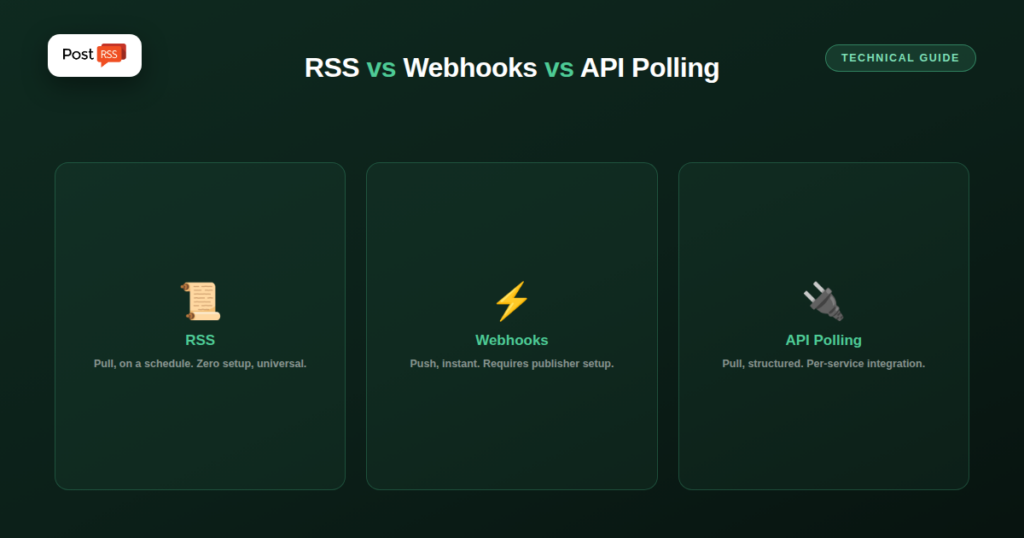
RSS is a pull mechanism: an automation tool periodically fetches your feed URL and checks whether anything new has appeared since last time. Nothing is pushed to the tool; it has to go looking, on whatever interval it’s configured to check. This makes RSS simple and universal — virtually every CMS produces one automatically, with zero setup on the publisher’s side — at the cost of a small, predictable delay between publishing and detection.
A webhook is the opposite mechanism: instead of being checked periodically, your site actively sends a notification the moment something happens, straight to a URL the receiving tool provided in advance. There’s no polling delay because there’s no polling — the publisher’s system triggers the notification itself. The tradeoff is setup complexity: webhooks require the publishing side to actively support and configure them, which most simple blogs and CMS platforms don’t offer without custom development.
API polling sits close to RSS in mechanism — it’s still a pull, checked on a schedule — but instead of a standardized feed format, it queries a platform-specific API endpoint for structured data. This is common for pulling data from a specific service (checking for new orders, new database rows, new messages) rather than for general content syndication, and it typically requires authentication and per-service integration work that RSS doesn’t.
For syndicating blog posts, podcast episodes, or articles specifically, RSS wins on the dimension that matters most for that use case: it requires zero setup from the publisher, works identically across virtually any CMS, and needs no authentication or custom integration to consume. Webhooks are genuinely faster, but only for publishers willing and able to configure them — a bar most personal blogs, small business sites, and even many larger publishers never clear. RSS’s small polling delay is a reasonable trade for that universality.
These mechanisms are not rivals inside one tool; each does a different job. PostRSS uses all three:
So the pipeline is pull at the start, push at the end, and an API on the side for anyone who wants to manage it from code.
A few practical rules of thumb:
See the features page for everything PostRSS does, and how often a feed should be checked for more on polling intervals.
Unlikely to fully replace it — webhooks require active setup on the publisher’s side, while RSS’s whole advantage is working automatically, out of the box, on virtually any site without anyone configuring anything.
It narrows the delay but doesn’t change the underlying mechanism — it’s still a pull, checked repeatedly, rather than a push triggered the instant something happens; the practical difference shrinks, but a small delay remains.
It requires the hosting platform or CMS to build and maintain that infrastructure specifically, whereas RSS generation is a long-solved, largely “free” default most platforms already ship with.
RSS, webhooks, and API polling all solve “how do I know something new happened,” but for general content syndication, RSS’s zero-setup universality outweighs the small polling delay that webhooks would eliminate at the cost of requiring active configuration most publishers never do.
What changed in the networks, what broke, and how to fix it before it costs you reach.
Built by Internet Solutions, the team behind PostRSS. Each product saves you time in its own way.
 English
 Lietuviškai
 Deutsch
 Français
 Русский
 Español
 Polski
 Italiano
 Українська
 Čeština
 Português
 日本語
日本語 Latviešu valoda
 Eesti
Eesti Magyar
 Bahasa Indonesia
 Türkçe
 हिन्दी
 Ελληνικά
 العربية
 ไทย
ไทย Tiếng Việt
 Română
 Bahasa Melayu
 বাংলা
বাংলা