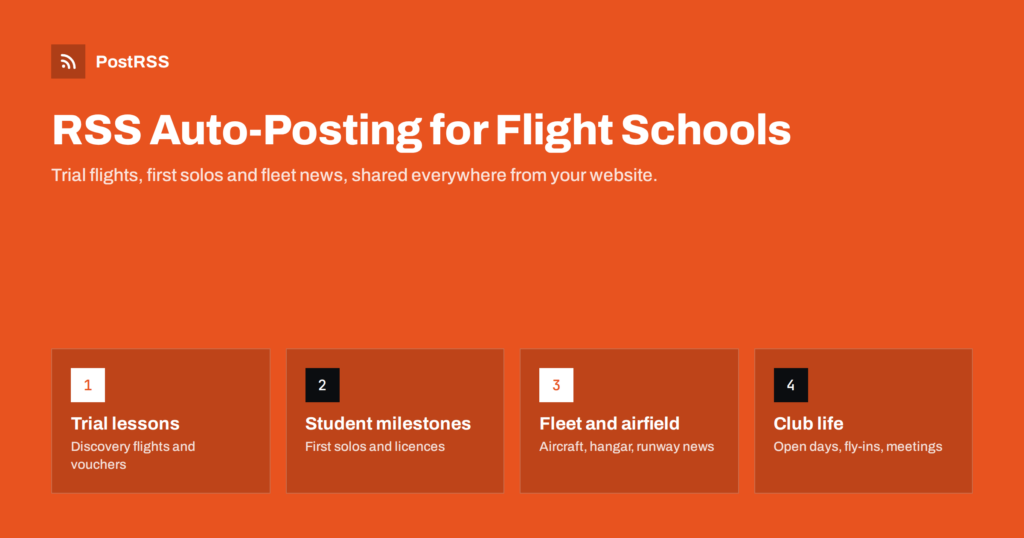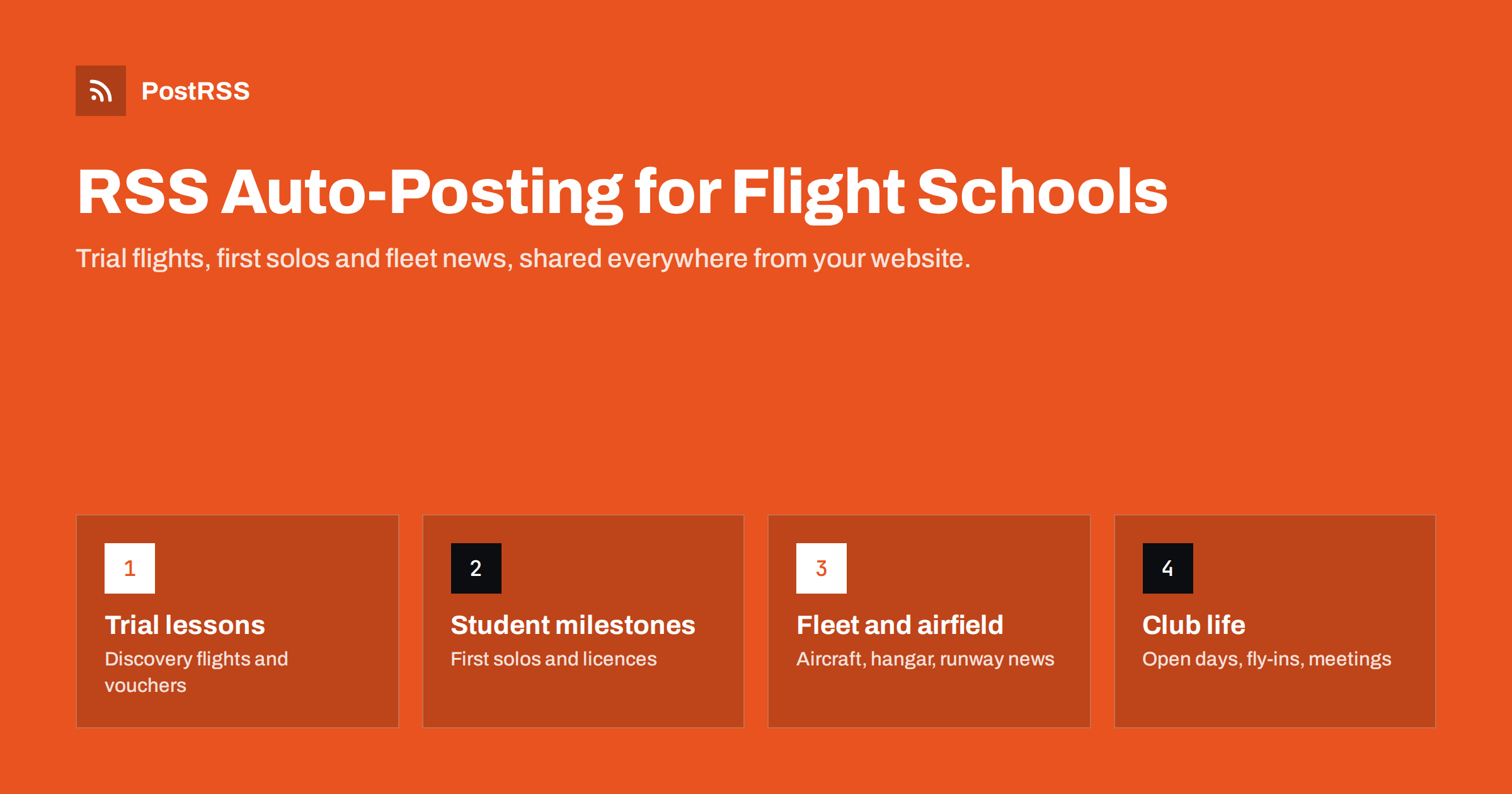
Short answer: A flight school, flying club or gliding club can publish trial lesson information, student milestones, fleet and airfield news, open days and ground school dates on its own website, and let an RSS auto-posting tool share each new post to Facebook, X, LinkedIn, Bluesky, Telegram, Discord and other channels automatically. Prospective students see an active, safety-minded organisation, members stay informed, and instructors spend their time flying rather than copying posts between apps.
Learning to fly is a big decision. It takes months or years, costs a significant amount of money, and involves trusting instructors and aircraft with your safety. Most people who contact a flight school have been thinking about it for a long time. Before they book a trial lesson, they read the school’s website, look at its social pages and try to answer a few questions: Is this school active? Are the aircraft well maintained? Do students actually finish their training? Is the atmosphere welcoming for beginners?
Recent, specific posts answer those questions better than any brochure. A photo of a student after their first solo, a note about a newly overhauled engine, a ground school evening, a club barbecue at the airfield: each one shows real activity and real people. A page whose last post is from two summers ago suggests the opposite, even if the school is busy.
At the same time, flight schools and clubs are usually small organisations. The chief flying instructor may also handle bookings, maintenance coordination and paperwork. In clubs, most roles are filled by volunteers. Social media easily slips down the list, especially in good flying weather, which is exactly when there is most to show.
There is also a practical benefit for the organisation. Many schools and clubs lose students between the trial flight and the first real lesson, or in the long middle of training when progress feels slow. Regular posts about other students’ milestones, new ground school sessions and club events remind people that others are on the same journey, which can help keep them motivated.
Aviation organisations usually speak to several groups at once:
One website, with a news section divided into a few categories, can serve all of them. RSS auto-posting then carries each update to the channels each group uses.
Each post can be short, with one or two good photos. The detail lives on the website, and the social posts point people to it.
If you are unsure where to start, write the answers to the ten questions prospective students ask most often, one post per question. “How long does it take to get a private licence?”, “Can I fly if I wear glasses?”, “What happens if the weather is bad on my trial flight?” Answer in general terms, link to the official requirements where rules apply, and invite people to contact you for their specific situation. These posts work as social content and as permanent reference pages that instructors can send to anyone who asks.
Many clubs post only in a Facebook group or a messaging chat. That works for members but hides everything from prospective students and search engines. Posts in a group are hard to find later, often invisible to non-members, and disappear if the group’s admin leaves.
When updates start on the website, you build a public record of the organisation’s activity. Someone searching for “trial flight” or “learn to glide” plus your town can find your pages. Explanations of training and costs, written once, keep answering questions for years. Social channels then become the distribution layer, and members’ chats can still receive the same updates automatically.
Most website platforms, such as WordPress, Squarespace or Wix, produce an RSS feed for the news or blog section without any setup. If you use categories such as “Training”, “Club news” and “Airfield notices”, many platforms produce a separate feed for each, which is useful for routing.
A clear website structure also helps volunteers. When everyone knows that news goes into one of three categories on the website, and that publishing there updates every channel, the club no longer depends on the one member who knows all the social media passwords.
/feed/ or /rss, or look for an RSS link.Aviation is visual. A good featured image, such as an aircraft on final approach, a student grinning in the cockpit or the airfield at sunset, makes people stop scrolling. Check that your website outputs that image in its social preview tags, and avoid images with small text that becomes unreadable on phones.
Consider the text as carefully as the image. Many tools build the post from the article title and the first lines. A title like “Sarah’s first solo on a perfect autumn evening” tells a story in one line, while “News update October” tells nothing. Start each article with a sentence that works on its own as a caption, and the automated posts will read naturally on every channel.
Not every update belongs in public. A note that one aircraft is grounded for maintenance matters to members but confuses prospective students. A committee meeting reminder is irrelevant to gift buyers. Simple routing solves this:
Operational information that affects flight safety, such as airfield restrictions, must always come from official sources and your normal briefing processes. Social posts can point pilots to those sources but should never replace them.
Flying is seasonal and weather-dependent, and your content can follow that rhythm. In many regions, interest in trial flights rises in spring, and vouchers are popular before holidays. Winter is often the time for ground school and theory courses. Posting voucher information a few weeks before the main gift seasons, and course announcements a month before they start, gives people time to act.
Weather also creates short-notice opportunities. A perfectly calm, clear weekend may prompt a post about last-minute trial flight slots. Those posts need to go out quickly, which is where a feed checked every few minutes helps: publish the note on the website and it reaches every channel almost immediately.
Posting windows help too. Many people plan leisure activities in the evening, so posts aimed at prospective students may do better then, while member updates can go out whenever they are published.
Finally, think about visiting pilots. Clubs that welcome visitors often see more fly-ins when upcoming events and practical arrival information are shared well in advance on channels where pilots look. A regular “events at the airfield” post, published a few weeks ahead, gives visitors time to plan, while the official arrival procedures remain in their proper place.
PostRSS is an RSS auto-posting service running since 2014. It checks your website feed every 5 minutes (every minute on Enterprise plans) and publishes each new item, with its image and link, to the networks you connect; the features page lists 66, including Facebook Pages, X, LinkedIn, Telegram, Discord, Bluesky, Mastodon and Threads, with Instagram listed as being tested.
One feed can go to several targets with different settings, keyword filters can include or exclude items, and hashtags can be generated from your post categories. Paid plans add posting windows and exact posting times. A free plan is available, and you can compare plans on the PostRSS pricing page.
People choose a flight school on trust, and trust grows from seeing a busy, careful, welcoming organisation. Publish trial lesson details, student milestones, fleet news and events on your website, route public and member content to the right channels, and let RSS auto-posting share every update automatically. Instructors keep flying, members stay informed, and future pilots see exactly what they are signing up for.
A Facebook Page often works well for reaching local prospective students and gift buyers, while a Telegram channel or Discord server suits members. Aviation enthusiasts are active on X, Bluesky and Mastodon. Start with two channels and add more when you can keep them active.
You can share general airfield news, but operational and safety information must come from official sources and your normal briefing processes. Use social posts to point pilots to those sources, not to replace them.
Yes, if the student agrees. These posts are popular and show that students progress, but always ask first and respect anyone who prefers not to appear online.
Use separate categories for member news and connect that feed only to the members’ channel, or use keyword filters to exclude member-only items from public channels. Test with one post before relying on the setup.
One or two posts a week is a realistic rhythm for many clubs and small schools. In busy seasons you may post more, and in winter ground school and maintenance stories keep channels active.
What changed in the networks, what broke, and how to fix it before it costs you reach.
 English
 Lietuviškai
 Deutsch
 Français
 Русский
 Español
 Polski
 Italiano
 Українська
 Čeština
 Português
 日本語
日本語 Latviešu valoda
 Eesti
Eesti Magyar
 Bahasa Indonesia
 Türkçe
 हिन्दी
 Ελληνικά
 العربية
 ไทย
ไทย Tiếng Việt
 Română
 Bahasa Melayu
 বাংলা
বাংলা