Updated: August 24, 2026
Once RSS automation is reliably posting to your Facebook Page, the natural next question is whether it's actually working — and Facebook's own Page Insights holds most of the answer, if you know which metrics actually matter and how to read them for automated content specifically. This guide covers the core Facebook metrics worth tracking, current 2026 benchmarks, and how to interpret them when the content behind the numbers was posted automatically rather than by hand.
There is a fuller setup walkthrough on our Facebook auto poster page.
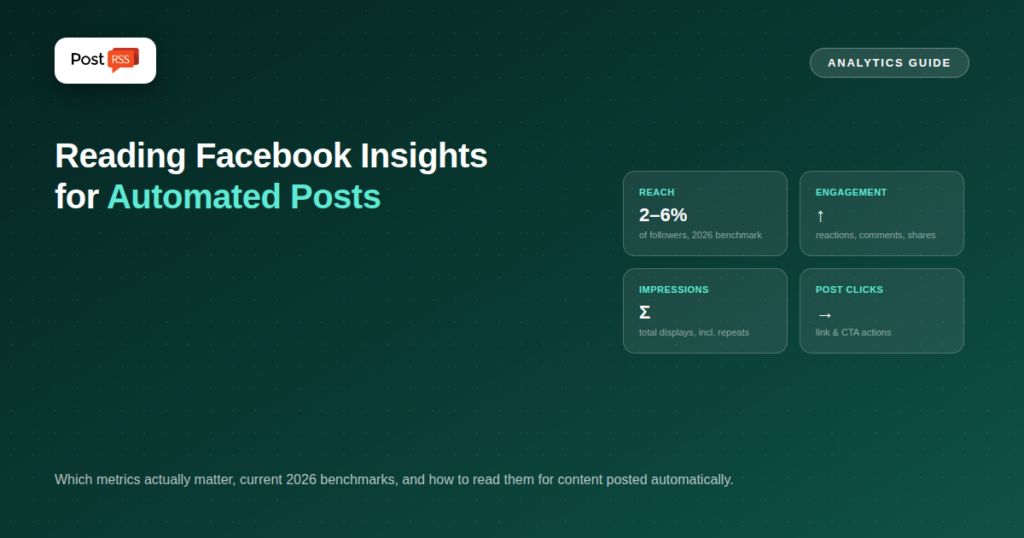
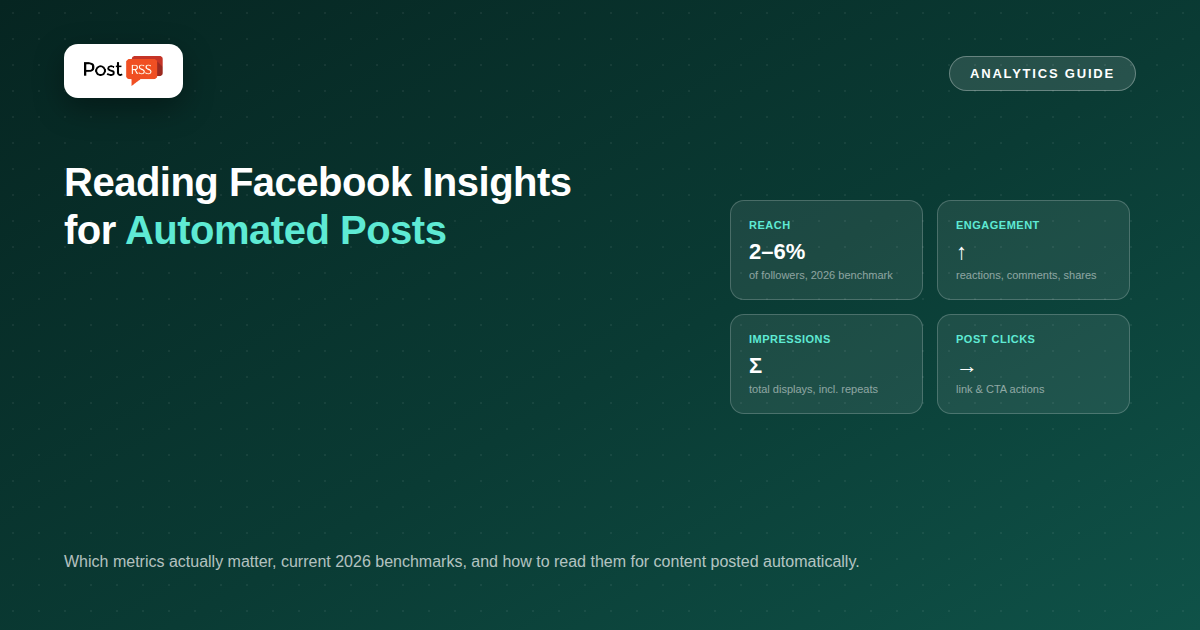
Facebook Page Insights surfaces a lot of numbers, but for automated posting specifically, four matter most:
Neither metric means much in isolation. High reach with low engagement means your content got in front of people but didn't land — worth investigating whether your post descriptions and images are compelling enough to earn a reaction. Modest reach with strong engagement often signals the opposite: content genuinely resonating with the people who saw it, which frequently leads to organic growth over time as engagement itself feeds back into future reach. For automated posts specifically, this pairing is a useful diagnostic: if reach is healthy but engagement consistently lags, the issue likely sits in how your RSS feed's titles and descriptions read as standalone social content, not in the automation mechanism itself.
Facebook Page Insights doesn't distinguish automated posts from manually created ones in its reporting — a post PostRSS published looks identical in Insights to one posted by hand, since it went through the same official posting mechanism. This means tracking automated-post performance specifically requires either checking posts you know were automated (using your PostRSS publishing history as a cross-reference) or simply reviewing your Page's overall performance trend, since if automation is running consistently, most of your recent posting history is automated content by definition.
The 2–6% organic reach range is a broad industry benchmark, not a target your specific Page must hit — actual performance varies significantly by industry, Page size, and content type. A more useful approach than chasing an external benchmark is establishing your own Page's baseline over your first month or two of consistent automated posting, then tracking whether that baseline improves, holds steady, or declines over subsequent months. Your own trend line, compared against itself, is more actionable than an industry-wide average that may not reflect your specific audience.
Facebook Page Insights measures on-platform behavior well but has real limits worth knowing. It won't tell you whether a click-through to your website actually converted into a sale or sign-up — that requires connecting Insights data to your own site analytics, typically through UTM-tagged links (see our guide on reading social performance beyond UTM links for the fuller picture). It also can't measure brand awareness or recall among people who saw your post but didn't click or react at all, a real effect that simply doesn't show up in click-based metrics.
If you have historical data from before you set up RSS automation, one of the most useful comparisons is a straightforward before-and-after: total posts published, total reach, and total engagement across a comparable time period before and after automation began. A team that sees posting volume increase substantially while reach and engagement scale roughly proportionally is seeing automation deliver exactly what it promises — more consistent output translating into more total visibility, without each individual post needing to outperform what a human was posting manually before.
A local restaurant's Page and a B2B software company's Page should genuinely expect different engagement patterns, even under identical posting consistency. Local, community-oriented Pages tend to see stronger reaction and comment engagement relative to reach, since neighbors and regulars actively participate in a way that feels personal. B2B Pages tend to see lower raw engagement rates but higher-value clicks, since a smaller, more qualified audience is more likely to click through with genuine purchase intent than to publicly react or comment. Neither pattern is better; judging a B2B Page's Insights against a local restaurant's benchmark (or vice versa) leads to the wrong conclusions about whether automation and content strategy are actually working.
Because PostRSS distributes your feed item's title and description essentially as written, Page Insights becomes a direct feedback loop for improving how you write that source content. If posts with specific, concrete titles consistently outperform vague ones in your monthly review, that's actionable signal worth applying to how future blog posts or announcements are titled — not a change to the automation itself, but a change to the habits feeding it. Over several months of consistent review, this feedback loop tends to measurably improve average post performance without any adjustment to the underlying distribution mechanism.
If you're already running Facebook Page automation through PostRSS, no additional setup is needed to start tracking these metrics — Page Insights is available natively inside Meta Business Suite for any Page you manage. See our setup guide if you haven't connected Facebook automation yet, and our companion piece on measuring performance beyond simple metrics for the broader measurement picture across all your automated platforms.
No — Insights doesn't distinguish posting method; cross-referencing against your PostRSS publishing history is the practical way to isolate automated-post performance specifically.
This varies significantly by industry and Page size; establishing your own Page's baseline over your first couple months of consistent posting is more useful than chasing a generic industry benchmark.
Not inherently — engagement depends on content quality (title, description, image), which automation distributes exactly as written; a well-crafted feed item performs comparably whether posted manually or automatically.
A monthly review is sufficient for most Pages; checking daily tends to overweight normal day-to-day noise rather than surfacing genuinely actionable trends.
Not necessarily — first check whether the underperformance traces back to how that content type's title and description are written; a template or format adjustment often fixes it without abandoning automation for that content type.
Facebook Page Insights and RSS automation solve two different halves of the same problem: automation guarantees your content actually reaches your Page consistently, while Insights tells you whether what's reaching your audience is actually landing. Reading both together — tracking reach and engagement trends monthly, cross-referencing against your publishing consistency, and adjusting how source content is written rather than distrusting the automation itself — turns Page Insights from a wall of numbers into an actual feedback loop for improving what you publish.
What changed in the networks, what broke, and how to fix it before it costs you reach.
Built by Internet Solutions, the team behind PostRSS. Each product saves you time in its own way.
 English
 Lietuviškai
 Deutsch
 Français
 Русский
 Español
 Polski
 Italiano
 Українська
 Čeština
 Português
 日本語
日本語 Latviešu valoda
 Eesti
Eesti Magyar
 Bahasa Indonesia
 Türkçe
 हिन्दी
 Ελληνικά
 العربية
 ไทย
ไทย Tiếng Việt
 Română
 Bahasa Melayu
 বাংলা
বাংলা