Updated: August 23, 2026
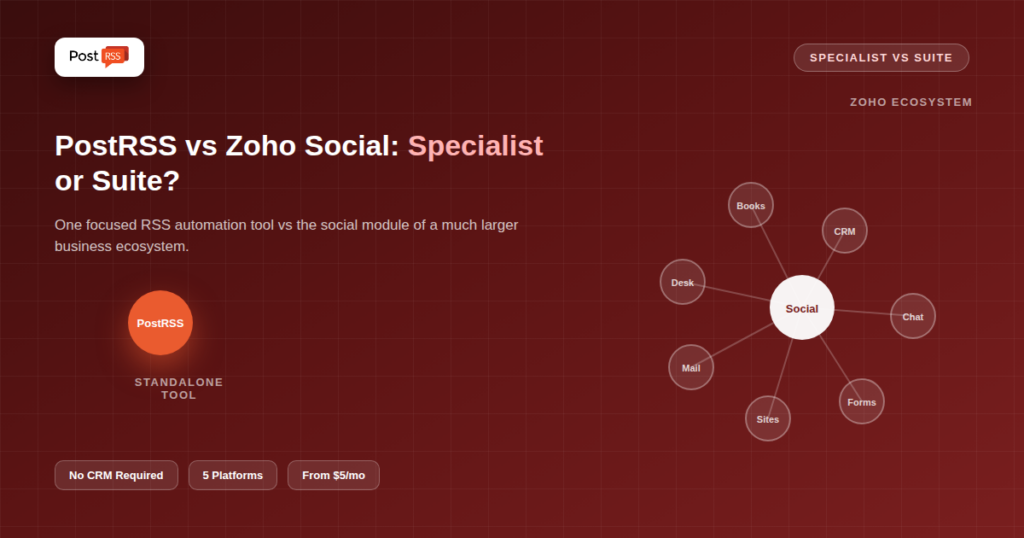
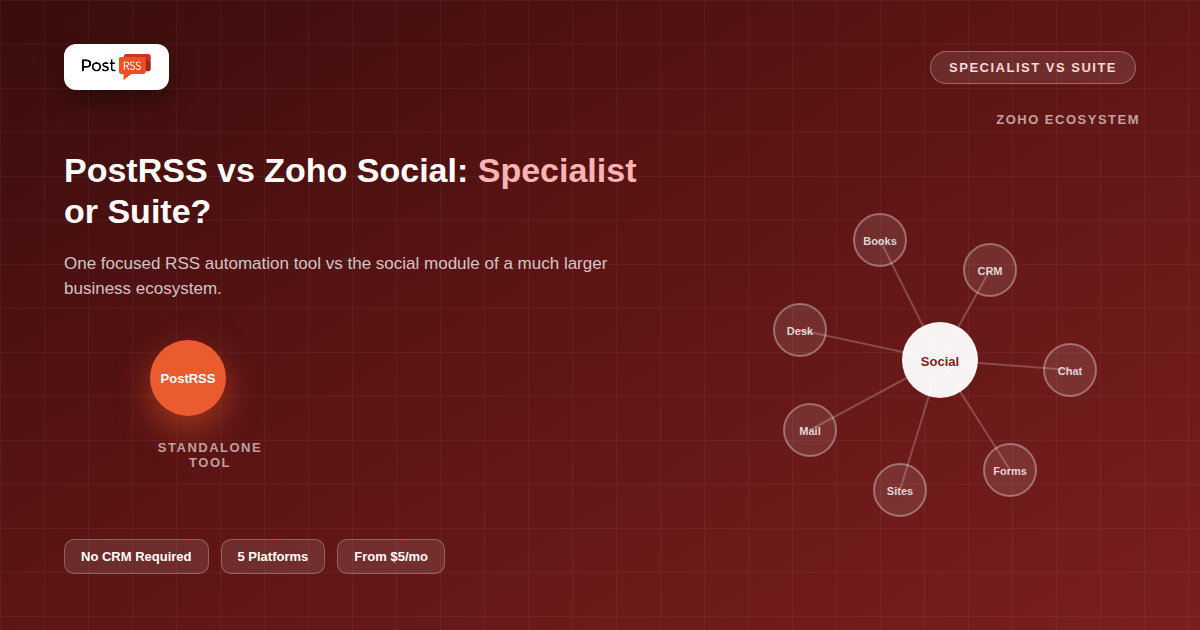
Zoho Social's biggest advantage isn't really a feature — it's an ecosystem. For businesses already running Zoho CRM, Zoho Books, Zoho Desk, or any of Zoho's other dozens of apps, Zoho Social slots in as the social media piece of a suite they're already paying for and already trust. RSS feed auto-posting is included on its mid-tier plans, alongside bulk scheduling, monitoring, and team collaboration tools. PostRSS isn't part of any suite — it's a standalone, focused RSS-to-social automation tool with no CRM, no help desk, no accounting attached. This comparison is really about two different questions: "what's the best RSS automation tool" versus "what fits into the software stack I already have."
Zoho Social is the social media management module of the broader Zoho One ecosystem, usable standalone or alongside other Zoho apps. Its mid-tier and higher plans include RSS feed functionality alongside bulk scheduling, a shared media library, repeat posting, a monitoring dashboard, and direct messaging management, plus AI credits for content assistance and support for around 12 connected channels. Because it's built by the same company behind Zoho CRM and dozens of other business tools, it's positioned less as a specialist automation tool and more as "the social piece of your business software."
PostRSS has no ecosystem to belong to — it's a single-purpose service that watches an RSS feed and automatically posts new items to 66 networks, including Facebook, X, LinkedIn, Pinterest, Threads, Bluesky, Mastodon, Telegram, Discord, Tumblr, VKontakte, Matrix, Webhook and Instapaper. There's no CRM integration, no help desk, no accounting module sitting alongside it, and no requirement that you use anything else from the same vendor. It's built to be the automation layer regardless of what CRM, accounting, or support software you already run.
| Capability | Zoho Social | PostRSS |
|---|---|---|
| RSS auto-posting | Included on mid-tier plans and above | The entire product |
| Part of a larger business suite | Yes — Zoho One ecosystem | No — standalone tool |
| CRM integration | Native, if using Zoho CRM | Not applicable |
| Monitoring dashboard | Included | Not included |
| AI content credits | Included | Not included |
| Platform reach | ~12 channels, including Instagram and Google Business Profile | 66 networks incl. Fediverse, Asian and team-chat platforms |
| Standalone pricing simplicity | Tiered around a broader feature bundle | Priced specifically around targets and posting volume |
This is the single most important factor in this specific comparison, more than any feature list. If your business already runs on Zoho — CRM, invoicing, help desk, all of it — adding Zoho Social means one login, one billing relationship, and data that can flow between modules (a lead in Zoho CRM connected to social engagement data, for instance). That integration value is real and hard to replicate with a standalone tool. If your business doesn't use Zoho for anything else, that advantage evaporates entirely — you'd be adopting an entire company's ecosystem positioning for just the social media piece, with no CRM or accounting benefit to show for it.
Because RSS auto-posting sits on Zoho Social's mid-tier plans as one feature among monitoring, messaging, and AI credits, it's built to be "good enough" within a broader toolset rather than the primary reason the product exists. PostRSS's entire engineering focus is the RSS-to-social pipeline specifically — check frequency, per-platform formatting, and reliability are the product, not a checkbox feature inside a bigger dashboard. For a business whose only real need is reliable RSS automation, that depth of focus tends to matter more than bundled extras that go unused.
Zoho Social's pricing is structured around its broader feature bundle, with RSS capability unlocked at the mid-tier — meaning you're paying for monitoring, AI credits, and multi-channel publishing whether or not you use all of it, in exchange for that RSS feature. PostRSS's pricing (free plan; paid from $5/month) is scoped narrowly to targets and posting volume, so you're only paying for the automation itself. See our full pricing breakdown for current PostRSS tiers, and check Zoho Social's own pricing page directly for their current mid-tier threshold where RSS unlocks.
Consider two small businesses of similar size. The first already runs its entire operation on Zoho — leads in Zoho CRM, invoices in Zoho Books, support tickets in Zoho Desk. For them, adding Zoho Social means their social engagement data can sit alongside customer records they already manage daily, and their team logs into one platform for nearly everything. The second business runs on a mix of tools from different vendors — a CRM from one company, accounting software from another, none of it Zoho. For them, Zoho Social would be an isolated island with no ecosystem benefit at all, just a social scheduler that happens to be made by a company they use for nothing else. Same product, same price, genuinely different value depending entirely on what's already in the stack.
Setting up RSS automation inside Zoho Social means navigating to its RSS feature within a broader dashboard that also surfaces monitoring, messaging, and content assistance tools — straightforward once you're oriented, but there's a wider interface to learn even if you only need the RSS piece. PostRSS's setup is scoped to exactly what it does: connect a feed, connect target accounts, done, with no adjacent modules to navigate around.
Ask one direct question: are you already a Zoho customer for anything else? If yes, and integration with your existing CRM or business tools has real value to your team, Zoho Social's ecosystem fit likely outweighs a narrower tool's focus advantage. If no — you're evaluating Zoho Social purely on its social media and RSS capabilities, with no other Zoho product in your stack — you're effectively comparing a suite-bundled feature against a tool built to do that one thing as well as possible, and the specialist tool tends to win that specific comparison.
Even setting the ecosystem question aside, Zoho Social's roughly 12-channel reach (including Instagram and Google Business Profile) covers ground PostRSS’s 66 networks don't. For a local business whose Google Business Profile presence matters as much as its Facebook page, or a brand built around Instagram content, that platform gap is worth weighing independently of any CRM integration question — it's a genuine capability difference, not just an ecosystem preference.
Every suite product makes the same implicit trade: broader coverage in exchange for depth on any single feature. Zoho Social's RSS auto-posting has to share engineering and design attention with monitoring, messaging, AI credits, and multi-channel publishing — all genuinely useful, all competing for the same product roadmap. PostRSS makes the opposite trade: everything goes into one capability, with nothing else to build, maintain, or split attention across. Neither trade-off is a flaw; they're simply different bets about what a buyer values more, and the right answer depends entirely on how much you'd actually use beyond the RSS piece.
If you're a Zoho customer considering PostRSS instead, the switch is straightforward on the social-posting side — connect your feed and social accounts to PostRSS, and stop relying on Zoho Social's RSS feature specifically, while keeping the rest of your Zoho stack (CRM, accounting, and so on) completely untouched. The two aren't mutually exclusive: nothing prevents using Zoho for CRM and other business functions while using PostRSS specifically for RSS-to-social distribution, if that combination suits your needs better than an all-Zoho stack.
No — it can be used standalone, though its value proposition strengthens considerably if you're also using other Zoho apps that it can share data with.
Based on Zoho's published plan structure, RSS functionality is included starting at their mid-tier plan rather than the entry tier — confirm current plan details directly on Zoho's pricing page, since plan structures can change.
Not technically — you can use Zoho Social on its own without adopting any other Zoho product, and you can stop using it at any time without affecting accounts elsewhere. The "lock-in" is more about workflow habit and data convenience than any contractual requirement.
Yes — PostRSS operates completely independently of any CRM. Using Zoho CRM for sales and customer data while using PostRSS for social distribution is a perfectly reasonable combination.
For a business starting from scratch with no CRM or business-suite commitments, PostRSS's narrower, cheaper, more focused RSS automation typically offers more direct value than adopting an entire ecosystem for one feature.
PostRSS is intentionally scoped to RSS-to-social automation alone, without CRM, accounting, or help-desk integrations — it's designed to sit alongside whatever business software stack you already use, rather than replace or connect to it directly.
No — Zoho CRM and Zoho Social are separate modules even within Zoho's own ecosystem. Discontinuing Zoho Social's RSS feature specifically has no effect on CRM records, contacts, or any other Zoho app you continue using.
Generally not, unless you'd genuinely use the CRM, accounting, or help-desk modules too. Adopting an entire business suite for one feature you could get from a $5/month specialist tool rarely makes sense on cost alone.
There's no universal winner here because the two products aren't really optimizing for the same buyer in the first place. Zoho Social's value is inseparable from the rest of the Zoho ecosystem around it; PostRSS's value is inseparable from being unbundled and focused. Judging one by the other's strengths — criticizing PostRSS for lacking a CRM integration, or Zoho Social for not being a pure-play automation specialist — misses what each was actually built to be.
This comparison isn't really "which tool has better RSS automation" — on that narrow question, a specialist tool built entirely around the task tends to go deeper than a suite feature bundled alongside a dozen other capabilities. The real question is whether you value that depth more than you value having your social media tool live inside the same ecosystem as the rest of your business software. Existing Zoho customers and everyone else will reasonably answer that differently, and both answers are legitimate depending on what the rest of your software stack actually looks like.
What changed in the networks, what broke, and how to fix it before it costs you reach.
Built by Internet Solutions, the team behind PostRSS. Each product saves you time in its own way.
 English
 Lietuviškai
 Deutsch
 Français
 Русский
 Español
 Polski
 Italiano
 Українська
 Čeština
 Português
 日本語
日本語 Latviešu valoda
 Eesti
Eesti Magyar
 Bahasa Indonesia
 Türkçe
 हिन्दी
 Ελληνικά
 العربية
 ไทย
ไทย Tiếng Việt
 Română
 Bahasa Melayu
 বাংলা
বাংলা