Updated: 2026-09-27
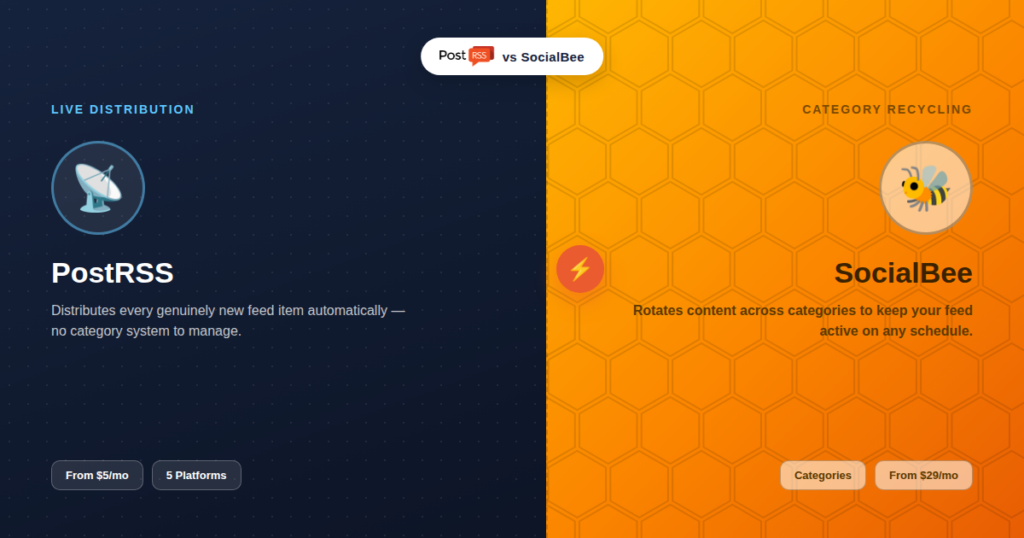
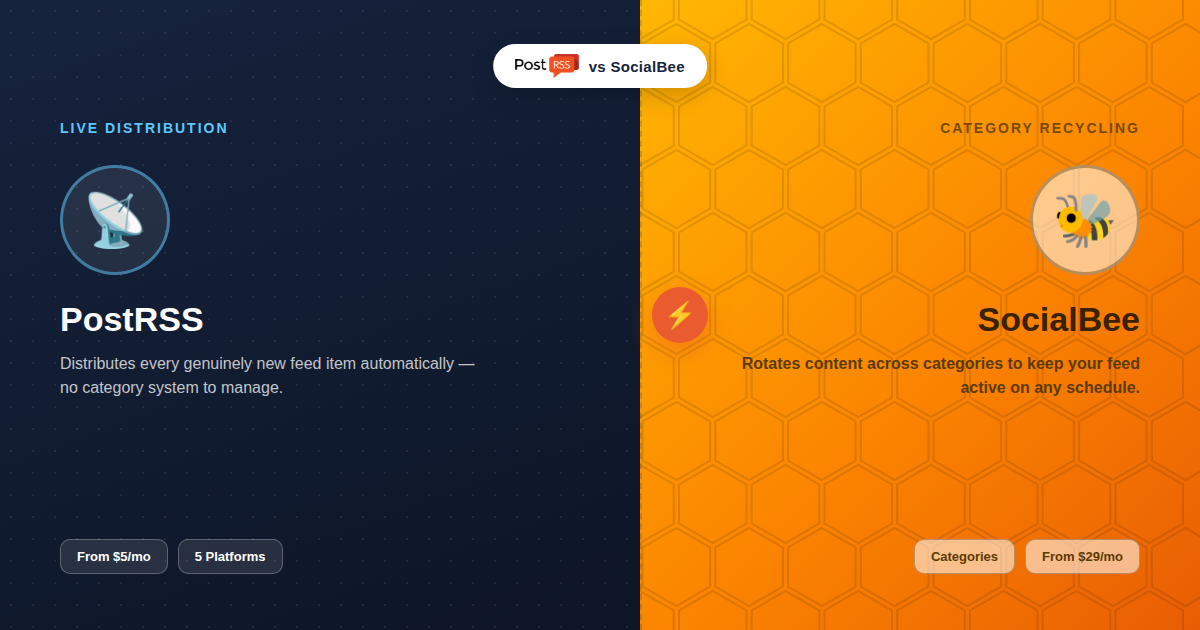
Short answer: choose PostRSS if the requirement is live distribution: new feed item, posted at once to up to 66 networks, free for one Facebook Page and all networks from $20/month. Choose SocialBee if you need a constant cadence between releases — its category-based evergreen recycling is built for that — or if Instagram or Google Business Profile have to be in the mix.
Updated: August 23, 2026
SocialBee has built a strong following around a specific idea: organize your content into categories, let it recycle and rotate on a schedule, and never run out of things to post. RSS auto-posting is one of the ways content gets into that system, alongside bulk CSV uploads and manual entries. PostRSS takes a narrower path — it exists specifically to turn your RSS feed into automatic social posts, without a categorization system or manual content library to manage, while still able to republish evergreen articles from your feed. Both are legitimate approaches to a similar underlying goal: keep your social presence active without doing it all by hand.
SocialBee is a content-management and scheduling platform built around "categories" — buckets of content (promotional, educational, curated, etc.) that you fill once, then let SocialBee rotate and recycle automatically on a schedule you define. On top of that core recycling engine, it offers RSS feed auto-posting (connect a blog's feed and its content flows into your category system), bulk CSV scheduling for uploading many posts at once, and content approval workflows for teams. Pricing runs from $29/month (Bootstrap, 5 profiles) up to $99/month (Pro, 25 profiles).
PostRSS has one job: watch an RSS feed and automatically distribute new items to 66 networks, including Facebook, X, LinkedIn, Pinterest, Threads, Bluesky, Mastodon, Telegram, Discord, Tumblr, VKontakte, Matrix, Webhook and Instapaper the moment they publish. There's no category system to build, no evergreen rotation schedule to configure, no manual content library — the entire product is the live feed-to-post pipeline. Pricing starts with a genuine free plan and runs from $5/month for a single-target Start plan up to enterprise tiers for agency-scale volume.
| Capability | SocialBee | PostRSS |
|---|---|---|
| RSS auto-posting | Included as one content source among several | The entire product |
| Content categories & rotation | Core feature — its signature capability | Not included |
| Evergreen content recycling | Yes, built around it | Yes — republishing of evergreen articles from your feed |
| Bulk CSV upload | Yes | Yes, on the Professional plan and above (one row becomes one post) |
| Team approval workflows | Yes | Not included |
| Platform count | Broader — includes Instagram, TikTok, Google Business, and more | 66 networks incl. Fediverse, Asian and team-chat platforms |
| Entry price | $29/month (5 profiles) | Free plan; paid from $5/month |
This is the real architectural difference worth understanding. SocialBee's model assumes you're building a content library — a pool of posts across categories that gets replayed on a schedule, mixing new RSS items with evergreen and promotional content you've added manually. It's built for accounts that need a constant stream of posts even on days when nothing new was published. PostRSS's model starts from the opposite side: post when something genuinely new exists in your feed, and republish evergreen articles from that feed only if you switch it on. If your goal is "never let the feed go quiet, even between new content," SocialBee's category system is built for exactly that. If your goal is "distribute everything new, reliably, and nothing else," PostRSS's simpler model fits without the overhead of managing a category library.
| Tier | SocialBee | PostRSS |
|---|---|---|
| Free | No free plan; trial only | Free plan (1 target: Facebook page, Telegram, Bluesky or Mastodon) |
| Entry paid | $29/month (Bootstrap, 5 profiles) | $5/month (Start, 1 target) |
| Mid | Scales up toward $99/month (Pro, 25 profiles) | $10–$40/month (Professional to Ultimate; network types by tier) |
| Agency scale | Higher custom tiers for larger profile counts | $100–$2,500/month (Enterprise, up to 5,000 targets) |
At every comparable tier, PostRSS's entry point runs meaningfully cheaper — a direct consequence of its narrower scope. See our full pricing breakdown for current tiers.
SocialBee's price reflects a genuinely broader toolset: the category system, evergreen recycling engine, bulk upload interface, approval workflows, and broader platform reach (including Instagram, TikTok, and Google Business Profile) all add real value if you use them. PostRSS's lower price reflects the inverse — you're paying only for reliable RSS-triggered distribution across 66 networks, without a content-management layer bundled in. Neither pricing is "wrong"; they're priced for genuinely different amounts of product.
Getting SocialBee running for RSS-driven content means more than connecting a feed: you'll typically create at least one category for that content, decide how it interleaves with your other categories in the rotation, set posting frequency per category, and connect your feed as a source that feeds into that category. It's a genuinely capable system, but there's real setup work before the first automated post goes out, and ongoing curation as your category mix evolves.
PostRSS's setup is a single, narrower path: connect the feed URL, choose which of the 66 networks should receive its items, and you're live. There's no category to build or rotation schedule to tune, because there's no rotation — only "new item arrives, post goes out."
Consider a business blog publishing one solid article a week. With SocialBee, that single weekly post would typically sit inside a category alongside other content (perhaps testimonials, product highlights, or curated industry news) that fills the remaining days, so the social accounts stay active daily even though new blog content only arrives once a week. With PostRSS, that same weekly article triggers one automatic post across the connected platforms when it publishes, and nothing else happens between articles — the feed stays quiet until the next real post. Neither behavior is wrong; it depends entirely on whether "quiet between posts" is acceptable for that specific account or actively something to avoid.
SocialBee's reach into Instagram, TikTok, and Google Business Profile (alongside Facebook, X, LinkedIn, and Pinterest) is a genuine advantage for businesses whose customers are concentrated on Instagram or local search, which PostRSS doesn't reach yet (PostRSS covers TikTok from the Professional plan, as a draft you publish). Local businesses relying on Google Business Profile updates, or brands built primarily around Instagram content, will find SocialBee's broader net catches audiences PostRSS’s 66-network focus simply can't reach today.
Ask whether your social accounts need to post even when nothing new has been published on your site. If the honest answer is yes — you want a steady drumbeat of content regardless of your publishing cadence — SocialBee's category and recycling system is built for exactly that, and PostRSS can cover it too by republishing evergreen articles from your feed on a schedule you choose (PostRSS features). If the honest answer is no — you publish regularly enough that "post everything new, automatically" already keeps your feed active — PostRSS delivers that specific outcome without the setup overhead of building and maintaining a category library.
SocialBee's approval workflows let a team member draft or queue content that a manager reviews before it goes live — useful for larger teams, agencies with client sign-off requirements, or any organization where a single person shouldn't be able to publish unreviewed. PostRSS has no equivalent concept: once a feed is connected, everything new in it publishes automatically, with no review gate in between. For teams that need that checkpoint, it's a meaningful gap; for solo creators and small teams who trust their own publishing process, it's simply not a feature they'd use anyway.
In principle, yes, though it takes careful configuration to avoid duplicate posting: some teams use PostRSS purely for new-content distribution on select platforms while using SocialBee's category system for the platforms and content types where they want ongoing recycling. As with any dual-tool setup, the safest split is by platform — letting each tool own distribution for specific accounts rather than both touching the same target.
Because SocialBee treats RSS as one input feeding a larger rotation system, the reliability question shifts slightly: it's less about "did this specific new post get shared the moment it published" and more about "is this content getting worked into the overall posting cadence at a reasonable pace" — which can mean a delay between publishing and appearing in your rotation, depending on how your categories are configured. PostRSS's model has no such delay by design: a new feed item triggers an automatic post on the platform's checking interval (as frequent as every five minutes on paid plans), with no rotation queue standing between publish and post. If timing precision between "I published" and "it's on social media" matters to your content (breaking news, time-sensitive announcements, event updates), that distinction is worth weighing carefully against SocialBee's broader recycling benefits.
No — PostRSS's model is strictly feed-driven distribution of new items, without a category or content-library system. That's the core trade-off for its simpler setup and lower price.
Yes, its RSS auto-posting feature covers the same basic "new post triggers a social post" use case, bundled inside a larger platform with categories, recycling, and bulk upload alongside it.
PostRSS, meaningfully so at entry level — its Start plan at $5/month covers basic single-target automation, well under SocialBee's $29/month entry tier, which is priced around its full feature set.
Partly. PostRSS's list runs to 66 networks. Instagram support is still being tested (it sits on the Professional Plus plan), and TikTok is available from the Professional plan ($10/month), where PostRSS prepares a draft you publish yourself. If Instagram is required, that's a genuine point in SocialBee's favor.
It requires more upfront configuration than PostRSS's feed-connection setup, since you're building out content buckets and rotation rules rather than just naming a feed and its target platforms — a worthwhile investment for accounts that need it, unnecessary overhead for those that don't.
Posts already published to your social accounts are unaffected regardless of which tool you use going forward. Any content still queued inside SocialBee's category system specifically would need to be manually reviewed or recreated if you migrate away from it, since PostRSS has no equivalent queue to import into.
PostRSS already republishes evergreen articles: set the source’s publishing order to random with repeats and choose posting windows or exact times, and older articles from your feed go out again on that schedule, next to new ones. It does not use SocialBee-style content categories; republishing works from the articles already in your feed.
Both offer accessible entry points — PostRSS has a genuine free plan, and SocialBee typically offers a trial period — making it practical to test each against your actual publishing cadence before settling on either.
There's no single right answer between "manage a content library" and "distribute automatically what's already new" — both are legitimate strategies used successfully by real businesses. The deciding factor isn't which tool has more features on paper; it's which model actually matches how consistently you publish and how much ongoing curation you're willing to put into your social presence beyond what you're already writing.
SocialBee bets that your social presence needs a managed content library, actively curated and recycled, to stay consistently active. PostRSS bets that automatically distributing everything genuinely new is enough, without the overhead of a category system. Which bet is right depends entirely on how consistently you publish and whether you want your social accounts posting on days when your site doesn't — a question worth answering honestly before comparing feature lists side by side.
What changed in the networks, what broke, and how to fix it before it costs you reach.
Built by Internet Solutions, the team behind PostRSS. Each product saves you time in its own way.
 English
 Lietuviškai
 Deutsch
 Français
 Русский
 Español
 Polski
 Italiano
 Українська
 Čeština
 Português
 日本語
日本語 Latviešu valoda
 Eesti
Eesti Magyar
 Bahasa Indonesia
 Türkçe
 हिन्दी
 Ελληνικά
 العربية
 ไทย
ไทย Tiếng Việt
 Română
 Bahasa Melayu
 বাংলা
বাংলা