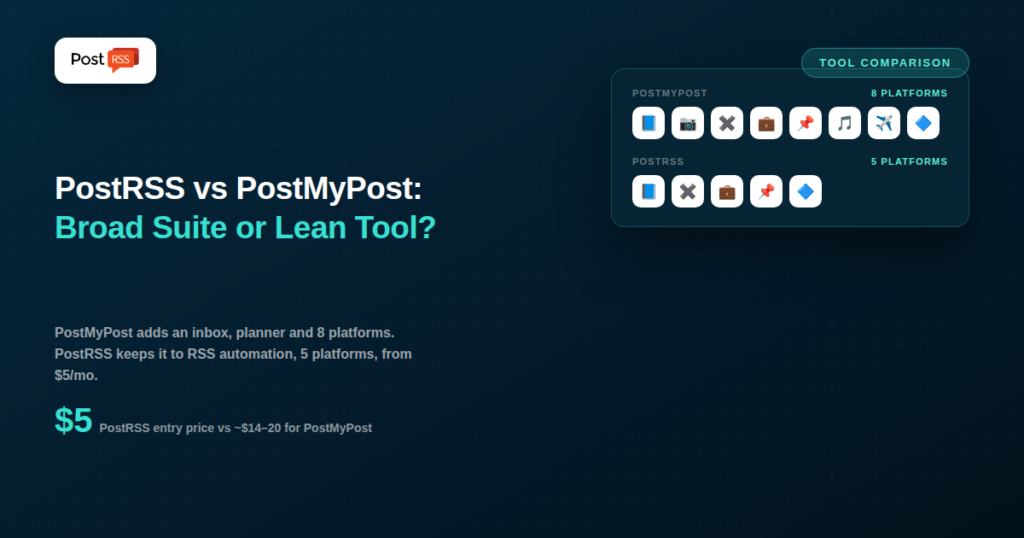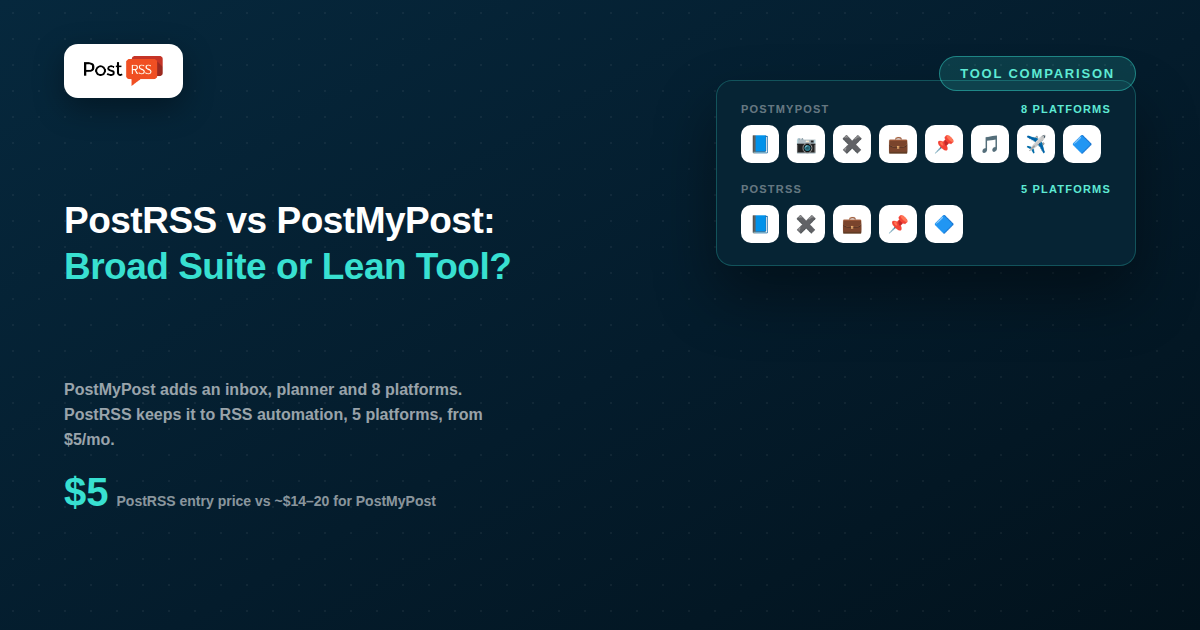
PostMyPost is a broad social media management platform covering eight platforms — Facebook, Instagram, X, LinkedIn, Pinterest, TikTok, Telegram, and VKontakte — with scheduling, a visual feed planner, analytics, and a unified inbox that pulls in Instagram Direct messages and Facebook comments with CRM-style tracking. RSS automation is included as one feature: it automatically publishes new articles from your website’s feed to your connected social accounts.
PostRSS covers a wider network list (66 in all, including Facebook, X, LinkedIn, Pinterest, Threads, Bluesky, Mastodon, Telegram, Discord, Tumblr, VKontakte, Matrix, Webhook and Instapaper; TikTok from Professional, as a draft you publish) but a much narrower product scope: it does one thing — RSS auto-posting — as the entire product rather than one module in a larger suite. The comparison here is less about which tool is “bigger” and more about whether you want a full management dashboard with automation built in, or a smaller, cheaper tool that only does the automation piece.
PostMyPost’s core strength is breadth: eight supported platforms including TikTok, which PostRSS covers only as a draft you publish, from its Professional plan. Beyond scheduling and RSS automation, it includes a visual content calendar for planning your feed’s look before publishing, analytics on posts and audience engagement, and a message inbox that consolidates Instagram DMs and Facebook comments with notification routing to Telegram or email. Reported starting pricing sits in the $14–20/month range depending on the source and current promotions, so confirming the live rate on postmypost.io before subscribing is worth doing — published third-party pricing for newer tools in this space tends to shift.
PostRSS has no inbox, no visual feed planner, and no analytics dashboard — RSS-to-social automation is the only thing it does, which keeps setup and pricing simple. Connect a feed, choose your destinations (66 networks, including Facebook, X, LinkedIn, Pinterest, Threads, Bluesky, Mastodon, Telegram, Discord, Tumblr, VKontakte, Matrix, Webhook and Instapaper), and pick a plan: free (1 target, 10 tasks/month: a Facebook Page, Telegram, Bluesky or Mastodon), Start at $5/month (1 target, 500 tasks/month, 36 network types), Professional at $10/month (10 targets, 10,000 tasks/month, 66 network types, including LinkedIn, Threads and TikTok), with X arriving on Professional Plus at $20/month. Feeds are checked every 5 minutes by default, with no other dashboard to configure around that one job.
| Feature | PostRSS | PostMyPost |
|---|---|---|
| Core focus | RSS-to-social automation only | Full social media management suite |
| Platforms supported | 66 networks (incl. VKontakte, Telegram) | 8 (incl. VKontakte, Telegram, TikTok) |
| Unified inbox / CRM | No | Yes |
| Visual feed planner | No | Yes |
| Analytics dashboard | No | Yes |
| Entry price | Free, then $5/month | ~$14–20/month |
| RSS check frequency | As often as every minute | Not published as a specific interval |
| Networks reachable from one feed | 66 networks incl. Fediverse, Asian and team-chat platforms | Varies by plan — check their current list |
Because RSS automation sits inside a larger platform, first-time setup also means getting oriented in the broader dashboard — the inbox, the analytics views, the feed planner — even if your only goal that day is configuring the RSS feature.
A brand fielding a steady stream of Instagram DMs and Facebook comments — a retailer, a hospitality business, a community-driven page — genuinely benefits from having that engagement work alongside scheduling and RSS automation in one dashboard. Switching between a separate inbox tool and a separate posting tool adds friction PostMyPost is specifically built to remove, and its $14–20/month starting price is easy to justify once the inbox is doing real daily work.
A publisher whose primary need is simpler — new blog posts should appear on Facebook, X, and LinkedIn automatically, with no engagement management required — doesn’t get proportional value from that same inbox and planner. For that use case, PostRSS’s $5–10/month plans cover the actual requirement without asking the user to pay for, or learn, features that don’t match how they operate.
PostMyPost fits best for businesses managing customer engagement alongside publishing, brands with a presence on TikTok, and anyone who wants a visually planned content calendar as part of their workflow.
PostRSS fits best for publishers and small businesses whose need is strictly “auto-post my new content,” without an inbox, planner, or analytics dashboard adding cost and complexity to a narrow, well-defined task.
If TikTok is part of your distribution strategy, note that PostRSS covers it only as a draft you publish, from the Professional plan. Telegram, however, is supported by PostRSS on every plan, including Free. Its unified inbox is also a real advantage for any business fielding customer questions through Instagram DMs or Facebook comments — having that alongside scheduling and RSS automation in one dashboard avoids juggling a separate tool just for engagement. And if a visually planned Instagram feed matters to your brand, PostMyPost’s planning view is a capability a pure RSS automation tool wouldn’t offer regardless of price.
If RSS automation is the specific job you need done, PostRSS costs a fraction of PostMyPost’s entry price — $5/month versus roughly $14–20/month — for a task PostMyPost treats as one feature among several. There’s no inbox, planner, or analytics dashboard to pay for or learn if none of those match your actual workflow. PostRSS’s setup is also faster precisely because there’s less platform to navigate: a feed URL, a set of destinations, and a plan choice, with nothing else in the way.
VKontakte support is relatively rare among the tools in this comparison series — most mainstream schedulers focus on Facebook, Instagram, X, and LinkedIn, treating VK as a niche add-on if they support it at all. PostMyPost and PostRSS are both exceptions, which is worth noting if part of your audience is in a VK-heavy market: whichever tool you choose here, that specific need is covered. Telegram is covered by both as well — PostRSS posts to Telegram channels on every plan, including Free — which matters for businesses whose audience overlaps with regions or communities where Telegram is a primary channel rather than a secondary one. Where they diverge is TikTok, which PostRSS offers only as a draft you publish, from the Professional plan.
The core decision in this comparison isn’t really about features in isolation — it’s about how much of PostMyPost’s broader toolkit you’d realistically use. A business that would genuinely rely on the inbox weekly, plan its Instagram feed visually, and check analytics regularly gets real, compounding value from PostMyPost’s higher price. A business that would only ever touch the RSS automation feature is paying ongoing subscription cost for capability that sits unused — the same trade-off that comes up throughout this comparison series whenever a broad suite is measured against a narrow, purpose-built tool. There’s no universally correct answer; the right choice depends entirely on an honest inventory of which features you’d actually open in a given month.
Broadly yes — both watch a feed and auto-publish new items. The meaningful difference is context: PostMyPost’s RSS feature lives inside a broader management platform with an inbox, planner, and analytics, while PostRSS is built around that one workflow exclusively, which tends to mean a simpler, faster setup for that specific task.
Telegram, yes: PostRSS posts to Telegram channels on every plan, including Free, as one of its 66 networks. TikTok is available from the PostRSS Professional plan as a draft you publish in one tap.
Probably not on its own — at roughly 3–4x PostRSS’s entry price, PostMyPost’s cost is better justified once you’re also using its inbox, planner, or analytics. If those features go unused, you’re paying for capacity a dedicated RSS tool doesn’t require you to buy.
PostMyPost, clearly — its unified inbox with CRM-style tracking across Instagram and Facebook is built specifically for that workflow. PostRSS has no engagement or messaging features at all; it only handles the publishing side of the equation.
Yes, in principle — some businesses run PostRSS for straightforward, low-cost RSS-to-social automation on their core feed, while using a separate tool like PostMyPost (or keeping engagement management native to each platform) for comment and DM handling. Whether that split makes sense depends on whether the added complexity of two tools is worth the cost savings on the automation side.
Typically, RSS-automated posts populate the feed planner alongside manually scheduled content, letting you see the overall visual rhythm of your feed even for posts you didn’t schedule by hand. PostRSS has no equivalent visual planning view — posts simply go out according to your feed and destination settings.
PostMyPost and PostRSS both offer RSS automation, but they’re solving different-sized problems. PostMyPost is a broader platform — more channels, an inbox, a visual planner, analytics — where RSS auto-posting is one useful feature among several, priced accordingly. PostRSS is a narrower, cheaper tool where RSS automation is the whole product, with nothing else bundled in or paid for. If TikTok or unified inbox management matter to your business, PostMyPost’s broader price tag is earned. If RSS-to-social automation is genuinely all you need, PostRSS delivers it for less money and less setup.
What changed in the networks, what broke, and how to fix it before it costs you reach.
Built by Internet Solutions, the team behind PostRSS. Each product saves you time in its own way.
 English
 Lietuviškai
 Deutsch
 Français
 Русский
 Español
 Polski
 Italiano
 Українська
 Čeština
 Português
 日本語
日本語 Latviešu valoda
 Eesti
Eesti Magyar
 Bahasa Indonesia
 Türkçe
 हिन्दी
 Ελληνικά
 العربية
 ไทย
ไทย Tiếng Việt
 Română
 Bahasa Melayu
 বাংলা
বাংলা