Updated: August 24, 2026
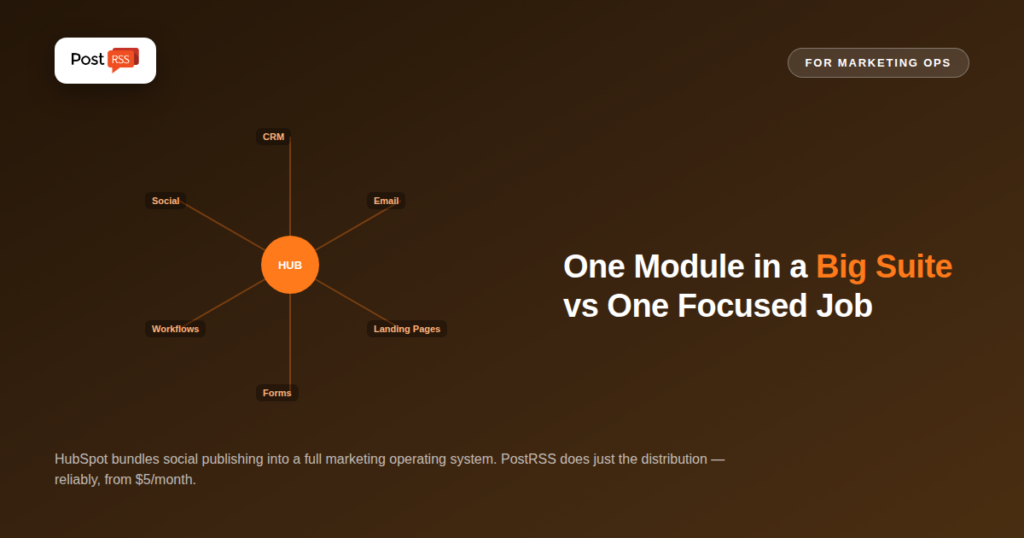
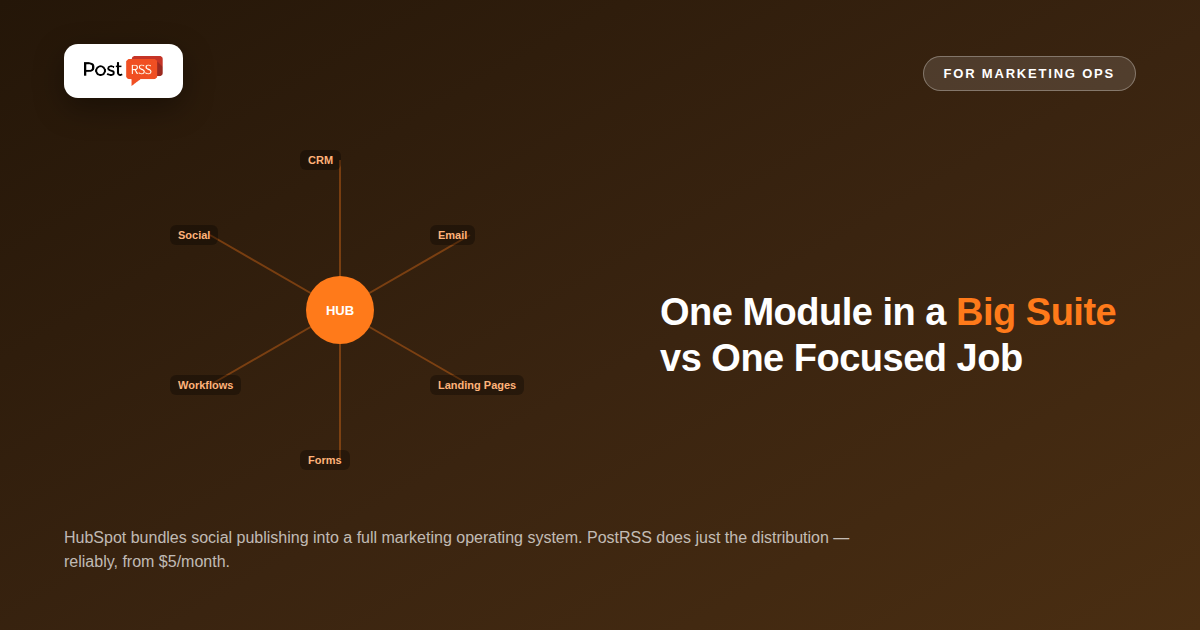
HubSpot is one of the biggest names in marketing software, and its Marketing Hub includes social media publishing as one feature inside a sprawling CRM, email, and automation platform. That breadth is exactly the point of HubSpot — and exactly why comparing it to a focused RSS automation tool like PostRSS requires being honest about what each one is actually solving. This isn't a close feature-for-feature contest; it's a question of whether you need an entire marketing operating system or a reliable pipeline that gets new content onto social media automatically.
HubSpot Marketing Hub is a full inbound marketing platform: CRM, email marketing, landing pages, forms, workflow automation, SEO tools, and social media publishing all live under one roof, deeply integrated with HubSpot's sales and service products. Social publishing specifically is gated behind the Professional tier, priced around $890/month, or Enterprise at roughly $3,600/month — the Free and Starter tiers don't include social publishing at all. Professional includes scheduling up to three years in advance, bulk CSV upload for up to 200 posts, and support for up to 50 connected social accounts, scaling to 300 accounts on Enterprise. On top of the subscription itself, Professional carries a mandatory, non-refundable $3,000 onboarding fee.
PostRSS is built around one job: watching an RSS or Atom feed and automatically distributing new items to 66 networks, including Facebook, X, LinkedIn, Pinterest, Threads, Bluesky, Mastodon, Telegram, Discord, Tumblr, VKontakte, Matrix, Webhook and Instapaper. There's no CRM, no email marketing, no landing pages, no lead scoring — the entire product is the RSS-triggered distribution pipeline. Pricing starts with a genuine free plan and paid tiers from $5/month, with no onboarding fee and no requirement to adopt a broader marketing suite to use it.
HubSpot's social publishing tools exist to feed a much larger machine: campaigns tracked through the CRM, email sequences triggered by social engagement, attribution reporting tying social activity back to closed deals. That's genuinely powerful for a marketing team already living inside HubSpot for everything else, where social media is one channel among many being measured against the same pipeline. PostRSS has no opinion about your CRM or your sales funnel — it solves the narrower, more mechanical problem of making sure new content actually reaches your social accounts the moment it's published, without requiring you to adopt (or pay for) anything else.
| Capability | HubSpot Marketing Hub | PostRSS |
|---|---|---|
| RSS-triggered auto-posting | Not a core feature; publishing is primarily manual/scheduled inside the tool | The entire product |
| CRM & sales pipeline integration | Included, a core strength | Not included |
| Email marketing & automation workflows | Included | Not included |
| Social publishing availability | Professional tier and above only | Available from the Free plan |
| Connected social accounts | Up to 50 (Professional), 300 (Enterprise) | Scales by plan, up to 5,000 targets on Enterprise |
| Onboarding fee | $3,000 mandatory, non-refundable (Professional) | None |
| Entry price for social publishing | ~$890/month (Professional) | Free plan; paid from $5/month |
| Networks reachable from one feed | Varies by plan — check their current list | 66 networks incl. Fediverse, Asian and team-chat platforms |
| Tier | HubSpot Marketing Hub | PostRSS |
|---|---|---|
| Free | Free/Starter tiers exist but exclude social publishing entirely | Free plan (1 target: Facebook page, Telegram, Bluesky or Mastodon) |
| Entry with social publishing | ~$890/month (Professional) + $3,000 onboarding | $5/month (Start, 1 target) |
| Mid | Same Professional tier, scales by contact volume | $10–$40/month (Professional / Ultimate) |
| Top tier | ~$3,600/month (Enterprise) | $100–$2,500/month (Enterprise, up to 5,000 targets) |
The gap here is dramatic, but it reflects two fundamentally different products rather than one being simply cheaper. See our full pricing breakdown for current PostRSS tiers.
If your team is already running email campaigns, landing pages, and sales pipeline tracking inside HubSpot, having social publishing in the same platform means unified reporting and attribution that a standalone tool simply can't offer — seeing exactly how a social post contributed to a closed deal is a real capability worth paying for if your team actually uses it. HubSpot's workflow automation can also trigger social-adjacent actions based on CRM events in ways entirely outside PostRSS's scope by design.
For the specific job of "distribute new content automatically the moment it publishes," PostRSS's narrow focus means dramatically faster setup, no mandatory onboarding fee, and a price built around that one job rather than an entire marketing suite. Teams who don't use HubSpot's CRM or email tools, or who already have marketing software elsewhere, get zero benefit from HubSpot's integration story while still paying its enterprise-level price just to unlock basic social scheduling.
One HubSpot-specific detail worth flagging: Marketing Hub pricing scales with your contact database size, not just the tier you're on, meaning your effective monthly cost can climb well beyond the published starting price as your contact list grows — regardless of whether your social publishing volume changed at all. This is a meaningful difference from PostRSS's pricing model, which scales based on connected Targets and posting volume, factors directly tied to the actual distribution workload rather than an unrelated CRM metric. A team evaluating HubSpot purely for social publishing should factor in this growth-driven cost increase, since a contact list that doubles over a year can meaningfully increase the bill without any change in social media usage.
Ask whether your team's actual bottleneck is unified marketing operations — CRM, email, attribution, and social all working together — or purely getting content distributed reliably once it's published. Marketing teams already deep in HubSpot's ecosystem get real incremental value from adding social publishing to what they already pay for. Everyone else — bloggers, small businesses, publishers, agencies managing many clients — gets the core distribution outcome from PostRSS at a small fraction of the cost, without adopting a CRM they don't need.
A common argument for consolidating on HubSpot is avoiding the complexity of stitching together separate tools. That argument holds up when the separate tools genuinely overlap in function, but breaks down when the "integration" is really just co-location — social publishing living in the same dashboard as your CRM doesn't automatically make it a better publishing tool, it just means you're paying CRM-level pricing for it. A team that adopts HubSpot Professional purely to unlock social scheduling, without using its email, CRM, or attribution features, is paying for integration value it never actually realizes. Genuine integration value only exists once a team is actively using several of HubSpot's modules together; evaluated purely as a publishing tool, its price is difficult to justify against a specialist alternative.
Teams that adopted HubSpot primarily for its CRM and marketing automation, but never fully used its social publishing module, are common enough that migrating just that piece is a reasonable move rather than an all-or-nothing decision. Since PostRSS reads from your existing RSS feed rather than requiring data migration from HubSpot's own content system, switching distribution tools doesn't touch your CRM, contacts, or email workflows at all — it simply replaces how new content reaches social media, while everything else in HubSpot keeps running unchanged. This makes it a low-risk change to test: connect a feed to PostRSS alongside your existing HubSpot setup, compare reliability and cost over a month, and decide from there without disrupting anything else in your marketing stack.
Getting social publishing running in HubSpot means first being on (or upgrading to) Professional, working through onboarding, and configuring social publishing inside a platform that also surfaces contacts, deals, email campaigns, and workflow automation — genuinely useful once the whole platform is in use, but a lot of surrounding surface area if social distribution is the only thing you need. PostRSS's setup is scoped to exactly that: connect a feed, choose target platforms, done, typically in under fifteen minutes.
Technically yes, but you'd still be paying Professional-tier pricing and the mandatory onboarding fee, priced around the full platform rather than social publishing specifically.
HubSpot's social tools are built around scheduling and campaigns rather than a dedicated RSS-watch-and-auto-publish workflow; PostRSS's entire product is built around that specific trigger.
Because it does one job — RSS-to-social distribution — instead of bundling CRM, email marketing, landing pages, and workflow automation into the price. You're not paying for capabilities you won't use.
Generally no — the social publishing features alone don't justify Professional's price or onboarding fee unless your team is also using HubSpot's CRM and marketing tools for everything else.
Unless the agency is running full HubSpot marketing operations for those clients, PostRSS covers pure distribution needs at a fraction of the cost per client, without requiring every client to be a HubSpot customer.
Yes — since PostRSS only reads from your RSS feed and posts independently, it doesn't conflict with anything HubSpot is doing elsewhere; some teams use HubSpot for CRM and email while relying on PostRSS specifically for reliable, low-cost social distribution.
No — PostRSS connects to your existing RSS feed rather than importing anything from HubSpot's content system, so switching distribution tools doesn't touch your CRM, contacts, or any other HubSpot data.
HubSpot and PostRSS aren't really competing for the same buyer despite both being able to get content onto social media. One is a comprehensive marketing operating system with social publishing as one module; the other is a distribution specialist with nothing else bundled in. If your team's real workload is unified marketing operations across email, CRM, and social, HubSpot's price reflects real value once you're using the whole platform. If the workload is purely "get new content out automatically," PostRSS delivers that outcome without asking you to adopt, learn, or pay for the rest.
What changed in the networks, what broke, and how to fix it before it costs you reach.
Built by Internet Solutions, the team behind PostRSS. Each product saves you time in its own way.
 English
 Lietuviškai
 Deutsch
 Français
 Русский
 Español
 Polski
 Italiano
 Українська
 Čeština
 Português
 日本語
日本語 Latviešu valoda
 Eesti
Eesti Magyar
 Bahasa Indonesia
 Türkçe
 हिन्दी
 Ελληνικά
 العربية
 ไทย
ไทย Tiếng Việt
 Română
 Bahasa Melayu
 বাংলা
বাংলা