Updated: 2026-09-27
Short answer: choose PostRSS if you want your own text published unchanged, automatically, to up to 66 networks — free for one Facebook Page, all networks from $20/month. Choose CoPost if social media is someone's full-time job: AI drafting, an approval workflow, analytics and reach into Instagram, TikTok and YouTube justify its $21–$30/month if you will actually use them.
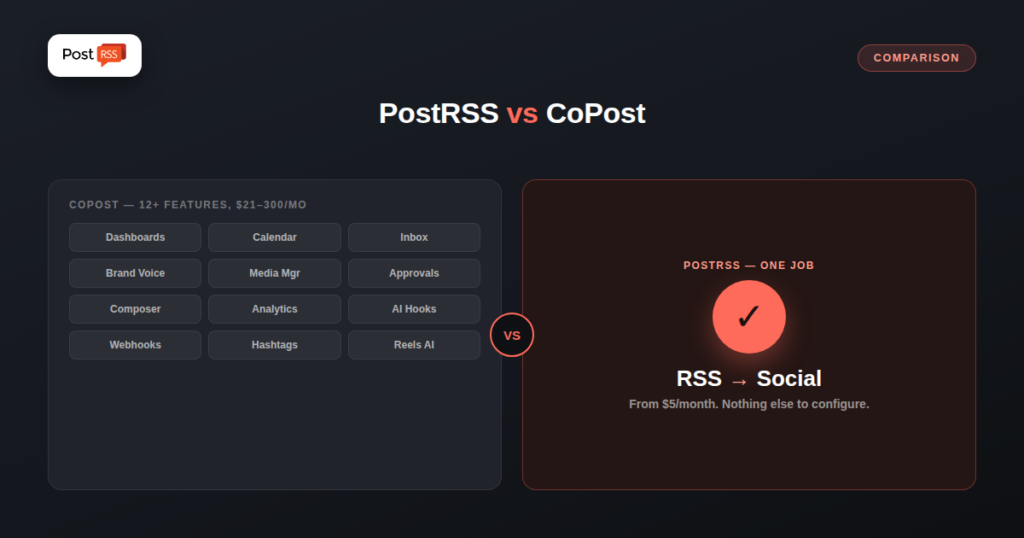
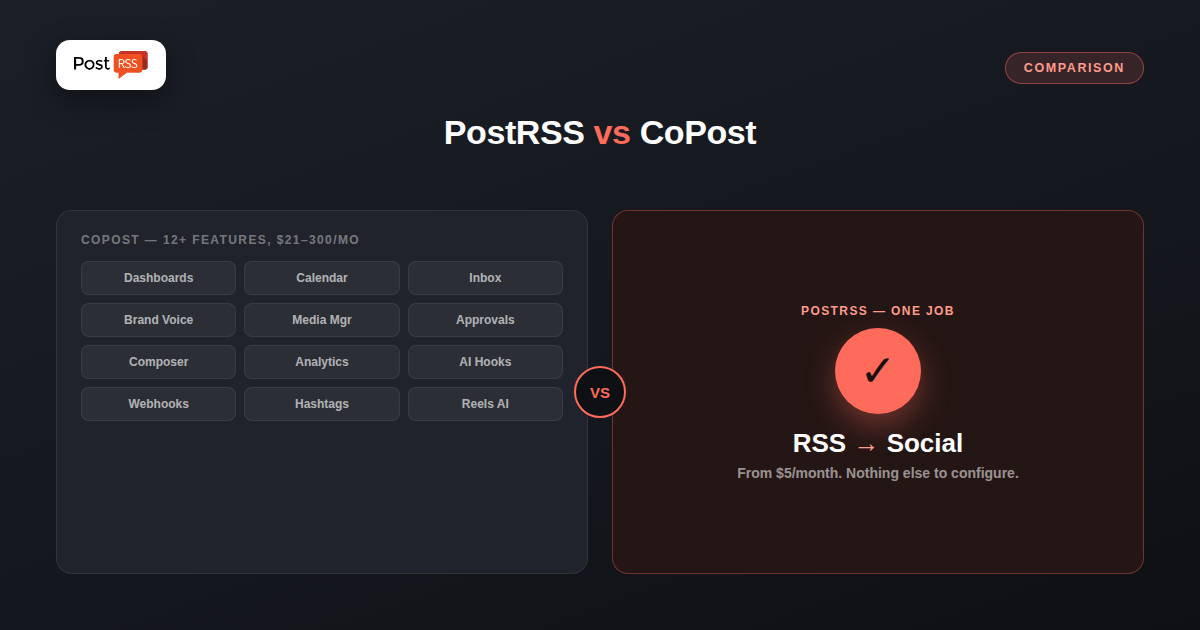
CoPost and PostRSS both promise to take RSS content off your plate and onto your social channels automatically, but they’re built for very different jobs. CoPost is a full social media management suite — scheduling, an AI-powered inbox, analytics, approval workflows — with RSS automation (“Auto Feed”) as one feature among many. PostRSS is built around a single job: watch a feed, post new items automatically, and stay out of the way. If you’re comparing the two, the real question isn’t which has more features — it’s whether you need the suite CoPost wraps around RSS automation, or just the automation itself.
CoPost positions itself as “the social media management platform that creators love,” supporting 11 platforms including Facebook, Instagram, LinkedIn, X (Twitter), Pinterest, YouTube, TikTok, Threads, Bluesky, and Mastodon. Its feature set goes well beyond posting: a content planner and calendar, a unified inbox for managing comments and messages across platforms, AI-generated captions and “Brand Voice” training, a media library with Adobe Express built in, team approval workflows, analytics, and API triggers/webhooks for custom integrations. RSS automation is one module inside this suite — called Auto Feed — alongside similar automation for podcasts, Shopify products, and YouTube uploads.
PostRSS does one thing: it watches an RSS feed and automatically posts new items to 66 networks, including Facebook, X, LinkedIn, Pinterest, Threads, Bluesky, Mastodon, Telegram, Discord, Tumblr, VKontakte, Matrix, Webhook and Instapaper the moment they appear. There’s no content calendar to fill in, no AI caption generator to configure, no team inbox to monitor — you connect a feed once, and every new post it publishes goes out automatically from that point forward. The entire product is scoped around this single automation, which is also why the pricing looks the way it does.
This is where the two products diverge most sharply. CoPost’s plans, checked live on their pricing page, are:
| Plan | Monthly | Billed Annually | Social Channels | Auto Feeds |
|---|---|---|---|---|
| Creator | $30/mo | $21/mo | 11 | 10 |
| Teams | $80/mo | $56/mo | 35 | 35 |
| Teams+ | $160/mo | $108/mo | 150 | 100 |
| Ultimate | $300/mo | $200/mo | 600 | 400 |
Every CoPost plan includes a 10-day free trial. There’s no free-forever tier for ongoing use. PostRSS, by contrast, starts at $0/month (Free plan, 1 target, 10 tasks) and its cheapest paid tier, Start, is $5/month for 1 target and 500 posting tasks — less than a quarter of CoPost’s cheapest annual-billed plan, and 1/6th of its cheapest month-to-month price. Even PostRSS’s Professional plan ($10/month, 10 targets, 10,000 tasks) costs less than half of CoPost’s lowest tier.
| Feature | PostRSS | CoPost |
|---|---|---|
| Starting price | $0 (Free) / $5 (Start) | $21/mo (annual) / $30/mo (monthly) |
| Supported platforms | 66 networks (plan-gated) incl. Fediverse, Asian and team-chat platforms | 11 (incl. Instagram, TikTok, YouTube, Threads, Bluesky, Mastodon) |
| Core focus | RSS-to-social automation only | Full suite (scheduling, inbox, analytics, AI, automation) |
| AI-generated captions | No | Yes, with Brand Voice training |
| Team/approval workflows | No | Yes (Teams plans and up) |
| Unified social inbox | No | Yes |
| Setup complexity | Connect feed, done | Configure captions, brand voice, workflows |
| Free trial / free tier | Free plan, no time limit | 10-day trial only |
It’s worth spelling out what the extra CoPost price is buying, since “full social media suite” can mean very different things depending on the vendor. CoPost’s dashboard bundles a drag-and-drop content planner and calendar, a unified inbox that pulls comments and DMs from every connected platform into one view, a media manager with Adobe Express built in for on-the-fly image editing, and an AI toolset (“AI CoWriter,” Brand Voice, “AI Hooks”) aimed at drafting captions and hooks that match a trained tone. On top of that sit approval workflows for teams, post-performance analytics, a hashtag manager, a link shortener, and inbound/outbound API triggers and webhooks for connecting CoPost to other tools. There’s also a feature that converts static images into short video reels automatically, aimed at squeezing Reels/Shorts-style content out of existing static assets without extra editing work.
None of this is unusual for a modern all-in-one social suite — competitors like Hootsuite, SocialBu, and Postiz occupy similar territory — but it does mean CoPost’s RSS automation (Auto Feed) is genuinely one line item among a dozen others, not the product’s reason for existing. That’s the opposite of PostRSS, where RSS automation isn’t a module competing for attention inside a larger dashboard — it’s the entire interface.
Because CoPost’s headline monthly prices and its annual-billed prices differ by roughly 30%, it’s worth comparing full-year costs directly rather than just the monthly sticker price. Paying month-to-month, CoPost’s Creator plan runs $360/year; billed annually, that drops to $252/year. PostRSS’s Start plan, by comparison, costs $60/year with no annual discount needed because the starting price is already low, and its Professional plan ($10/month) comes to $120/year — still less than half of CoPost’s discounted annual rate for its entry-level plan. For a solo creator whose only requirement is automated RSS posting, that gap ($120-$300+ per year) is real money that either goes toward CoPost’s inbox, analytics, and AI tools, or stays in your pocket if you don’t need them.
CoPost’s Auto Feed checks connected sources roughly every hour and can generate AI captions for each new item before posting, drawing on a configurable “Brand Voice.” It also handles podcast feeds, Shopify product feeds, and YouTube uploads through the same automation engine — useful if you’re automating multiple content types beyond a blog. PostRSS checks feeds far more aggressively on its higher tiers (as fast as 1-minute intervals on Enterprise plans) and posts the feed’s own title, link, and image without an AI rewriting step — what your feed publishes is what goes out, verbatim, on every plan including the $5 Start tier.
If you’re managing social media as a full-time job — responding to comments across platforms, running an approval workflow with a team, tracking analytics, and want AI help drafting captions — CoPost’s broader suite justifies its price. Its 11-platform reach includes Instagram and YouTube, which PostRSS doesn’t reach today, and TikTok, which PostRSS covers from Professional as a draft you publish. For a marketing team or agency managing multiple brands, the Teams and Teams+ tiers bundle a lot of otherwise-separate tools into one subscription.
If your actual need is “syndicate my new blog articles automatically, without paying for a suite of features I won’t use,” PostRSS covers that from $5/month for one target across 36 network types, including Discord, with Pinterest, LinkedIn and Threads on Professional at $10 and X on Professional Plus at $20 — or $0 if your volume fits the Free plan, which also covers Telegram, Bluesky and Mastodon. There’s no inbox to check, no AI captions to review for accuracy, no team workflow to configure. For solo bloggers, small businesses, and anyone whose social strategy is genuinely “syndicate what I publish,” it’s a much smaller and cheaper tool doing a much narrower job — deliberately.
Yes — Auto Feed with 10 feed slots is included even on the $21/month (annual) Creator plan, so RSS automation isn’t gated behind a higher tier the way some competitors do it.
Both, depending on what you need. PostRSS has no AI captions, no unified inbox, no approval workflows, and no Instagram or YouTube support (TikTok is on Professional, as a draft you publish) — those are real gaps if you need them. But for pure RSS-to-social automation on the 66 networks it does support, PostRSS does the same core job CoPost’s Auto Feed does, at a fraction of the cost.
CoPost offers a 10-day free trial on all plans but no permanent free tier. PostRSS has a genuinely free plan (1 target, 10 tasks/month) that doesn’t expire.
CoPost’s Auto Feed checks sources roughly hourly. PostRSS’s check interval depends on plan tier, ranging from standard intervals on lower plans down to 1-minute checks on its highest Enterprise tiers.
CoPost’s Auto Feed is built to generate captions via AI rather than pass your feed’s text through unchanged, using its Brand Voice settings to match tone. That’s useful if you want varied, on-brand phrasing for every post, but it also means the AI is generating new text you’ll want to spot-check rather than your original headline going out verbatim. PostRSS posts your feed’s own title, link, and image with no rewriting step, so what you publish is exactly what appears on each connected platform.
Yes — approval workflows are listed starting on the Teams tier ($56-$80/month) and up, not on the entry-level Creator plan. Solo users on Creator get the AI and automation features but not the multi-person review step. PostRSS doesn’t offer approval workflows on any plan, since it’s designed around unattended automatic posting rather than a review-and-approve editorial process.
CoPost and PostRSS aren’t really competing for the same buyer. CoPost is a legitimate full social media management platform where RSS automation is one useful piece of a much larger toolkit, priced accordingly at $21-$300/month. PostRSS is a specialist tool that does the RSS-to-social piece alone, for $5/month, without asking you to adopt an inbox, an AI caption writer, or a team workflow you didn’t ask for. If you already need the broader suite, CoPost’s Auto Feed is a reasonable way to get RSS automation bundled in. If RSS automation is the whole job, PostRSS does it for less than a tenth of the price.
What changed in the networks, what broke, and how to fix it before it costs you reach.
Built by Internet Solutions, the team behind PostRSS. Each product saves you time in its own way.
 English
 Lietuviškai
 Deutsch
 Français
 Русский
 Español
 Polski
 Italiano
 Українська
 Čeština
 Português
 日本語
日本語 Latviešu valoda
 Eesti
Eesti Magyar
 Bahasa Indonesia
 Türkçe
 हिन्दी
 Ελληνικά
 العربية
 ไทย
ไทย Tiếng Việt
 Română
 Bahasa Melayu
 বাংলা
বাংলা