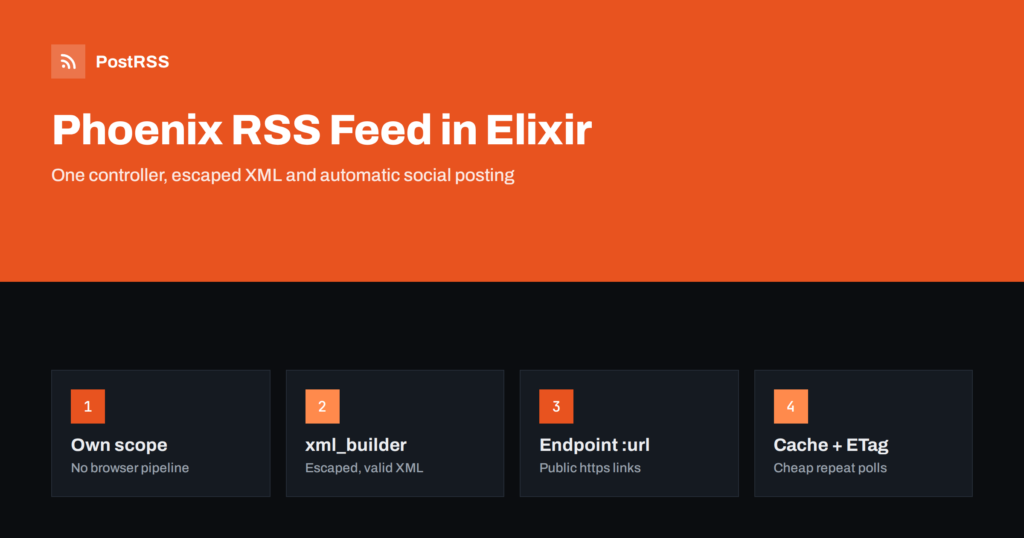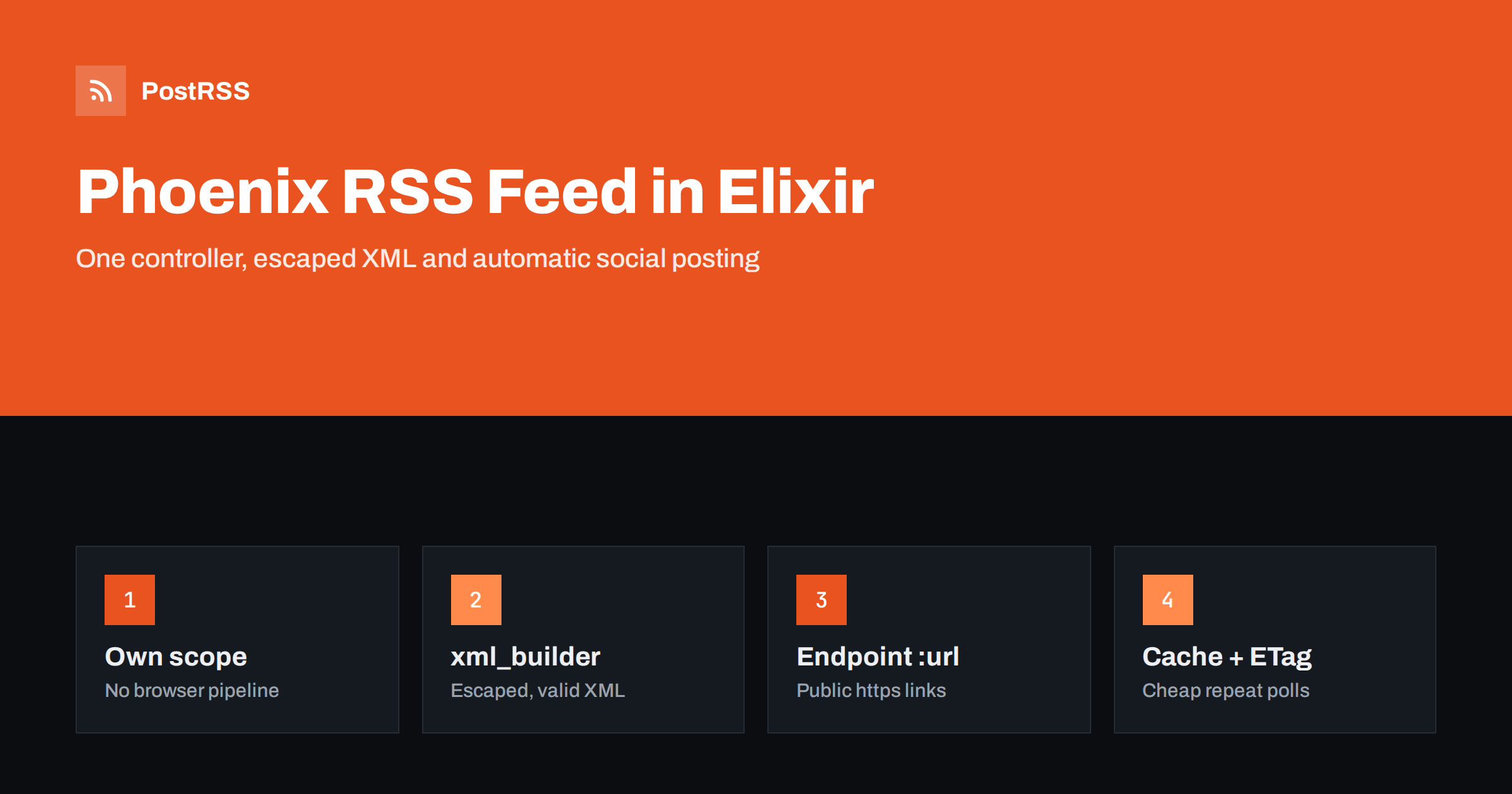
Short answer: Phoenix has no built-in feed generator, but a Phoenix RSS feed is one route and one small controller. Query your latest published posts with Ecto, build the XML with a library such as xml_builder so every value is escaped, set the content type to application/rss+xml and send the result. Configure the endpoint’s public URL so links are absolute, add a short cache header, and the feed is ready for readers and automatic social posting.
Phoenix is the leading web framework for Elixir and is used for real-time applications, SaaS products, content platforms and a growing number of blogs and documentation sites. Its LiveView pages are fast and interactive, but feed readers and automation tools do not run JavaScript or open WebSockets: they read plain XML. An RSS feed gives them a simple, stable way to see what is new. This guide shows how to build one cleanly, which Phoenix-specific settings most often break it, and how to use the feed for social sharing.
Agree on the target first. A feed that serves readers and auto-posting tools well:
guid;Images and categories come later. For a quick reference to each element, see what guid and pubDate actually do.
The default :browser pipeline in a Phoenix 1.7 project includes plug :accepts, ["html"], session handling, CSRF protection and secure browser headers. None of that is needed for a public feed, and the accepts plug can reject requests from readers that send an Accept: application/rss+xml header. Put the feed in its own scope:
# lib/my_app_web/router.ex
scope "/", MyAppWeb do
  get "/feed.xml", FeedController, :index
end
Keeping the route free of session plugs also means responses carry no cookies, which makes them easy for proxies and CDNs to cache.
Add a function to your content context that returns the latest published posts:
# lib/my_app/blog.ex
def list_feed_posts(limit \\ 30) do
  from(p in Post,
    where: p.published and p.published_at <= ^DateTime.utc_now(),
    order_by: [desc: p.published_at],
    limit: ^limit
  )
  |> Repo.all()
end
The published_at condition matters if you schedule posts in advance: without it, a post prepared for next week appears in the feed today, and tools may share a link that still returns 404.
You could write the XML in an EEx template, but escaping then becomes your job, and one unescaped ampersand in a title makes the whole feed invalid. The xml_builder package builds the document from Elixir data and escapes text for you. Add {:xml_builder, "~> 2.2"} to mix.exs and write the controller:
defmodule MyAppWeb.FeedController do
  use MyAppWeb, :controller
  import XmlBuilder
  alias MyApp.Blog

  def index(conn, _params) do
    posts = Blog.list_feed_posts()

    items =
      Enum.map(posts, fn p ->
        link = url(~p"/blog/#{p.slug}")
        element(:item, [
          element(:title, p.title),
          element(:link, link),
          element(:guid, %{isPermaLink: "true"}, link),
          element(:pubDate, rfc822(p.published_at)),
          element(:description, p.summary)
        ])
      end)

    xml =
      document(:rss, %{version: "2.0", "xmlns:atom": "http://www.w3.org/2005/Atom"}, [
        element(:channel, [
          element(:title, "Example Blog"),
          element(:link, url(~p"/")),
          element(:description, "New articles from Example Blog"),
          element(:"atom:link", %{href: url(~p"/feed.xml"), rel: "self", type: "application/rss+xml"})
          | items
        ])
      ])
      |> generate()

    conn
    |> put_resp_content_type("application/rss+xml")
    |> put_resp_header("cache-control", "public, max-age=300")
    |> send_resp(200, xml)
  end

  defp rfc822(%DateTime{} = dt),
    do: dt |> DateTime.shift_zone!("Etc/UTC") |> Calendar.strftime("%a, %d %b %Y %H:%M:%S +0000")
end
A few notes on that code. put_resp_content_type/2 adds charset=utf-8 automatically. Calendar.strftime/2 uses English day and month abbreviations by default, which is exactly what the RSS date format expects. And url/1 with a verified route builds an absolute URL from your endpoint configuration, which brings us to the most common Phoenix feed bug.
Phoenix builds absolute URLs from the endpoint’s :url configuration, not from the incoming request. In production, that configuration usually lives in config/runtime.exs:
config :my_app, MyAppWeb.Endpoint,
  url: [host: "example.com", port: 443, scheme: "https"],
  http: [ip: {0, 0, 0, 0}, port: 4000]
If url is missing or still says localhost, every link in the feed points to the wrong place, often with the internal port 4000 attached. The app behaves perfectly in the browser, because pages use relative paths, but every auto-posted link is broken. The :http port is where Phoenix listens; the :url port is what the public sees. Behind a reverse proxy those are different, and only :url belongs in feed links.
After deploying, open the live feed and check the first <link>. It should match the address in your browser exactly. More about this class of problem is in relative URLs in RSS feeds.
When the feed drives social posts, images matter most. Add an enclosure for each item that has a cover image:
element(:enclosure, %{url: p.cover_url, type: "image/jpeg", length: p.cover_bytes})
Many auto-posters also read the article page’s og:image tag, so set it in your root layout from the post’s cover. Categories become <category> elements, one per tag, which helps route topics to different accounts and turn tags into hashtags. If you want to include full HTML, add the content namespace and a content:encoded element, and keep the description short and plain. See how to control which image gets auto-posted for image tips.
Feeds are polled often. A few lines keep the endpoint cheap:
max-age=300 header above lets proxies reuse the response for five minutes. Avoid hour-long values; they delay every reader and auto-poster.updated_at. If the request’s if-none-match header matches, return send_resp(conn, 304, "") without building the XML.Long CDN caches are one of the most common reasons auto-posts lag behind publishing; see RSS feed caching explained.
Add a discovery link to the head of your root layout so browsers and tools can find the feed from any page:
<link rel="alternate" type="application/rss+xml"
      title="Example Blog" href={url(~p"/feed.xml")} />
For topic feeds, add get "/category/:slug/feed.xml", FeedController, :category and reuse the same builder with a filtered query. Return a 404 for unknown categories so a mistyped feed address is noticed immediately instead of silently producing an empty feed.
Many Phoenix sites render their blog with LiveView. That is fine for visitors, but it changes nothing for the feed, and it is worth understanding why. A LiveView page is first rendered as normal HTML on the server, then connects over a WebSocket for interactivity. Feed readers and auto-posters never open that socket. They request the feed, read the XML, and then usually request the article page once to look at its Open Graph tags.
Two consequences follow. First, everything a sharing tool needs must be present in the first, static render: the title, the og:image, the og:description and the canonical URL. Assign them in mount/3 or in the controller that renders the layout, not in an event handler that runs only after the socket connects. Second, the feed itself should be a plain controller, as shown above, rather than a LiveView. It needs no interactivity, and a controller is faster, easier to cache and simpler to test.
A quick check is to fetch an article with curl and search the output for og:image. If it is missing there, social networks will not see it either, no matter how the page looks in a browser.
Phoenix’s ConnTest makes a short, useful test:
test "serves the RSS feed", %{conn: conn} do
  conn = get(conn, ~p"/feed.xml")
  assert conn.status == 200
  assert hd(get_resp_header(conn, "content-type")) =~ "application/rss+xml"
  assert response(conn, 200) =~ "<rss version="
  assert response(conn, 200) =~ "<link>https://"
end
In the test environment, set the endpoint URL to an https host so the last assertion reflects production. Then validate the deployed feed once with the W3C Feed Validation Service, and keep the Phoenix routing guide at hand for verified routes and URL helpers.
| Symptom | Cause | Fix |
|---|---|---|
| Links show localhost or port 4000 | Endpoint :url not set for production | Set host, scheme and port 443 in runtime.exs |
| 406 Not Acceptable for some readers | Route inside a pipeline with accepts ["html"] | Move the feed to a scope without that plug |
| Feed invalid after one new post | Unescaped characters in a hand-written template | Build XML with xml_builder |
| Scheduled posts appear early | Query ignores published_at | Filter on the current UTC time |
| Dates rejected by validators | ISO 8601 or NaiveDateTime values | UTC DateTime and an RFC 822 format |
| Old posts shared again | Slugs or domain changed, so guids changed | Keep guids permanent; redirect old URLs |
The guid issue is worth repeating. If you change the URL structure or move to a new domain, every tool that watches the feed may treat the whole list as new items. Our article on duplicate guid fixes explains how to avoid it.
Elixir makes it tempting to write an Oban job that calls each social network’s API when a post goes live. It works for one network, but every network has its own authentication flow, token refresh, rate limits and media rules, and those change often. For a content site, the feed is a simpler contract: publish the post, let the feed announce it, and let an auto-poster take care of the networks.
PostRSS has been turning RSS and Atom feeds into social posts since 2014. You paste the feed address, connect accounts and choose the post format: title, description, page title or your own text. PostRSS checks the feed as often as every minute and publishes each new item, with its image and link, to the networks you choose among 66 supported networks, messengers, team chats and blogs. Keyword filters, UTM parameters, hashtags from categories, posting windows, a REST API v1 and outgoing webhooks are available as well. See the PostRSS features page for everything it does and the pricing page for plan limits. Related developer articles are under the Technical Guide tag.
A Phoenix RSS feed needs a route outside the browser pipeline, an Ecto query for published posts, XML built with an escaping library, the right content type and a short cache header. Configure the endpoint’s public URL so links are absolute, keep guids permanent and validate once. From then on, the feed can carry every new post to your social channels automatically.
No. Phoenix does not ship a feed module. You add a controller that queries your posts and returns XML, usually built with a library such as xml_builder so that all text is escaped correctly.
Phoenix builds absolute URLs from the endpoint’s url configuration. Set the public host, the https scheme and port 443 in config/runtime.exs, redeploy, and the feed links will use your real domain.
You can, but HEEx is designed for HTML, and with plain EEx you must handle XML escaping yourself. Building the document with an XML library is safer and keeps the controller short.
Convert the value to a UTC DateTime and format it with Calendar.strftime using day, date, month, year, time and +0000. This produces the RFC 822 style that RSS readers and validators expect.
Yes. Once the feed is public and valid, an RSS auto-poster such as PostRSS can read it and publish each new article to the networks you connect, without extra jobs in your Phoenix app.
What changed in the networks, what broke, and how to fix it before it costs you reach.
Built by Internet Solutions, the team behind PostRSS. Each product saves you time in its own way.
 English
 Lietuviškai
 Deutsch
 Français
 Русский
 Español
 Polski
 Italiano
 Українська
 Čeština
 Português
 日本語
日本語 Latviešu valoda
 Eesti
Eesti Magyar
 Bahasa Indonesia
 Türkçe
 हिन्दी
 Ελληνικά
 العربية
 ไทย
ไทย Tiếng Việt
 Română
 Bahasa Melayu
 বাংলা
বাংলা