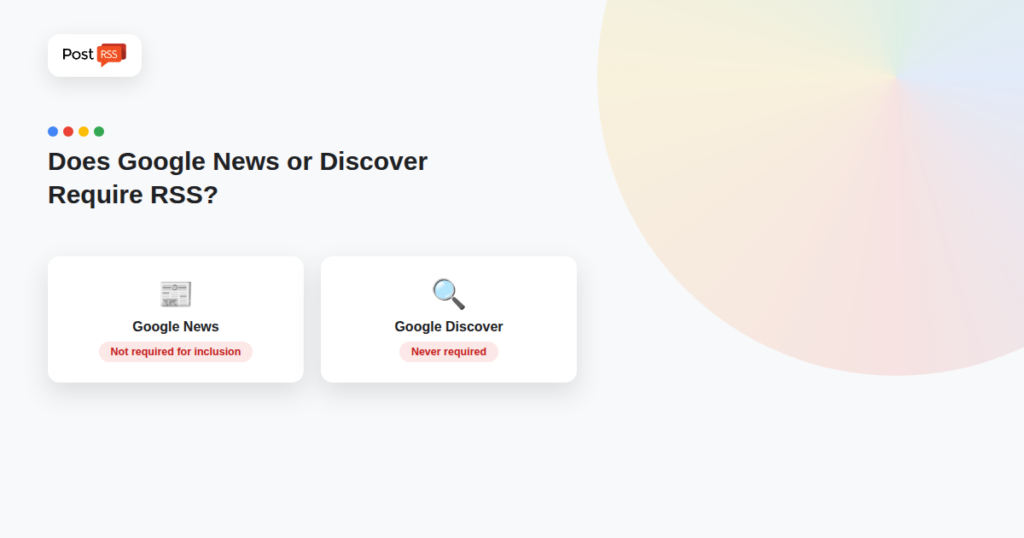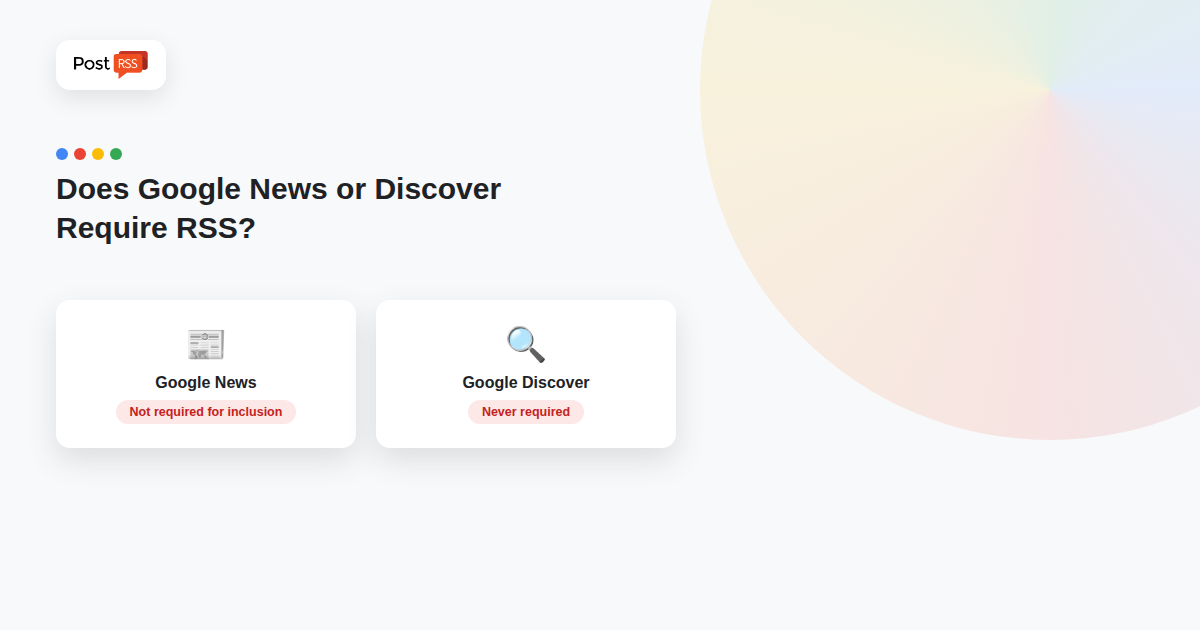
“You need an RSS feed to get into Google News” was true once, and it’s a claim that still circulates — but Google changed how Publisher Center actually uses RSS feeds, and Google Discover was never built around RSS the way News once was. The real answer for both is more nuanced than a flat yes or no.
Google has confirmed that RSS feeds submitted through Publisher Center are no longer used to determine News inclusion, and manually created publication pages aren’t shown to users the way they once were. Sites get indexed into Google News automatically through normal crawling once they meet News content policies — Publisher Center today is mainly for customizing how your brand appears (logo, labels, section organization), not for submitting a feed to unlock inclusion.
Even though it’s not required, a well-structured RSS feed (especially with category-specific feeds) still helps Google’s crawlers discover your latest articles more efficiently — faster, more reliable discovery of new content, even if the feed itself isn’t the inclusion mechanism anymore. If you already have a working feed (which most CMS platforms generate by default), there’s no reason to remove it; it’s just not the gatekeeping requirement it used to be.
Google Discover works differently from News. Content becomes automatically eligible for Discover simply by being indexed and meeting Discover’s content policies — there’s no special tag, structured data, or feed submission required to be eligible at all. Google does recommend optimizing for the “Follow” feature (which does use RSS under the hood) as a way to improve visibility, but that’s a visibility booster, not an eligibility gate.
For both News and Discover, content policy compliance, page quality, and being properly indexed by Google in the first place matter far more than whether you have an RSS feed. A feed can support faster discovery and back the Follow feature, but it doesn’t substitute for the actual ranking and eligibility factors Google evaluates.
If a feed’s remaining value is faster discovery and support for the Follow feature, it is worth making sure the feed actually reflects your site in close to real time. A few checks go a long way:
If new articles regularly show up late, a push mechanism can help as well. Our article on WebSub and RSS push versus polling explains how feeds can announce updates instead of waiting to be checked, and what that means for tools that read your feed. For a feed that seems stuck altogether, start with diagnosing an RSS feed that is not updating.
Whatever Google does with feeds, your RSS feed remains one of the simplest ways to distribute every new article beyond your own site. The same feed that helps crawlers find new pages can drive automatic posts to social networks, messengers and team chats. PostRSS checks a feed as often as every minute, and publishes each new item with its title, link and image to the networks you choose.
That matters for news publishers in particular, because social and messaging channels bring readers who never open Google News or Discover at all. Adding UTM parameters to the posted links, for example utm_source=postrss, lets your analytics separate that traffic from search, so you can see what each channel really contributes instead of guessing.
No — Google confirmed submitted RSS feeds are no longer used for News inclusion. Publisher Center is mainly for brand customization now; inclusion happens through normal automatic crawling and indexing.
No — Discover eligibility is automatic based on being indexed and meeting content policies, with no special feed or markup requirement.
No — it still helps Google discover new articles faster and supports the Follow feature, which Google recommends optimizing for Discover visibility. There’s no downside to keeping a working feed.
No — content policy compliance and page quality determine eligibility for both; a feed supports discovery speed and the Follow feature, but it isn’t a guarantee or substitute for meeting those requirements.
Yes. A standard RSS or Atom feed works for both. Tools like PostRSS read the same feed and publish each new article to the social networks, channels and chats you connect, without changing anything on your site.
Neither Google News nor Google Discover requires an RSS feed for eligibility today — that’s a genuine change from how News used to work. A feed still earns its keep by helping Google find new content faster and by supporting the Follow feature, but the actual gatekeeping factors are content policy compliance and indexing, not whether you’ve submitted a feed anywhere.
What changed in the networks, what broke, and how to fix it before it costs you reach.
Built by Internet Solutions, the team behind PostRSS. Each product saves you time in its own way.
 English
 Lietuviškai
 Deutsch
 Français
 Русский
 Español
 Polski
 Italiano
 Українська
 Čeština
 Português
 日本語
日本語 Latviešu valoda
 Eesti
Eesti Magyar
 Bahasa Indonesia
 Türkçe
 हिन्दी
 Ελληνικά
 العربية
 ไทย
ไทย Tiếng Việt
 Română
 Bahasa Melayu
 বাংলা
বাংলা