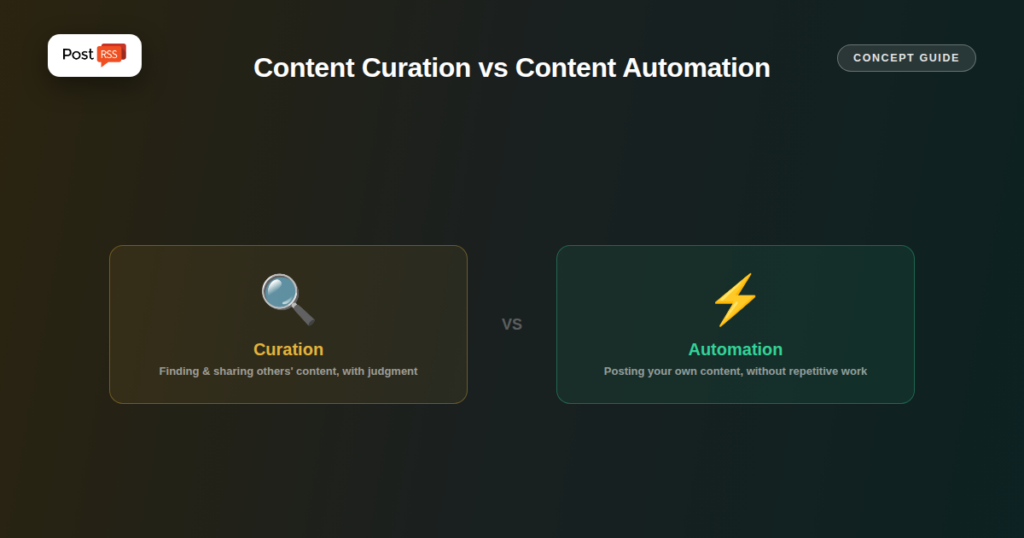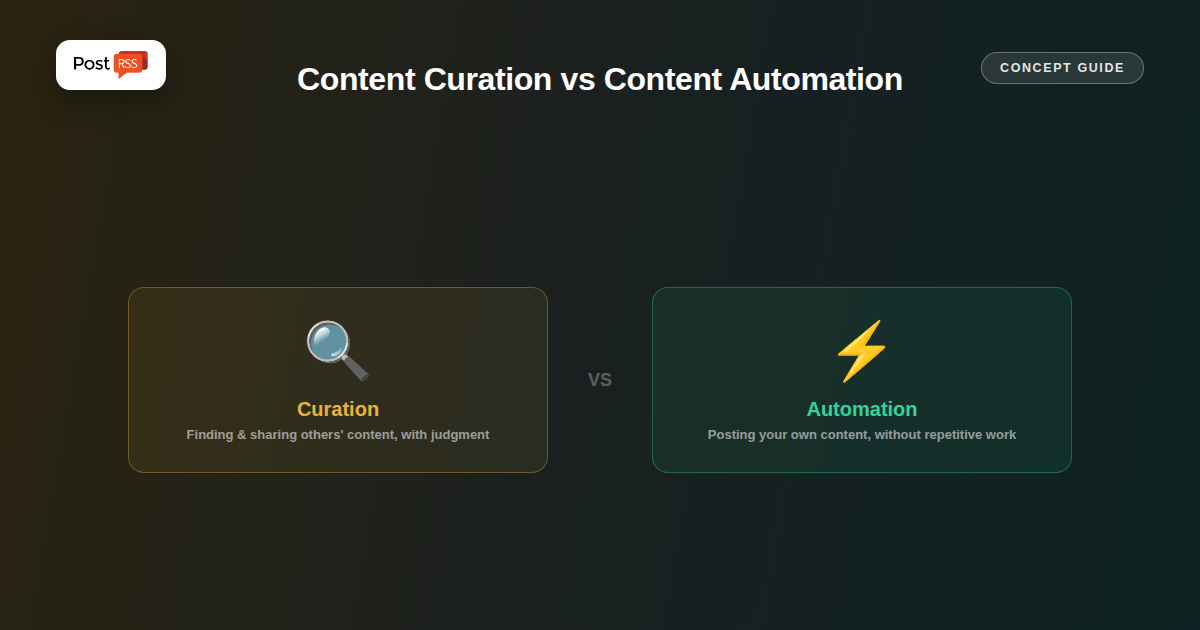
“Content curation” and “content automation” get used almost interchangeably in casual conversation, but they describe genuinely different activities with different tools, different goals, and different risk profiles. Knowing which one you’re actually doing (or want to do) clarifies which category of tool actually fits.
Curation means discovering content from other sources — industry news, other publishers, relevant third-party articles — and sharing it with your own audience, typically with added commentary, context, or a specific selection judgment about what’s worth their attention. The value a curator adds is the selection and framing itself, not the underlying content, which remains someone else’s work. Tools built for this typically emphasize discovery (suggesting relevant articles from around the web), content libraries, and an editorial step where a human picks what to actually share.
Automation, in the RSS-to-social sense, means taking content you already created and published on your own site and getting it onto your social channels without manual, repetitive effort each time. There’s no discovery step and no third-party selection judgment — the “decision” about what to share was already made the moment you published the article; automation just removes the repetitive manual step of also posting it to five different networks.
| Question | Content Curation | Content Automation |
|---|---|---|
| Whose content is it? | Usually someone else’s | Your own |
| Copyright considerations | Real, ongoing (attribution, fair use) | Minimal (you own the content) |
| Human judgment involved | Yes, per item selected | Made once, at the point of publishing |
| Primary tool category | Discovery/curation platforms | RSS-to-social automation (PostRSS) |
| Goal | Position yourself as a useful filter/voice | Distribute your own work without repetitive manual effort |
Some publishers do both: automating their own new articles via a tool like PostRSS, while separately, manually curating and sharing third-party content they find genuinely valuable for their audience. These aren’t competing activities — a content strategy can reasonably include both a fully automated “my new content goes out automatically” pipeline and a manual, judgment-driven curation practice layered on top, since they serve different goals with different content sources.
PostRSS reads your own site’s RSS feed and posts your own new content — it has no discovery feature, no suggested-content library, and no mechanism for pulling in third-party articles to share as your own curated picks. This is a deliberate scope choice: it solves the “get my own content distributed without manual repetitive work” problem specifically, rather than trying to also be a discovery or curation platform, which is a genuinely different product with different needs (search across many sources, an editorial review queue, licensing/attribution handling).
Not as designed — PostRSS is built to read and automatically post from a feed you control (your own site), not to discover or curate third-party content from around the web. A dedicated curation tool would be the right fit for that specific need.
Technically PostRSS would still just be automating whatever feed you connect it to; the curation judgment (which sources to combine, what counts as relevant) would be happening separately, at the point you built that aggregated feed, not inside PostRSS itself.
Different effort, mostly front-loaded differently: curation requires ongoing, per-item judgment about what to share; automation requires effort once (writing the original content) with the distribution step then requiring no repeated manual work at all.
Curation and automation solve different problems: curation is about finding and sharing valuable content from elsewhere with editorial judgment attached; automation is about distributing your own already-decided content without repetitive manual work. PostRSS is squarely an automation tool in this framing — if what you actually need is discovery and curation of third-party content, that’s a different category of tool worth looking for specifically.