Updated: 2026-09-27
Short answer: nearly every tool here can auto-post to a LinkedIn Company Page, and nearly none can post to a personal profile, which needs partner-level API access LinkedIn grants to very few tools. PostRSS covers Company Pages, personal profiles and groups from Professional at $10/month.
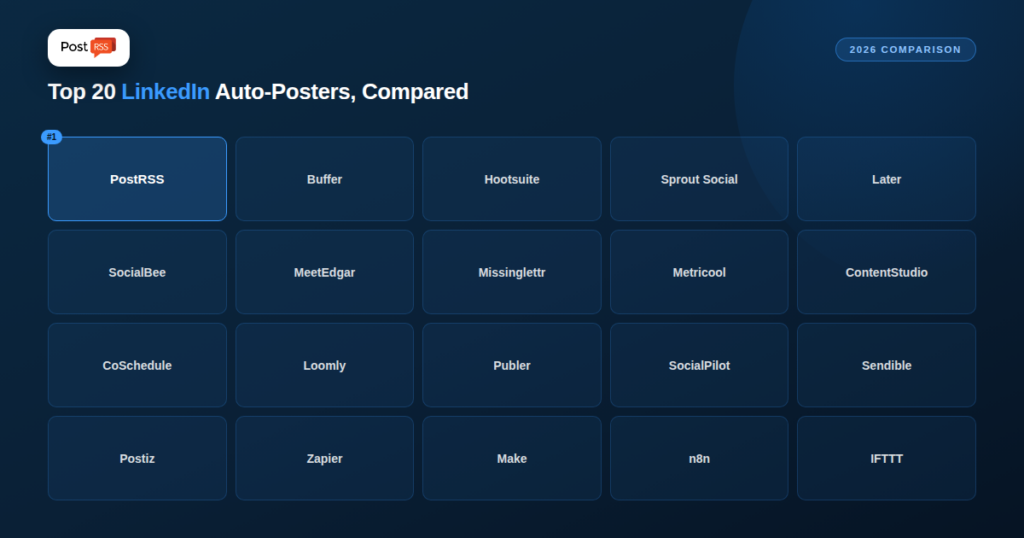
LinkedIn auto-posting carries one restriction that shapes most tools on this list: third-party apps can reliably auto-post to LinkedIn Company Pages via the official API, but posting to a personal profile requires special partner-level API access LinkedIn grants to very few tools. Almost everything below auto-posts to Company Pages; personal-profile posting is the exception, not the rule. PostRSS is one of the exceptions: it posts to personal profiles, Company Pages and groups. This guide ranks the 20 tools people compare for LinkedIn auto-posting, PostRSS first.
| Tool | Starting Price | LinkedIn Posting Model |
|---|---|---|
| PostRSS | $10/month | Real-time RSS to profile, Company Page or group |
| Buffer | $6/channel/month | Manual queue, Page + limited profile |
| Hootsuite | $99/month | Manual queue + team approval |
| Sprout Social | $199/seat/month | Manual queue + analytics |
| Later | $25/month | Visual calendar scheduling |
| SocialBee | $29/month | Category-based recycling |
| MeetEdgar | ~$29–49/month | Category-based recycling |
| Missinglettr | $15/month | Auto-generated drip campaigns |
| Metricool | $25/month | Scheduling + analytics |
| ContentStudio | $29/month | AI content + scheduling |
| CoSchedule | $29/month | Marketing calendar scheduling |
| Loomly | $42/month | Approval-workflow scheduling |
| Publer | $10/month (free tier) | Manual queue |
| SocialPilot | $20/month | Manual queue + client management |
| Sendible | $29/month | Manual queue + RSS import |
| Postiz | $29/month (free tier) | Manual queue, self-hostable |
| Zapier | Free / $19.99/month | Custom-built RSS-to-LinkedIn Zap |
| Make | $9/month | Custom-built scenario |
| n8n | $20/month or free self-hosted | Custom-built, self-hostable |
| IFTTT | $2.99/month | Simple single-step applet |
LinkedIn’s API has historically restricted general third-party publishing access to Company Pages, requiring a separate, harder-to-obtain partner-level integration for posting to personal profiles — a restriction most tools on this list work within rather than around. PostRSS is an exception: you connect a personal profile, a Company Page or a Group, each with its own authorization step through the official LinkedIn login flow. A small number of tools offer limited personal-profile scheduling through browser-extension-based workarounds rather than the official API; these tend to be less reliable and are worth confirming directly before depending on one. See our full breakdown in LinkedIn Personal Profile vs Company Page.
PostRSS posts new RSS items to a connected LinkedIn personal profile, Company Page or Group automatically and in real time — no manual queue, no drafting. Each one is connected through the official LinkedIn login flow. Starts at $10/month on the Professional plan.
Buffer ($6/channel/month) — manual queue supporting Company Pages and, notably, limited personal-profile scheduling for some account types. Hootsuite ($99/month) — full manual scheduling and approval chains for Company Pages, built for larger teams. Sprout Social ($199/seat/month) — manual Company Page scheduling with strong B2B-relevant analytics layered on top. Later ($25/month) — visual queue scheduling extended to LinkedIn, no RSS trigger. SocialBee ($29/month) and MeetEdgar (~$29–49/month) — recycle a fixed content library to your Company Page on repeat. Missinglettr ($15/month) — generates a drip campaign of LinkedIn posts from one article. Metricool ($25/month) — Company Page scheduling with deep analytics. ContentStudio ($29/month) — AI content discovery plus manual LinkedIn scheduling. CoSchedule ($29/month) — LinkedIn posting inside a broader marketing calendar. Loomly ($42/month) — approval-chain scheduling, a natural fit for B2B teams needing sign-off before anything goes out under the company’s name. Publer ($10/month, free tier) — budget manual scheduling. SocialPilot ($20/month) and Sendible ($29/month) — agency-oriented, managing many clients’ Company Pages, with Sendible’s RSS import as a notable feature. Postiz ($29/month, free tier, self-hostable) — open-source scheduler with LinkedIn support. Zapier, Make, and n8n can each be wired to post RSS items to a LinkedIn Company Page, requiring you to build the workflow yourself. IFTTT ($2.99/month) — the cheapest, simplest option, with the least reliability of any tool here.
For the LinkedIn side specifically, see our RSS to LinkedIn page.
Twenty tools can feel like too many options, but a few questions narrow the list quickly:
Prices and features change often, so check each vendor’s current pricing page before you decide, and use a free plan or trial to test with your own feed.
For the RSS-driven approach, the details of the post matter as much as the connection. PostRSS builds each post from one of nine message formats (item title, item description, page title or your own static text), takes the real image from the feed item or the page’s Open Graph tags, and can add UTM parameters such as utm_source=postrss to every link so your analytics shows what LinkedIn brought. Keyword filters decide which items are posted, and on paid plans posting windows keep updates within working hours in your time zone. The same feed can also go to any of the 66 networks PostRSS supports. Current LinkedIn plan details are on the pricing page, and our Company Page setup guide walks through the connection.
PostRSS can: from the Professional plan ($10/month) it posts to a personal profile, a Company Page or a Group, each connected through the official LinkedIn login flow. For other tools, personal-profile support varies; confirm directly with the vendor rather than assuming.
PostRSS is purpose-built for it: it watches your feed and publishes each new item to your Company Page automatically, from the Professional plan at $10/month. IFTTT ($2.99/month) costs less but is the least reliable option on this list.
If your organization needs sign-off before anything posts under the company name — common in regulated industries or larger B2B teams — Loomly’s structured review chain is genuinely useful. If you trust your feed content to go out as published, that approval step is unnecessary overhead.
No. Vendors change their prices and plans often, so treat the table as a starting point and confirm each tool’s current pricing page before deciding.
Most tools on this list work within LinkedIn’s Company-Page-focused API access, and few genuinely auto-post to personal profiles the way they can to a Page. Among purpose-built RSS-to-LinkedIn automation specifically, PostRSS remains the simplest option for turning new feed content into posts automatically — on a Company Page, a personal profile or a Group.
What changed in the networks, what broke, and how to fix it before it costs you reach.
Built by Internet Solutions, the team behind PostRSS. Each product saves you time in its own way.
 English
 Lietuviškai
 Deutsch
 Français
 Русский
 Español
 Polski
 Italiano
 Українська
 Čeština
 Português
 日本語
日本語 Latviešu valoda
 Eesti
Eesti Magyar
 Bahasa Indonesia
 Türkçe
 हिन्दी
 Ελληνικά
 العربية
 ไทย
ไทย Tiếng Việt
 Română
 Bahasa Melayu
 বাংলা
বাংলা