Updated: 2026-09-27
Short answer: there is no single replacement, because FeedBurner did three unrelated jobs. Use your CMS's own feed for the feed itself, a dedicated newsletter tool for email subscriptions, and an auto-posting tool for social distribution. Migrating is low-risk as long as you redirect the old FeedBurner URL so existing subscribers follow.
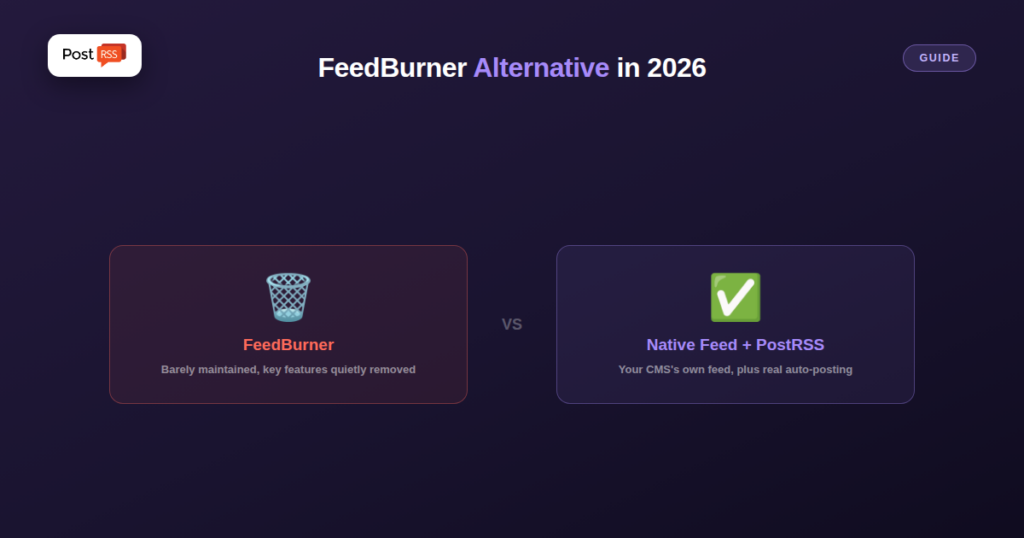
FeedBurner still runs, technically, but Google stopped meaningfully developing it years ago and quietly removed features (including email subscriptions) along the way. If you’re still using it, or found an old tutorial recommending it, here’s what actually makes sense to use instead in 2026.
FeedBurner was, for years, the default answer to “how do I manage my RSS feed,” which means a huge amount of old blog posts, forum answers, and tutorials still point to it. Many sites that set it up a decade ago still have it quietly running in the background, redirecting their real feed through FeedBurner’s URL — often without anyone actively maintaining or checking it.
Beyond just re-hosting your feed URL, FeedBurner offered subscriber counts, basic analytics, and (in its most-used era) email digest subscriptions. The email subscription feature was discontinued years ago, and the analytics have grown increasingly unreliable, leaving most of what made it popular no longer functional — while the basic feed-redirect part still technically works.
If you just need a working RSS feed, you almost certainly already have one: every modern CMS (WordPress, Ghost, Squarespace, Shopify) generates a valid feed automatically at a predictable URL, with no third-party service needed at all. If you specifically want email newsletter delivery from your feed, a dedicated RSS-to-email tool built for that purpose (rather than a legacy feed-hosting service) handles it properly. If you want your new posts automatically distributed to social media, that’s a job for a dedicated RSS auto-posting tool like PostRSS — a category that didn’t really exist when FeedBurner launched.
If FeedBurner is still redirecting your feed and nothing is broken, there’s no urgency to touch it — but if you’re setting up something new, there’s no reason to add it into a fresh workflow either. Pointing automation and subscription tools straight at your CMS’s native feed URL is simpler, removes a dependency on a barely-maintained legacy service, and avoids the redirect entirely.
Before you retire a FeedBurner address, you need the feed your own platform already publishes. For most platforms it sits at a predictable address:
/feed/ on your domain, plus a feed for each category.https://your-blog.blogspot.com/feeds/posts/default?alt=rss, with /-/Label added before ?alt=rss for a single label./rss/, with separate feeds for tags and authors./blogs/news.atom for the blog and /collections/all.atom for products.?format=rss to a blog page URL./blog-feed.xml for Wix Blog.Open the URL in a browser to confirm it loads and lists your latest posts. That is the address every new tool should use from now on.
Many sites kept FeedBurner mainly because it sat in the path between the blog and its audience. Today that distribution job is better done by a tool that reads your native feed and posts each new item to the networks where your readers actually are. PostRSS checks the feed as often as every minute, and posts the title, image and link to your Facebook Page and, on paid plans, to many other networks. If your older articles were never shared, the catch-up setting lets you pick a start date so PostRSS also posts items that were published before you connected the feed.
If your site runs on WordPress, the official plugin creates the feed and the targets from wp-admin, so there is no feed address to copy at all. The integrations page lists the built-in feed addresses of other platforms.
There’s no announced shutdown date, but Google has already removed major features over the years without much warning, which is itself a reason not to build anything new around it.
If people subscribed to your FeedBurner URL specifically, redirecting or removing it can disrupt their existing subscription; check your traffic and subscriber sources before changing anything on a feed people are actively depending on.
Your own CMS’s native feed, almost always available by default at a URL like /feed/ — no third-party account or setup required.
FeedBurner isn’t a modern recommendation for anything in 2026 — its most useful features are gone, and every job it used to handle now has a purpose-built, actively maintained alternative: your CMS’s native feed for basic hosting, a dedicated email tool for newsletters, and a dedicated auto-posting tool for social distribution.
What changed in the networks, what broke, and how to fix it before it costs you reach.
Built by Internet Solutions, the team behind PostRSS. Each product saves you time in its own way.
 English
 Lietuviškai
 Deutsch
 Français
 Русский
 Español
 Polski
 Italiano
 Українська
 Čeština
 Português
 日本語
日本語 Latviešu valoda
 Eesti
Eesti Magyar
 Bahasa Indonesia
 Türkçe
 हिन्दी
 Ελληνικά
 العربية
 ไทย
ไทย Tiếng Việt
 Română
 Bahasa Melayu
 বাংলা
বাংলা