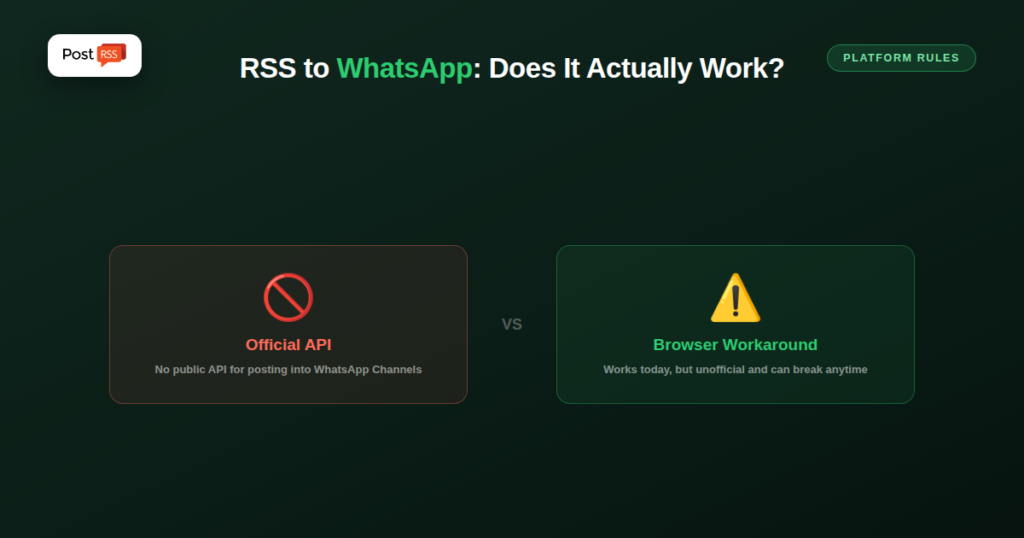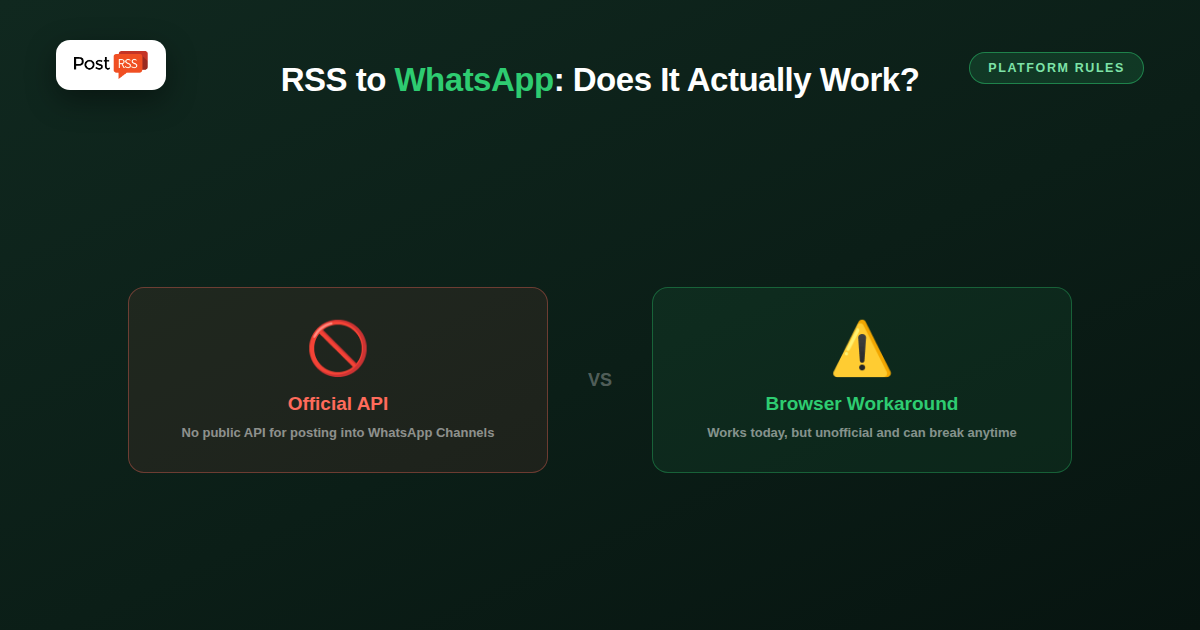
WhatsApp has no public API that lets a third-party automation tool post directly into a WhatsApp Channel the way Facebook, X, or LinkedIn allow. That single fact shapes everything else in this guide — auto-posting your RSS feed to WhatsApp is possible, but it works differently than every other platform you might already be automating.
WhatsApp Channels (the one-to-many broadcast feature, separate from groups) don’t currently expose a general publishing API the way the WhatsApp Business Platform does for customer messaging. Most “RSS to WhatsApp” tools work around this by using a browser-automation layer that drives an actual logged-in WhatsApp Web session, rather than calling an official publishing endpoint — a fundamentally different, less stable mechanism than the API-based posting used for Facebook Pages or X.
Two practical paths exist. The first is the WhatsApp Business Platform’s messaging API, which can push RSS-triggered messages to individual opted-in contacts or a broadcast list — useful for newsletters or customer updates, but built for messaging, not for a public channel feed. The second is browser-automation tools that simulate a real user posting into a Channel; these work in practice today but depend on an unofficial mechanism WhatsApp could restrict at any time, the same risk browser-automation tools face on any platform without a real public API.
If you’re choosing WhatsApp specifically because your audience already lives there, browser-automation-based RSS-to-WhatsApp tools can work as a stopgap, with the caveat that they’re inherently less reliable than API-based automation and can break without warning if WhatsApp changes how Web sessions behave. If reliability matters more than being on WhatsApp specifically, prioritizing platforms with genuine publishing APIs (Facebook, X, LinkedIn, Telegram, Bluesky) gets you the same “post once, distribute everywhere” outcome without depending on a workaround.
If the goal is a one-to-many broadcast that fills itself from your feed, several messaging platforms do offer official publishing access, and PostRSS posts to them directly. WhatsApp is not among the networks PostRSS supports, for the reasons described above, but these are:
Each of these is added as a target like any other network. PostRSS checks your feed as often as every minute, and every new item is posted once with its title, image and link. The pricing page lists exactly which networks each plan includes.
If you still consider a browser-automation tool for WhatsApp, a few questions help judge the risk honestly:
If the answers are uncomfortable, an officially supported messaging channel is the safer home for automated posts.
For teams that already use the WhatsApp Business Platform to message opted-in contacts, there is a cleaner option than browser automation. On plans that include webhooks, PostRSS can send each new feed item to a webhook, and from there to Zapier, Make or n8n. Your own workflow in one of those tools can then decide what to do with the item, for example sending a message through your existing business messaging setup. PostRSS delivers the new item reliably; whatever happens after the webhook is controlled by your workflow and by WhatsApp’s own rules for business messaging, including consent from the people you message.
Many publishers keep their WhatsApp Channel manual and use automation to grow it instead. PostRSS lets you add your own static text to every post, so each automated post on your Facebook Page, Telegram channel or other networks can end with a short line inviting readers to follow your WhatsApp Channel. You then post into WhatsApp by hand only the updates that truly deserve a push notification, while every other network receives your full feed automatically. It keeps WhatsApp personal and selective, which suits the way people read channels there.
To see how the rest of the pipeline works, the features page lists every PostRSS setting, and our guide to auto-posting RSS to a Telegram channel covers the most common WhatsApp alternative step by step.
Not through a general-purpose publishing API as of now — the WhatsApp Business Platform API is built around messaging contacts and broadcast lists, not posting into the public Channels feature the way you’d post to a Facebook Page.
Possibly, since Meta has expanded WhatsApp’s business tooling steadily over time, but there’s no announced timeline, and building a workflow around a feature that doesn’t exist yet isn’t a practical plan today.
Yes — Telegram’s Bot API is fully self-serve and officially supported for exactly this use case, making it the closest fully-automatable equivalent to what people usually want from WhatsApp Channels.
Auto-posting an RSS feed straight into a WhatsApp Channel isn’t officially supported the way it is on most major platforms, and the tools that offer it lean on browser automation rather than a real API. It can work as a practical workaround if WhatsApp is where your audience already is, but it carries more operational risk than API-backed automation — worth knowing before building a workflow around it.
What changed in the networks, what broke, and how to fix it before it costs you reach.
Built by Internet Solutions, the team behind PostRSS. Each product saves you time in its own way.
 English
 Lietuviškai
 Deutsch
 Français
 Русский
 Español
 Polski
 Italiano
 Українська
 Čeština
 Português
 日本語
日本語 Latviešu valoda
 Eesti
Eesti Magyar
 Bahasa Indonesia
 Türkçe
 हिन्दी
 Ελληνικά
 العربية
 ไทย
ไทย Tiếng Việt
 Română
 Bahasa Melayu
 বাংলা
বাংলা