Updated: 2026-09-27
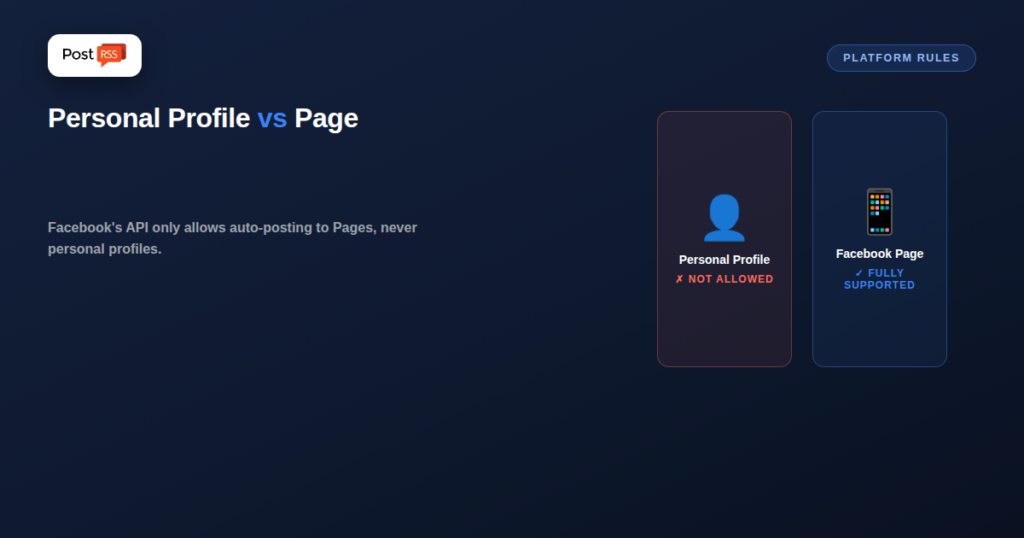
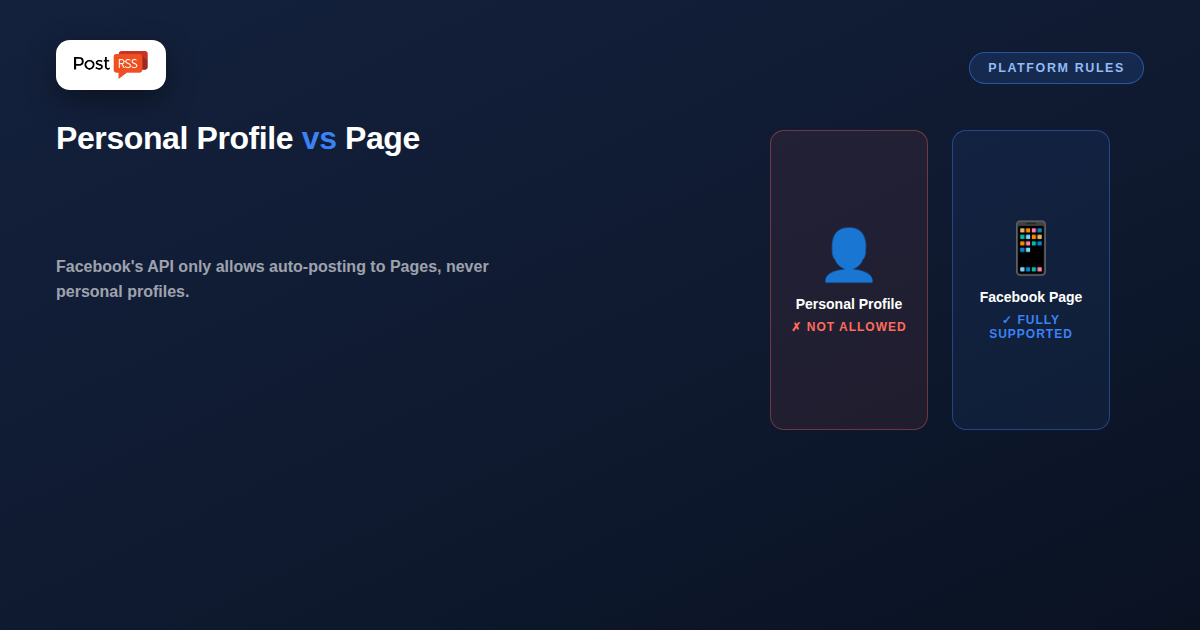
Short answer: you can automate a Facebook Page, not a personal profile — Facebook's API has never allowed third-party tools to publish to a personal timeline, and no tool can work around it. If a profile is all you have, create a Page (free, a few minutes) and automate that instead.
A surprisingly common assumption is that automating Facebook posting means automating your personal profile — the account you actually use day to day. That’s not how Facebook’s API works, and understanding the actual restriction upfront avoids wasted setup time and a confusing “why won’t this connect” moment.
Facebook removed the ability for third-party apps to post to personal profiles via its API back in 2018. This wasn’t a partial limitation — it was a full removal of that capability from the platform, part of a broader set of API restrictions Meta introduced in response to data-privacy concerns around that time. Every legitimate automation tool, PostRSS included, can only post to Facebook Pages, never to a personal profile, because the API itself doesn’t offer that capability to any third-party application, regardless of permissions requested.
It’s worth knowing this isn’t purely an old, settled restriction from years back — Facebook’s own native scheduling tool for personal profile posts (a first-party feature, not a third-party API integration) was itself discontinued in early 2024. So even Facebook’s own built-in scheduler no longer supports scheduling posts to a personal timeline; that capability now effectively doesn’t exist through any official channel, first-party or third-party.
Personal profiles and Pages look similar on the surface — both have a timeline, both accept posts, both are “your Facebook presence” from a casual user’s perspective. But Facebook treats them as fundamentally different object types at the API and platform-policy level: Pages are business/public entities designed for programmatic access and third-party management, while personal profiles are treated as private individual accounts with much stricter, human-only interaction assumptions built into the platform’s policies.
Personal profiles simply aren’t on this list, and no automation tool can legitimately offer it, since the capability doesn’t exist at the platform level for third-party apps.
If your business or content presence currently lives on your personal Facebook profile rather than a dedicated Page, converting to (or additionally creating) a Facebook Page is the only path to automated posting on Facebook. This is generally good practice independent of automation anyway — a Page offers analytics, ad capabilities, and a more appropriate structure for anything beyond purely personal use, and the conversion process is a standard, well-documented Facebook feature.
Facebook has its own setup page: our Facebook auto poster walkthrough covers the connection and the template fields.
Once you have a Facebook Page, connecting it to automation is quick. In PostRSS you connect your Facebook account, choose which of the Pages you manage should receive posts, and link each Page to a feed. One feed can publish to several Pages, and each Page is a separate target with its own message format and schedule.
A few details make the Page look cared for rather than automated:
Facebook Pages are included on every PostRSS plan: the Free plan covers one Page with 10 posts per month, and the pricing page lists the higher limits.
No legitimate tool can, since the restriction is enforced by Facebook’s own API, not by individual automation tools choosing not to support it. Any tool claiming to auto-post to personal profiles is either misrepresenting what it does or relying on methods that violate Facebook’s terms of service, both of which carry real account-risk.
Facebook’s own native scheduling feature for personal profiles was discontinued in early 2024, so even manual, first-party scheduling to a personal timeline is no longer available through official means.
Instagram has a related but distinct requirement: automated posting requires a Business or Creator account linked to a Facebook Page, not a standard personal Instagram profile — a similar principle (personal accounts are excluded from automation) applied through Instagram’s own account-type system.
Converting a personal profile to a Page is a distinct action from simply creating a new Page, and the specifics of what carries over depend on Facebook’s current conversion tools — check Facebook’s own documentation for the current process, since this has changed over time and carries real, sometimes irreversible consequences worth understanding before starting.
Yes, by hand. Automation publishes to the Page, and you can share any of those Page posts to your personal timeline yourself whenever you want your friends to see them.
Facebook’s API has excluded personal profiles from automated posting since 2018, and even native manual scheduling for personal timelines was discontinued in 2024 — this isn’t a gap any automation tool can fill, since it’s a platform-level restriction. Facebook Pages remain fully supported for automation, including on PostRSS’s Free plan, making a Page the only real path forward if automated Facebook posting is a requirement.
What changed in the networks, what broke, and how to fix it before it costs you reach.
Built by Internet Solutions, the team behind PostRSS. Each product saves you time in its own way.
 English
 Lietuviškai
 Deutsch
 Français
 Русский
 Español
 Polski
 Italiano
 Українська
 Čeština
 Português
 日本語
日本語 Latviešu valoda
 Eesti
Eesti Magyar
 Bahasa Indonesia
 Türkçe
 हिन्दी
 Ελληνικά
 العربية
 ไทย
ไทย Tiếng Việt
 Română
 Bahasa Melayu
 বাংলা
বাংলা