Updated: 2026-09-27
Short answer: to auto-post an RSS feed to a Telegram channel with PostRSS, connect the channel under Accounts → Add new Telegram account, then open Targets → Add feed, choose Telegram in Target settings and add your feed under Add source (Type = RSS feed, Link = your feed address). PostRSS checks the feed as often as every minute and posts each new item to the channel with its title, link and image — there is no bot to host and no script to keep running. Telegram channels are included on every plan, including Free.
Telegram closes out this series on the same encouraging note as Bluesky and Mastodon: it’s a genuinely open, self-serve platform to automate against, with none of the business verification or app-review gates covered elsewhere in this series. If you publish a Telegram channel alongside your other social presence, connecting your RSS feed to it is one of the more accessible integrations available — you don’t need a company’s approval, just a few minutes with Telegram’s own bot system.
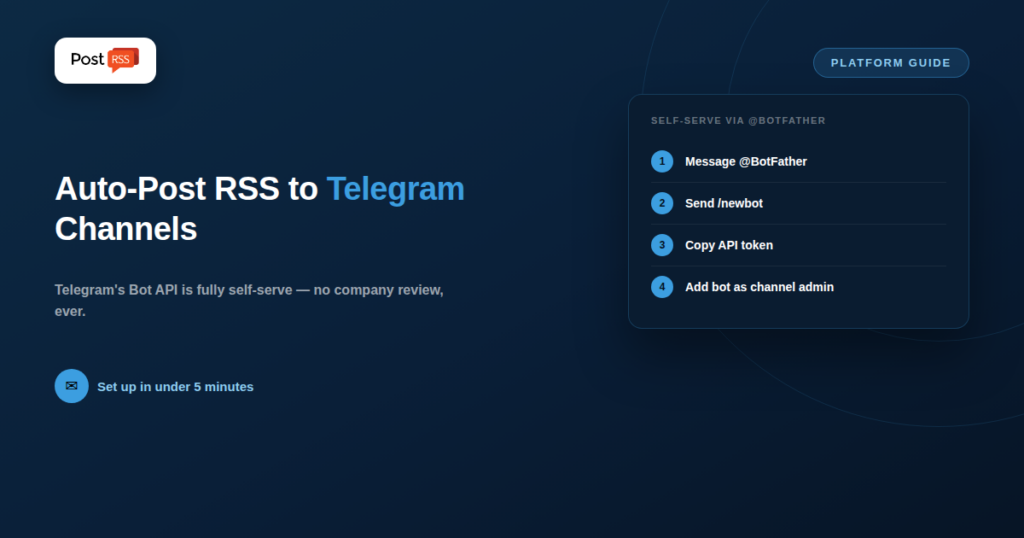
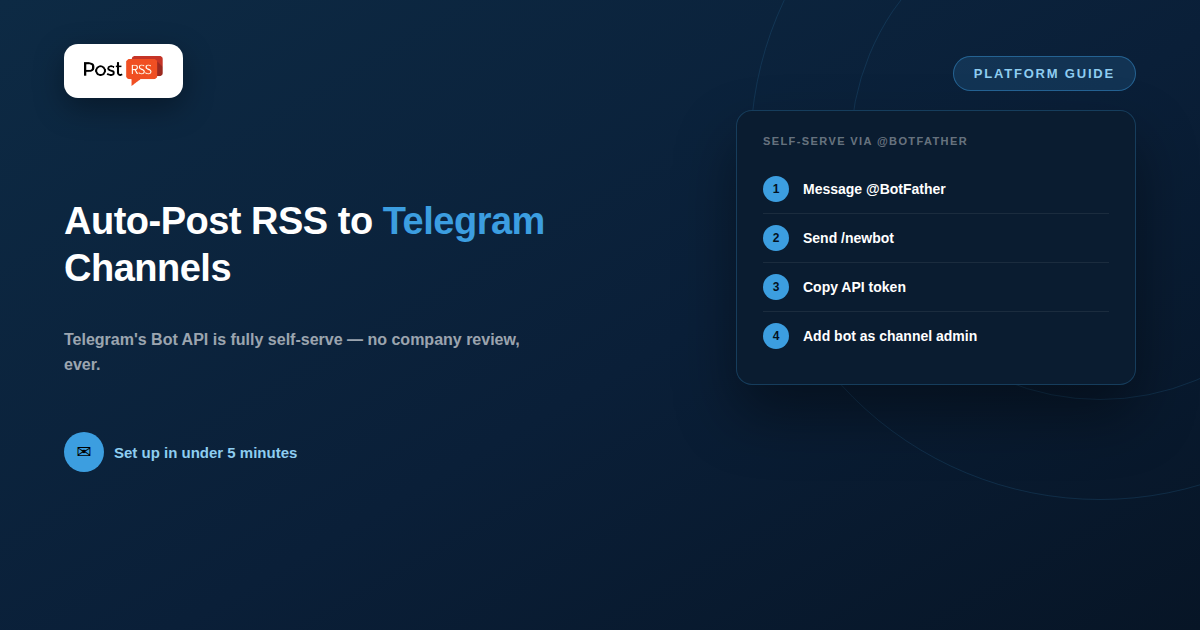
Telegram’s Bot API has been self-serve since it launched, with no equivalent to Meta’s Business Verification, TikTok’s audit process, or Threads’ Tech Provider Verification. Creating a bot takes place entirely inside Telegram itself: you message the official @BotFather account, run a couple of commands, and receive a bot token instantly — no waiting period, no application reviewed by a human, no separate developer portal to register with.
Once you have a bot token and have added your bot as an administrator of your channel, posting a new message is a single authenticated HTTP request to Telegram’s sendMessage (or sendPhoto, for image posts) API endpoint. PostRSS makes that request for you. Connect the channel once under Accounts → Add new Telegram account, add your feed under Targets → Add feed, and every new item is posted to the channel with its title, link and image — nothing to host, nothing to restart, and the same feed can go to your other networks at the same time. Telegram channels are included on every plan, including Free. Because the endpoint itself is so simple, other routes exist as well — self-hosted reposters, hosted feed bots and general workflow builders — and the section below compares them.
Services like RSS.app’s Telegram bot handle the entire pipeline for you — connect a feed URL, connect your channel, and new items post automatically, typically checked on an interval as frequent as every 15 minutes, with filtering options for keywords, authors, or media type built into the dashboard.
Projects like TgRssReposter are built specifically for this use case, free to run, and reasonable for anyone comfortable with basic self-hosting (they typically run as a small background service you deploy yourself, similar in spirit to self-hosted Mastodon tools).
Zapier, Make, n8n, and IFTTT all support RSS-to-Telegram through their visual workflow builders, letting you add filters, reformat content, or route to multiple channels without needing to self-host anything.
Because the Bot API is simple and well-documented (a single authenticated POST request), a basic script — scheduled via cron or Task Scheduler — is a realistic project for anyone with basic scripting experience.
/newbot and follow the prompts to name your bot and choose a username ending in “bot”.The entire process typically takes only a few minutes — comparable to Bluesky’s app-password model and Mastodon’s self-serve app registration, and a sharp contrast to the multi-week verification processes covered earlier in this series for Threads or TikTok.
| Requirement | Telegram | Mastodon | Threads |
|---|---|---|---|
| Central company approval needed | No | No | Yes |
| Self-serve credential generation | Yes, instant (via BotFather) | Yes, instant | No |
| Accepts plain text + link posts | Yes | Yes | Yes |
| Dedicated free tools available | Yes, several | Yes, several | Limited |
PostRSS supports Telegram channels. It is included on every plan, including Free, alongside a Facebook Page, Bluesky and Mastodon — 66 networks in total across the range. So if you already use PostRSS for a blog feed, you do not need a second tool or a self-hosted script to add Telegram; any plan with a free target will do.
That is worth stating plainly because the tools described above are often presented as the only route to RSS-on-Telegram. They are good options, and for some setups they are the better one — a self-hosted reposter costs nothing but your time, and a custom bot script gives you total control over formatting. What they do not give you is one place to manage a feed that also goes to Facebook, LinkedIn, Pinterest and the rest. PostRSS does one thing — RSS auto-posting — but to 66 networks, and Telegram is one of them.
Full limits per tier are on the pricing page, and the complete network list is on the supported networks page.
Telegram channels skew toward tech, crypto, news, and international audiences, particularly strong in regions and communities where Telegram is a primary messaging platform rather than a secondary one. Channels function more like a broadcast feed than a social network with algorithmic ranking — every post reaches every subscriber in chronological order, with no engagement-based filtering deciding who sees what. For publishers whose audience already lives on Telegram, or who want a reliable, unfiltered distribution channel free from algorithm changes, a Telegram channel synced to an RSS feed can be one of the most dependable automated distribution paths available.
Telegram setup is documented separately on our auto-post RSS to Telegram page.
No — any Telegram user can create a bot via @BotFather and add it to any channel they administer, with no business verification or special account tier required at any step.
Yes — the Bot API’s sendPhoto method supports an image alongside a caption, so most RSS-to-Telegram tools can include your feed item’s featured image in the post, not just the text and link.
A single bot can be added as an administrator to multiple channels and post into each independently, so one bot token can typically drive several channels if you’re managing more than one.
Regenerating a token immediately invalidates the old one, so any tool or script using it will need to be updated with the new token before automation resumes — a useful option if a token is ever compromised, but one that requires updating every connected integration.
Telegram breaks the pattern of gated, verification-heavy platforms covered elsewhere in this series: its bot system is self-serve, instant, and needs no company approval at any step. That openness means you have real choices.
If you want Telegram and nothing else, a hosted reposter or a short custom script will do it cheaply, and an open-source tool will do it for free if you are comfortable running one. If Telegram is one destination among several for the same blog feed, PostRSS covers it on every plan, along with up to 65 other networks, and you manage the whole thing from one feed. Neither answer is wrong — it depends on whether Telegram is your only channel or one of many.
What changed in the networks, what broke, and how to fix it before it costs you reach.
Built by Internet Solutions, the team behind PostRSS. Each product saves you time in its own way.
 English
 Lietuviškai
 Deutsch
 Français
 Русский
 Español
 Polski
 Italiano
 Українська
 Čeština
 Português
 日本語
日本語 Latviešu valoda
 Eesti
Eesti Magyar
 Bahasa Indonesia
 Türkçe
 हिन्दी
 Ελληνικά
 العربية
 ไทย
ไทย Tiếng Việt
 Română
 Bahasa Melayu
 বাংলা
বাংলা