Updated: 2026-09-27
Short answer: to auto-post an RSS feed to Mastodon with PostRSS, connect your account under Accounts → Add new Mastodon account — any instance works — then open Targets → Add feed, choose Mastodon in Target settings and add your feed under Add source (Type = RSS feed, Link = your feed address). Each new item is posted as a status with its title, link and image, and because Mastodon is federated that one account reaches readers across the wider fediverse. Mastodon is included on every plan, including Free.
Mastodon closes out this series on the same encouraging note Bluesky did: it’s one of the most open, automation-friendly platforms available, for reasons rooted in how it was built from the start. Where Instagram, TikTok, and Nextdoor gate automated posting behind business verification, app audits, or partner-only access, Mastodon lets you register your own posting app directly from your account settings, in under a minute, with no company reviewing or approving anything.
That openness isn’t an accident or an oversight — it’s a direct consequence of Mastodon’s founding philosophy as an alternative to centrally controlled social platforms. If you’ve read the earlier entries in this series, this one should feel like a relief: no waiting period, no gated business tier, no fine print about which account types qualify.
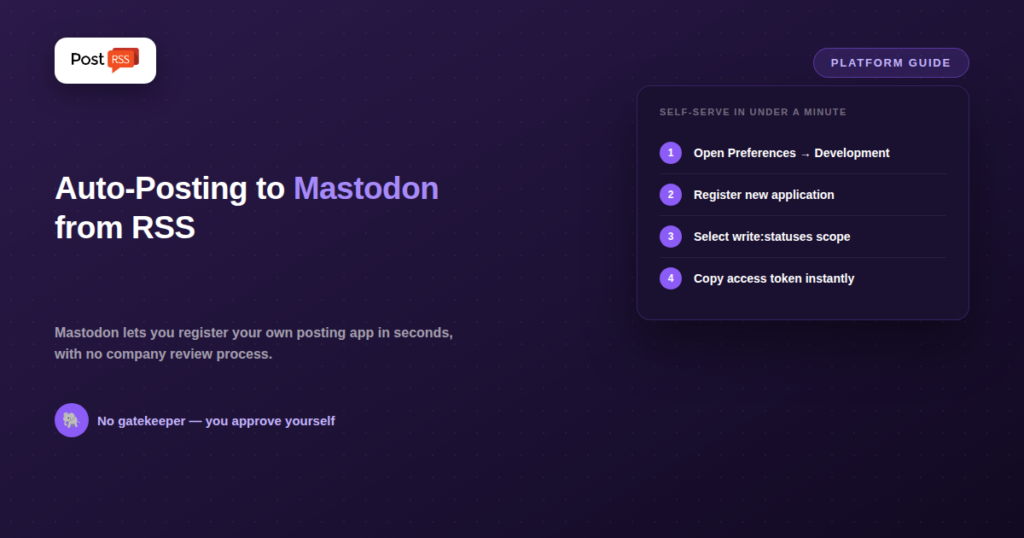
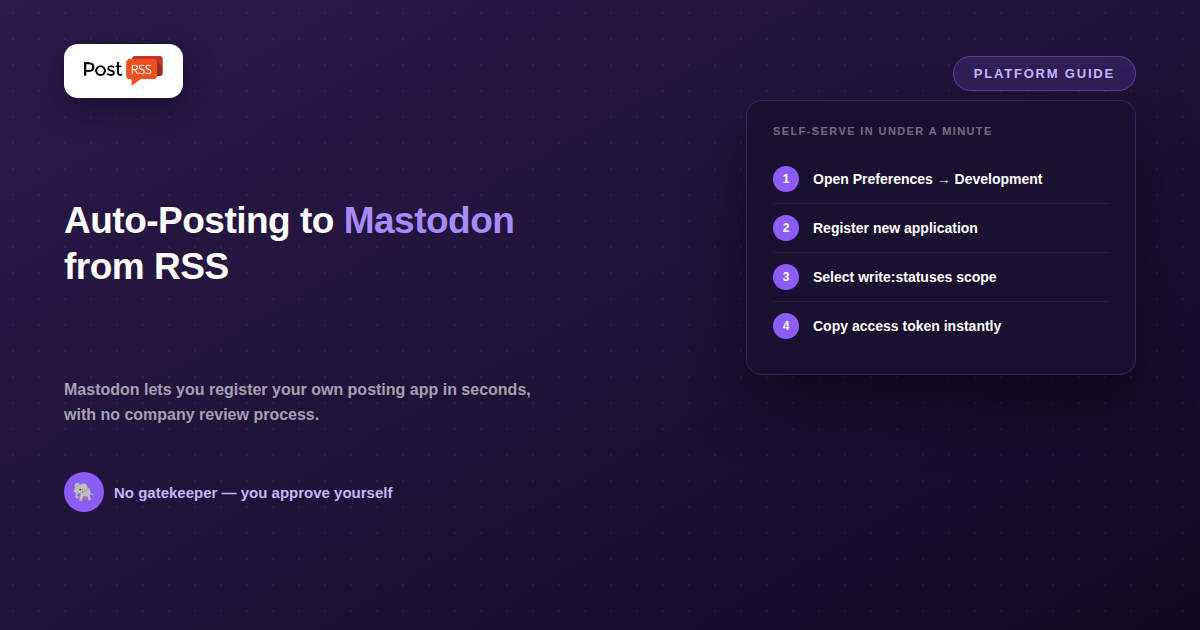
Mastodon isn’t a single platform owned by one company — it’s open-source software that anyone can run, resulting in a “federated” network of thousands of independently operated instances (mastodon.social, and countless others, each its own community with its own server). Because there’s no single central company gatekeeping API access the way Meta, TikTok’s parent company, or Nextdoor do, app registration happens locally, on whichever instance your account lives on: you go to your own account’s Development preferences, register a new application, choose the permission scopes it needs (for RSS posting, just write:statuses), and you’re issued a client key, client secret, and access token immediately — no waiting period, no submitted application, no review queue.
Posting a new status to Mastodon via the API is a single, well-documented HTTP request to your instance’s /api/v1/statuses endpoint, authenticated with the access token you generated yourself. This simplicity is why PostRSS can post to Mastodon with no approval step in the way. Connect your account under Accounts → Add new Mastodon account on whichever instance you use, add your feed under Targets → Add feed, and each new item goes out as a status with its title, link and image — and, because Mastodon federates, that one account carries it across the wider fediverse. Mastodon is included on every plan, including Free. The same openness has produced a healthy set of alternatives as well — purpose-built open-source tools, general workflow platforms and custom scripts — which the options section below goes through one by one.
Projects like feed2mastodon and FeedToMastodon are built for exactly this use case, are free, and are straightforward to run if you’re comfortable with basic self-hosting (they typically run as a small service you deploy yourself). This is a strong option for technically comfortable users who want a lightweight, dedicated solution.
Zapier’s RSS trigger combined with a webhook action, or IFTTT’s applet system, both handle RSS-to-Mastodon without requiring any self-hosting — you configure the flow inside the platform’s interface, generate your Mastodon access token once, and the automation handles the rest.
Because the API is so simple and well-documented (a single authenticated POST request with your status text), a basic custom script — in Python, Node.js, or nearly any language with an HTTP client — is a realistic weekend project for anyone with basic scripting experience, without needing any third-party tool at all.
write:statuses scope and deselect any permissions you don’t need, following the principle of granting only the access the automation actually requires.The entire process, start to finish, typically takes only a few minutes — a sharp contrast to the multi-week verification processes required by Threads or TikTok covered earlier in this series.
| Requirement | Mastodon | Bluesky | Threads |
|---|---|---|---|
| Central company approval needed | No | No | Yes |
| Self-serve credential generation | Yes, instant | Yes, instant | No |
| Accepts plain text + link posts | Yes | Yes | Yes |
| Open-source, self-hostable tools available | Yes, several | Some | Limited |
PostRSS supports Mastodon. It is included on every plan, including Free, alongside a Facebook Page, Telegram and Bluesky — 66 networks in total across the range.
The open-source tools described above are genuinely good, and if Mastodon is the only place you post, one of them will serve you better and cheaper — some cost nothing. The trade-off is that each one is a separate thing to install, host and keep running. PostRSS does one thing — RSS auto-posting — but to 66 networks, so the same feed that reaches your Mastodon account also reaches Facebook, LinkedIn, Pinterest and the rest without a second integration.
Mastodon’s federated design works in your favour here: you post to your own instance and the post propagates outward, so one connected account reaches readers across the wider fediverse rather than just your own server.
Limits per tier are on the pricing page; the full network list is on the supported networks page.
Mastodon’s audience skews heavily toward technologists, open-source contributors, academics, journalists, and communities specifically drawn to its decentralized, ad-free, algorithm-free design philosophy. It’s a smaller, more concentrated audience than Bluesky’s broader post-X migration, and it tends to reward technical and thoughtful content over broadly viral posts — the platform’s culture explicitly discourages the kind of engagement-optimization tactics common elsewhere. If your business or content publishes in a technical, open-source-adjacent, academic, or journalism-related space, Mastodon’s audience overlap can be disproportionately valuable relative to its size. If your content and audience don’t naturally intersect with those communities, the platform’s easy automation doesn’t change the underlying question of whether posting there reaches anyone relevant to your goals.
Because Mastodon is part of the broader “fediverse” — a set of interconnected platforms built on shared, compatible protocols (ActivityPub) — an RSS-to-Mastodon integration can sometimes surface your content to users on other fediverse-compatible platforms as well, depending on how those platforms federate with your specific Mastodon instance. This isn’t guaranteed or automatic in the way cross-posting to a specific named platform would be, but it’s a structural advantage worth knowing about: the same open protocol design that makes Mastodon easy to automate also means your reach isn’t strictly limited to Mastodon’s own user base in the way a closed platform’s posts would be.
No — there’s no single company to seek approval from. You register your own application directly through your account’s preferences on whichever Mastodon instance you use, and access is granted instantly.
It means there’s no single central API or company policy governing every Mastodon account — each instance runs the same open-source software and exposes the same API, but you register and authenticate separately per instance. In practice, this rarely complicates automation, since most accounts live on one instance and only need one registered application.
For someone comfortable with basic server administration or Docker, tools like feed2mastodon are a modest, well-documented setup — not trivial for a complete non-technical user, but considerably simpler than the account verification and review processes required by platforms like Threads or TikTok.
Yes, though the default limit (500 characters on most instances, matching Mastodon’s own default configuration) can actually be customized by individual instance administrators, so it’s worth confirming the specific limit on the instance your account is hosted on before assuming a fixed number.
For a business or publisher primarily interested in automated posting rather than deep community participation, a large, well-established general-purpose instance (mastodon.social being the most well-known) is a reasonable default. Niche instances built around specific industries or communities can be worth considering if your content specifically targets that community, since some fediverse users pay attention to which instance an account is hosted on as a signal of its focus.
Yes — since app registration and posting are both under your direct control, most RSS-to-Mastodon tools support connecting several feeds to post into the same account, the same way you’d configure multiple sources feeding into any other automated posting setup.
Mastodon, like Bluesky, breaks the pattern of gated, verification-heavy platforms covered elsewhere in this series: its open-source, federated design means posting access is something you grant yourself in seconds rather than something you wait weeks for a company to approve.
That openness gives you real choices. For Mastodon alone, a dedicated open-source reposter is hard to beat on price and control. For Mastodon as one destination among several, PostRSS covers it on every plan, with up to 65 other networks and nothing to self-host. Audiences on Mastodon are smaller than on the big commercial networks but noticeably more engaged, and automated feeds are accepted there when they are clearly what they say they are.
What changed in the networks, what broke, and how to fix it before it costs you reach.
Built by Internet Solutions, the team behind PostRSS. Each product saves you time in its own way.
 English
 Lietuviškai
 Deutsch
 Français
 Русский
 Español
 Polski
 Italiano
 Українська
 Čeština
 Português
 日本語
日本語 Latviešu valoda
 Eesti
Eesti Magyar
 Bahasa Indonesia
 Türkçe
 हिन्दी
 Ελληνικά
 العربية
 ไทย
ไทย Tiếng Việt
 Română
 Bahasa Melayu
 বাংলা
বাংলা