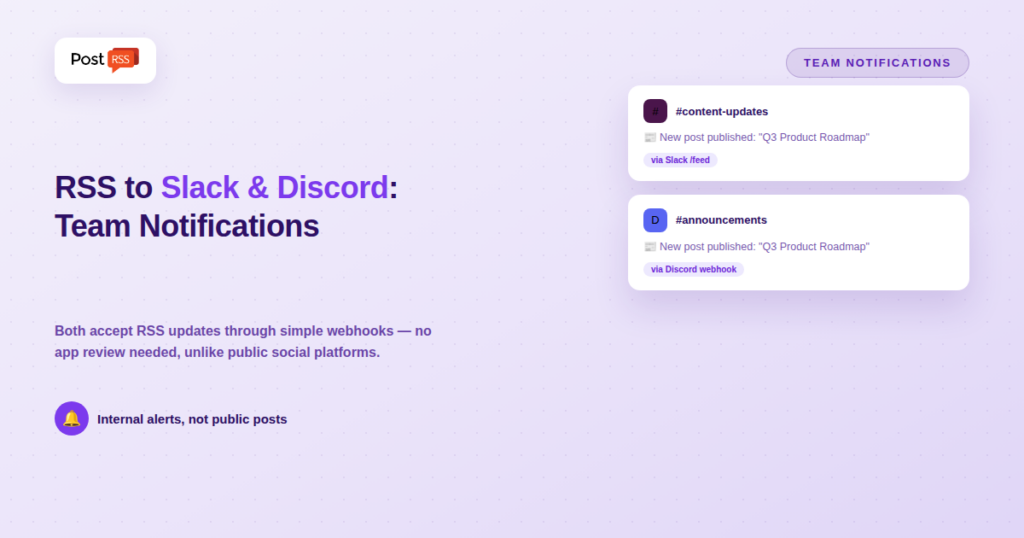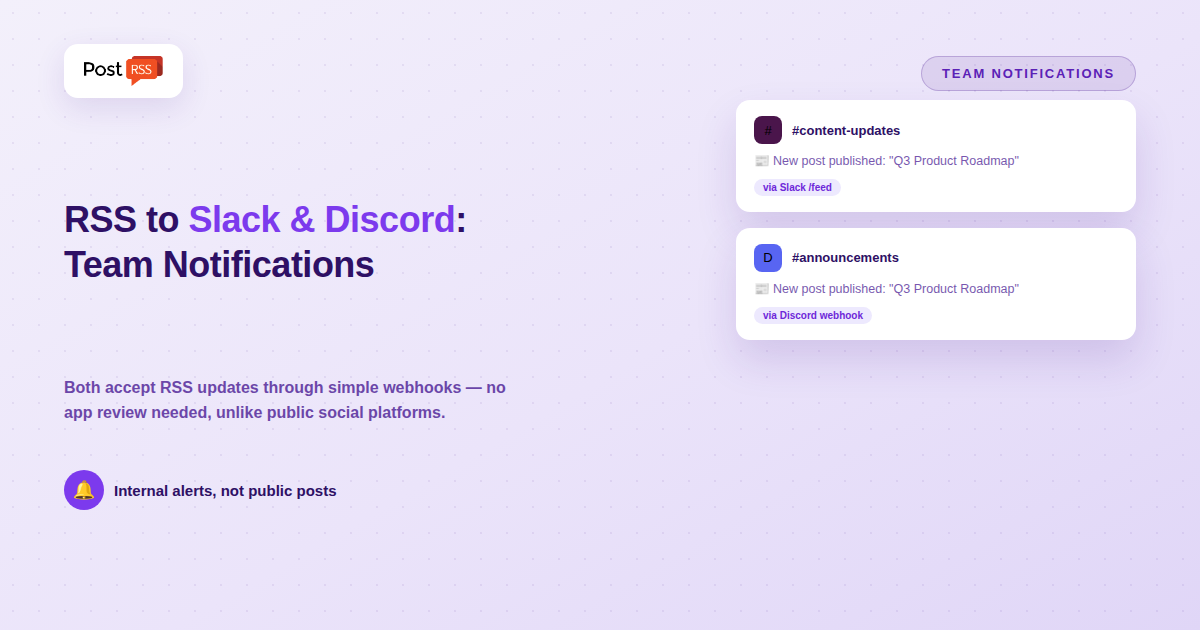
Not every RSS automation use case is about reaching a public audience. Plenty of teams want the opposite: a private, internal notification whenever a feed updates — a new blog post, a status page incident, a competitor’s press release, a monitored news source — delivered straight into the team chat tool everyone already has open. Slack and Discord are the two most common destinations for that kind of automation, and unlike most of the platforms covered elsewhere in this series, connecting an RSS feed to either one is genuinely simple.
Both platforms support incoming webhooks — a plain URL that accepts a formatted message and posts it into a specific channel, with no OAuth flow, no app review process, and no business verification required. You generate the webhook URL directly from your workspace or server settings, and any tool (or even a basic script) that can send an HTTP request can deliver a message through it. This is architecturally closer to Bluesky’s app-password model than to Meta’s Business-account-and-verification requirements, which is exactly why RSS-to-Slack and RSS-to-Discord automation tends to be one of the more accessible integrations to set up, even for non-developers.
Slack has native support for adding RSS feeds directly through its own built-in integration (via the /feed slash command in channels where it’s enabled), which posts a message into the channel whenever the feed updates — no third-party tool required at all for the simplest case. For more control over formatting, filtering, or combining multiple feeds, workflow tools like Zapier, Make, and n8n all offer RSS-to-Slack templates that post through an incoming webhook instead.
Discord doesn’t have a built-in RSS feature the way Slack does, but its webhook system is just as accessible. You create a webhook for a specific channel in your server settings, copy the URL, and any RSS-to-webhook tool (including several purpose-built Discord RSS bots, or general automation platforms) can post new feed items into it automatically, typically with support for rich embeds — a formatted card with a title, description, and image rather than a plain text link.
/feed subscribe followed by your RSS feed URL — Slack’s built-in RSS app handles the rest./feed list and /feed remove, directly from the channel.For teams wanting more control — filtering specific feed items, custom formatting, or combining several feeds into one channel — a workflow tool like Zapier, Make, or n8n connected to Slack’s incoming webhook gives you that flexibility at the cost of a slightly longer setup.
| Requirement | Slack | Discord | Instagram / Threads |
|---|---|---|---|
| App review / verification | None for native RSS feature | None for webhooks | Business account + verification |
| Setup time | Minutes | Minutes | Days to weeks |
| Coding required | No | No (bot/tool handles it) | Sometimes, for custom flows |
| Public-facing content | No — internal only | Depends on server privacy | Yes, public by default |
PostRSS is built for public social distribution — 66 networks, including Facebook, X, LinkedIn, Pinterest, Threads, Bluesky, Mastodon, Telegram, Discord, Tumblr, VKontakte, Matrix, Webhook and Instapaper — not internal team notifications, and it doesn’t currently support Slack or Discord as destinations. That’s a genuinely different use case from what PostRSS solves: one is about reaching an external audience automatically, the other is about keeping an internal team informed. If you need both — public posting to your social channels and private team alerts when new content goes live — expect to run two separate, purpose-built automations rather than looking for one tool to cover both. Slack’s native RSS integration or a Discord webhook setup handles the internal side; PostRSS handles the public side.
Teams that already automate public posting from an RSS feed often benefit from adding an internal notification on the same feed, for a simple reason: automation removes the manual step of publishing, but it also removes the natural moment where someone would have noticed and reacted to new content. Without a “someone typed this into Buffer and hit publish” moment, a genuinely automated pipeline can quietly run for weeks with nobody on the team actually seeing what went out, until a customer or colleague mentions it. A Slack or Discord notification tied to the same feed closes that gap — it’s not there to trigger the publishing, just to keep humans in the loop about what an automated system already did.
This is a particularly common pattern for content and marketing teams running PostRSS or a similar tool for public distribution: the RSS feed drives both the public social posts and a private “here’s what just went live” notification, from the same source, configured entirely independently of each other.
Agencies managing content or social accounts for multiple clients have a related but distinct use case: routing each client’s RSS feed into its own Slack channel or Discord thread, so account managers get an immediate signal when client content publishes without needing to actively check each client’s site. This scales the same basic pattern — one feed, one notification destination — across many accounts, and because neither Slack’s native feature nor Discord’s webhook system requires per-client app approval, adding a new client’s feed is as fast as creating a new channel and pointing a feed at it.
No — Slack’s built-in /feed command can be set up by anyone with permission to manage channel integrations, directly inside Slack itself, with no external tool or coding required for the basic use case.
Discord webhooks support rich embeds, which most RSS-to-Discord tools use to display a formatted card with a title, description, and thumbnail image — closer to how a link preview looks on social platforms than a plain text message.
Both platforms enforce rate limits to prevent abuse, but for typical RSS notification volumes (a handful to a few dozen posts a day), neither is a practical constraint. High-volume or many-channel setups should check current platform-specific rate limit documentation before relying on them at scale.
Slack’s built-in option is the simplest path if you just need a straightforward “post when the feed updates” notification. A third-party workflow tool is worth the extra setup if you need filtering (only certain feed items), formatting control, or the ability to route the same feed to multiple destinations beyond just one Slack channel.
Slack’s native /feed command posts everything from the subscribed feed with no filtering options. If you need to only notify on specific categories, tags, or keywords, a workflow tool like Zapier, Make, or n8n sitting between your feed and the webhook gives you that filtering control on both platforms.
Treat webhook URLs as sensitive credentials — anyone with the URL can post messages into that channel. Keep them out of public repositories or shared documents, and regenerate a webhook if you suspect it’s been exposed. This is standard practice for any webhook-based integration, not specific to RSS notifications.
RSS-to-Slack and RSS-to-Discord automation is some of the most accessible integration work covered in this series — no app review, no business verification, and in Slack’s case, no third-party tool required at all. It solves a different problem than PostRSS does, though: internal team awareness rather than public audience reach. Most teams end up running both — a simple webhook or native integration for internal alerts, and a dedicated tool like PostRSS for automatically publishing that same new content out to all 66 networks.
What changed in the networks, what broke, and how to fix it before it costs you reach.
Built by Internet Solutions, the team behind PostRSS. Each product saves you time in its own way.
 English
 Lietuviškai
 Deutsch
 Français
 Русский
 Español
 Polski
 Italiano
 Українська
 Čeština
 Português
 日本語
日本語 Latviešu valoda
 Eesti
Eesti Magyar
 Bahasa Indonesia
 Türkçe
 हिन्दी
 Ελληνικά
 العربية
 ไทย
ไทย Tiếng Việt
 Română
 Bahasa Melayu
 বাংলা
বাংলা