Updated: August 24, 2026
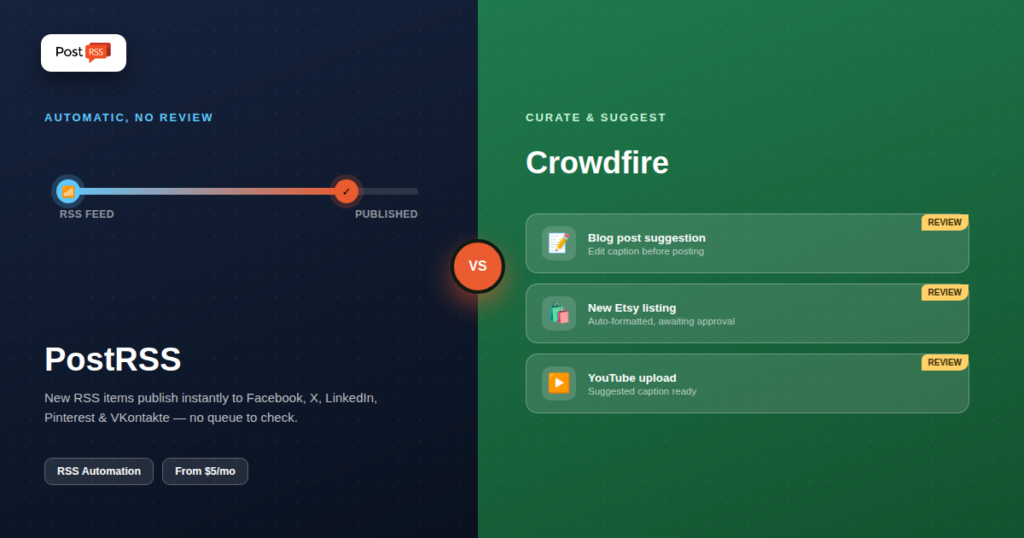
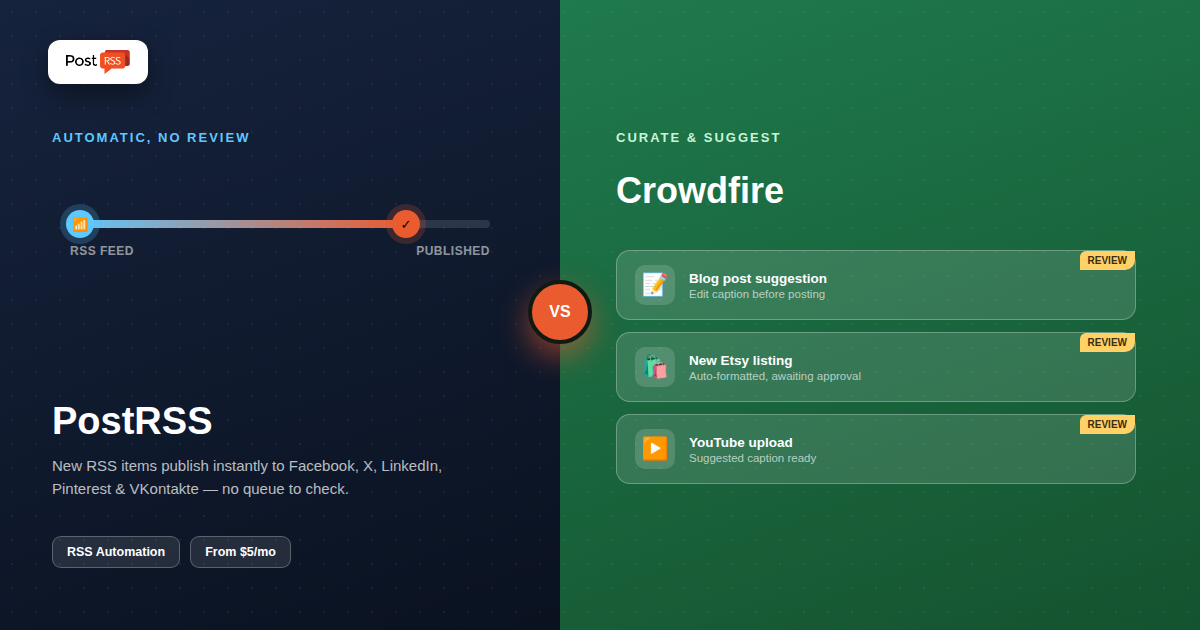
Crowdfire built its name on content curation — discovering and suggesting articles, images, and links worth sharing. Its RSS Feed Integration extends that same idea: point it at a blog, YouTube channel, Shopify store, or Etsy shop, and it surfaces new items for you to review and queue. PostRSS approaches the same starting point — an RSS feed — from the opposite direction: full automatic publishing with no review step required. The comparison comes down to whether you want a curation assistant or a publishing pipeline.
Crowdfire is a social media management tool built around content discovery, scheduling, and analytics across Instagram, Facebook, X, Pinterest, LinkedIn, and YouTube. Its RSS Feed Integration connects to a blog, YouTube channel, Shopify store, or Etsy shop and surfaces new items as post suggestions, which you can then customize and queue. It also offers AI-assisted caption writing, a link-in-bio tool, and account analytics. Pricing runs Plus at $9.99/month (10 accounts, 100 scheduled posts per account, 5 RSS feeds), Premium at $49.99/month (25 accounts, unlimited scheduling, 15 RSS feeds), and VIP at $99.99/month (25 accounts, 25 RSS feeds, priority support), alongside a limited free plan.
PostRSS watches an RSS feed and automatically distributes new items to 66 networks, including Facebook, X, LinkedIn, Pinterest, Threads, Bluesky, Mastodon, Telegram, Discord, Tumblr, VKontakte, Matrix, Webhook and Instapaper without a review or approval step. There's no content-discovery layer, no e-commerce catalog integration, no link-in-bio tool — the product is scoped entirely to feed-triggered publishing, running continuously once set up. Pricing starts with a genuine free plan and paid tiers from $5/month.
The core philosophical difference is what happens the moment a new RSS item appears. Crowdfire's RSS Feed Integration treats it as a suggestion — something surfaced for a human to look at, tweak, and approve before it reaches a queue. That's a deliberate design choice aimed at Crowdfire's core audience: e-commerce sellers and creators who want help finding and packaging content, not just moving it. PostRSS treats a new RSS item as something to publish immediately, on the assumption that if it's in the feed, it's already approved by definition — because the feed itself is the trusted source. Neither approach is wrong; they solve different problems.
| Capability | Crowdfire | PostRSS |
|---|---|---|
| RSS handling | Curation/suggestion, requires review | Fully automatic, no review step |
| Shopify / Etsy integration | Included, built for e-commerce sellers | Not included |
| Content discovery / suggestions | Included, a core feature | Not included — feed-driven only |
| Platform count | 6 networks, including Instagram & YouTube | 66 networks incl. Fediverse, Asian and team-chat platforms |
| AI caption writing | Included | Not included |
| Link-in-bio tool | Included | Not included |
| Entry price | $9.99/month (Plus) | Free plan; paid from $5/month |
| RSS feed limit (entry tier) | 5 feeds (Plus) | Determined by plan's target count, not a separate feed cap |
| Tier | Crowdfire | PostRSS |
|---|---|---|
| Free | Limited free plan | Free plan (1 target: Facebook page, Telegram, Bluesky or Mastodon) |
| Entry paid | $9.99/month (Plus, 10 accounts, 5 RSS feeds) | $5/month (Start, 1 target) |
| Mid | $49.99/month (Premium, 25 accounts, 15 RSS feeds) | $10–$40/month (Professional to Ultimate; network types by tier) |
| Top tier | $99.99/month (VIP, 25 RSS feeds) | $100–$2,500/month (Enterprise, up to 5,000 targets) |
For a single feed distributed to a handful of platforms, PostRSS's entry pricing undercuts Crowdfire's Plus tier considerably, since Crowdfire's price is built around managing many accounts and feeds at once rather than one feed done thoroughly. See our full pricing breakdown for current PostRSS tiers.
If you're running a Shopify or Etsy store and want new product listings surfaced as ready-to-edit social posts, Crowdfire's e-commerce integrations are a real, specific advantage PostRSS doesn't attempt to match. Its content-discovery layer is also genuinely useful for accounts that need a steady stream of shareable content beyond their own feed — a use case PostRSS isn't built for at all.
For a publisher who already has a reliable RSS feed and wants every new item to go out automatically without anyone reviewing a suggestion queue, PostRSS removes the manual step entirely. It also includes VKontakte, absent from Crowdfire's platform list, and its pricing is built around one feed done reliably rather than managing dozens of accounts and feeds under one roof.
Crowdfire includes account-level analytics as part of its broader dashboard — follower growth, engagement trends, and best-time-to-post recommendations across the accounts it manages. That's a genuine value-add for anyone using Crowdfire as their primary scheduling and reporting hub, not just an RSS bridge. PostRSS doesn't attempt to replace platform-native analytics; its scope stops at reliable delivery, on the assumption that engagement reporting is better handled by each platform's own tools or a dedicated analytics product rather than bundled into a distribution tool.
Ask what you actually want from your RSS integration: help finding and shaping content to share, or hands-off automatic distribution of content you've already published. E-commerce sellers who want their product catalog turned into a steady stream of editable social post suggestions get real value from Crowdfire. Bloggers, publishers, and businesses whose actual need is "get every new post out automatically without touching a queue" get that outcome more directly, and more cheaply, from PostRSS.
An Etsy seller launching two or three new products a week. Crowdfire's Etsy integration turns each new listing into a ready-to-edit social post suggestion, complete with product image and description — genuinely useful when you want a chance to add a personal note or seasonal hook before it goes live. PostRSS could distribute from an Etsy shop's RSS feed too, but without the dedicated e-commerce formatting or the review step, so a seller who wants full control over how each listing is presented is better served by Crowdfire here.
A news blog publishing eight to ten articles a day. At that volume, reviewing a suggestion queue for every single item is a real time cost, and the entire point of automation is to remove that step. PostRSS's fully automatic model fits this workload directly — every article goes out the moment it's published, with no queue to manage. Running the same volume through Crowdfire's suggestion-based flow would mean either hiring someone to clear the queue constantly or letting a backlog build up.
A YouTube creator who also curates industry news for their audience. Crowdfire's content-discovery layer helps here in a way PostRSS doesn't attempt to: surfacing not just the creator's own uploads but other relevant content worth sharing, which is a different job than pure self-publishing automation. If the goal includes building an audience around curated taste, not just distributing your own output, Crowdfire's broader tool set earns its price.
Crowdfire's tiered feed limits — 5 feeds on Plus, 15 on Premium, 25 on VIP — reflect its design for accounts juggling several content sources: a blog, a YouTube channel, and a product catalog, for instance, all curated through one dashboard. That's a real advantage for a single account with genuinely diverse content sources. PostRSS's model is typically one feed per connection, scaled instead by number of target platforms and posting volume rather than a source-count cap, which fits a publisher whose content lives in one place (a single blog or newsroom feed) but needs it distributed widely and reliably.
Setting up RSS in Crowdfire means connecting a feed inside a broader dashboard also built for content discovery, scheduling, and analytics — new items appear as suggestions you review before they publish. PostRSS's setup is scoped narrowly: connect the feed, choose target platforms, and new items publish automatically from that point on, with no queue to check.
Crowdfire's RSS Feed Integration is explicitly built to handle a range of source types beyond blog posts — YouTube uploads, Shopify product listings, Etsy shop items — formatting each appropriately for a suggestion card. That breadth is a genuine strength for sellers and creators publishing across multiple content types. PostRSS focuses on standard RSS/Atom feed items — typically blog posts and articles — and formats them per destination platform (respecting X's character limits, Pinterest's image-first requirements, and so on) without the extra source-type handling Crowdfire offers.
Crowdfire's suggestion-based model is a built-in safeguard: nothing goes out without a human looking at it first, which matters if brand consistency across every post is a priority. But it also means automation can silently stall if no one checks the suggestion queue for a few days — the feed keeps generating suggestions, but nothing actually reaches your audience until someone acts. PostRSS's fully automatic model removes that stall risk entirely, publishing the moment a new item appears, which maximizes consistency for a feed you already trust completely but offers no built-in checkpoint if that feed occasionally publishes something imperfect.
Its RSS Feed Integration is built around the suggestion model; if fully hands-off automatic publishing is what you need, that's PostRSS's core design rather than a setting to enable elsewhere.
No — PostRSS works from standard RSS/Atom feeds. If your store platform can generate an RSS feed of new products, PostRSS can distribute from that feed, but it doesn't offer Crowdfire's dedicated e-commerce integrations.
Because Crowdfire's pricing is built around managing many accounts, feeds, and content-discovery tools at once, while PostRSS's pricing is scoped to reliable single-feed distribution.
No, VKontakte isn't part of Crowdfire's supported network list. PostRSS supports it directly.
If the goal is simply "get new posts distributed automatically without managing a queue," PostRSS's free-to-low-cost tiers cover that directly. Crowdfire makes more sense if you also want content-discovery suggestions and e-commerce integration alongside it.
Yes — since both read from the same underlying RSS feed rather than locking your content inside their own systems, reconnecting the feed to a different tool takes minutes, not a data migration project.
No — PostRSS only distributes items already present in the connected feed. If discovering new content to share (beyond your own feed) matters to your workflow, that's a Crowdfire-specific capability.
Crowdfire and PostRSS both start from an RSS feed but end up serving different workflows. Crowdfire is a content-discovery and curation assistant that happens to include RSS as one input among several, with a human-in-the-loop suggestion model. PostRSS is a publishing pipeline that treats the feed itself as the final word, with nothing to review. If your workflow benefits from suggestions and e-commerce catalog handling, Crowdfire is well suited to that. If your actual need is automatic, hands-off distribution of content you've already published, PostRSS delivers that outcome directly.
What changed in the networks, what broke, and how to fix it before it costs you reach.
Built by Internet Solutions, the team behind PostRSS. Each product saves you time in its own way.
 English
 Lietuviškai
 Deutsch
 Français
 Русский
 Español
 Polski
 Italiano
 Українська
 Čeština
 Português
 日本語
日本語 Latviešu valoda
 Eesti
Eesti Magyar
 Bahasa Indonesia
 Türkçe
 हिन्दी
 Ελληνικά
 العربية
 ไทย
ไทย Tiếng Việt
 Română
 Bahasa Melayu
 বাংলা
বাংলা