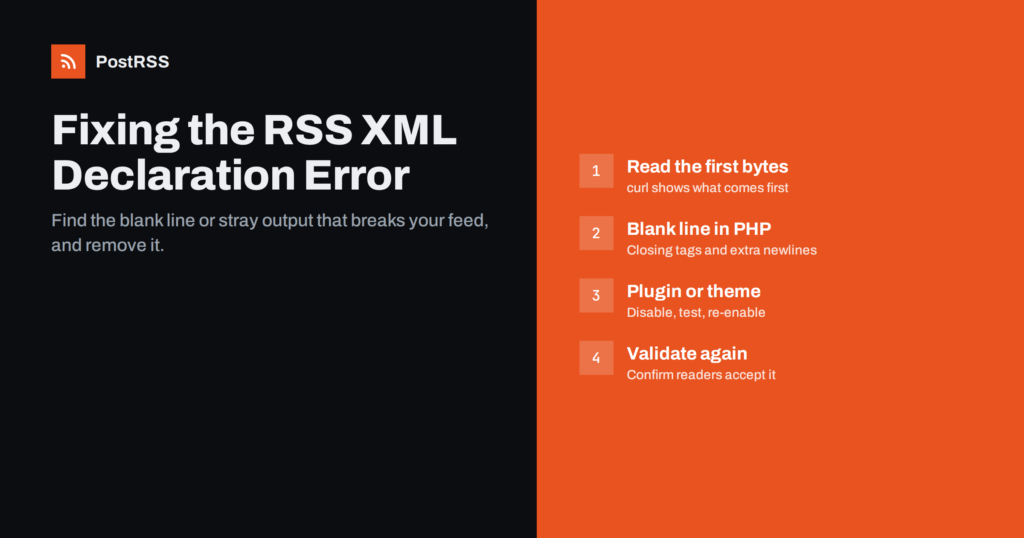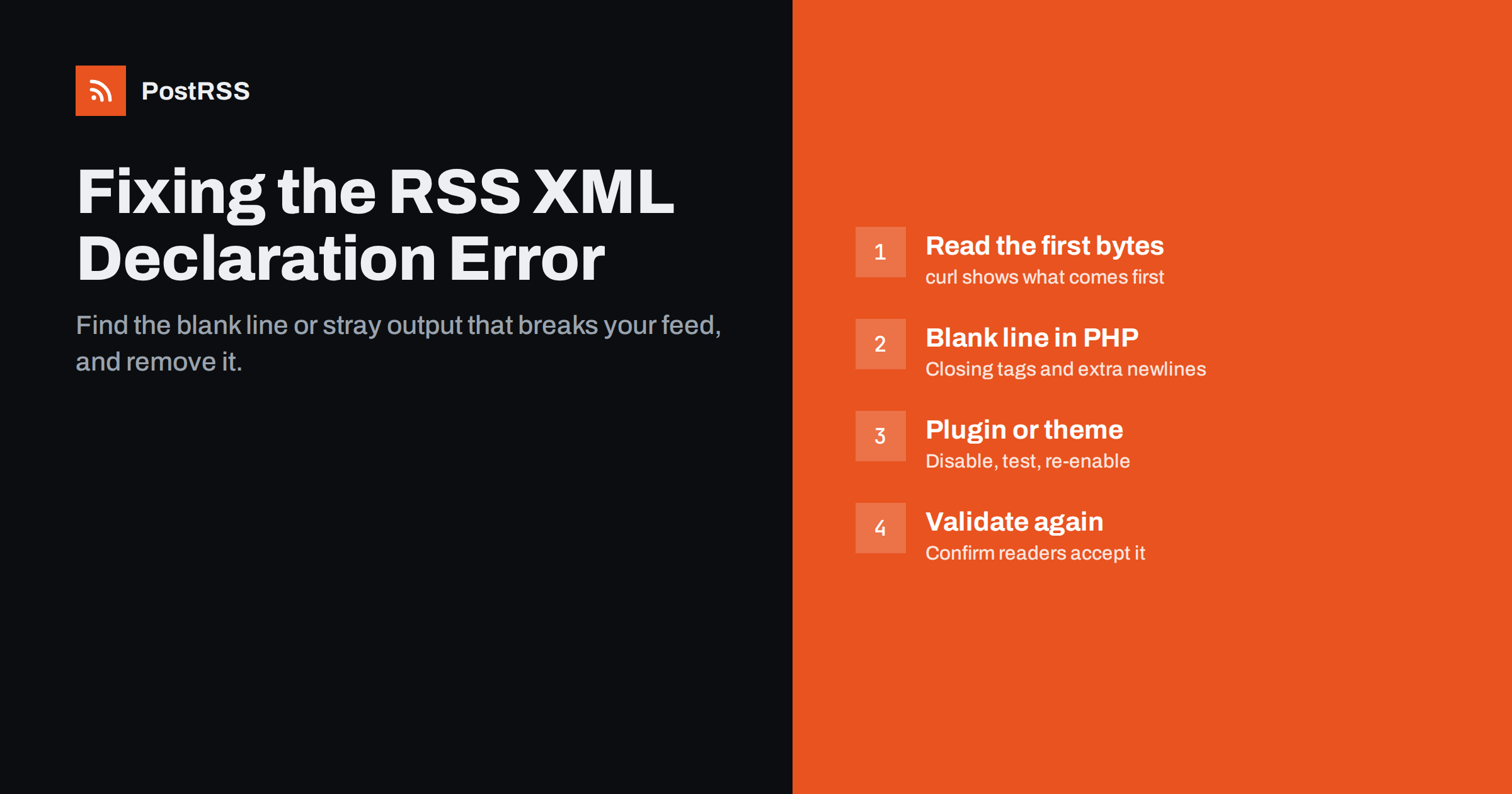
Short answer: The error “XML declaration allowed only at the start of the document” means something is printed before the <?xml version="1.0"?> line of your RSS feed, usually a blank line, a space or a PHP notice. Strict XML parsers, including many feed readers and auto-posting tools, then reject the whole feed. Find the source by looking at the first bytes of the feed with curl, then remove the stray output, which in WordPress is most often a newline after a closing ?> in a theme or plugin file.
An RSS or Atom feed is an XML document. The XML specification allows an optional declaration at the very top of the document, the familiar <?xml version="1.0" encoding="UTF-8"?> line. If it is present, it must be the first thing in the file. Not the second line, not after a space, not after an invisible character. When a parser meets the declaration anywhere else, it treats the document as malformed and stops.
The message looks different depending on the software reading the feed:
All of these describe the same problem: the feed does not start with the declaration. Note the “line 2” in the Chromium message. It is a strong hint that exactly one newline was printed before your feed began.
People are often surprised that one empty line can take a feed offline, because the feed may still look fine in some browsers and readers. The reason is that different programs handle broken XML differently. Some readers are lenient: they trim whitespace or fall back to a forgiving parser, so the feed appears to work. Others follow the XML rules exactly and refuse the document.
This makes the error confusing. Your own feed reader might display the feed normally, while an auto-posting service, a podcast directory or a news aggregator rejects it. The honest fix is not to hope that every consumer is lenient, but to make the feed well-formed so that every parser accepts it.
It also explains why the error often appears suddenly. Nothing changed in your posts, but a theme update, a new plugin or an edited configuration file added a stray line. From that moment, every strict consumer of the feed fails, and automated posting quietly stops.
Before changing anything, confirm what is actually printed at the top. A browser is a poor tool for this, because it may reformat or hide whitespace. Use curl on the command line instead:
curl -s https://example.com/feed/ | head -c 200 | od -c | headThe od -c part shows each character, including invisible ones. A healthy feed starts with < ? x m l. If you see n first, there is a newline before the declaration. If you see spaces, a tab, or the three bytes 357 273 277 (the octal form of a UTF-8 byte order mark), you have found your culprit. If you see readable text such as “Warning” or “Deprecated”, PHP is printing an error message into the feed.
If you prefer hexadecimal, xxd works too:
curl -s https://example.com/feed/ | head -c 64 | xxdHere a newline shows up as 0a, a carriage return as 0d, a space as 20 and a byte order mark as efbbbf. Also compare the feed with a normal page on the same site. If the homepage HTML also starts with a blank line, the stray output comes from code that runs on every request, which narrows the search considerably.
In practice, a handful of causes account for most cases:
?> followed by an empty line prints that newline whenever the file is loaded. In WordPress, the usual suspects are the theme’s functions.php, a child theme file, a small custom plugin or wp-config.php.<?php at the top of a file has the same effect.Nearly all of these come down to the same thing: some code outputs characters before the feed template starts. The job is to find which file does it.
If you know what changed recently, start there. Otherwise, work through the site methodically. For WordPress, a reliable approach is:
functions.php.wp-config.php. Look for any space or line before <?php and anything after a closing ?> at the end.grep -rl $'xEFxBBxBF' wp-content/ lists files that contain one, though you should confirm that the mark sits at the very start of a PHP file before editing.If you have shell access, you can also check the last bytes of suspicious files with tail -c 20 functions.php | od -c. A file that ends in ? > n n is a classic cause. On other platforms such as a custom PHP site, the same logic applies: find the included files that run before the feed is generated and check their first and last bytes.
Once you know the file, the fix is usually small:
?> from files that contain only PHP. The PHP documentation and common coding standards recommend omitting the closing tag at the end of pure PHP files precisely to prevent accidental output. Deleting the final ?> and any lines after it removes the problem permanently.<?php. The opening tag must be the very first characters of the file.You will find snippets online that buffer all output and strip leading whitespace from the feed. They can work as an emergency patch, but they hide the real fault, and the same stray output may still break other responses such as sitemaps or API calls. Treat them as a temporary measure while you fix the source.
After the fix, the old broken feed may still be served from a cache. Clear your page cache plugin, any server-side cache and your CDN cache for the feed URL. Then check again with curl, not the browser, and confirm the first bytes are <?xml.
Next, run the feed through the W3C Feed Validation Service. It will confirm that the declaration problem is gone and may point out other issues worth fixing at the same time, such as invalid dates or relative links.
Finally, check the tools that consume the feed. Feed readers and auto-posting services usually recheck on their own schedule, so the next check after the fix should succeed. If items were published while the feed was broken, look at whether they were picked up afterwards or whether you need to post them manually or with a catch-up option.
<?xml at the start will alert you the day it breaks rather than weeks later.PostRSS reads your RSS or Atom feed every 5 minutes (every minute on Enterprise plans) and publishes new items to the networks you connect, 66 of them according to the features page. Like any tool that relies on the feed, it needs well-formed XML: if the feed cannot be parsed, new items cannot be detected until the feed is fixed. The PostRSS log shows each post and error, which helps you notice when something has changed at the source.
Once the feed is valid again, PostRSS picks up new items on its next check. If some posts were missed during the outage, the catch-up option lets you choose a start date so older items that were never published are posted as well. You can see how sources, targets and logs work on the PostRSS features page.
The XML declaration error is almost never about your content. It means some code prints characters, usually a single newline, before the feed starts. Look at the first bytes with curl, trace the output to the file that produces it, remove the closing PHP tag or the stray whitespace, clear caches and validate again. Ten minutes of careful checking brings a silent, broken feed back to life for every reader and every automation that depends on it.
Some browsers and feed readers are lenient and ignore leading whitespace, while strict XML parsers reject the document. That is why the feed can look fine to you and still fail in an auto-posting tool or a directory. Checking the raw bytes with curl shows what strict parsers actually receive.
Yes, for files that contain only PHP code. The closing tag is optional at the end of a file, and leaving it out is a widely recommended practice because it prevents accidental output. Do not remove closing tags in the middle of template files that mix PHP and HTML.
It can. A byte order mark saved at the start of an included PHP file is printed as output, often together with other stray characters, before the feed begins. Save your PHP files as UTF-8 without BOM to avoid it.
No. The declaration is fine and useful; the problem is whatever comes before it. Remove the stray output so that the declaration is the first thing in the document.
It depends on the tool and on how many items your feed shows. Items still present in the feed are usually detected on the next check, while older items may need a catch-up option or manual posting.
What changed in the networks, what broke, and how to fix it before it costs you reach.
 English
 Lietuviškai
 Deutsch
 Français
 Русский
 Español
 Polski
 Italiano
 Українська
 Čeština
 Português
 日本語
日本語 Latviešu valoda
 Eesti
Eesti Magyar
 Bahasa Indonesia
 Türkçe
 हिन्दी
 Ελληνικά
 العربية
 ไทย
ไทย Tiếng Việt
 Română
 Bahasa Melayu
 বাংলা
বাংলা