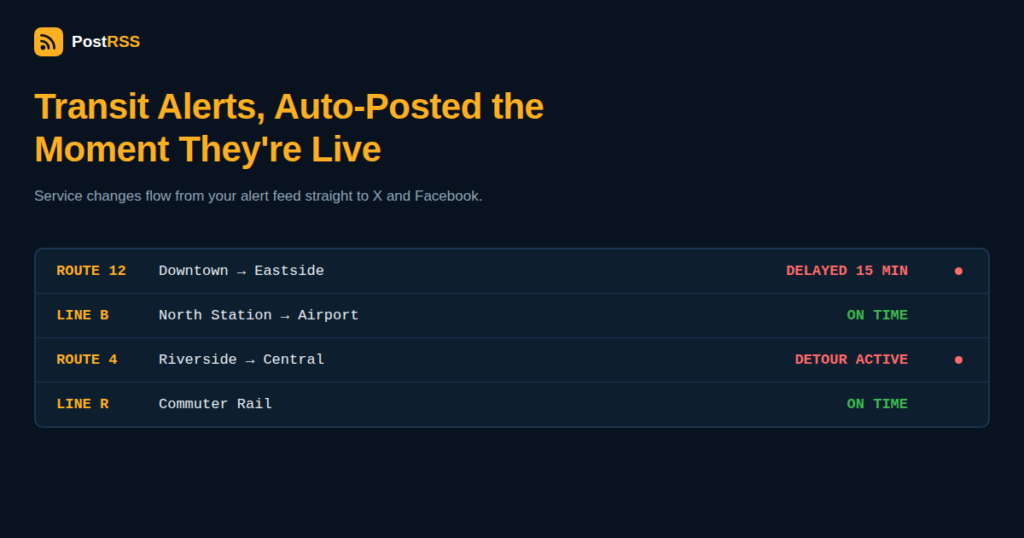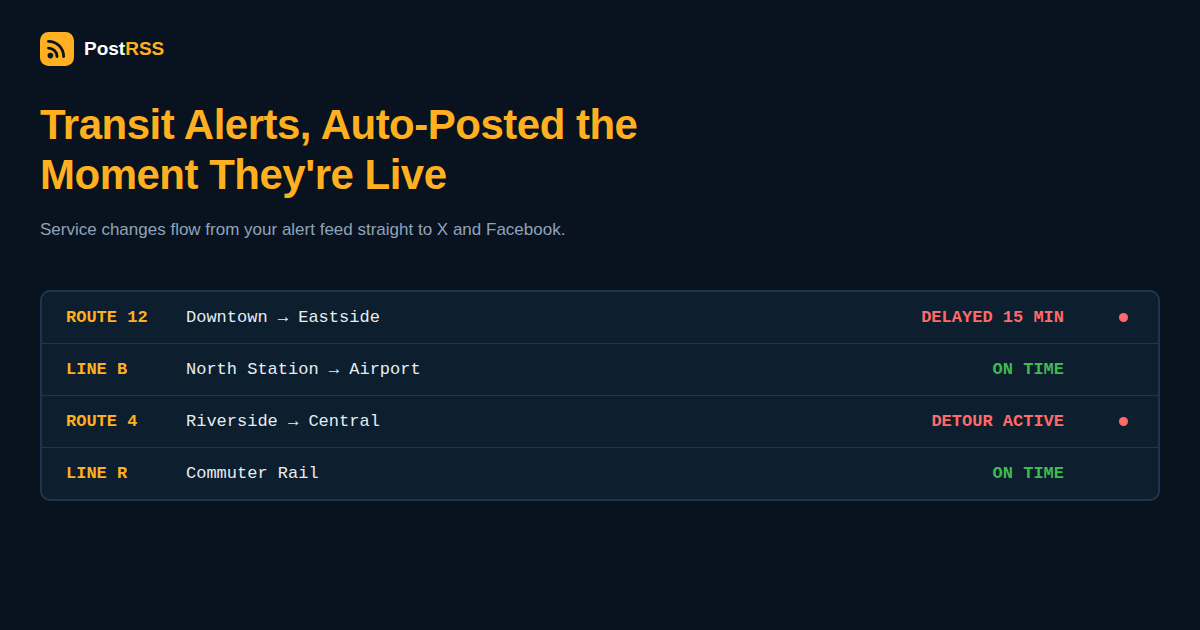
Public transit riders make real-time decisions based on the information an agency puts out – whether to wait for a delayed train, take an alternate route around a detour, or budget extra time for planned maintenance work. That makes consistent, fast, multi-channel communication one of the highest-stakes content problems any organization covered in this blog faces, and yet many transit agencies still rely on a communications team manually copying the same alert into three or four different platforms one at a time. RSS auto-posting turns an agency’s existing service alert feed into automatic distribution across every channel riders actually check.
Most businesses covered elsewhere in this series post content that can wait an hour or a day without real consequence. A transit agency’s service alert often can’t – a rider deciding at 7:45 AM whether to catch a delayed train needs that information now, not whenever a staff member gets to a keyboard. At the same time, agencies also need to publish slower-moving content – capital project updates, fare policy changes, new route launches, accessibility improvements – that benefits from the same automated distribution without needing the same urgency. Both types of content can flow through the same underlying mechanism, even though they serve very different rider needs.
| Content type | Urgency | Best-fit channel |
|---|---|---|
| Real-time service alerts (delays, detours, disruptions) | High – minutes matter | X – riders actively check it for live transit status |
| Planned maintenance and scheduled service changes | Medium – days of advance notice | X and Facebook, published ahead of the change |
| New route or schedule launches | Low – weeks of lead time typical | Facebook, agency website, and X |
| Fare policy and payment system changes | Medium – needs advance visibility | Facebook for detailed explanation, X for the headline |
| Capital project and infrastructure updates | Low – ongoing informational content | Facebook, appeals to civic-minded riders and taxpayers |
| Accessibility features and initiatives | Low – ongoing informational content | Facebook, reaches riders who depend on this information most |
Transit riders have trained themselves, over more than a decade of agencies using the platform this way, to check X for live transit status the way they’d check a departure board. Many agencies already run this manually, with a staff member or a basic bot copying GTFS-realtime alert data into a tweet. Connecting an agency’s actual service alert feed to RSS to X automation removes the manual copying step entirely – the moment a new alert is published to the agency’s own alert system, it can post automatically, without depending on a staff member being at a keyboard during a service disruption that (inconveniently, but predictably) often happens outside normal business hours.
While X handles the “what’s happening right now” need, Facebook tends to serve riders and community members looking for more context – a longer explanation of why a project is happening, what a fare change actually means for their monthly cost, or general agency news that doesn’t need the same urgency as a live delay notice. Auto-posting RSS to Facebook from an agency’s news or press release feed keeps this slower-moving, more explanatory content flowing without competing for the same urgent attention that real-time alerts need on X.
Most transit agencies already produce structured alert data in the GTFS-realtime format (the industry-standard specification used by trip planning apps like Google Maps and Transit) or maintain a simpler RSS/Atom feed of service alerts on their own website. Either of these can serve as the source feed for automated social distribution – the key technical step is making sure the feed’s content translates into something readable as a standalone social post rather than raw structured data, since GTFS-realtime alerts are built for machine consumption by trip-planning apps first, and human-readable social posts second.
| Step | Who does it |
|---|---|
| Operations reports a service disruption into the agency’s alert system | Operations/dispatch team, following existing internal procedure |
| Alert publishes to the agency’s public alert feed | Automatic, from the existing alert system |
| Alert automatically posts to X (and Facebook, for longer-duration issues) | Automated via RSS – no manual copying required |
| Communications team monitors for rider questions and responds directly | Communications staff, focused on engagement rather than initial posting |
This shifts communications staff time away from the repetitive, time-pressured task of manually posting the same alert to multiple platforms, and toward the parts of the job – monitoring for confusion, answering specific rider questions, handling escalations – that genuinely benefit from a person’s attention.
Larger transit systems often run separate social accounts per line or mode (a subway account, a bus account, a commuter rail account) alongside one general agency account. Automation can route each specific route’s or line’s alert feed to its dedicated account while a broader agency news feed handles the shared, general account – avoiding the common problem of subway riders getting flooded with bus alerts irrelevant to them, or vice versa, which tends to make riders unfollow or mute an account entirely.
Weather and emergency broadcasting is a related but distinct problem from day-to-day transit communications – a weather alert typically comes from an external authority (a national weather service) and applies broadly across a region, while a transit service alert is generated internally by the agency itself and applies to a specific route, line, or station. The overlap happens during weather-driven service disruptions, where an agency needs both to relay the external weather information and generate its own internal service alert about how that weather is actually affecting operations. Treating these as two connected but separate feeds – one for general public safety information, one for the agency’s own operational status – keeps each type of alert accurate and properly sourced rather than blending an external warning with the agency’s own operational response into a single confusing message.
Follower growth is a poor measure of whether a transit agency’s automated communications are actually working, since the real audience – people who ride that specific route regularly – is a fixed, relatively small population compared to a typical brand’s growth-oriented social strategy. A more meaningful measure is response time: how quickly does a genuine service disruption appear as a public post after operations first becomes aware of it? Agencies that track this metric before and after implementing automated alert distribution consistently find the gap closes from many minutes (waiting on a staff member to manually draft and post to each platform) down to nearly instantaneous, which is the outcome that actually matters to a rider standing on a platform wondering why their train hasn’t arrived.
Riders quickly learn whether an agency’s social accounts are a reliable source of real-time information or an afterthought that’s usually out of date. Once that trust is established – through consistent, prompt automated alerts that actually match what’s happening on the ground – riders begin checking the agency’s account first during a disruption instead of relying on word-of-mouth from other passengers or third-party transit apps that may lag behind the agency’s own data. That shift, from being an unreliable afterthought to being the trusted first source, compounds over time and reduces the volume of confused rider questions the communications team has to individually field during any given disruption.
No – automation removes the repetitive manual posting step for routine and time-sensitive alerts, but judgment calls around major incidents, rider engagement, and sensitive announcements still require trained communications staff.
Automated distribution is only as good as its source – agencies should review and test their alert feed’s output for clarity before connecting it to automated social posting, since an unclear or poorly worded alert reaches riders just as fast as a well-written one.
Despite various changes to the platform, X remains where the majority of transit riders have built the habit of checking for live service status, making it the most effective channel for time-sensitive alerts even as its ownership and features have evolved.
Smaller agencies often benefit even more proportionally, since they typically have the smallest communications staff relative to the geographic area and rider base they need to keep informed.
Automated systems should support a follow-up post correcting or updating a previous alert, and staff should monitor automated posts closely enough to catch and correct errors quickly, the same as they would with any manually posted alert.
Yes – the same principle applies to any transportation service with a structured way of publishing service status changes, including paratransit, shuttle services, and other specialized transportation programs run by a transit authority.
Treating every content type identically – real-time delay alerts and long-form capital project updates need different channels, different urgency, and often different review processes, even though both can be automated once that distinction is built into the system.
Many transit agencies, especially smaller ones, don’t have dedicated software development staff to build a custom integration between an internal alert system and social media APIs. This is exactly the gap a general-purpose RSS auto-posting tool is built to close – connecting an existing, already-published feed to social accounts without requiring custom development work, API credential management, or ongoing engineering maintenance. An agency’s IT or communications staff can typically get a basic alert-to-social pipeline running in an afternoon, using whatever RSS or Atom feed the agency’s existing website or alert system already produces, rather than needing to commission a custom software project just to keep riders informed across more than one platform.
Public transit agencies face a communications challenge that combines the urgency of breaking news with the volume of a busy news publisher, often with a fraction of either’s staffing. Connecting existing service alert feeds to X for real-time updates and Facebook for slower-moving agency news lets automation handle the repetitive, time-pressured distribution work, freeing communications staff to focus on the judgment calls – major incidents, rider engagement, and sensitive announcements – that genuinely need a person’s attention.
What changed in the networks, what broke, and how to fix it before it costs you reach.
 English
 Lietuviškai
 Deutsch
 Français
 Русский
 Español
 Polski
 Italiano
 Українська
 Čeština
 Português
 日本語
日本語 Latviešu valoda
 Eesti
Eesti Magyar
 Bahasa Indonesia
 Türkçe
 हिन्दी
 Ελληνικά
 العربية
 ไทย
ไทย Tiếng Việt
 Română
 Bahasa Melayu
 বাংলা
বাংলা