Updated: 2026-09-27
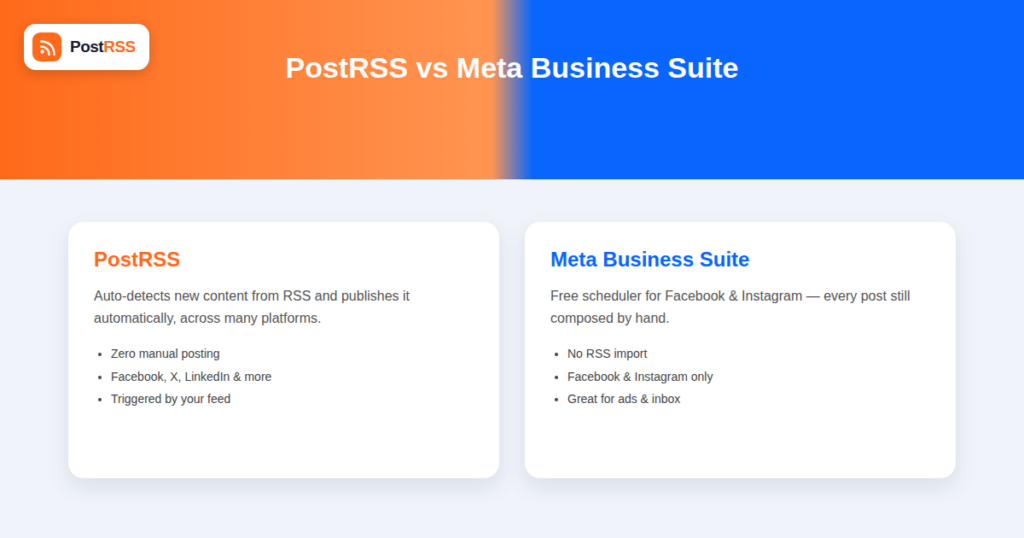
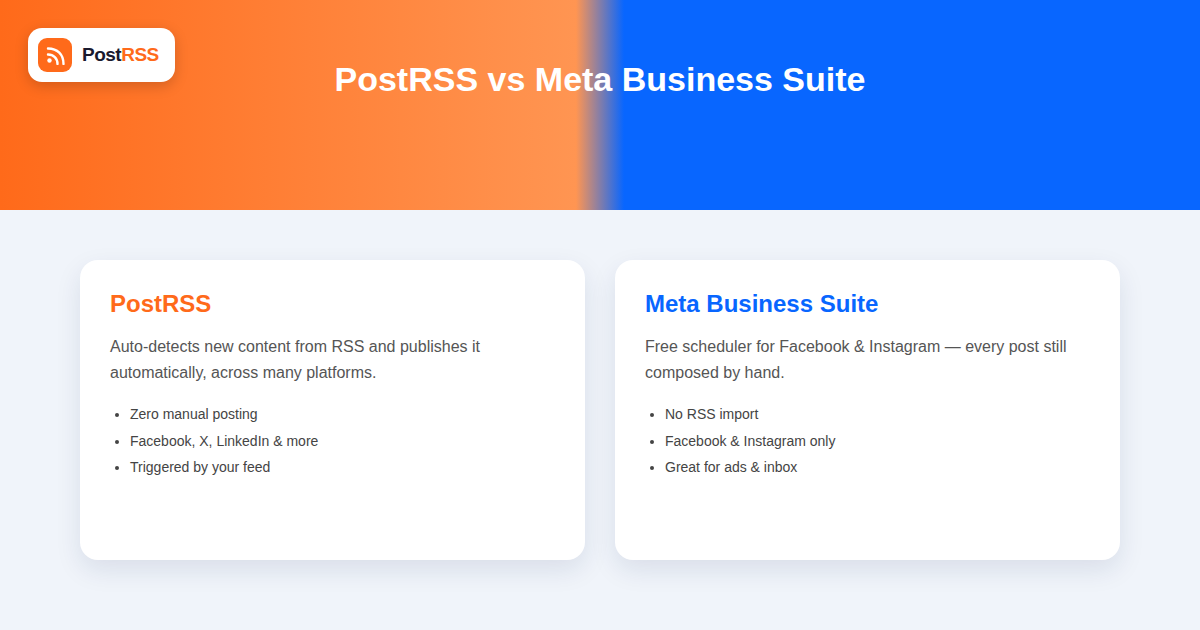
Short answer: choose Meta Business Suite if scheduling each post by hand inside Meta's own tools is enough — it is free, and it covers a Facebook Page and Instagram together. Choose PostRSS if you want the posting to happen without you: it watches your RSS feed and publishes each new item automatically to up to 66 networks, free for one Facebook Page and all networks from $40/month. Meta Business Suite has no RSS automation at all, which is the whole difference.
Meta Business Suite is the free, official tool Meta provides for managing Facebook Pages and Instagram accounts, and it includes a built-in scheduler for planning posts across both platforms in one place. Because it’s free, official, and already where most businesses manage their Page anyway, a fair question comes up constantly: does Meta Business Suite’s scheduler make a dedicated RSS automation tool unnecessary? The short answer is no, because the two tools solve different problems — one schedules content you write, the other automatically publishes content the moment it exists on your website.
This comparison covers exactly what Meta Business Suite can and can’t do around RSS feeds, and where a dedicated automation layer like PostRSS fills the gap it leaves.
Meta Business Suite lets you compose a post — text, image or video, and optionally a link — and schedule it to publish on a Facebook Page and/or Instagram account at a chosen future date and time. It includes a content calendar view, basic performance insights, and the ability to manage ads, inbox messages, and Page settings from the same dashboard. For a business that writes its social copy directly inside the tool and wants to batch-schedule a week’s worth of posts in one sitting, it’s a genuinely solid, free option.
What it does not include is any mechanism to monitor an external content source — an RSS feed, a blog, a product catalog — and automatically generate new posts when that source publishes something new. Every post in Meta Business Suite starts as a draft a person types or uploads directly into the tool.
Meta Business Suite does not have a native RSS import feature. There’s no setting to point it at a feed URL and have new items appear as scheduled post drafts automatically. This is a common point of confusion, since some other social tools do offer RSS import, and businesses sometimes assume Meta’s own official tool would include the same capability, especially given how central RSS-driven content distribution is to how many businesses actually operate their content marketing.
The closest thing Meta Business Suite offers is manual link-sharing: you can paste any URL into a new post, and Meta Business Suite generates a link preview card automatically. That’s a per-post manual action, not automation — it still requires a person to notice new content exists, open Meta Business Suite, paste the link, write a caption, and schedule or publish it.
| Feature | Meta Business Suite | PostRSS |
|---|---|---|
| Cost | Free | Paid, tiered by usage |
| RSS feed monitoring | No | Yes, core function |
| Automatic post creation from new content | No — every post is manually composed | Yes, fully automatic |
| Platforms supported | Facebook, Instagram only | Facebook, X, LinkedIn, Pinterest, VK, and more |
| Content calendar / manual scheduling | Yes, built for this | Limited — built around automated triggers, not manual calendar planning |
| Ads management | Yes, integrated | No — not an ads tool |
| Inbox/messaging management | Yes, integrated | No |
| Networks reachable from one feed | Varies by plan — check their current list | 66 networks incl. Fediverse, Asian and team-chat platforms |
Because Meta Business Suite covers only Facebook and Instagram, and PostRSS covers a wider set of platforms including X, LinkedIn, Pinterest, and VK, many businesses end up using PostRSS for the bulk of their automatic, feed-driven distribution across every platform including Facebook, while still keeping Meta Business Suite open for the things it does that PostRSS doesn’t: managing ad campaigns, responding to comments and messages, and occasionally hand-scheduling a one-off post that doesn’t originate from an article — a poll, a behind-the-scenes photo, a direct customer question.
This isn’t a case of one tool being strictly better and replacing the other entirely — the right setup depends on recognizing that each was built to solve a different piece of the same overall problem. Meta Business Suite remains the operational hub for Facebook and Instagram account management generally; PostRSS handles the specific, repetitive job of turning new website content into posts automatically, across a broader set of destinations than Meta Business Suite reaches in the first place. The Facebook auto poster page goes through the same process field by field.
It’s worth understanding why this gap exists rather than assuming it’s an oversight. Meta Business Suite is built as a general-purpose management tool for Meta’s own platforms specifically, not as a cross-platform content distribution product. Building and maintaining reliable RSS feed parsing, deduplication, scheduling logic, and per-platform formatting is a meaningfully different product scope than what Meta Business Suite is designed to cover, and it would only serve the subset of businesses whose content originates from an external feed in the first place — a smaller slice of Meta Business Suite’s overall user base than the audience of businesses posting content they write directly.
Consider a business that publishes a new blog post every Tuesday and Thursday. With Meta Business Suite alone, the process looks like this every single time: someone notices (or remembers) the post went live, opens Meta Business Suite, starts a new post, pastes in the article link, waits for the preview card to generate, writes a caption, picks a time, and schedules it — repeated separately for Facebook and, if desired, again for Instagram since Instagram doesn’t support clickable links in the same way and typically needs a “link in bio” workaround instead.
With PostRSS handling the same blog, the moment that Tuesday or Thursday post publishes, it’s automatically detected from the site’s RSS feed and posted to Facebook, Instagram (where feasible), X, LinkedIn, and Pinterest without anyone opening a dashboard. The person who used to do that manual work is instead free to spend that time on something Meta Business Suite is actually good for — replying to comments and messages, checking ad performance, or planning content further out.
It’s worth calling out a nuance that applies to both tools equally: Instagram’s feed posts have never supported clickable links in captions the way Facebook and X do, which is a platform-level restriction rather than something either Meta Business Suite or PostRSS can work around. Both tools handle this the same practical way — posting the content with a caption directing followers to the link in the account’s bio, or relying on Instagram’s other link-eligible surfaces (Stories with the link sticker, for accounts that qualify). This is one of the few areas where using PostRSS instead of Meta Business Suite doesn’t change the underlying platform constraint, only who has to do the work of navigating around it.
For businesses with more than one person managing social media, it’s worth understanding how each tool handles team access, since this is another area where the two products diverge based on their different purposes. Meta Business Suite integrates with Meta’s Business Manager permission system, allowing granular roles — someone can be given access to respond to messages but not manage ads, for example, or full admin access to everything. This level of role-based control makes sense given how much Meta Business Suite touches, including advertising spend and customer messaging, both of which carry real business risk if mismanaged.
PostRSS’s permission model is comparatively simpler, reflecting its narrower scope: since it’s primarily configuring which feeds post to which destinations on what schedule, the access control questions are less about day-to-day operational risk and more about who can add or remove connected accounts and feeds. Most teams find this simpler model sufficient precisely because PostRSS isn’t handling ad spend, direct messaging, or other higher-stakes account functions the way Meta Business Suite does.
Meta periodically updates its Graph API, sometimes deprecating older endpoints or changing permission requirements, and both Meta Business Suite (as Meta’s own first-party tool) and third-party tools like PostRSS need to adapt to these changes to keep working. The practical difference is timing and risk: Meta Business Suite, being built and maintained directly by Meta, generally has no external dependency lag since it’s updated in lockstep with the API itself. Third-party tools depend on their own development teams tracking and implementing changes promptly, which is why it’s worth choosing an automation provider with a track record of staying current with platform changes rather than one that’s fallen behind after past API updates.
No — automation tools like PostRSS connect directly to Facebook’s and Instagram’s publishing APIs rather than routing through Meta Business Suite’s interface. Meta Business Suite and a connected automation tool both ultimately publish to the same Page, but they operate independently rather than one feeding into the other.
Generally yes — since both are publishing to the same underlying Facebook Page or Instagram account, posts created by any properly connected tool typically appear in the Page’s post history and performance insights within Meta Business Suite, even though they weren’t scheduled through it.
No — Meta Business Suite is free at every tier for the features it offers, and Meta does not currently sell an upgraded version with RSS import or feed-based automation as an added capability.
Not if configured correctly — duplicates would only happen if the same specific piece of content were manually scheduled in Meta Business Suite and also present in the RSS feed PostRSS is monitoring. Most businesses avoid this simply by using Meta Business Suite for content that doesn’t originate from their RSS feed, and letting PostRSS handle everything that does.
No, the same RSS/feed import limitation applies to product feeds as it does to blog RSS feeds — Meta Business Suite requires each post to be composed manually regardless of the content source.
If the business regularly publishes blog content, product updates, or news, PostRSS delivers the larger time savings since it eliminates manual posting entirely. Meta Business Suite is still worth keeping active for its free ad management and inbox tools, which serve a different, complementary purpose.
No — Meta Business Suite is limited to Meta’s own platforms, Facebook and Instagram. Managing LinkedIn, X, Pinterest, or VK requires either those platforms’ own native tools or a cross-platform tool like PostRSS that supports all of them from one connected feed.
Creator Studio was Meta’s earlier scheduling tool and has largely been folded into Meta Business Suite’s functionality over the past several years. Neither the current nor legacy version has added RSS feed import, so the same gap applies regardless of which specific Meta-branded tool a business has historically used.
This varies by publishing frequency, but a business publishing content several times a week commonly reclaims several hours monthly that were previously spent on the repetitive work of composing and scheduling near-identical link posts, time that can be redirected toward content creation, community management, or ad strategy instead.
Meta Business Suite is a solid free tool for manually scheduling Facebook and Instagram content and managing ads and messages, but it has no mechanism to automatically turn new website content into posts — every post still requires a person to write and schedule it by hand. For businesses that publish regularly and want that step eliminated across Facebook and every other major platform, RSS-based automation fills a gap Meta Business Suite was never built to cover, and the two tools work well running side by side rather than as a straight replacement for one another — keep Meta Business Suite open for ads, messaging, and one-off manual posts, and let automation handle the steady stream of content that already exists the moment it’s published.
What changed in the networks, what broke, and how to fix it before it costs you reach.
Built by Internet Solutions, the team behind PostRSS. Each product saves you time in its own way.
 English
 Lietuviškai
 Deutsch
 Français
 Русский
 Español
 Polski
 Italiano
 Українська
 Čeština
 Português
 日本語
日本語 Latviešu valoda
 Eesti
Eesti Magyar
 Bahasa Indonesia
 Türkçe
 हिन्दी
 Ελληνικά
 العربية
 ไทย
ไทย Tiếng Việt
 Română
 Bahasa Melayu
 বাংলা
বাংলা