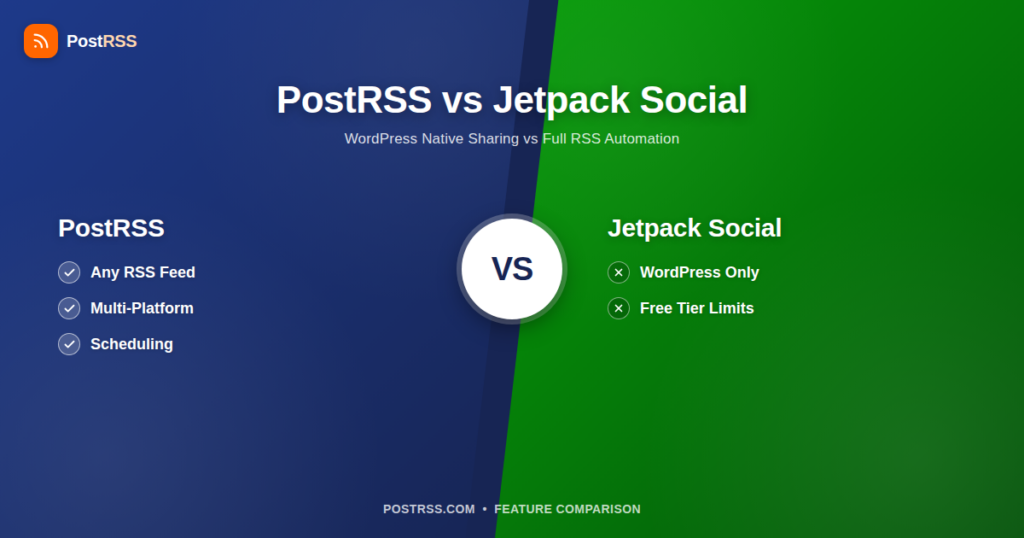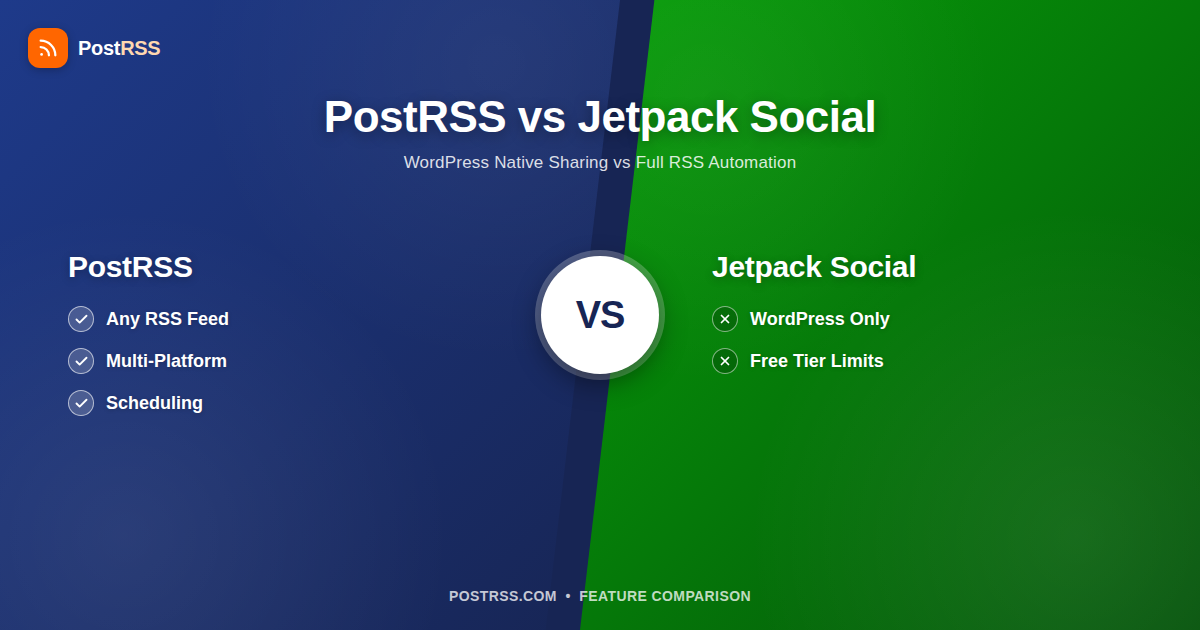
If you run a WordPress site, you’ve probably seen Jetpack Social sitting right there in your dashboard, offering to auto-share every new post to Twitter/X or Facebook the moment you hit publish. It’s convenient, it’s built in, and for a lot of small blogs it’s genuinely enough. But “enough” and “the right tool for the job” aren’t always the same thing — especially once you’re running more than one site, publishing from a platform that isn’t WordPress, or trying to reach audiences on networks Jetpack simply doesn’t touch.
This comparison breaks down what Jetpack Social actually does, where it holds up, and where it runs out of road — and how PostRSS’s feed-based approach handles the situations Jetpack wasn’t built for.
Jetpack Social (previously called Jetpack Publicize, and before that just “Publicize”) is a feature of the Jetpack plugin for self-hosted WordPress, and it’s also built natively into WordPress.com. At its core, it does one thing: when you publish a new post on a WordPress site, it can automatically push that post out to connected social accounts. No RSS feed parsing, no polling interval, no external service reading your site — it hooks directly into the WordPress publish action.
That tight integration is Jetpack’s biggest strength. Because it lives inside WordPress itself, setup is minimal — connect an account, flip a toggle, and future posts share automatically. There’s no separate app to configure, no feed URL to paste in, and for a single-author blog posting a few times a month, it can feel like the sharing “just happens.”
Jetpack Social’s platform list has shifted over the years as social APIs have changed (most notably when Twitter/X locked down free API access in 2023, which forced Jetpack to change how X sharing works and gate it behind paid tiers). As of now, Jetpack Social supports:
Notably absent: Pinterest, VKontakte, Instagram (Jetpack Social does not post to Instagram directly), Threads, and Bluesky. If your audience lives on any of those, Jetpack Social can’t reach them — full stop.
Jetpack Social offers a genuinely free tier, which is worth crediting: you can connect accounts and auto-share a limited number of posts per month at no cost. Once you exceed that free share allowance, or want features like the “Share as X/Twitter thread” option, custom images per network, or the ability to reshare older posts, you’re pushed into a paid Jetpack Social plan (billed monthly or yearly, per site). Because pricing is per WordPress site, running Jetpack Social across five or ten sites means five or ten separate subscriptions and five or ten separate dashboards to manage — there’s no multi-site console that consolidates billing or scheduling across properties.
None of this makes Jetpack Social a bad product for what it’s designed to do. But its design boundaries are narrow, and they show up quickly once your needs grow past “one WordPress blog, share on publish.”
This is the big one. Jetpack Social is not a general-purpose social scheduler — it’s a WordPress publish hook. If your content lives on Substack, Ghost, Webflow, Squarespace, a custom CMS, YouTube (as an RSS feed of new videos), a podcast host, or literally any non-WordPress source, Jetpack Social has nothing to offer you. Even within the WordPress world, it requires the Jetpack plugin to be installed and connected to a WordPress.com account — self-hosted sites that skip Jetpack, or agencies managing white-label client sites where installing a third-party plugin isn’t an option, are locked out entirely.
An RSS/Atom-based approach sidesteps this by treating the feed itself as the interface — it doesn’t care what generated it, so it works identically whether the content comes from WordPress, a headless CMS, or a manually maintained feed.
Jetpack Social’s model is reactive: publish a post, it shares immediately (or close to it) to every connected network at once, in the same format, at the same moment. There’s no way to say “post to LinkedIn now, but hold X for 3 hours” or “spread these five posts out one per day instead of dumping them all at once.” If you batch-publish or import content, your social feeds get the same burst treatment your WordPress publish log does — which can look spammy to followers and doesn’t respect each platform’s own peak engagement windows.
Tools built around scheduling and pacing let you stagger the same feed item across different networks and times, which matters a lot once you’re managing more than a trickle of posts.
Because Jetpack Social only fires on the WordPress publish action, there’s no path for importing a backlog of existing content, bulk-scheduling a content calendar from a spreadsheet, or backfilling social posts for articles published before Jetpack was installed. If you’re migrating from another platform, launching a new site with existing inventory, or just want to queue up a quarter’s worth of announcements in one sitting, you’re stuck manually publishing (or re-publishing) each post one at a time.
As covered above, Jetpack Social’s network list stops well short of where a lot of brands and creators actually have audiences. No Pinterest means no traffic from one of the highest-intent visual discovery platforms, particularly relevant for e-commerce, recipes, DIY, and design content. No VKontakte cuts off a major audience in Eastern Europe and Russia. No Instagram or Threads posting misses two of the fastest-growing networks for visual and short-form content. If your social strategy spans more than the handful of networks Jetpack covers, you’ll need a second tool anyway — at which point the “it’s built in and free” convenience mostly evaporates.
Since X restricted free API access for third-party apps, Jetpack had to change how it shares to X — for many users, X auto-sharing now requires a paid Jetpack Social plan even though other networks may still work on the free tier. This is a broader industry problem (every tool touching the X API has had to adjust), but it’s worth knowing upfront if X was the main reason you were looking at Jetpack Social in the first place.
PostRSS starts from a different premise: instead of hooking into one CMS’s publish event, it watches any RSS or Atom feed and posts new items to your connected social accounts on a schedule you control. That single design choice changes what’s possible in several concrete ways.
Because a WordPress auto post to social media setup in PostRSS is just “point it at your site’s existing RSS feed,” it works identically whether that WordPress site runs Jetpack or not — there’s no plugin dependency, no WordPress.com account requirement, and no per-site subscription just to unlock sharing.
The tradeoff is that PostRSS isn’t hooked directly into WordPress’s publish action the way Jetpack is — it works on a polling cycle against your feed, so there’s typically a short delay between publishing and the social post going out (configurable scheduling actually makes this a feature, not a bug, once you want control over timing rather than instant firing). If your priority is literally zero-delay, same-second sharing on a single WordPress.com site and you don’t need anything beyond X, Facebook, and LinkedIn, Jetpack’s tighter coupling has a real edge there.
| Feature | Jetpack Social | PostRSS |
|---|---|---|
| Content source | WordPress publish action only (requires Jetpack plugin or WordPress.com) | Any RSS or Atom feed — WordPress, Ghost, Substack, YouTube, podcasts, custom sites |
| Non-WordPress site support | None | Full support — feed-based, platform-agnostic |
| Platforms supported | Facebook, X/Twitter (paid tiers), LinkedIn, Tumblr, Mastodon, Nextdoor (varies by plan) | Facebook, X/Twitter, LinkedIn, Pinterest, VKontakte, Instagram, Threads, Mastodon, Bluesky, and more |
| Pinterest support | No | Yes |
| VKontakte support | No | Yes |
| Instagram support | No direct posting | Yes |
| Scheduling / staggered posting | No — shares immediately on publish | Yes — custom scheduling per feed and platform |
| CSV import / bulk scheduling | No | Yes |
| Multi-site / multi-feed management | Separate setup and billing per WordPress site | Single dashboard for multiple feeds and accounts |
| Feed troubleshooting tools | Not applicable (no feed parsing) | Yes — diagnostics for broken or malformed feeds |
| Setup complexity | Very low if already on WordPress/Jetpack | Low — paste a feed URL, connect accounts |
| Free tier | Yes, with a monthly post-share cap | Yes, with usage limits on the free plan |
| Pricing model | Per WordPress site, gated feature tiers | Per account, plans scale with feeds/posts |
| Posting delay | Near-instant on publish | Configurable — from near-immediate to fully scheduled |
| Backfilling old content | Not supported | Supported via CSV import and feed history |
| Networks reachable from one feed | Varies by plan — check their current list | 66 networks incl. Fediverse, Asian and team-chat platforms |
To be fair to Jetpack Social: it’s a good product for a specific, common situation. If you run a single WordPress or WordPress.com blog, post occasionally, only need to reach Facebook, LinkedIn, or Mastodon, and you’re not chasing X reach hard enough to pay for it, Jetpack Social’s free tier does the job with essentially zero setup. You’re already paying for (or using free) WordPress hosting, Jetpack is likely already installed for its other features (security, backups, stats), and turning on auto-sharing costs you nothing extra. For a hobby blog, a small nonprofit, or a personal portfolio site, that’s a perfectly reasonable stopping point — you don’t need a dedicated WordPress autoposter with scheduling and multi-platform reach if you’re publishing twice a month to an audience that’s mostly on Facebook.
Where it stops making sense is the moment any of these become true: you publish from more than one site, some of your content doesn’t live on WordPress, you need Pinterest or VK or Instagram reach, you want control over posting time instead of instant-fire, or you’re managing content on behalf of clients across a portfolio of sites where per-site subscriptions and separate dashboards get expensive and unwieldy fast.
PostRSS is built for the situations Jetpack Social wasn’t designed to handle:
The general theme: the more your operation looks like “one small WordPress blog,” the more Jetpack Social’s built-in convenience wins. The more it looks like “a content operation spanning multiple sources, sites, or networks,” the more a dedicated RSS-based tool pays for itself.
If you’re currently on Jetpack Social and considering a move (or an addition), a few practical points make the switch straightforward:
You need the Jetpack plugin installed and connected (or a WordPress.com-hosted site) for Social sharing to function, even if you don’t use Jetpack’s backup, security, or stats modules. It’s not available as a standalone lightweight plugin separate from Jetpack itself.
No. Jetpack Social does not support direct posting to Instagram or Pinterest. Its network list is limited to Facebook, X/Twitter, LinkedIn, Tumblr, Mastodon, and (on some plans) Nextdoor.
There’s a free tier that includes a limited number of automatic shares per month. Going beyond that limit, or accessing features like Twitter/X threading, custom social images, or resharing, typically requires a paid Jetpack Social plan billed per site.
Not in the traditional sense. Jetpack Social shares content when a WordPress post is published (or when you manually trigger a reshare) — it doesn’t offer independent scheduling or staggered posting times across platforms the way a dedicated social scheduler does.
No. PostRSS works alongside WordPress (or any other platform) by reading the RSS/Atom feed your site already produces — there’s nothing to migrate, and no requirement to install or remove any WordPress plugin.
Nothing happens automatically — Jetpack’s social account connections are separate from any other tool’s. You’ll authorize each platform again through that platform’s own login flow when setting up a new service, and you can leave Jetpack Social active, inactive, or removed independently of that.
Technically yes, since they operate independently, but running both active at once on the same content risks duplicate posts to the same networks. Most sites either pick one as the source of truth for social sharing or use Jetpack for its non-social features while handling all sharing through a single dedicated tool.
Jetpack Social is a solid, no-cost way to get basic social sharing working on a single WordPress site with minimal setup — and if that’s genuinely your entire use case, there’s no strong reason to replace it. It does one job, it does it inside the WordPress dashboard you’re already using, and its free tier covers a lot of small blogs’ needs without asking for anything in return.
But it’s a publish hook, not a social distribution platform. It can’t reach Pinterest or VKontakte audiences, can’t schedule or stagger posts, can’t import a content calendar, and can’t do anything at all for content that doesn’t originate from a Jetpack-connected WordPress site. The moment your operation spans multiple sites, multiple content sources, or platforms outside Jetpack’s short list, you’re looking at a second tool regardless — at which point it’s worth asking whether that second tool should also just replace Jetpack Social’s sharing function entirely, rather than running two overlapping systems.
PostRSS is built for that broader case: any RSS or Atom feed as the source, wider platform reach including Pinterest and VK, real scheduling control, CSV import for bulk content, and one dashboard across as many feeds and sites as you manage. If you’re evaluating which approach fits, the honest litmus test is simple — one WordPress blog with modest sharing needs, Jetpack Social is fine as-is; anything more complex than that, and a feed-based tool built for the job will save you more time than the “it’s already installed” convenience is worth.
What changed in the networks, what broke, and how to fix it before it costs you reach.
Built by Internet Solutions, the team behind PostRSS. Each product saves you time in its own way.
 English
 Lietuviškai
 Deutsch
 Français
 Русский
 Español
 Polski
 Italiano
 Українська
 Čeština
 Português
 日本語
日本語 Latviešu valoda
 Eesti
Eesti Magyar
 Bahasa Indonesia
 Türkçe
 हिन्दी
 Ελληνικά
 العربية
 ไทย
ไทย Tiếng Việt
 Română
 Bahasa Melayu
 বাংলা
বাংলা