Roughly one in six people worldwide lives with a significant disability, and a large share of them use social media daily — often with a screen reader, with captions on, or at a text size well above the default. Automated posting makes accessibility easier in some ways and harder in others: the good habits scale across every post you’ll ever publish, but so do the bad ones. This guide covers what accessible social content actually requires, which parts survive automation, which parts don’t, and how to build a workflow where every automated post is readable by everyone who encounters it.
When you post manually, you can add alt text in the composer, check how the caption reads, and fix an emoji that clutters a sentence. Automation removes all of those checkpoints — which is precisely its value, and precisely the risk. A source article with no image alt text becomes a hundred automated posts with no alt text. A caption template with three emoji in a row becomes every caption you publish for the next year.
The upside is that the reverse is equally true. Fix accessibility at the source — in your CMS, in your templates, in the way you write article titles — and every automated post inherits the fix without anyone thinking about it again. Accessibility in an automated workflow is almost entirely an upstream problem.
Alt text is a short written description of an image, read aloud by screen readers in place of the image itself. Without it, a screen reader typically announces something useless — “image”, a filename, or nothing at all — and the entire visual half of your post is simply absent for that reader.
Writing genuinely useful alt text is a skill, and the common failure is being either too vague or too verbose. The practical guidance:
This is the question most people actually want answered, and the honest response is: it depends on the platform, and often it doesn’t.
The technical reason is that RSS is an old, deliberately simple format. When a feed carries an image, it usually does so through an <enclosure> element or a <media:thumbnail> tag — both of which carry a URL and a file type, but neither of which has a standard, universally-honoured field for a text description. The Media RSS extension does define a description element, but support for reading it varies, and platform APIs differ in whether they accept an alt-text parameter at all when an image is attached programmatically.
The practical consequences:
So the realistic goal is not “every automated post carries perfect alt text on every platform”. It’s “the caption itself carries the meaning, and the destination page is properly accessible” — which is achievable today and covers the reader either way.
Because image alt text is unreliable in automated posting, the caption has to carry its own weight. This single habit does more for accessibility than any technical configuration.
A caption that reads “This says it all 👇” is meaningless without the image. A caption that reads “Our support response time dropped from 14 hours to under 3 — here’s how we restructured the team” conveys the same message with or without the visual. The second version is better for accessibility, better for anyone on a slow connection where images haven’t loaded, and better for the platform’s own ranking systems, which read text.
In an RSS-driven workflow, your caption usually derives from the article title and excerpt — which means your article titles are your captions. Titles written to be self-contained and descriptive produce accessible automated posts as a side effect, with no extra work at the distribution stage at all.
Emoji are not off-limits, but they behave in ways worth understanding. A screen reader reads each emoji aloud by its full official name. A caption ending in three fire emoji is announced as “fire fire fire”. A row of decorative sparkles becomes a lengthy recitation.
Reasonable practice:
This is the highest-impact, lowest-effort accessibility fix in your social media strategy, and it costs nothing.
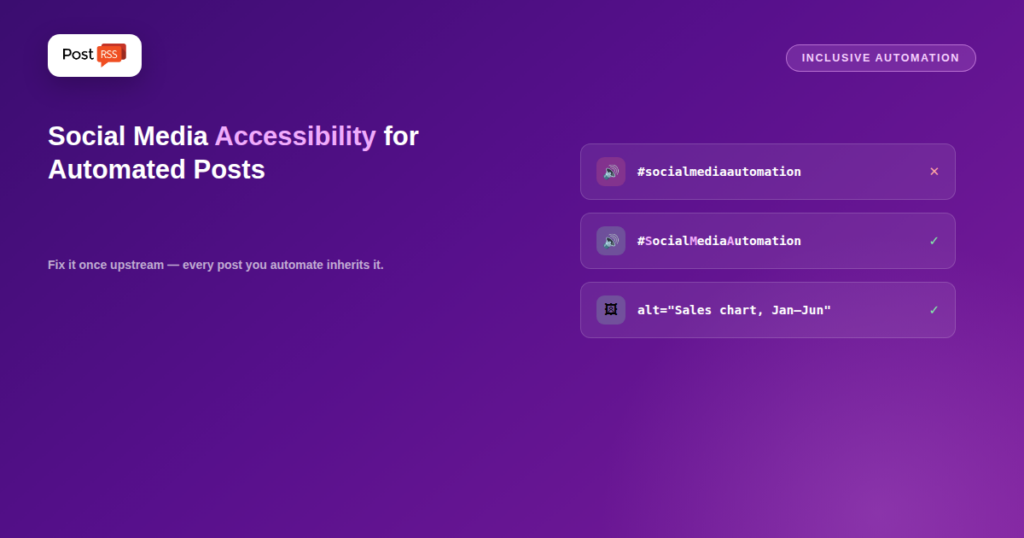
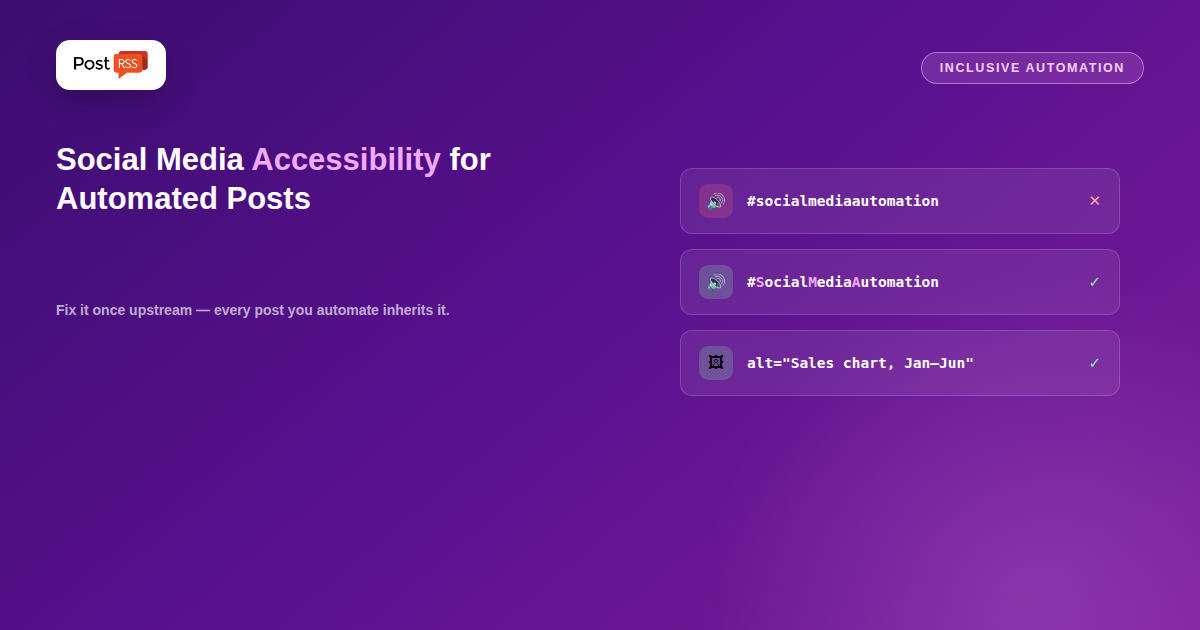
A screen reader encountering #socialmediaautomation attempts to read it as a single run of letters, producing something unintelligible. The same hashtag written as #SocialMediaAutomation — capitalising the first letter of each word, a convention usually called CamelCase or PascalCase — is parsed into separate words and read correctly: “social media automation”.
The hashtag still functions identically. Platforms treat hashtags case-insensitively, so #SocialMediaAutomation and #socialmediaautomation reach exactly the same tag page and the same audience. You lose nothing and make the tag readable. Capitalised hashtags are also easier for sighted readers to parse at a glance, which is why most major brands have adopted the convention.
If your automation appends a fixed hashtag set to every post, capitalising that set once fixes it permanently across every future post.
Unicode “styled” text. Those bold or script-looking characters people use to fake formatting in captions are not actually styled letters — they’re separate mathematical and symbol characters. Screen readers announce them as gibberish, character names, or skip them entirely, and they’re also poorly indexed by search. A caption written in fake-bold Unicode can be completely unreadable to a screen reader user while looking fine to everyone else.
ALL CAPS words. Some screen readers spell out all-capital words letter by letter, interpreting them as acronyms. Occasional emphasis is fine; a caption written entirely in capitals is genuinely hard to listen to.
Excessive punctuation. A row of exclamation marks is announced as repeated punctuation. One is enough.
Low-contrast images with embedded text. If your graphic carries the headline, that text needs enough contrast against its background to be readable by people with low vision — a widely used benchmark is a 4.5:1 contrast ratio for normal-size text. Pale grey on white fails badly, and it fails for everyone on a phone in sunlight too.
If your automation distributes video — from a YouTube feed, for instance — captions are the single most important accessibility feature. They’re essential for deaf and hard-of-hearing viewers and heavily used by everyone else: a large majority of mobile social video is watched with the sound off, which means captions affect the reach of your content well beyond accessibility.
Auto-generated captions are a starting point rather than a finished job. They routinely mangle names, technical terms, and anything spoken with an accent. Reviewing and correcting them on your source video means the corrected version travels everywhere the video is distributed. For audio content such as podcasts, a transcript on the destination page serves the same purpose and has the additional benefit of being indexable by search engines.
Pulling it together, here’s where each fix belongs:
| Fix | Where it lives | Effort |
|---|---|---|
| Capitalised hashtags | Your automation tool’s caption template | One-time |
| Self-contained captions | How you write article titles | Ongoing habit |
| Alt text on images | Your CMS, when uploading images | Per image |
| Readable contrast in graphics | Your image template | One-time |
| No fake-bold Unicode | Caption templates and titles | One-time |
| Video captions | Your source video, before publishing | Per video |
Most of the column on the right says “one-time”, which is the encouraging part. Fix the templates and the habits once, and automation propagates the accessible version indefinitely.
Accessibility is worth doing because excluding people is bad, and that should be sufficient. But it’s also worth noting that nearly every practice above helps everyone: captions serve the majority who watch video muted, high-contrast text serves anyone outdoors, self-contained captions serve people on slow connections, and text-carrying captions give ranking systems something to work with. In many jurisdictions there are also legal accessibility obligations for organisations of a certain size — worth checking against your own context rather than assuming they don’t apply.
Sometimes, for native image posts, depending on the platform’s API and whether your feed carries a description. For link preview cards it generally isn’t possible, because the platform generates the card itself. Writing captions that stand alone is the reliable workaround.
Screen readers can’t separate words in a run of lowercase letters, so #socialmediaautomation is unintelligible while #SocialMediaAutomation is read correctly. Hashtags are case-insensitive, so you lose no reach by capitalising.
They’re read aloud by name, so a string of them becomes a long recitation. A couple at the end of a caption is fine; strings of decorative emoji and emoji used in place of words are not.
Yes. Those characters aren’t real formatting — they’re separate symbols, and screen readers announce them as gibberish or skip them. They also index poorly in search.
Only partially. Standard enclosure elements carry a URL and file type but no description. The Media RSS extension defines one, but support for reading and forwarding it varies by tool and platform.
Yes — most mobile social video is watched with sound off, so captions affect comprehension and reach for a large share of all viewers, not only those who need them for access.
Capitalise your hashtags, stop using fake-bold Unicode, and write article titles that make sense without the image. Those three take under an hour and improve every automated post from then on.
Accessible automated posting is mostly a matter of fixing things once, upstream, and letting PostRSS carry the fix forward. Capitalise hashtags, keep emoji sparse and terminal, avoid Unicode pseudo-formatting, write titles that stand on their own without the image, add real alt text in your CMS, and caption your video before it’s distributed. None of it slows your workflow down, all of it compounds across every post you publish, and the result reaches an audience that a careless setup would have quietly excluded.
What changed in the networks, what broke, and how to fix it before it costs you reach.
Built by Internet Solutions, the team behind PostRSS. Each product saves you time in its own way.
 English
 Lietuviškai
 Deutsch
 Français
 Русский
 Español
 Polski
 Italiano
 Українська
 Čeština
 Português
 日本語
日本語 Latviešu valoda
 Eesti
Eesti Magyar
 Bahasa Indonesia
 Türkçe
 हिन्दी
 Ελληνικά
 العربية
 ไทย
ไทย Tiếng Việt
 Română
 Bahasa Melayu
 বাংলা
বাংলা