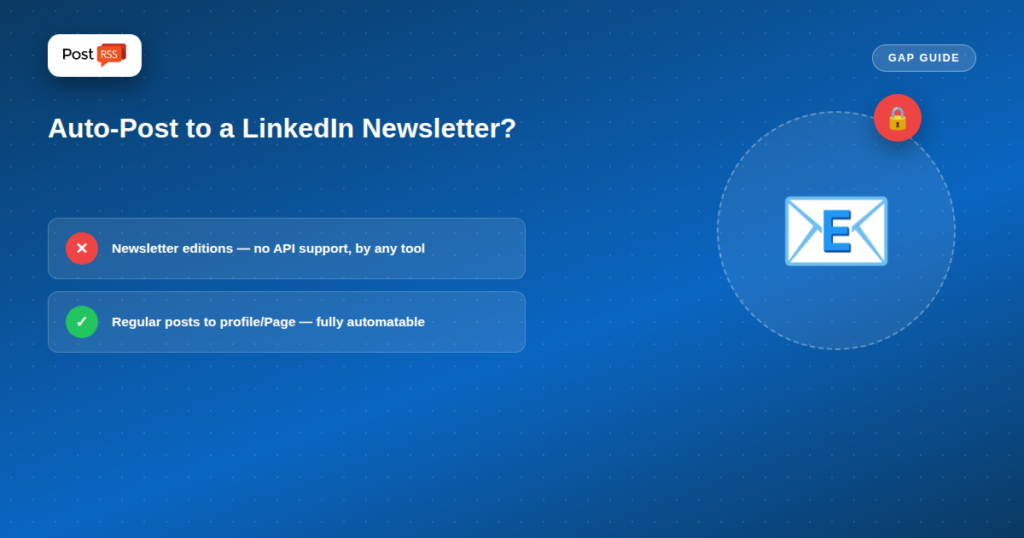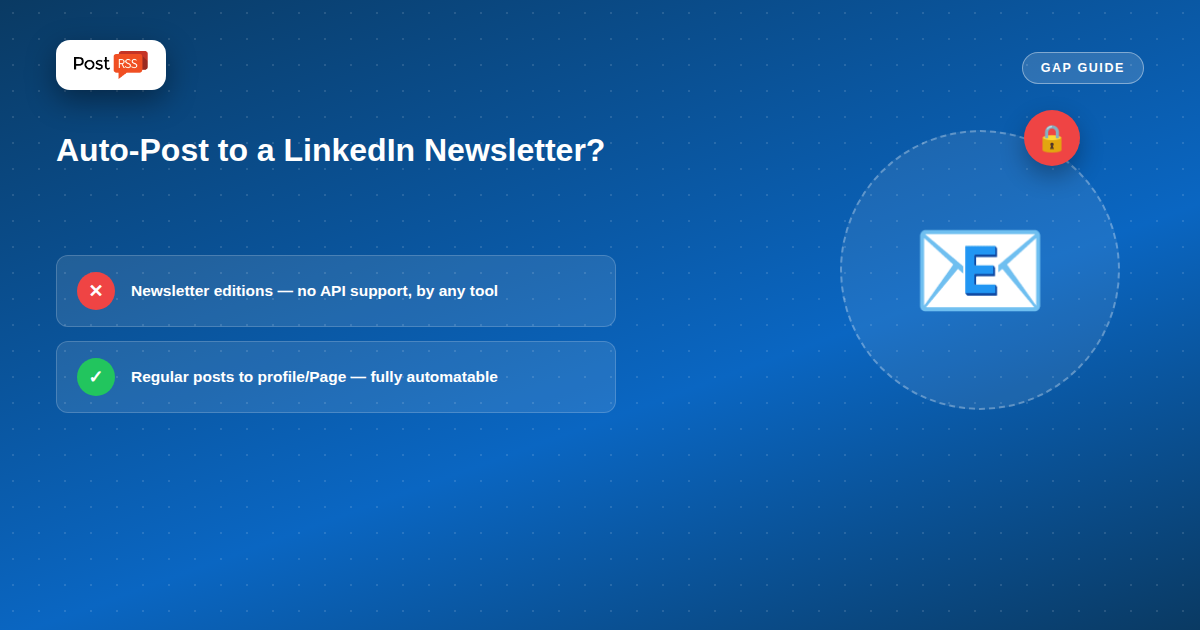
LinkedIn Newsletter and a regular LinkedIn post look similar from the outside — both show up in your feed, both come from your profile or Page — but they’re built on different systems underneath, and only one of them can be automated from RSS today.
A LinkedIn Newsletter is an extension of LinkedIn’s long-form Articles feature: subscribers get notified by email and in-app whenever you publish a new edition, and editions live in a dedicated newsletter archive separate from your regular post history. It’s built for recurring, subscriber-based long-form content — closer to a blog with a built-in subscriber list than to a normal social post.
LinkedIn’s official API has no endpoint for publishing Newsletter editions — a limitation that applies across every automation tool, not just PostRSS. LinkedIn’s Posting API covers regular posts to personal profiles and company Pages, including text, images, and video, but Newsletter editions specifically sit outside what any third-party tool can publish through official channels. That’s a platform limitation, not a gap in any particular auto-poster’s feature set.
Regular LinkedIn posts — to your personal profile or a Company Page — are fully supported through the same API and work with PostRSS today, on your normal RSS-to-social schedule. If your goal is getting new content in front of your LinkedIn audience automatically, a regular post pointing to your full article (on your own site) accomplishes that; it just won’t appear inside the Newsletter format with its dedicated subscriber list and archive.
Auto-post a summary and link to your full content as a regular LinkedIn post through PostRSS, and reserve manually-published Newsletter editions for when you specifically want that subscriber-notification format and archive — the two aren’t mutually exclusive, and most creators end up using both for different purposes rather than picking one.
For the LinkedIn side specifically, see our RSS to LinkedIn page.
A regular LinkedIn post can do much of the job a Newsletter notification does: tell your audience that something new is worth reading. How well it does that depends on how the post is built. PostRSS offers nine message formats, made from the item title, the item description, the page title or your own static text. For newsletter-style content, a short static line in front of the title, such as “New edition:” or “This week’s issue:”, followed by the item description works well. Readers recognise the series at a glance, and the description gives them a reason to click.
The image matters too. PostRSS takes the picture from the feed item or from the Open Graph tags of the linked page, so a consistent header image for each issue makes your posts look like a series rather than random links.
Many creators end up with a simple routine that combines both formats:
If only some of your content belongs in front of your LinkedIn audience, point PostRSS at a category feed, or use keyword filters to include or exclude items by words in their title and description. On paid plans, posting windows let you publish only during working hours in your own time zone, which suits a professional audience. For related formats, see our guides on auto-posting RSS as LinkedIn Articles and auto-posting to a LinkedIn Company Page.
Because the automated post and the manual Newsletter edition link to the same articles, it is useful to know which one actually sends readers. PostRSS can add your own query parameters, such as utm_source=postrss and a LinkedIn-specific campaign tag, to every link it posts. Use a different tag in the links inside your Newsletter editions, and your analytics will show side by side how many visits each format brings. That tells you whether the extra manual work of a Newsletter edition pays off for your audience, or whether the automated posts already do most of the work.
It also helps to review the numbers after a few weeks rather than after a single issue. One strong article can distort the picture; a steady pattern across several editions shows which format your LinkedIn audience really prefers. If the automated posts consistently bring most of the traffic, you can publish Newsletter editions less often without losing reach. If the Newsletter clearly performs better, keep the automated posts for everyday articles and save your manual effort for the editions that matter most.
No — LinkedIn’s API doesn’t expose an endpoint for publishing Newsletter editions, so no third-party automation tool can do this through official channels, regardless of which one you use.
Yes — that’s fully supported and works the same way as auto-posting to other networks, on the schedule you set.
No — Newsletters are built on LinkedIn’s Articles system with a dedicated subscriber list, email notifications, and a separate archive, while regular posts are the standard feed content type that auto-posting tools work with.
It depends entirely on whether LinkedIn adds a Newsletter-publishing endpoint to its public API — something outside any auto-posting tool’s control, since it requires LinkedIn’s own platform support.
LinkedIn Newsletter editions can’t be auto-posted from RSS by any tool, because LinkedIn’s own API doesn’t support it — not a limitation specific to PostRSS or any competitor. Regular LinkedIn posts to your profile or Company Page remain fully automatable, and combining automated regular posts with occasional manual Newsletter editions covers both formats without forcing a choice between them.
What changed in the networks, what broke, and how to fix it before it costs you reach.
Built by Internet Solutions, the team behind PostRSS. Each product saves you time in its own way.
 English
 Lietuviškai
 Deutsch
 Français
 Русский
 Español
 Polski
 Italiano
 Українська
 Čeština
 Português
 日本語
日本語 Latviešu valoda
 Eesti
Eesti Magyar
 Bahasa Indonesia
 Türkçe
 हिन्दी
 Ελληνικά
 العربية
 ไทย
ไทย Tiếng Việt
 Română
 Bahasa Melayu
 বাংলা
বাংলা