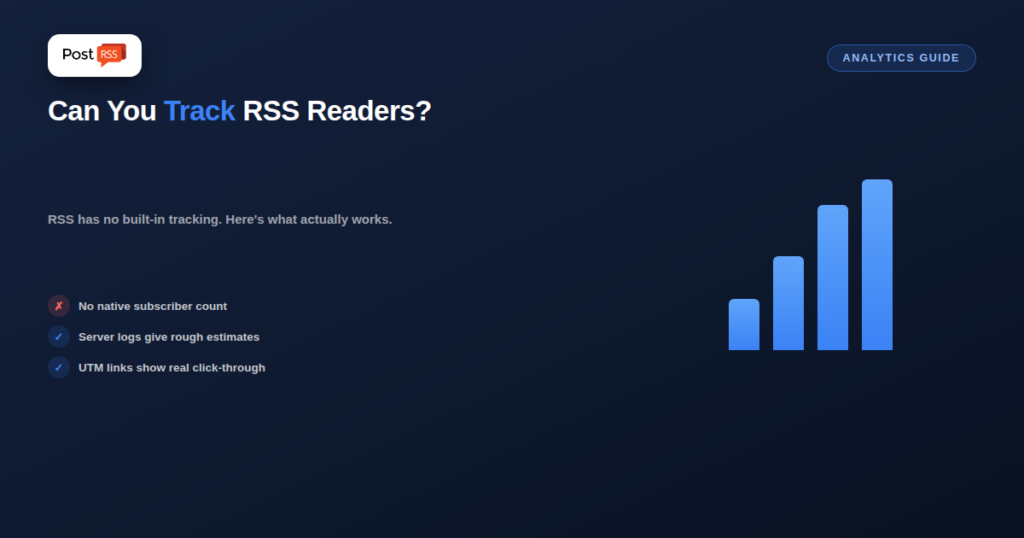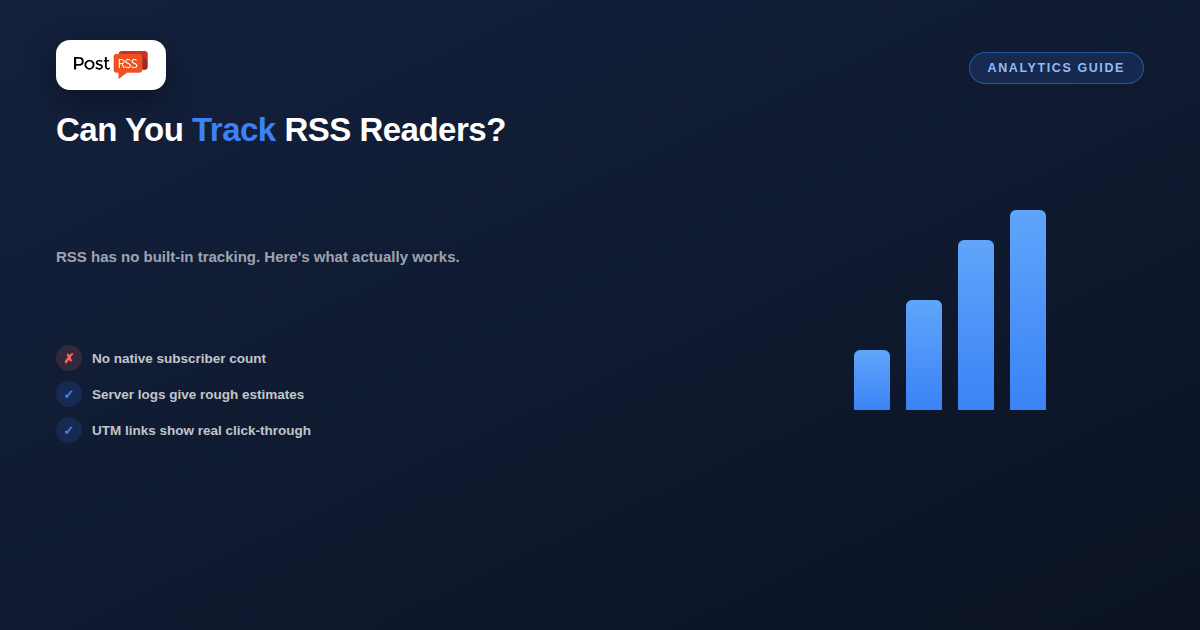
No — RSS itself has no built-in tracking. There’s no signal in the feed format that tells you who subscribed, who’s reading, or how many people fetched it. That surprises people used to email or social analytics, where every open and click is logged by default. Getting any real visibility into RSS readership requires adding something on top of the feed, not reading a report the feed provides on its own.
RSS was designed purely as a one-way content format — a server publishes a feed, and any number of readers or tools can fetch it, with no requirement to identify themselves, register, or report back. That anonymity is a feature, not an oversight: it’s exactly what let RSS become a universal, zero-friction format nobody needs permission to consume. The tradeoff is that the publisher genuinely can’t see who’s on the other end.
Your web server logs every request to your feed URL, including IP addresses and user-agent strings, which can hint at roughly how many distinct fetches happen and which tools (Feedly’s crawler, a specific podcast app, etc.) are requesting it. This isn’t subscriber analytics in any precise sense — a single reader service might fetch on behalf of thousands of individual subscribers behind one shared crawler, and repeated automated checks from automation tools inflate raw request counts well above actual human readership.
Feed-hosting services built specifically for podcasting (which live and die on download analytics) do provide subscriber and download estimates, because they sit between your raw feed and the final listener and can measure requests more precisely. For text content, UTM parameters on the links inside your feed items are the most reliable practical option — they won’t tell you who’s reading in the feed itself, but they’ll show you, in your regular web analytics, how much actual traffic clicks through from feed-originated posts once someone acts on what they read.
It helps to see how quickly automated checks add up. An auto-posting tool that checks your feed every 5 minutes makes 288 requests a day on its own, whether or not a single person reads anything. Add a few reader services, search crawlers and podcast apps polling on their own schedules, and a feed with a modest human audience can show thousands of daily requests in the server log. None of those requests is a reader in the sense most publishers mean.
The opposite distortion happens with large reader services. One shared crawler can fetch your feed once on behalf of every subscriber that service has, so a single log line may stand for many real readers. Raw request counts are therefore too high in one place and too low in another, which is why they are best treated as a trend line rather than an audience number: if requests grow steadily over months, interest is probably growing too.
For many publishers the feed is not only read in reader apps; it is also the source for social media posts. That part is much easier to measure. When PostRSS publishes your feed items to social networks, it can add your own query parameters, such as utm_source=postrss, to every link it posts. Give each network its own tag and your web analytics will show exactly how many visits, sign-ups or sales came from your Facebook Page, your LinkedIn page or your Telegram channel, and which articles earned them.
Our guide on tracking RSS automation with UTM parameters walks through the setup, and reading your social media performance after automating explains what to look at once the data starts coming in.
This setup takes an hour to put in place and needs no special software. It will never tell you the exact number of people who subscribe to your feed, but it answers the more useful question: which content, delivered through which channel, brings people back to your site and gets them to act.
Not with any real precision from the feed alone — server logs give a rough request count, but shared crawlers and automation checks make that number an approximation at best, not a subscriber count.
Generally yes, because dedicated podcast hosts are built specifically to estimate downloads and listens from the download requests they observe, which text-content feeds don’t typically have an equivalent service for.
Yes, if you want any real measurement — it’s the most reliable way to connect feed-originated content to actual traffic and behavior in your existing web analytics, since it works at the point where someone actually clicks through.
Yes. Any tool that polls your feed on a schedule adds requests whether or not anyone reads the content. A tool checking every 5 minutes alone makes 288 requests a day, so raw request counts say little about human readership.
RSS was built without tracking on purpose, which means “how many people read my feed” doesn’t have a precise native answer. Server logs offer a rough estimate, dedicated podcast hosts do better for audio, and UTM-tagged links remain the most practical way to measure what actually matters — whether people click through and do something once they read.
What changed in the networks, what broke, and how to fix it before it costs you reach.
Built by Internet Solutions, the team behind PostRSS. Each product saves you time in its own way.
 English
 Lietuviškai
 Deutsch
 Français
 Русский
 Español
 Polski
 Italiano
 Українська
 Čeština
 Português
 日本語
日本語 Latviešu valoda
 Eesti
Eesti Magyar
 Bahasa Indonesia
 Türkçe
 हिन्दी
 Ελληνικά
 العربية
 ไทย
ไทย Tiếng Việt
 Română
 Bahasa Melayu
 বাংলা
বাংলা