Updated: 2026-09-27
Short answer: a reader pulls content in for you to read; an auto-poster pushes your content out so an audience finds it. Feedly, Inoreader and NetNewsWire are the readers worth using in 2026, but none of them publishes anything on your behalf — that is a separate job and a separate tool.
RSS readers and RSS auto-posting tools solve two completely different problems, even though both run on the same feed format. A reader is for pulling content in so a person can read it; an auto-poster is for pushing content out so an audience finds it elsewhere. Picking a good reader doesn’t replace needing the second one — and vice versa.
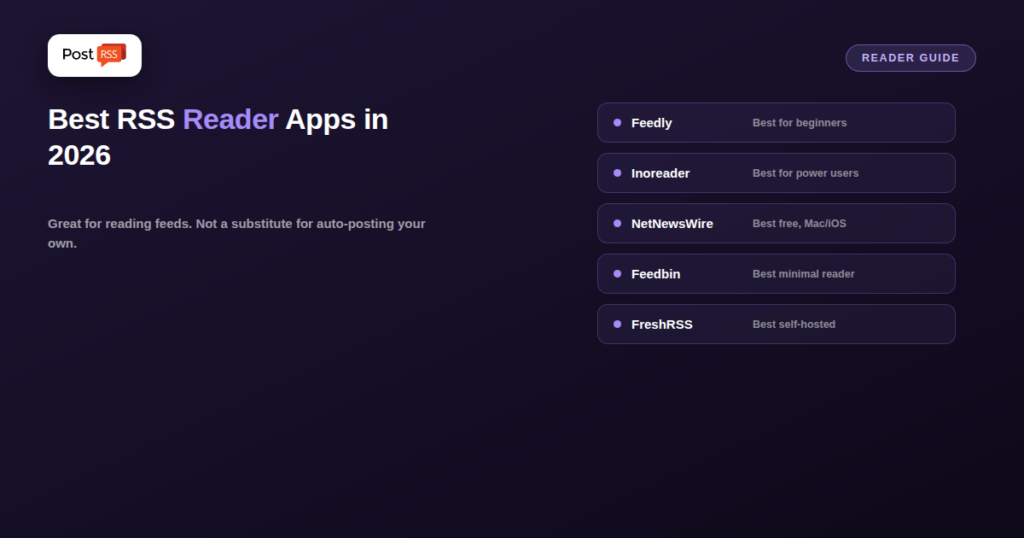
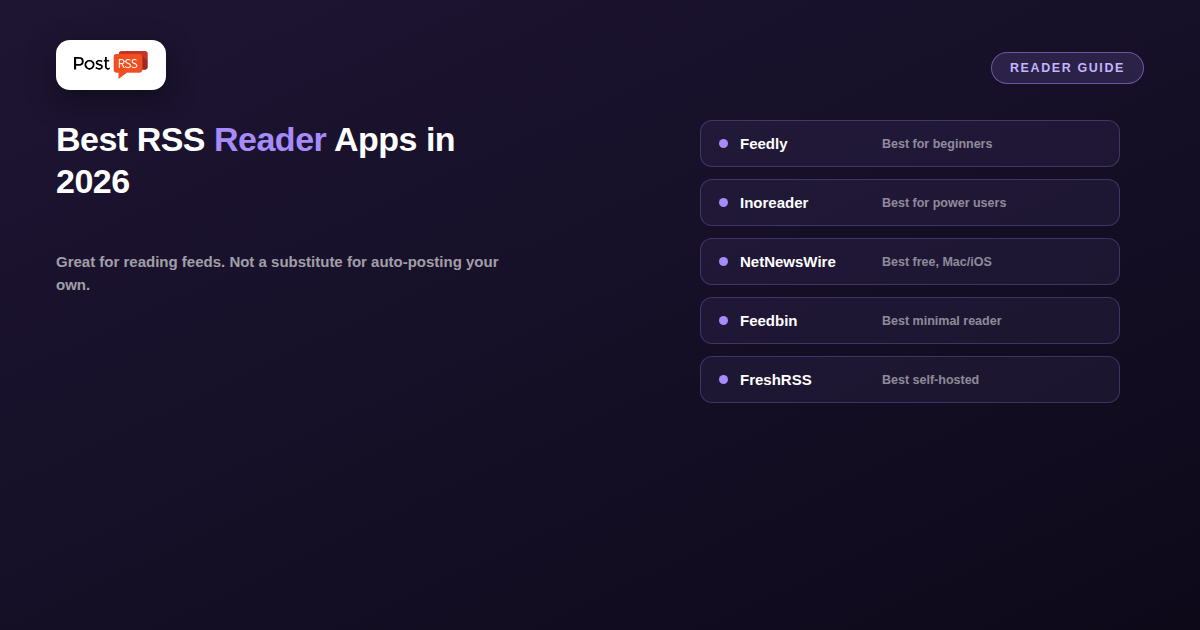
Feedly remains the most approachable starting point, with a clean interface, a generous free tier, and AI-assisted summarization on its paid plan. Inoreader is the power-user favorite, adding automation rules, full-text search, and its own newsletter and social integrations on top of straightforward feed reading. NetNewsWire is the free, native option for Mac and iOS users who want a fast, ad-free reading experience without a subscription. Feedbin targets people who want a minimal, distraction-free web reader over a feature-packed dashboard. FreshRSS is the self-hosted pick for anyone who wants to run their own reader on their own server rather than trust a hosted service with their reading list.
An RSS reader pulls feeds you subscribe to into one inbox-like view, letting you catch up on many sources without visiting each site individually. It’s a consumption tool, built around one person’s reading habits — sorting, filtering, marking things read, sometimes summarizing. Nothing about a reader publishes anything anywhere; it’s a one-way pull, purely for the person using it.
None of the readers above post your content to social media, and that’s not a missing feature — it’s outside what a reader is built to do. If you run a blog, podcast, or news site and want new posts to automatically reach followers on Facebook, X, LinkedIn, or other platforms, that’s a separate job: pushing your own feed out to your own audience’s accounts, not pulling other people’s feeds into your own reading list. Automation tools like PostRSS exist specifically for that outbound side, and they’re not competing with readers — they’re solving the opposite direction of the same underlying format.
Most readers handle the basics well, so the choice usually comes down to how you read, not to a feature checklist. A few questions narrow it down quickly:
Try one reader for a couple of weeks with your real feeds before paying for a plan. The one you actually open every day is the right one.
Readers and auto-posters meet naturally in one workflow: content curation. You follow industry sources in your reader, pick the pieces worth commenting on, and publish your own roundup or opinion post on your website. That new post appears in your site’s feed, and an auto-poster such as PostRSS shares it on your social accounts within minutes, because PostRSS checks each feed every 5 minutes on every plan.
What you should not do is push other people’s feeds straight to your social accounts without adding anything of your own. Beyond being low-value for your followers, it can raise copyright questions; our article on what you can and can’t republish from an RSS feed explains where the line is. Your own feed is the one to automate; the reader is where your ideas for it come from.
Not directly — readers are built for consuming feeds, not publishing to social platforms. You’d need a dedicated auto-posting tool for that side, even if you also use a reader to keep up with other sites.
Only if you do both things: reading a lot of other sources yourself, and wanting your own content automatically distributed. Plenty of site owners only need the second one and never touch a reader at all.
Feedly is the easiest starting point for most people thanks to its free tier and simple interface; power users who want more control tend to move to Inoreader.
No. PostRSS does not give you a reading inbox. It watches the feeds you add as sources and publishes each new item to the social networks, messengers and blogs you connect.
RSS readers and RSS auto-posters both run on feeds, but they serve opposite directions of the same pipe — one pulls content in for a person to read, the other pushes your content out to an audience. Choosing a great reader is a separate decision from setting up automated distribution, and most site owners eventually need to think about both.
What changed in the networks, what broke, and how to fix it before it costs you reach.
Built by Internet Solutions, the team behind PostRSS. Each product saves you time in its own way.
 English
 Lietuviškai
 Deutsch
 Français
 Русский
 Español
 Polski
 Italiano
 Українська
 Čeština
 Português
 日本語
日本語 Latviešu valoda
 Eesti
Eesti Magyar
 Bahasa Indonesia
 Türkçe
 हिन्दी
 Ελληνικά
 العربية
 ไทย
ไทย Tiếng Việt
 Română
 Bahasa Melayu
 বাংলা
বাংলা