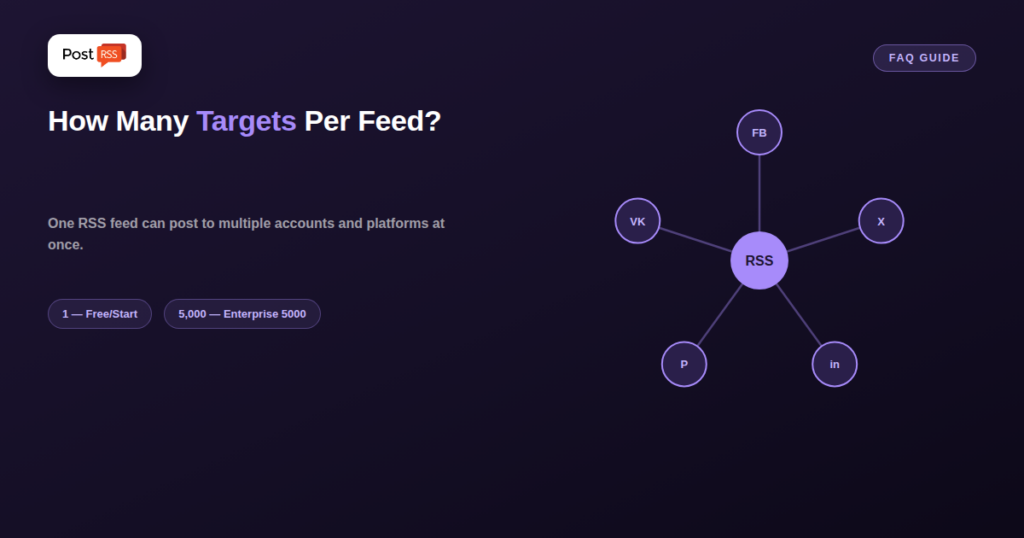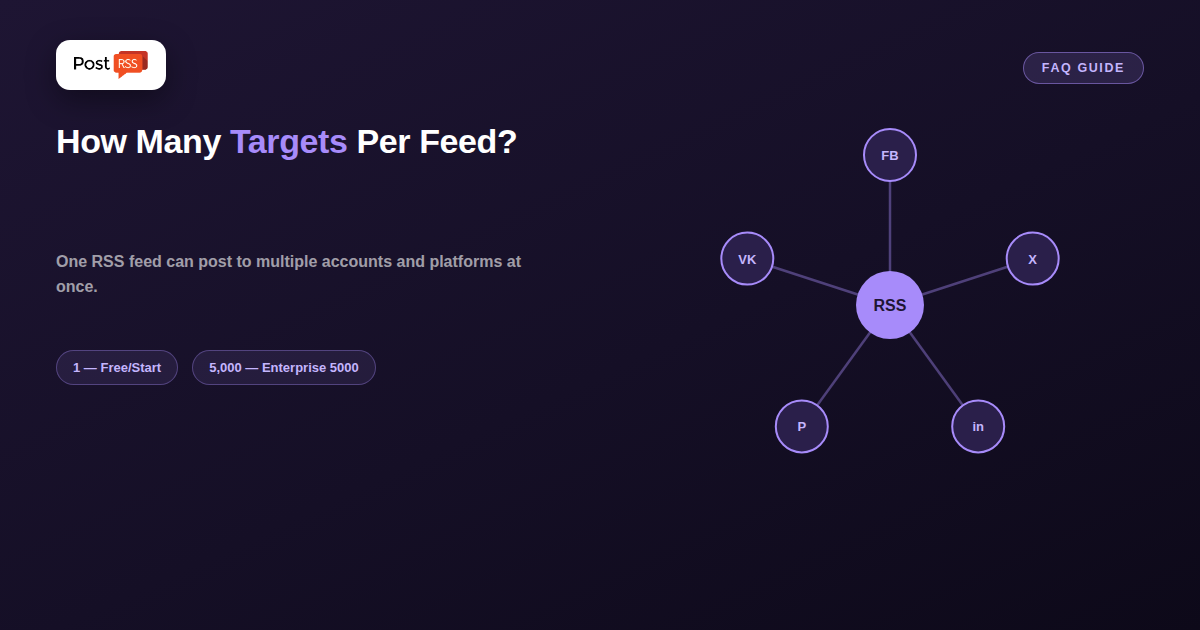
One RSS feed doesn’t have to mean one social account. Most RSS automation tools, PostRSS included, let you connect a single feed to multiple social accounts and even multiple platforms at once — the actual limit depends on your specific plan, not on the feed itself.
PostRSS uses the term “Targets” to describe each individual social account connected to a feed — one Facebook Page is one target, a second connected LinkedIn profile is a second target, and so on. This is the unit your plan’s limit is actually measured in, separate from how many tasks (individual posts) your plan allows per month.
| Plan | Targets | Supported Platforms on This Plan |
|---|---|---|
| Free | 1 | Facebook Page |
| Start | 1 | Facebook Page |
| Professional | 10 | Facebook, Pinterest, VKontakte |
| Professional Plus | 20 | Facebook, Pinterest, VKontakte, LinkedIn |
| Ultimate | Multiple (66 networks) | Facebook, X, Pinterest, LinkedIn, VKontakte |
| Enterprise | 100 | all 66 networks |
| Enterprise 500 / 1000 / 5000 | 500 / 1000 / 5000 | all 66 networks |
Check current pricing details directly, since exact figures are occasionally updated — this reflects PostRSS’s plan structure as verified against the live pricing page.
Yes — a single feed can be connected to targets across every platform your plan supports at once. A new blog post can trigger a simultaneous post to a Facebook Page, an X account, a LinkedIn profile, a Pinterest board, and a VKontakte page, all from that one feed, on plans that include all 66 networks.
Yes — there’s no restriction requiring one target per platform. You could connect a single feed to three separate Facebook Pages simultaneously (for instance, if you manage several branded Pages that should all receive the same content), with each counting as a separate target against your plan’s limit.
Upgrading to a higher tier immediately increases your available target count — there’s no need to disconnect existing targets first or wait for a billing cycle to add more, since higher tiers are additive rather than replacing what you already have configured.
Yes, indirectly: each new item posted to each connected target counts as a separate task under most plan structures, so a feed connected to five targets will consume tasks roughly five times faster than the same feed connected to just one target, for the same publishing frequency. This is worth factoring in when deciding how many targets to connect relative to your plan’s monthly task allowance.
The number of targets is only half of the picture. Each PostRSS plan also sets a monthly number of posts in total and a maximum number of posts per target, and both apply at the same time. The figures below are taken from the pricing page:
| Plan | Posts per month | Targets | Posts per target |
|---|---|---|---|
| Free | 10 | 1 | 10 |
| Start | 500 | 1 | 500 |
| Professional | 10,000 | 10 | 2,000 |
| Professional Plus | 30,000 | 20 | 3,000 |
| Ultimate | 125,000 | 50 | 5,000 |
| Enterprise | 1,000,000 | 100 | 20,000 |
In practice this means that a very active feed connected to a single account can reach the per-target limit before it reaches the monthly total, while a quieter feed spread over many accounts is more likely to reach the monthly total first. When you plan a setup, multiply the number of items your feed publishes in a month by the number of targets, and compare the result with both limits.
Connecting several accounts to one feed does not mean every account must receive identical posts. In PostRSS every target has its own settings, so the same feed can behave differently on each account:
utm_source=postrss, so analytics shows which account brought each visit.Large setups are often managed by more than one person. Enterprise plans include extra users who can work in the same account from the Team menu: one extra user on Enterprise, and more on the higher Enterprise tiers. Enterprise plans also check each feed every minute instead of every 5 minutes. For developers, the REST API v1 can create targets with any feed URL and read reports, which helps when an agency manages dozens of client accounts.
Yes, on plans that support multiple targets, you can typically set up separate feed-to-target routes independently — for example, a blog feed going to one set of accounts and a separate podcast feed going to a different set, within the same overall plan.
No — connecting just one target on a higher-tier plan is completely valid if your actual need is more tasks per month or a faster check interval, rather than more connected accounts specifically.
This depends on how you configure each route — most setups let you choose exactly which targets a given feed connection posts to, rather than forcing every connected target to receive everything from every feed.
How many accounts one RSS feed can reach depends entirely on your plan’s target limit, not on any restriction in the feed itself — from a single Facebook Page on the Free plan up to thousands of targets on Enterprise tiers. Understanding “targets” as the actual unit being counted, separate from monthly task allowance, makes it straightforward to pick the right plan for how many accounts you actually need to reach.
What changed in the networks, what broke, and how to fix it before it costs you reach.
Built by Internet Solutions, the team behind PostRSS. Each product saves you time in its own way.
 English
 Lietuviškai
 Deutsch
 Français
 Русский
 Español
 Polski
 Italiano
 Українська
 Čeština
 Português
 日本語
日本語 Latviešu valoda
 Eesti
Eesti Magyar
 Bahasa Indonesia
 Türkçe
 हिन्दी
 Ελληνικά
 العربية
 ไทย
ไทย Tiếng Việt
 Română
 Bahasa Melayu
 বাংলা
বাংলা