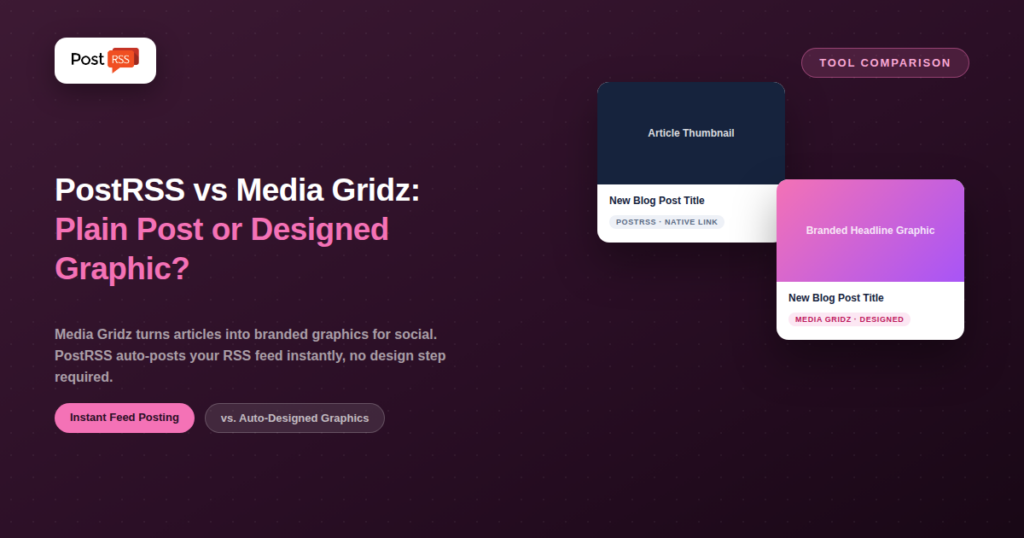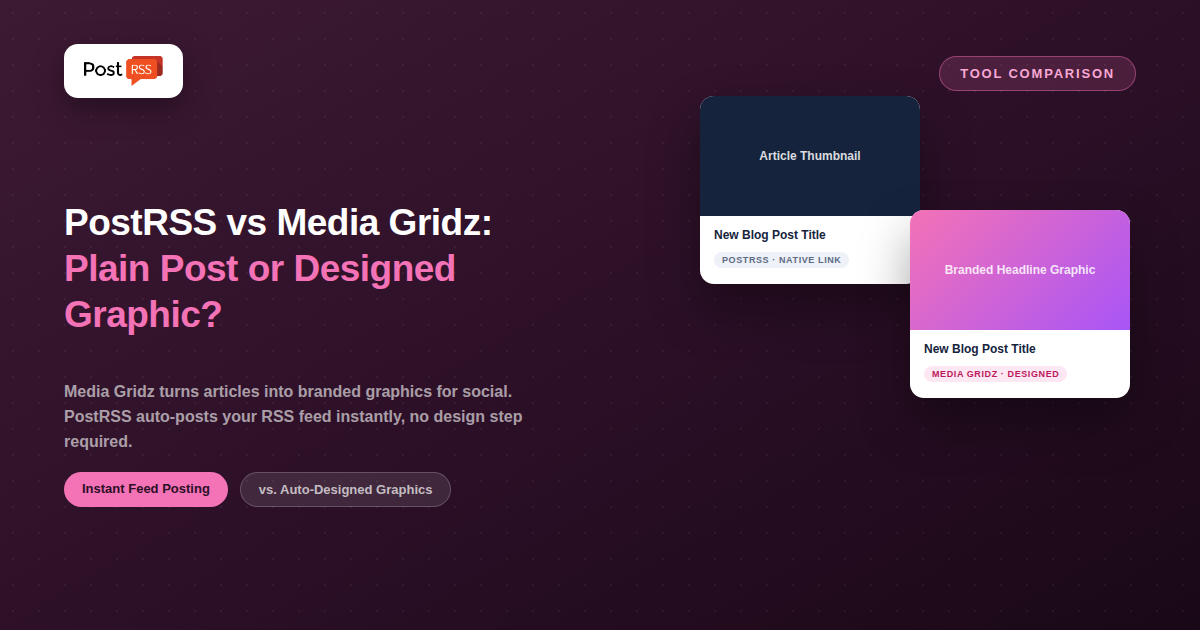
Media Gridz solves a very specific problem: news outlets, broadcast media, and high-volume blog publishers who need every article turned into a polished, branded social graphic — automatically, at scale, without a designer touching each one. It takes the headline, image, and description from an article and generates a clean, on-brand visual post, then publishes it across Instagram, Facebook, LinkedIn, X, TikTok, and Threads.
PostRSS solves a different, more general problem: getting new content from an RSS feed onto social automatically, without any design step in between. Both tools start from the same trigger — new content on your site — but they take genuinely different paths from there, which makes this comparison less about “which is better” and more about which output your audience actually needs, and how much publishing volume you’re actually working with day to day.
Media Gridz is purpose-built for publishers with a high volume of articles — the kind of newsroom or content operation publishing several pieces a day where manually designing a graphic for each one isn’t realistic. It automatically pulls the headline, image, and description from a new article and renders it into a pre-templated, brand-styled graphic (your colors, your fonts), then posts that graphic across the connected platforms. Plans scale from a Starter tier aimed at solo bloggers (roughly 4–5 articles/day, 200 posts/month, Instagram and Facebook, a handful of templates, one connected website) up through a Regular tier with unlimited posts and more platforms (adding LinkedIn and Bluesky), to an Enterprise tier for media groups managing multiple websites with custom templates. The company doesn’t publish exact dollar pricing prominently, so budget-conscious readers should confirm current rates directly on mediagridz.com/pricing.
PostRSS doesn’t generate graphics at all — it takes your RSS feed item (title, link, image if present) and posts it in the native format each platform expects, whether that’s a link post, a photo post, or a pin. There’s no template library, no brand-kit setup, no design step to configure. You connect a feed, choose your destinations — 66 networks, including Facebook, X, LinkedIn, Pinterest, Threads, Bluesky, Mastodon, Telegram, Discord, Tumblr, VKontakte, Matrix, Webhook and Instapaper — and pick a plan based on volume: free (1 target, 10 tasks/month) covers a Facebook Page, Telegram, Bluesky or Mastodon; Start at $5/month (1 target, 500 tasks/month) adds Discord, Tumblr, Matrix, webhooks and more, 36 network types in all; Professional at $10/month opens 10 targets and 66 network types, including LinkedIn, Threads and TikTok; X arrives on Professional Plus at $20/month, up through the Enterprise tiers for high-volume publishers. Feeds are checked every 5 minutes by default.
| Feature | PostRSS | Media Gridz |
|---|---|---|
| Core output | Native platform post (link/photo) | Branded designed graphic |
| Target user | Any site owner, any volume | News, broadcast, high-volume publishers |
| Design/template step | None | Yes, brand-styled templates |
| Platforms supported | 66 networks incl. Fediverse, Asian and team-chat platforms | Instagram, Facebook, LinkedIn, X, TikTok, Threads |
| Entry price | Free, then $5/month | Tiered plans, exact pricing not published |
| Multi-website support | Multiple targets on one plan | Higher tiers only |
| Setup complexity | Low — feed URL + destinations | Higher — brand kit + templates first |
That brand-kit and template step is the meaningful extra work compared to a plain feed-to-post tool — but it’s also exactly what makes the output usable on a visual-first platform like Instagram, where a bare link doesn’t work at all.
A local news outlet publishing 10–15 stories a day, with Instagram as a core traffic channel, is exactly who Media Gridz is built for. Manually designing a graphic for each story isn’t realistic at that volume, and a plain link post does nothing useful on Instagram anyway — the automated, branded template output is the entire value proposition, and it’s worth the setup time and higher cost for a newsroom operating at that scale.
Compare that to a small business publishing two or three blog posts a month, cross-posting to a Facebook Page, a LinkedIn Page, and Pinterest for product photography. There’s no newsroom-scale volume problem to solve, Instagram may not even be a priority channel, and a native link post with the article’s existing thumbnail is genuinely sufficient. For that use case, Media Gridz’s design layer is overhead without matching benefit — PostRSS’s $5–10/month plans cover the actual need without asking the business to build out a brand kit and template system first.
Media Gridz fits best for newsrooms, broadcast media, and any publisher producing a high daily volume of articles where Instagram-ready, on-brand visual posts are a core part of the distribution strategy — and where the cost of a design tier is easily justified by the volume of content it touches.
PostRSS fits best for everyone else: bloggers, small businesses, SaaS companies, niche publishers, and any site where a native link or photo post is enough to get content in front of an audience without a design step slowing things down.
If your business is publishing content and Instagram is a meaningful channel, Media Gridz solves a problem PostRSS simply doesn’t touch: Instagram has no real support for plain link posts, so a feed-to-post tool without a design layer struggles there by design. Media Gridz’s auto-generated branded graphics are built specifically to make that channel work at scale — turning a plain headline into something visually consistent with your brand, without a designer touching every single post. For a newsroom or content team publishing many articles a day, that automated design step alone can justify the cost.
If Instagram-style branded graphics aren’t the priority — if what you actually need is your content appearing reliably on all 66 networks in each platform’s native format — PostRSS gets there with a far simpler setup and a much lower entry price. There’s no template to configure, no brand kit to build first, and no design tier to unlock before automation actually starts working. For sites where a link post with a thumbnail is genuinely sufficient (most blogs, small businesses, and niche publishers), the design layer Media Gridz specializes in is added complexity you may not need.
PostRSS also covers VKontakte, a platform Media Gridz doesn’t support at all — relevant if any part of your audience is in a market where VK matters.
The biggest structural difference between these two tools comes down to one platform. Instagram’s API and app experience were never built around plain link-sharing the way Facebook or X were — a post needs an image or video as the primary content, and a bare article link with no visual treatment either fails to post at all or performs poorly if it does. That’s the gap Media Gridz’s entire product exists to close: turning a headline and description into something that actually works as an Instagram post, automatically, without a human designer in the loop for every single article.
PostRSS doesn’t attempt to solve that problem, which is a deliberate scope decision, not an oversight. Its supported platforms — all 66 networks — all have reasonable native support for link-style posts with a thumbnail image pulled from the article itself. If your distribution strategy doesn’t lean heavily on Instagram, that scope difference simply doesn’t matter; if it does, it’s the single biggest factor in choosing between these two tools.
For a newsroom publishing dozens of stories a day across six platforms, the calculus favors Media Gridz’s higher price point because the alternative — hand-designing graphics for that volume — isn’t realistic at any price. For a smaller operation publishing a handful of times a week, PostRSS’s $5–10/month range covers a comparable number of destinations without requiring the brand-kit and template setup Media Gridz needs before it starts producing usable output. There isn’t a universally cheaper option between the two — the right choice depends entirely on daily publishing volume and how central Instagram-style visual posts are to the strategy.
No. PostRSS publishes your feed’s existing title, link, and image in each platform’s native post format. It doesn’t generate templated graphics or apply brand styling — if that’s what you need, a tool like Media Gridz is built specifically for that job.
Based on its published platform list, no — Media Gridz supports Instagram, Facebook, LinkedIn, X, TikTok, and Threads, but not Pinterest or VKontakte. If either of those platforms matters to your distribution strategy, PostRSS covers both.
Probably not on its own merits. Media Gridz’s design-and-template workflow is built around volume — publishers producing several articles a day where manual design isn’t feasible. A low-volume blog is more likely to get full value from a simpler, cheaper, feed-to-post tool like PostRSS.
PostRSS, by a clear margin. Its setup is a feed URL and a set of destinations. Media Gridz requires configuring a brand kit and template preferences before automation starts producing on-brand output, which takes longer even though the end result — automatically generated graphics — does more per post.
Yes — some publishers run Media Gridz specifically for Instagram (where its templated graphics matter most) while using PostRSS for Facebook, X, LinkedIn, and Pinterest, where a native link post already performs well and doesn’t need the extra design layer. Splitting the workflow this way avoids paying for graphic generation on platforms that don’t need it.
PostRSS supports multiple targets (destinations) on its Professional plan and above, and multiple feeds can be run as separate setups within the same account structure. Media Gridz reserves multi-website support for its higher Enterprise-level tier, aimed at media groups managing several properties at once.
These two tools aren’t really competing for the same customer. Media Gridz is a specialized solution for news and content organizations that need automated, branded visual posts at high volume — the design work is the product. PostRSS is a simpler, cheaper, general-purpose tool for anyone who wants their content to appear on social automatically without a design layer in between. If your content strategy depends on Instagram-ready branded graphics, Media Gridz’s specialization is worth the setup time. If a native link or photo post across all 66 networks covers what you need, PostRSS gets you there faster and at a fraction of the cost.
What changed in the networks, what broke, and how to fix it before it costs you reach.
Built by Internet Solutions, the team behind PostRSS. Each product saves you time in its own way.
 English
 Lietuviškai
 Deutsch
 Français
 Русский
 Español
 Polski
 Italiano
 Українська
 Čeština
 Português
 日本語
日本語 Latviešu valoda
 Eesti
Eesti Magyar
 Bahasa Indonesia
 Türkçe
 हिन्दी
 Ελληνικά
 العربية
 ไทย
ไทย Tiếng Việt
 Română
 Bahasa Melayu
 বাংলা
বাংলা