RSS vers 66 réseaux sociaux : Facebook, Instagram, X, LinkedIn, Telegram et plus Blog Affiliation Contacts
Short answer: a model railway club can use PostRSS to turn each page on its website into posts on a Facebook Page, a Telegram channel, Pinterest boards, a Discord server and Bluesky or Mastodon. Publish exhibition dates, open running days, layout build diaries, swap meets and club night notices as separate entries with categories such as exhibitions, layouts or members, connect the feed, and use filters and exact times so that visitors, members and fellow modellers see the right news at the right moment. The club secretary writes each notice once, and the posting follows without another evening at the keyboard.
A model railway club is a community built around patient work. A layout takes years to finish, a members’ night happens in a rented hall, and the big event of the year is an exhibition where the public can see the trains run. The members are often retired or busy with jobs, the club website is kept by one person, and social media is a chore that falls behind. Yet the club needs visitors for its exhibitions, new members to carry on the hobby and a way to tell existing members what is happening. A feed gives the club a calm routine: each notice is written once on the website, and PostRSS carries it to the networks where visitors and modellers look. This guide shows how to set it up with the options that PostRSS offers today, and how to share the craft with care for people and for the work of others.
A club has a modest number of kinds of news. The exhibition announcement is the biggest. Open running days, a swap meet, a visit from another club and the regular club night are smaller ones. The progress of the layout is a continuing story. Each should be its own entry on the website, because PostRSS posts each feed item once. An entry has a title, a short description, a link to the full page and a picture. A title such as Autumn exhibition: three layouts, a model shop and a children’s trail gives a visitor the reasons to come.
If the club site runs on a platform that provides a feed, the integrations page shows where to find the address for common ones. If it runs on WordPress, the official PostRSS plugin can build a feed for chosen categories and create the targets for you.
Model railway interests are specific. Some people care about a scale, some about an era, some about a country and some about the electronics of control. Give each entry the categories that describe it: exhibitions, open days, layouts, scale names such as N or OO, DCC and control, scenery, swap meets, members. Categories travel with the feed, and PostRSS can use them in two ways. Keyword filters decide which items a source posts, and hashtags can be built from the categories on networks where hashtags make sense, so a post can reach the modellers who follow a particular scale.
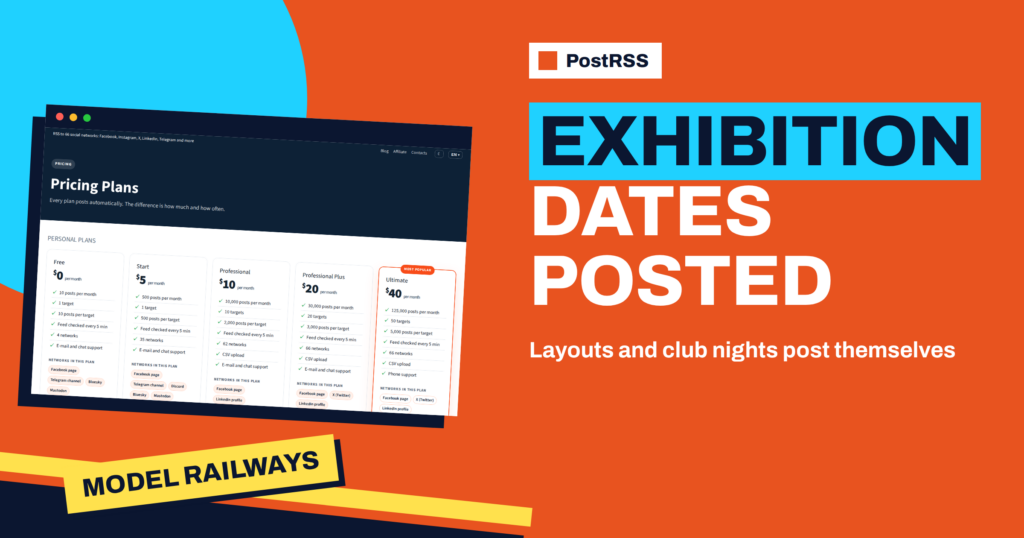
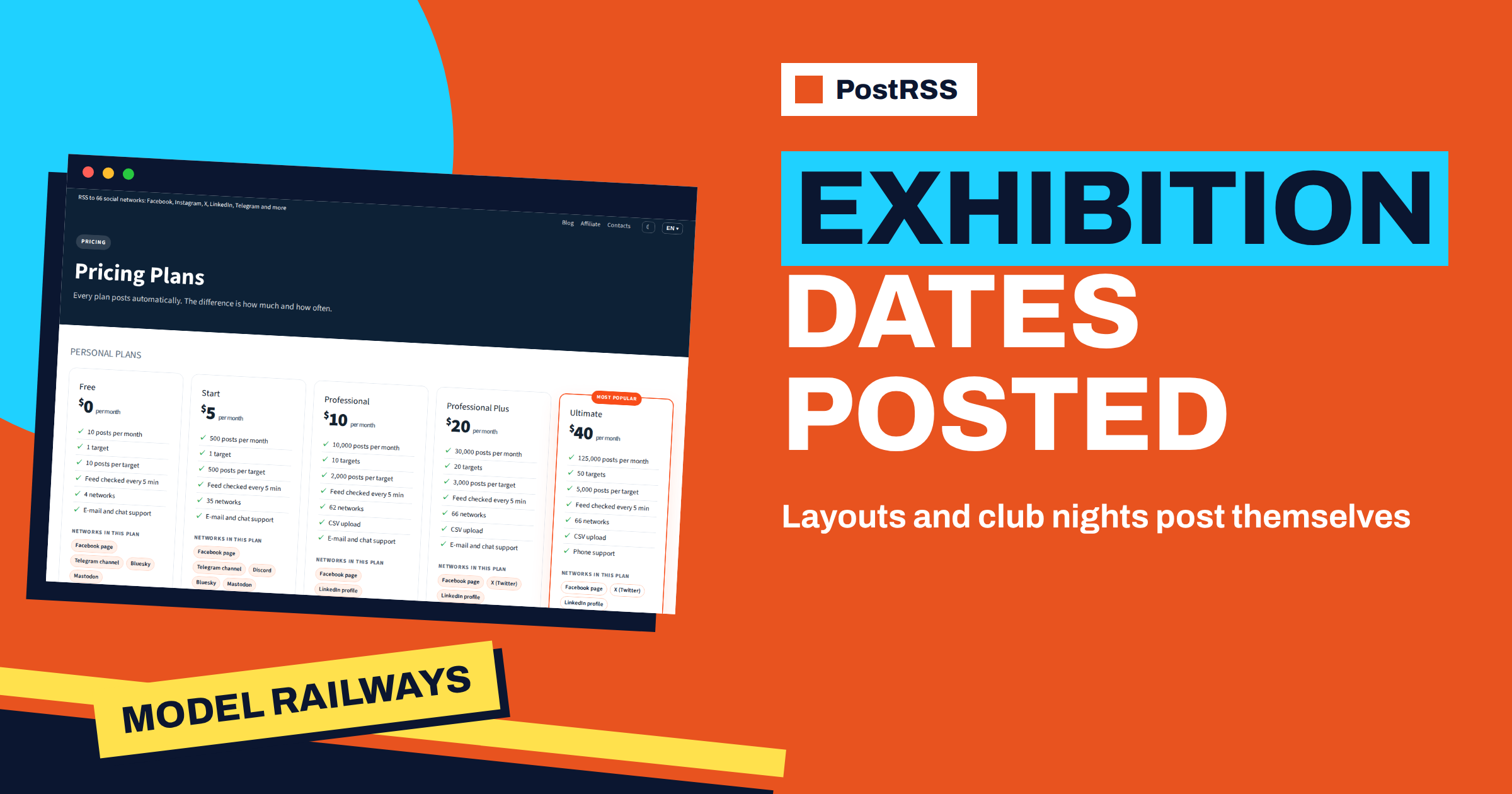
The pricing page shows which networks each plan includes. The Free plan has one target, so a club that wants a Page, a channel and a board together needs a plan with at least three targets.
A layout that takes years to build is a gift to a feed, because each stage is a story. Publish a short entry for each milestone: the baseboards, the track plan, the first run, the new station building, the lighting at night. Give each entry a clear picture, a few lines about what was done and who did it, and a link to the page of the whole project. Because PostRSS posts each feed item once, a layout with twenty milestones gives twenty reasons for followers to return. Over the years, the project page becomes a record that visitors read before an exhibition and that new members read before joining.
The first lines of an entry become the post. PostRSS can build the post from the item title, the item description, the page title or your own fixed text, in nine combinations. A fixed label such as Club news at the start helps followers recognise the series. In the first lines say what a visitor needs: the dates, the opening hours, the place, the ticket price if there is one and what there is to see. Avoid jargon in public posts, or explain it briefly, because many visitors come with children or grandchildren and not as experts. Put the technical detail on the page for those who want it.
An exhibition benefits from a rhythm that builds slowly. A good pattern is the announcement six weeks before, a feature on one of the layouts each week, a practical entry with the map, the parking and the opening hours in the last week, and a reminder on the morning of the first day. PostRSS lets you post at exact times on chosen days in your time zone, and it also offers posting windows, both on paid plans. Create one source for each kind of entry, so that each kind has its own slot. The article on exact times, windows and intervals describes the options.
A source can have an include filter, an exclude filter or both. Filters search the title, the description and the categories, ignore capital letters and match parts of words, and an exclude word always wins over an include word. Items that a filter removes are not posted and do not count against your monthly allowance.
A typical split: the Page receives every public item. A Telegram channel for members receives the entries with the members category, such as changes to club night. A Pinterest board receives the entries with the layouts and scenery categories. A Discord server for the build group receives the entries with the build category. Internal items, such as the agenda for the annual meeting, are excluded from public sources with an exclude word in the title. The guide to include and exclude keyword filters explains the matching rules in detail.
Modelling is a craft in which people proudly name who built what. Credit the builder of a locomotive, the painter of a scene and the author of a control program. When you show a model that comes from a kit or a design by another maker, name the source. Ask before you publish a photograph of a member, and avoid pictures that show children without the consent of a parent. When another club or a trader lends a layout to an exhibition, thank them in the entry and link to their page. In a hobby community, generosity with credit is the best advertising.
The hobby needs new people, and the club needs an easy way to welcome them. Write a short entry that explains what happens at a club night, what a newcomer can expect, what it costs and how to try a session. Publish it every season in a fresh form, such as a short story about a first visit with the permission of the member. Because PostRSS posts each feed item once, a fresh entry is needed each time. Several different entries over the year, each with its own angle, are better than a single post repeated. Keep the invitation warm and specific: the day, the time and who will meet the visitor at the door.
On networks where hashtags make sense, PostRSS can add your own fixed hashtags and can turn the categories of the item into hashtags. For a club, the name of the club, the town and the words model railway are enough, and the categories add the scale or the topic. On Facebook and LinkedIn at most five hashtags in total are used, with yours first. Hashtags are not added on chat tools such as Discord. The article on automatic, custom and random hashtags explains the options.
| Target | Filter | Timing | Purpose |
|---|---|---|---|
| Facebook Page | Public news | Weekday morning | Visitors and families |
| Canal Telegram | Members | Before club night | Current members |
| Tableau Pinterest | Layouts and scenery | Steady daytime window | Modellers |
Six weeks before the autumn exhibition the secretary writes the announcement, with the dates and the list of layouts. Each week afterwards a short entry features one layout with a picture and the name of its builder. In the last week a practical entry gives the map, the opening hours and the ticket details. On the morning of the first day a short welcome goes out, and after the weekend a thank-you entry shows a few pictures and the number of visitors. The club wrote eight short entries across two months and did not copy a link into a social profile.
A club that has existed for decades has an archive of layouts, exhibitions and members who built them. A new channel starts empty. Set a start date for a source and turn on catch-up, and PostRSS also posts older items that were never published. Use a separate category for look-back entries and keep the limit per update low, so that the history appears slowly. For a hobby with long memory, such an archive is a treasure, and a steady drip of old pictures with new captions keeps the club visible between exhibitions. The guide to catching up older feed items describes the setting.
For a model railway club, PostRSS turns the website into a calm stream of posts: exhibition announcements, layout milestones, member notices and welcome notes, routed by category to visitors, members and fellow modellers. Write each item as its own entry, credit the builders, use exact times and read the reports. The options are on the features page, and the plans are on the pricing page.
Yes, as separate feed entries. PostRSS posts each item once, and on paid plans you can choose exact times on chosen days.
Yes. Give those entries a members category and create a source for the members channel with an include filter for that word.
Yes. Discord is available from the Start plan and receives posts through a webhook.
No. PostRSS posts to Facebook Pages only, because Meta closed the interface for groups in 2024.
The Free plan lets you test one target. For a Page, a Telegram channel and a Pinterest board together you need at least three targets, which starts with Professional.
What changed in the networks, what broke, and how to fix it before it costs you reach.
Conçus par Internet Solutions, l'équipe derrière PostRSS. Chaque produit vous fait gagner du temps à sa façon.
 English
 Lietuviškai
 Deutsch
 Français
 Русский
 Español
 Polski
 Italiano
 Українська
 Čeština
 Português
 日本語
 Latviešu valoda
 Eesti
 Magyar
 Bahasa Indonesia
 Türkçe
 हिन्दी
 Ελληνικά
 العربية
 ไทย
 Tiếng Việt
 Română
 Bahasa Melayu
 বাংলা