Every pricing page in the social media automation space uses the word “unlimited” somewhere. Unlimited posts. Unlimited scheduling. Unlimited publishing. It’s a word designed to make comparison shopping impossible — because almost none of these “unlimited” plans are actually unlimited. They’re gated by fair-use policies, daily caps, or vague language that only reveals its real limit once you hit it.
In our companion article, Top 10 Cheapest Auto-Posting Tools in 2026, we ranked ten tools by their entry-level monthly price. This article answers the question that ranking leaves open: for that price, how many posting tasks do you actually get? We dug into the published limits, fair-use policies, and support documentation for each of the same ten tools to find out — and the results explain why “cheapest” and “best value” aren’t always the same tool.
This matters more than it sounds. Two plans priced at exactly $5 a month can deliver wildly different amounts of actual publishing capacity, and the only way to know which is which is to read past the price tag into the fine print, the help-center articles, and — in a few cases — third-party reviews that had to test the limit themselves because the provider never stated it. We did that legwork so you don’t have to open ten separate support tickets before choosing a plan.
We’re using “task” the way PostRSS defines it on its own pricing page: one automated action that takes an item from your feed and publishes it to one connected destination. Post the same item to two Facebook Pages, and that’s two tasks. It’s a granular, literal unit — which is exactly why it’s useful for comparison, and exactly why most competitors avoid publishing an equivalent number. “Posts,” “publishes,” and “scheduled items” mean slightly different things from tool to tool, so where a competitor’s own documentation states a specific monthly number, we use it; where it doesn’t, we say so plainly instead of guessing.
| Tool | Price/Month | Published Posting Limit | Limit Type |
|---|---|---|---|
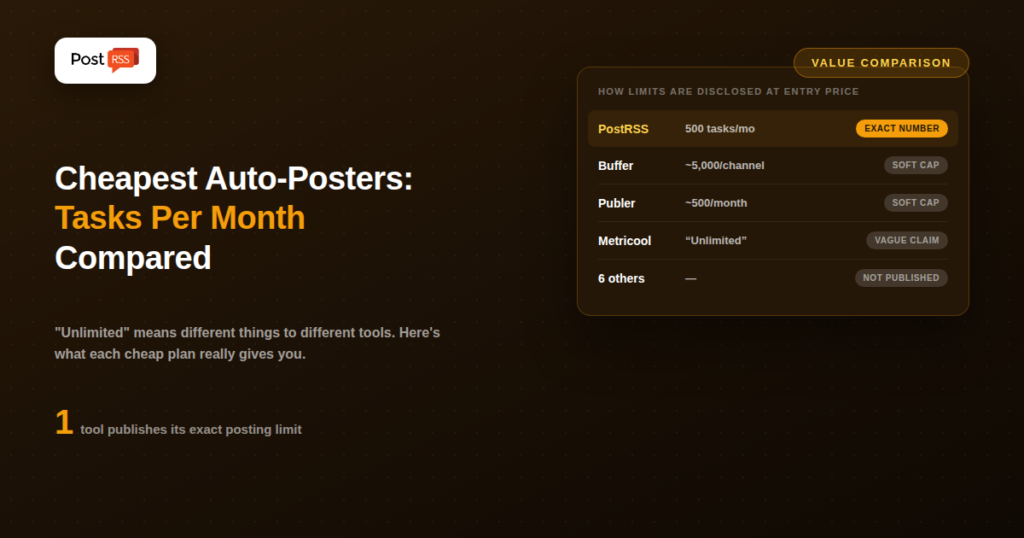
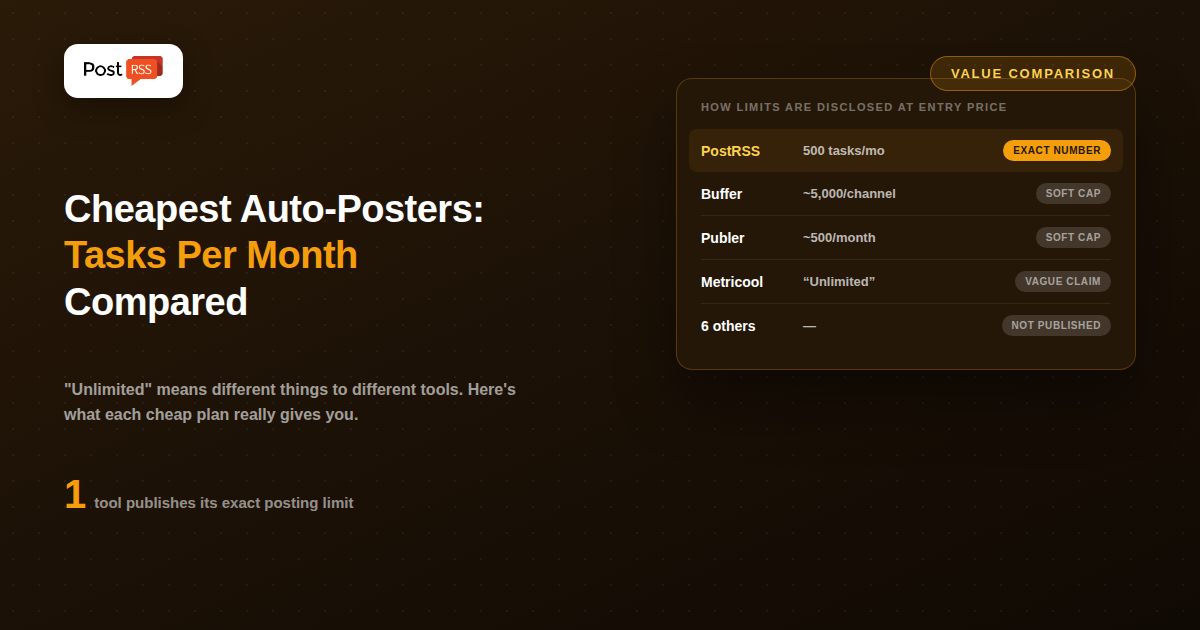
| PostRSS (Start) | $5 | 500 tasks/target/month | Exact, published |
| Buffer (Essentials) | $5 | ~5,000 posts/channel (fair-use) | Soft cap |
| Publer (Professional) | $5 | ~500 posts/month (practical cap) | Soft cap |
| Blog2Social (Basic) | $7 | Not publicly specified | Undisclosed |
| dlvr.it (Starter) | $9.99 | Not publicly specified | Undisclosed |
| Tailwind (Pro) | $12.50 | Not publicly specified | Undisclosed |
| Zoho Social (Standard) | $15 | Not publicly specified | Undisclosed |
| Missinglettr (Solo) | $15 | Not publicly specified | Undisclosed |
| Metricool (Starter) | $18 | “Unlimited” publishing | Marketed unlimited |
| CoSchedule (Individual) | $19 | Not publicly specified | Undisclosed |
Limits reflect publicly available pricing and help-center documentation at the time of writing. Several providers reserve the right to change fair-use policies without updating marketing copy — always confirm current limits directly with the provider before relying on a number for a business-critical workflow.
PostRSS’s $5/month Start plan lists 500 tasks per target, per month, directly on its pricing page — no fair-use policy, no “subject to change,” no support ticket required to find out. At roughly one task per new post, that’s enough to auto-post 16 new items a day for a full month before you’d need to upgrade. The $10/month Professional plan raises that further, to 10,000 tasks per month across up to 10 targets (2,000 tasks per target). For a tool built specifically around feed-based automation rather than manual scheduling, that level of transparency is the norm, not the exception — you can plan around a PostRSS plan the same way you’d plan around a cloud hosting quota.
Buffer doesn’t market a hard monthly number, but its support documentation confirms a fair-use ceiling of roughly 5,000 queued posts per connected channel. In practice, that’s high enough that almost no single account will hit it. The real constraint on Buffer’s $5 tier isn’t the post count — it’s that the $5 price applies to one channel only, so the “unlimited” framing describes volume on that one channel, not overall account flexibility.
Publer markets its Professional plan as unlimited scheduling, but multiple independent reviews and its own support material point to a practical cap around 500 published posts per month, plus daily limits per connected account layered on top to prevent spam-like behavior. For most single-account use cases 500 posts a month is generous — over 16 a day — but it’s worth knowing the real number exists before you build a workflow that assumes there isn’t one.
Metricool is the clearest example of a plan boundary defined entirely by price rather than volume. Its free plan caps out at 50 posts per month for a single brand; the moment you upgrade to the $18/month Starter plan, that cap disappears and publishing becomes unlimited across up to 10 brands. There’s no published monthly number on the paid tier because there isn’t one to publish — but note that certain platforms (LinkedIn, X) require an additional $5/month add-on per account beyond the base plan.
Blog2Social, dlvr.it, Tailwind, Zoho Social, Missinglettr, and CoSchedule all advertise scheduling and publishing as part of their paid plans without stating a specific monthly posting cap anywhere in their public pricing or help documentation. That doesn’t necessarily mean the limits are restrictive in practice — it means you can’t verify the real ceiling without contacting support or simply testing it yourself, which makes apples-to-apples comparison genuinely difficult at this end of the market.
Picture two $5/month plans. One gives you a clearly published 500 actions a month. The other says “unlimited” but is quietly capped by a fair-use policy you’ll only discover in a support article — or find out about the hard way when your account gets flagged. Both cost the same. Only one lets you actually plan your content calendar around a known number.
That distinction matters even more for automated, feed-based posting than for manual scheduling. If you’re auto-posting from an RSS feed and your site has a busy month — a product launch, a news cycle, a batch of catch-up posts — you need to know in advance whether your plan can absorb that volume, not discover the ceiling mid-month when posts silently stop going out. With manual scheduling tools, you at least notice when you stop queuing new posts yourself; with hands-off automation, a silently paused feed can go unnoticed for days before anyone checks whether new content actually made it to social.
Where a real number exists, dividing price by monthly allowance gives a rough sense of value:
Once a provider doesn’t publish a number, this math simply isn’t possible to do honestly — which is itself useful information. If a tool’s pricing page can’t tell you what you’re actually buying, that’s worth weighing against the sticker price alone.
Before comparing plans, it helps to know roughly how many posting tasks your own site or business will actually generate in a typical month. A rough estimate:
Using that math, a small business posting a handful of updates a week to two or three social channels will comfortably fit inside PostRSS’s $5/month, 500-task Start plan for months at a time — and even a genuinely busy month of daily posting to three destinations (roughly 90 tasks) still leaves significant headroom before an upgrade is necessary. That’s the kind of planning a published number makes possible, and a vague “unlimited” claim doesn’t.
Partly for genuine flexibility (most users never come close to any reasonable ceiling, so a hard number feels needlessly restrictive in marketing copy), and partly because a published number invites price-per-unit comparison shopping — which tends to favor tools like PostRSS that are built around a simple, quantifiable automation model rather than a broad, feature-heavy dashboard. It’s a defensible marketing choice, but it does shift the burden of research onto the buyer, which is exactly the gap this comparison is meant to close.
Close, with one distinction: a task is counted per destination. Posting one feed item to two connected pages counts as two tasks, not one. That’s more granular than most competitors’ definitions, but also more transparent — you always know exactly what a month of activity will cost against your plan.
This varies by provider and isn’t always publicly documented, which is part of the problem this article highlights. On tools with a published fair-use ceiling, exceeding it typically means the oldest queued items get paused until capacity frees up. On PostRSS, upgrading to the next plan tier is straightforward if you consistently approach your monthly task allowance.
No — pair this data with the price comparison and the workflow fit (manual scheduling vs. automated feed-based posting) from our companion article. A tool with a huge posting allowance you’ll never use isn’t better value than a tool with a smaller, clearly published allowance that comfortably covers your actual volume.
On PostRSS, task allowances reset at the start of each monthly billing cycle and don’t roll over — the published number is what you get to use within that period, which is also what makes it straightforward to plan around. Rollover policies on other tools’ soft caps aren’t consistently documented, which is one more reason a published, fixed monthly number is easier to build a workflow on.
On a task-based system like PostRSS’s, yes — publishing the same feed item to an additional page or platform counts as an additional task, since it’s a separate automated action. That’s a fair trade-off: you’re paying for actual publishing volume rather than a flat per-account fee regardless of how much (or how little) you actually post.
At the cheap end of the market, price alone doesn’t separate these ten tools — several are tied or nearly tied. What actually separates them is whether you can find out, in plain numbers, what you’re paying for. PostRSS is the only tool in this comparison that states its posting allowance directly on its pricing page, in the same place it states the price. For a workflow where you’re automating from an RSS feed rather than scheduling manually, that kind of transparency is worth as much as the $5 price tag itself.