RSS verso 66 social network: Facebook, Instagram, X, LinkedIn, Telegram e altri Blog Affiliazione Contatti
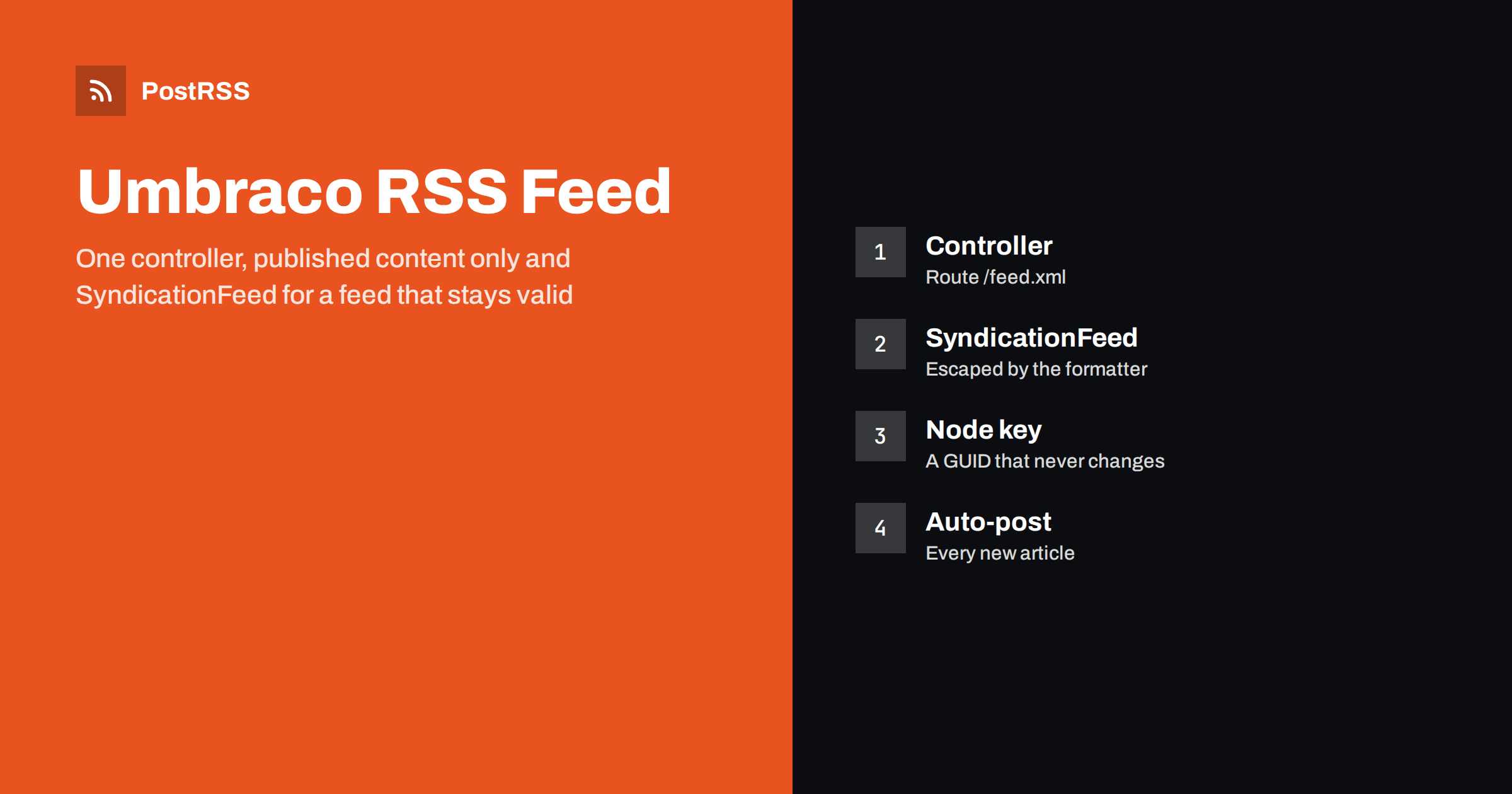
Short answer: To serve an RSS feed from an Umbraco website, add a controller that queries the published content of your news or blog section with the published content query, builds the document with the SyndicationFeed classes from System.ServiceModel.Syndication so every value is escaped, writes it with an XmlWriter and returns it with the application/rss+xml content type. Map the controller to /feed.xml, add an ETag computed from the newest update date and a short cache, test the address with curl and a validator, then give the public URL to an auto-poster so every new article reaches your social channels.
Umbraco is an open-source content management system built on ASP.NET Core, popular with agencies and in-house teams that want a flexible editor experience on a .NET platform. Umbraco does not ship a feed out of the box; most sites either add a feed from a community package or write a small controller. Writing it yourself takes an hour, gives you full control over which content types appear and keeps the feed stable through upgrades. This guide builds a complete Umbraco RSS feed with escaping, stable identifiers, correct dates and conditional requests, explains each decision and ends with the checks that keep the feed dependable once an auto-poster relies on it.
A feed is worth adding whenever the site publishes things that people outside it want to follow:
If your site runs on WordPress rather than Umbraco, the feed already exists; see how to find your WordPress feed link. For a plain ASP.NET Core application without a CMS, see the ASP.NET Core guide with SyndicationFeed; the controller below uses the same classes.
In Umbraco, your news section is usually a parent node of one document type, with child nodes of an article type that have a title, a summary, a body, a main image and a date property. The feed should list the children of that parent that are published, sorted by the article date, newest first, limited to twenty. Use an explicit date property rather than the create date, so that editors can backdate or schedule articles, and respect the publish schedule: a node that is scheduled for tomorrow is not published yet, and the published content query will not return it, which is exactly what you want. An auto-poster that sees an item before it is public would send readers to a page that does not exist.
Create a controller in your project and register the route. The example uses the published content query that Umbraco injects, the strongly typed models that Models Builder generates and the syndication classes that ship with .NET. Add the System.ServiceModel.Syndication package if it is not already referenced.
dotnet add package System.ServiceModel.Syndicationusing System.ServiceModel.Syndication;
using System.Text;
using System.Xml;
using Microsoft.AspNetCore.Mvc;
using Umbraco.Cms.Core.Models.PublishedContent;
using Umbraco.Cms.Core.Web;
using Umbraco.Extensions;
public class FeedController : Controller
{
private readonly IUmbracoContextAccessor _context;
private readonly IConfiguration _config;
public FeedController(IUmbracoContextAccessor context, IConfiguration config)
{
_context = context;
_config = config;
}
[Route("feed.xml")]
[ResponseCache(Duration = 300, Location = ResponseCacheLocation.Any)]
public IActionResult Index()
{
var siteUrl = _config["SiteUrl"] ?? "https://www.example.com";
var ctx = _context.GetRequiredUmbracoContext();
var root = ctx.Content!.GetAtRoot().First();
var newsRoot = root.Children().First(c => c.ContentType.Alias == "newsSection");
var articles = newsRoot.Children()
.Where(a => a.IsPublished() && a.ContentType.Alias == "article")
.OrderByDescending(a => a.Value<DateTime>("articleDate"))
.Take(20)
.ToList();
var newest = articles.Count > 0 ? articles[0].UpdateDate.ToUniversalTime() : DateTime.MinValue;
var etag = "W/" + '"' + newest.Ticks + "-" + articles.Count + '"';
Response.Headers.ETag = etag;
if (Request.Headers.IfNoneMatch == etag) return StatusCode(304);
var feed = new SyndicationFeed("Example News", "The latest articles from Example News",
new Uri(siteUrl + "/"))
{
Language = "en",
Items = articles.Select(a => new SyndicationItem(
a.Value<string>("title") ?? a.Name,
a.Value<string>("summary") ?? string.Empty,
new Uri(siteUrl + a.Url()),
"article-" + a.Key,
a.UpdateDate.ToUniversalTime())
{
PublishDate = a.Value<DateTime>("articleDate").ToUniversalTime()
})
};
feed.Links.Add(SyndicationLink.CreateSelfLink(new Uri(siteUrl + "/feed.xml"), "application/rss+xml"));
var settings = new XmlWriterSettings { Encoding = new UTF8Encoding(false), Indent = true };
using var stream = new MemoryStream();
using (var writer = XmlWriter.Create(stream, settings))
{
new Rss20FeedFormatter(feed, false).WriteTo(writer);
}
return File(stream.ToArray(), "application/rss+xml; charset=utf-8");
}
}Open /feed.xml in a browser or with curl and you should see well-formed XML with at most twenty items, newest first. The syndication classes escape every title and summary, so an ampersand or an angle bracket in an article title cannot break the feed, which is the main reason to use them rather than build the XML by hand. The formatter is created with the serializeExtensionsAsAtom flag set to false, which keeps the output plain RSS 2.0; the self link is still written in the Atom namespace, which validators expect.
| Feed field | Source in the example | Rule to keep |
|---|---|---|
| title | The title property or the node name | Plain text, escaped, no markup |
| link | Site address plus the node URL | Absolute address that returns 200 directly |
| guid | The node key with a prefix | Never changes, even if the node is renamed or moved |
| pubDate | The article date property in UTC | RFC 822 with GMT, never in the future |
| description | The summary property | One or two sentences that make sense alone |
The identifier is the most important decision. An auto-poster remembers which items it has already shared by their GUID. The node key in Umbraco is a GUID that survives renames, moves and republishing, so it is the right value; the integer id also works but changes if content is exported and imported. If the GUID changes, the same story is shared again, as described in why a feed auto-posts the same article twice.
RSS dates follow RFC 822, with English abbreviations for days and months. The RSS formatter writes dates in that shape with English names whatever the culture of the server, so you do not need to format anything yourself. What you must get right is the time zone: convert every DateTime to UTC before handing it to the item, otherwise the formatter writes the server’s local offset and a validator reports a mismatch. Umbraco stores dates without zone information, so decide once which zone your editors enter and convert from it. If a validator complains about dates, read the guide to RSS date format errors.
Auto-posters, readers and search engines request a feed often, and almost always nothing has changed. The controller above deals with that in two ways. It computes a weak ETag from the update time of the newest article and the number of items, sets the header on every response and, when the If-None-Match header of the request matches, finishes with a 304 and no body. The response cache attribute lets the output cache and any proxy keep the response for five minutes. Together they cut the cost of each check to one query of the published content cache, which is already in memory.
Do not cache for hours, because a long cache delays every new post by the same amount. If you use a content delivery network in front of the site, make sure it honours that short period and passes the ETag through. The background to both techniques is in the guide to ETags and conditional GET e the guide to feed caching.
Umbraco often hosts several sites or several languages in one installation. Give each one its own feed address, for example by reading the current domain from the Umbraco context and selecting the matching root node, or by adding a route parameter for the culture. Do not mix languages in one feed, because an auto-poster shares every item to the same channel. If you want a feed per section, such as news and case studies, reuse the controller with a parameter for the parent alias. Keep every feed address stable: an auto-poster is configured with the exact URL, and changing it silently stops the posts. If an address must change, add a permanent redirect from the old one.
An auto-poster is more useful when each item carries a picture. Resolve the main image of the article with the media URL helper, and add an enclosure link to the item with the absolute https address, the byte length and the type, or add a media content element. Use the original or a large crop rather than a thumbnail, and keep the file size reasonable. Without an image, many networks show a plain text card. How tools read these elements is explained in the guide to enclosure tags. If the summary contains rich text, the formatter escapes it; readers handle escaped HTML and CDATA alike, as described in the CDATA guide.
There is a longer checklist in the feed validation guide and a short curl routine in the guide to debugging a feed with curl. The Umbraco documentation covers controllers, routing and the published content query in more depth.
PostRSS has been publishing RSS and Atom feeds to social networks since 2014. Paste the address of your feed, connect your accounts and choose how each post is built from the title, the description or the page title. PostRSS checks the feed as often as every minute and shares each new article, with its image and link, to the channels you choose among 66 supported networks, messengers, team chats and blogs, including LinkedIn, X, Bluesky, Mastodon and Telegram. Keyword filters, UTM parameters and posting windows let you tune each channel, and webhooks connect PostRSS to your own systems. See the PostRSS features page and the plan limits on the pricing page. More developer guides are under the Technical Guide tag.
Umbraco needs only one controller to serve a dependable RSS feed: query the published articles of a section, sort by the article date, let the syndication classes escape every value, use the node key as the GUID, convert dates to UTC, build links from a configured public address and return the result with the right content type, an ETag and a short cache. Test the address with curl and a validator, keep it unchanged and connect it to an auto-poster. After that, every article your editors publish can reach your social channels automatically.
No. Umbraco does not ship a feed, but a small controller with the syndication classes from .NET produces a valid RSS feed from any section of published content, and community packages exist if you prefer not to write code.
The formatter escapes every text value and writes dates in the correct English format, so a title with an ampersand cannot break the XML. A Razor view works too, but you must escape every value and format every date yourself.
The node key, which is a GUID that survives renames, moves and republishing. Avoid the URL, because an editor who changes a name changes the URL, and the item would be shared again.
No. The published content query returns only content that is published now, so an article scheduled for tomorrow stays out of the feed until its time.
Between ten and twenty of the newest published articles is enough. An auto-poster only needs recent items, and a smaller file is faster to download and parse.
Yes. PostRSS reads any valid RSS or Atom address that is reachable without a login. Paste the address, connect your channels and new articles are shared as soon as they appear.
What changed in the networks, what broke, and how to fix it before it costs you reach.
Realizzati da Internet Solutions, il team dietro PostRSS. Ognuno ti fa risparmiare tempo in modo diverso.
 English
 Lietuviškai
 Deutsch
 Français
 Русский
 Español
 Polski
 Italiano
 Українська
 Čeština
 Português
 日本語
日本語 Latviešu valoda
 Eesti
Eesti Magyar
 Bahasa Indonesia
 Türkçe
 हिन्दी
 Ελληνικά
 العربية
 ไทย
ไทย Tiếng Việt
 Română
 Bahasa Melayu
 বাংলা
বাংলা